Free AI Video Generator
Turn a prompt, a photo or a full script into a finished video up to 12 minutes long. Generate with the Renderforest model or with Gemini Omni Flash, Kling 3.0, Seedance 2.5 and MiniMax H3, then edit, voice and export in the same place. Start free, no credit card, like 40M+ creators since 2013.
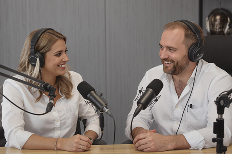

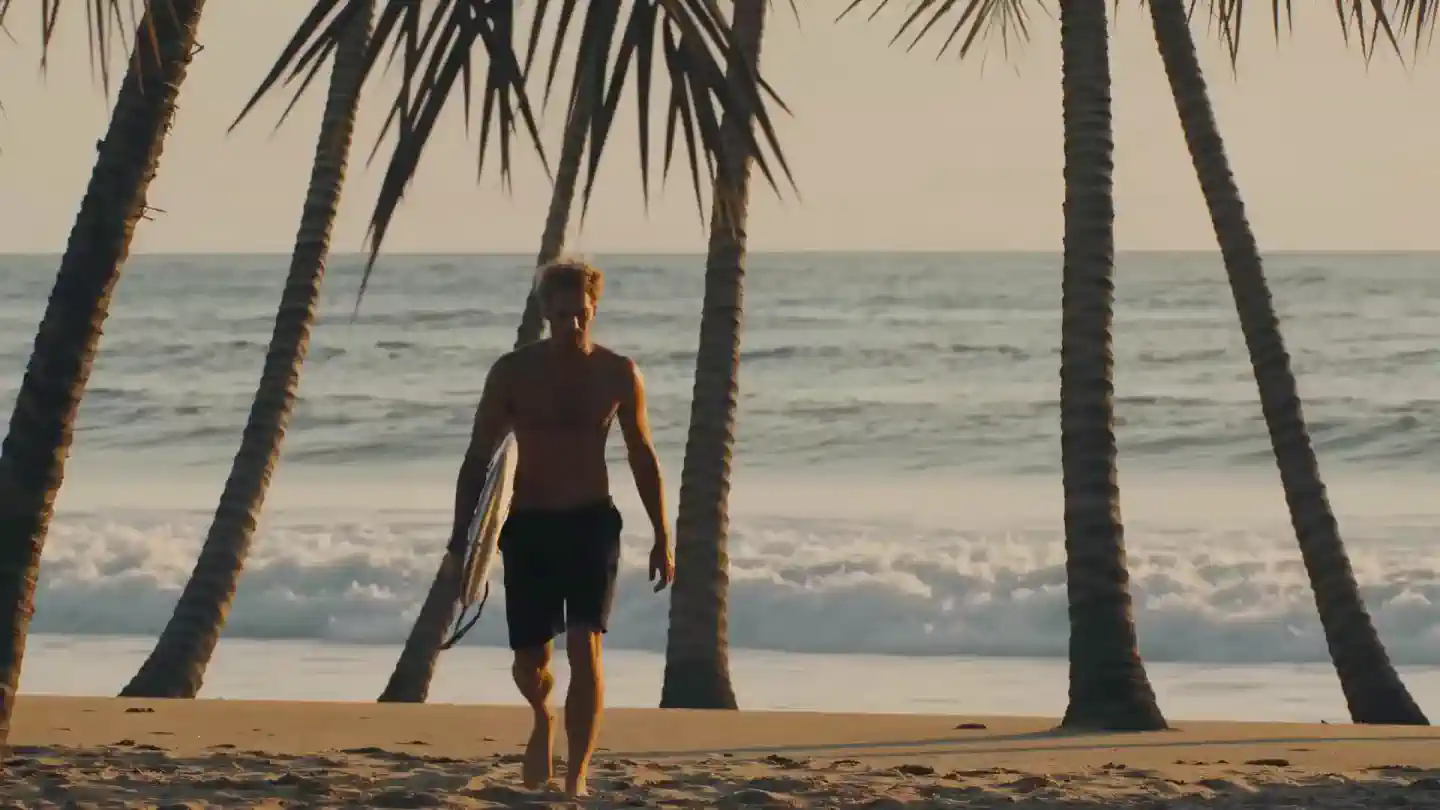
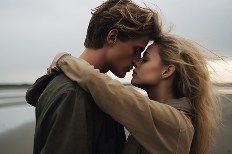




What is an AI video generator?
An AI video generator is software that turns a text prompt, an image or a script into a video clip. A generative video model creates the frames, the motion and, with the newest models, the sound, so you get footage without filming or animating anything by hand. Renderforest puts an editor around the models: you generate scenes with the Renderforest model or with five premium video models, then cut, title, add voiceover and export in one place.
Generate AI videoHow Renderforest is different
A finished video, not a clip
Script-to-video builds multi-scene videos up to 12 minutes long.
Five premium models plus ours
All under one subscription, no separate accounts.
The editor in the same workspace
Stock library, AI voiceover and titles next to every scene.
Costs shown before you click
Start free with no credit card. Every generation shows its credit cost first.


AI video maker for YouTube, TikTok, ads and explainers
One AI video maker, four jobs. Pick the format and the model does the rest.



YouTube videos
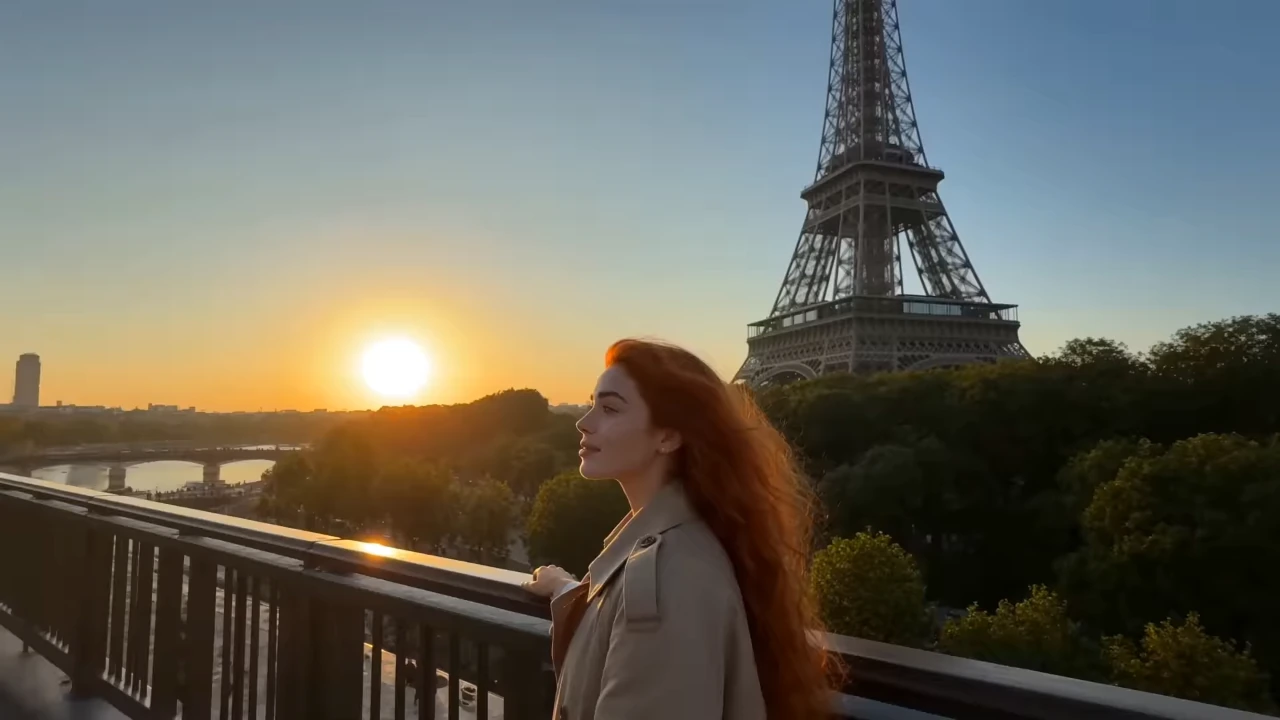
Paste a script or just a topic and get a narrated, multi-scene 16:9 video with titles and background music. Generate B-roll for the parts you have no footage for and drop it onto the timeline.
TikTok, Reels and Shorts
Vertical 9:16 clips with the hook in the first second and your text overlays on top. Batch a week of posts from one script, then reframe any clip for another platform in one click.
Ads and product videos
Describe the product and the scene, and add your own product photo as a reference so the model keeps it consistent across shots. Premium models take up to 30 reference images.
Explainers and training
Turn documentation or a slide deck into a narrated explainer with AI voiceover in 50+ languages and on-screen text, exported at 720p or 1080p without a watermark on any paid plan.
Who uses our AI video generator?
This AI video maker is used by individuals and teams who need to turn ideas into videos without complex production workflows.

Content creators and influencers
Content creators and influencers
Creators can use our AI video generator to turn ideas into stories that connect with their audience. Craft attention-grabbing visuals, build consistent styles across content, and produce high-quality videos that grow engagement on every platform.

Marketing and business teams
Marketing and business teams
AI video creators help marketing teams create branded content, product explainers, and campaigns at scale. Enhance videos with AI-generated B-roll that adds context or emotion without additional filming, keeping production efficient and brand visuals aligned.

Ecommerce businesses
Ecommerce businesses
Ecommerce brands can use AI video makers to create product demos, promotional clips, and customer stories that increase engagement and conversions. Produce videos that highlight product features and reach global audiences with realistic visuals, consistent style, and multilingual voiceovers.

Educators and trainers
Educators and trainers
Teachers and trainers can transform lessons or tutorials into clear, visually engaging learning experiences. Communicate complex topics, maintain structure, and localize content for multilingual learners.
Agencies and creative professionals
Agencies and creative professionals
Agencies can use AI video generators to develop client concepts, previews, and campaigns quickly. Shorten production timelines, visualize ideas early, and maintain professional quality from draft to delivery.
Startups, nonprofits, and teams
Startups, nonprofits, and teams
Smaller organizations can communicate their message, promote initiatives, or showcase products with professional clarity. Produce impactful content that builds credibility without a full production team.
Top AI video models in one platform
Renderforest
Kling 3.0
Seedance 2.5
Gemini Omni Flash
MiniMax H3
Pixverse
Renderforest
Renderforest delivers fast, free video generation for drafting and exploration. It's ideal for testing prompts, mapping out shots, and storyboarding ideas before committing to premium models.
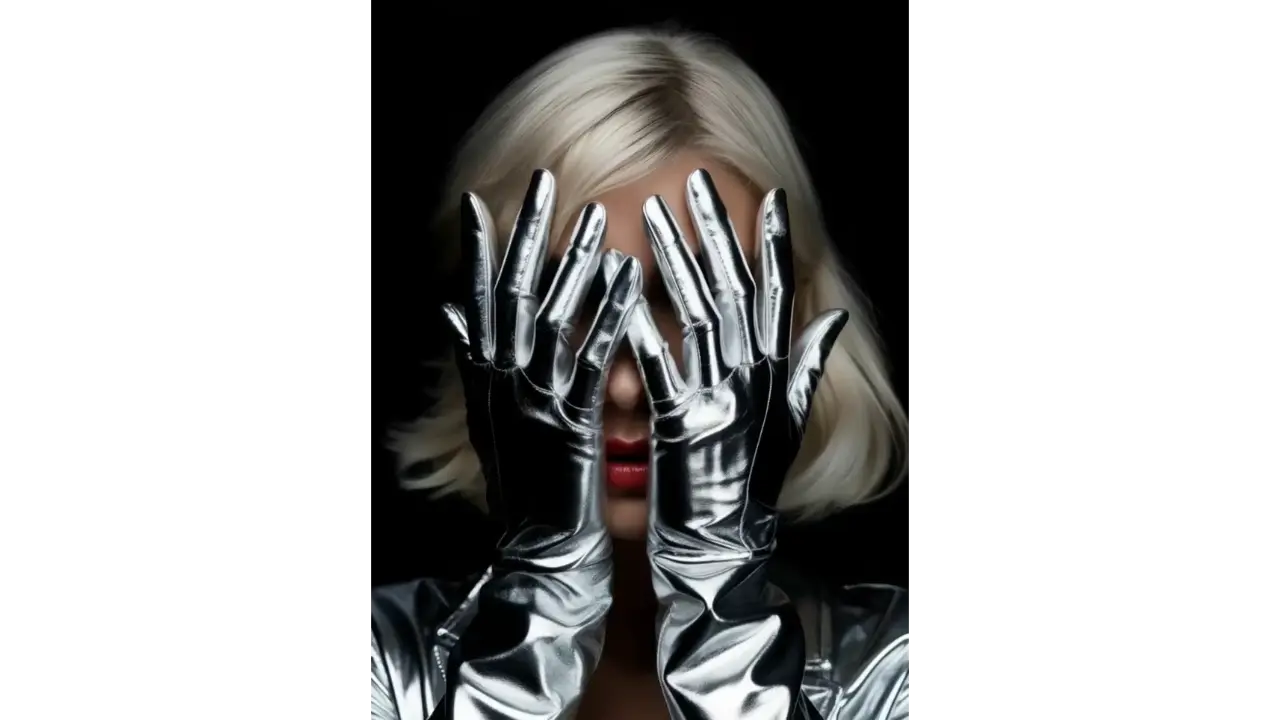
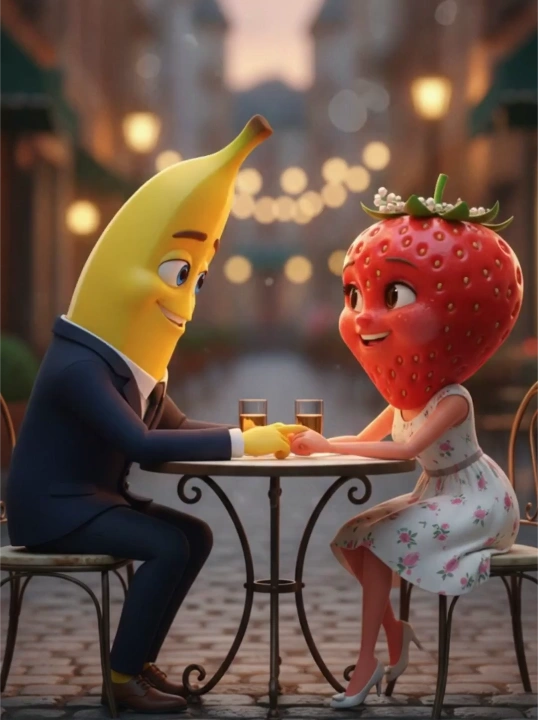
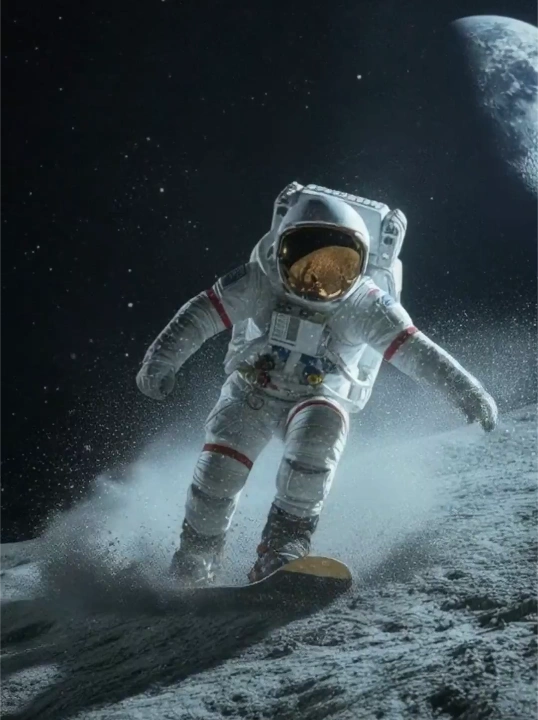
Kling 3.0
Excels at realistic physical simulation and natural motion. It's ideal for scenes where physics matter: hair, fabric, water, and fluid movement done with lifelike accuracy.
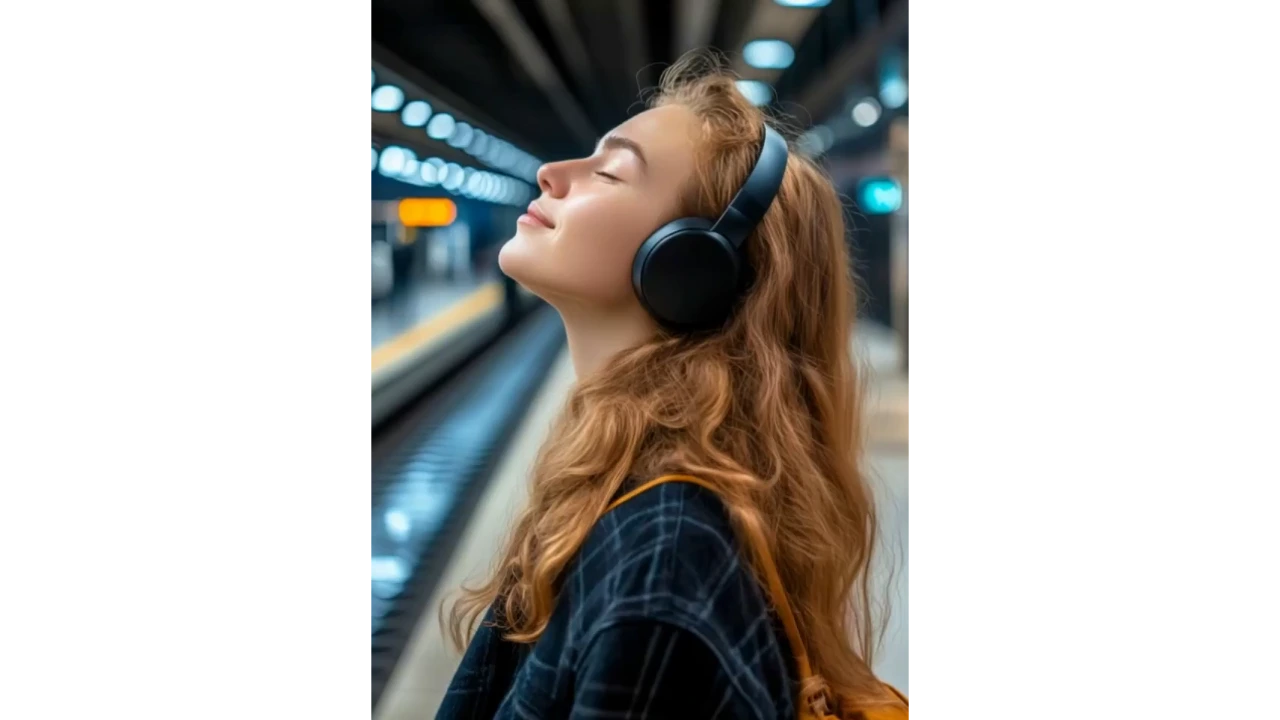

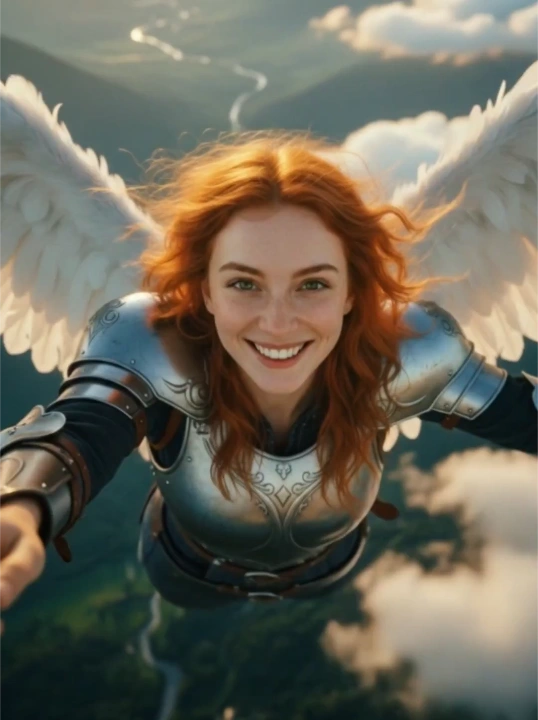
Seedance 2.5
Excels in character animation and realistic human motion, delivering smooth, expressive performances that work for product videos, explainer clips, and narrative storytelling.

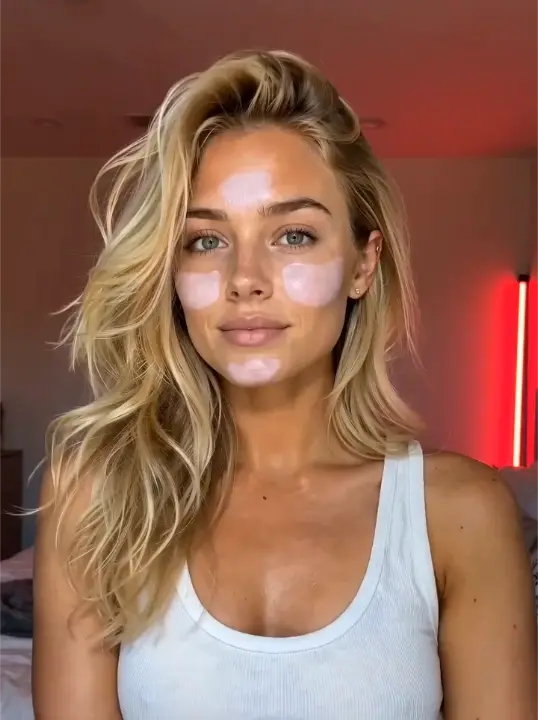
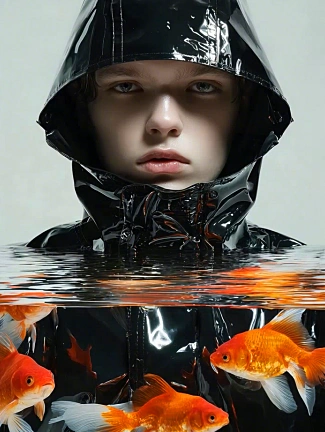
Gemini Omni Flash
Google's newest video model delivers cinematic realism with native audio and reference-guided control. It's ideal for polished brand films, lifelike scenes, and shots that need a filmed, professional look.
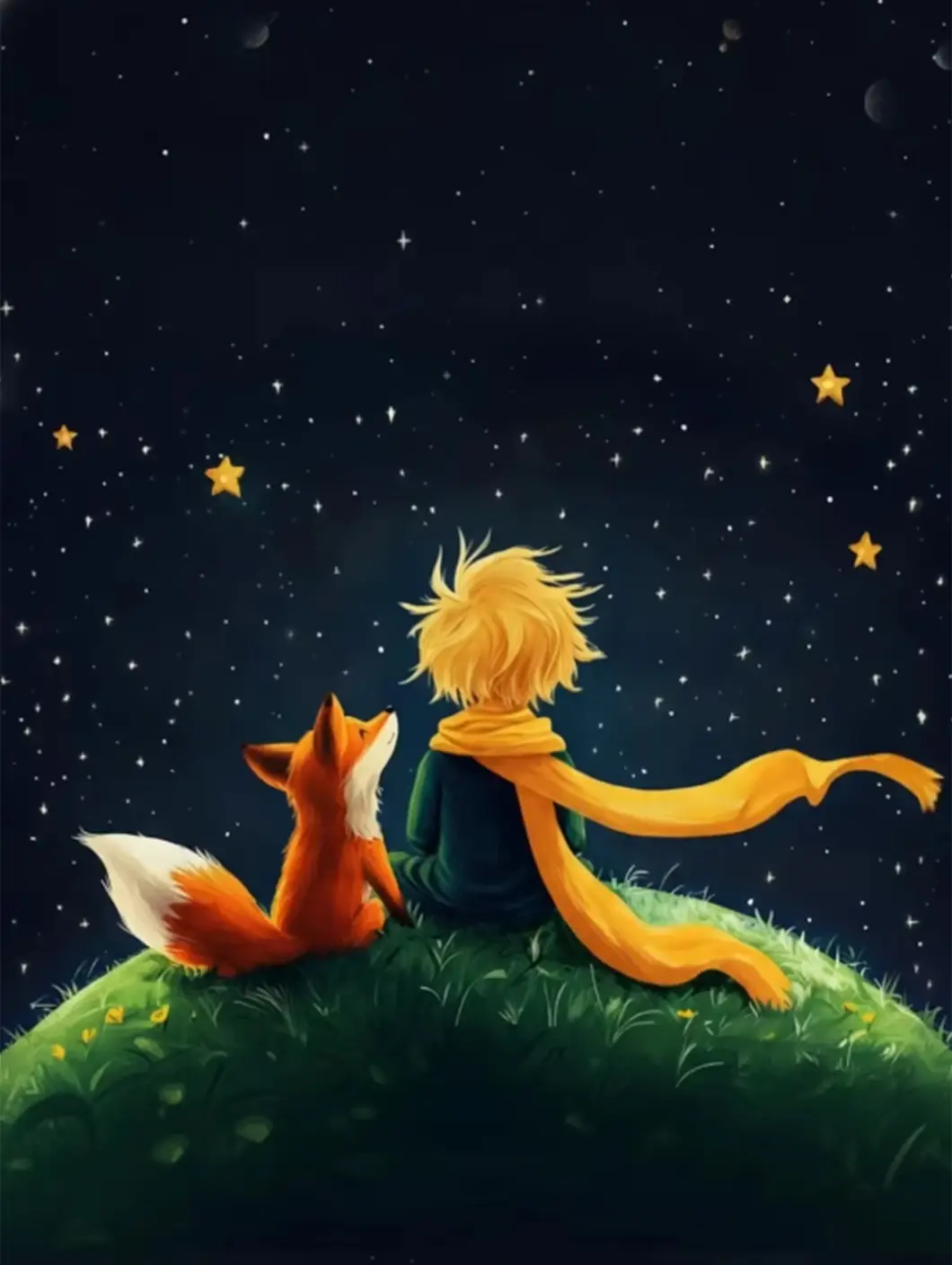
MiniMax H3
Built for creative expression and fast generation. It offers stylized visuals and imaginative scene transitions, making it ideal for artistic storytelling, marketing content, and social media videos.

Pixverse
Speed and quality together, producing visually striking animations and short clips in seconds. It’s ideal for quick idea visualization, animated concepts, and short-form video content.



How to create videos with AI
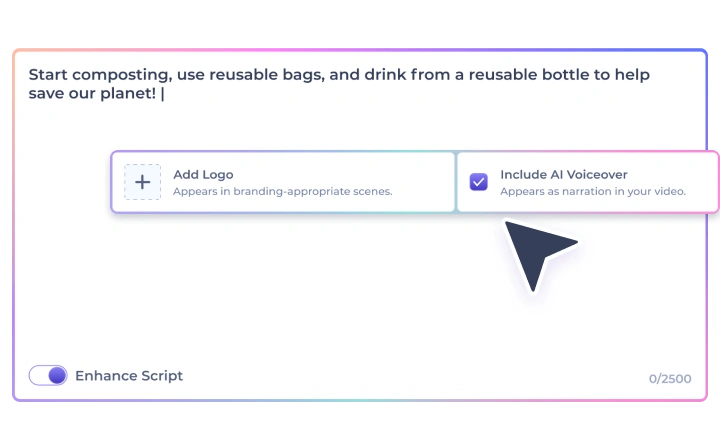
Describe it or drop it in
Type a prompt, paste a full script, or upload an image, a product photo, a reference clip or an audio track. Choose 16:9, 9:16 or 1:1 and the length. You can make AI videos from text, images or audio in the same box.
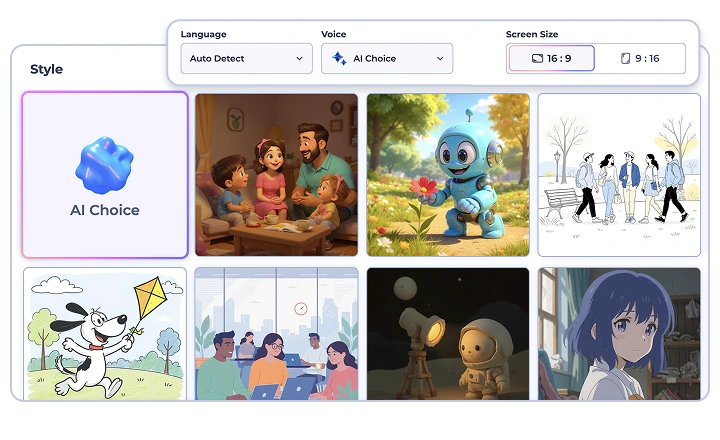
Pick a model
Start with Renderforest Fast for quick drafts, then switch to a premium model for the final take. The credit cost for your settings is shown before you generate.
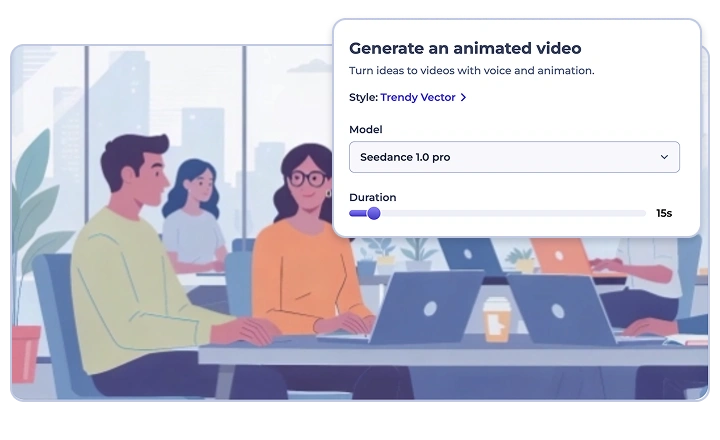
Edit and export
Regenerate any scene, trim, add titles, AI voiceover and music in the editor, and export: 480p with a watermark on the free plan, 720p or 1080p without one on paid plans.
Make an AI video free: what the free plan includes
With the free plan you can try the AI video generator without a credit card: 20 credits to start on the Renderforest Fast model and downloads in 480p with a watermark. When your video is ready to publish, the paid plans remove the watermark and unlock exports in 720p or 1080p, premium video models, and multi-scene videos up to 12 minutes.
AI-generated video examples
Every example below was generated on Renderforest with the prompt shown. Copy a prompt and generate your own version.
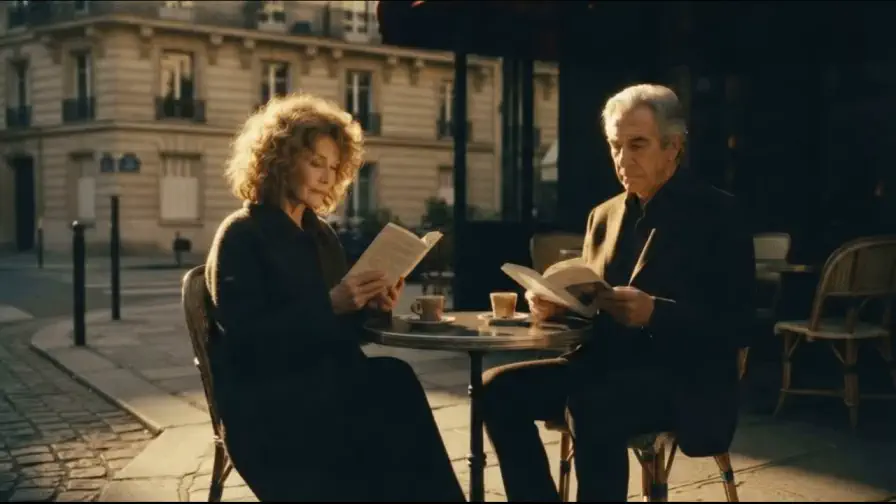
“Golden hour at a Paris café. An elderly couple reads at a sidewalk table, espresso cups between them. 35mm film look, soft shadows, static camera.”

“A fluffy toy duckling in a blue beret and knitted cardigan holds a bouquet of blueberries and flashes a peace sign. Clear blue sky, soft plush texture.”
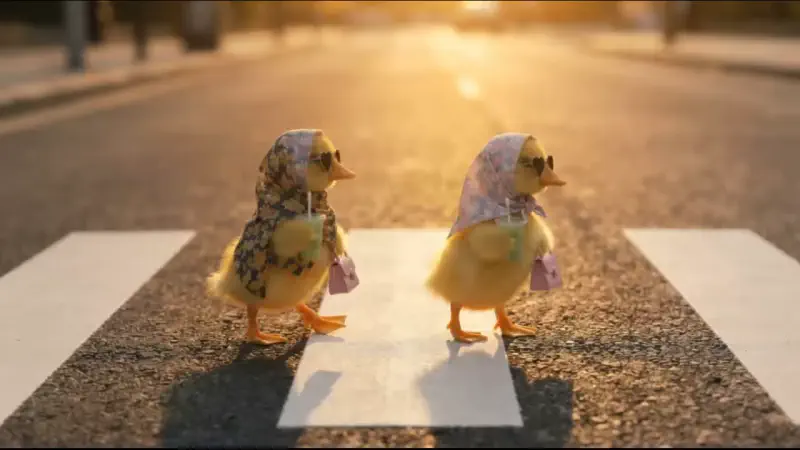
“Two ducklings in floral headscarves, sunglasses and tiny handbags strut across a crosswalk at sunset. Low angle, warm backlight.”

“A man sits calmly on a flying Persian carpet drifting across a clear blue sky. Wide shot, fringes fluttering in the wind, realistic.”

“On a quiet shore, a woman wears a giant orange paper boat as a hat. Pastel sea and sky, minimalist fashion film, gentle breeze.”
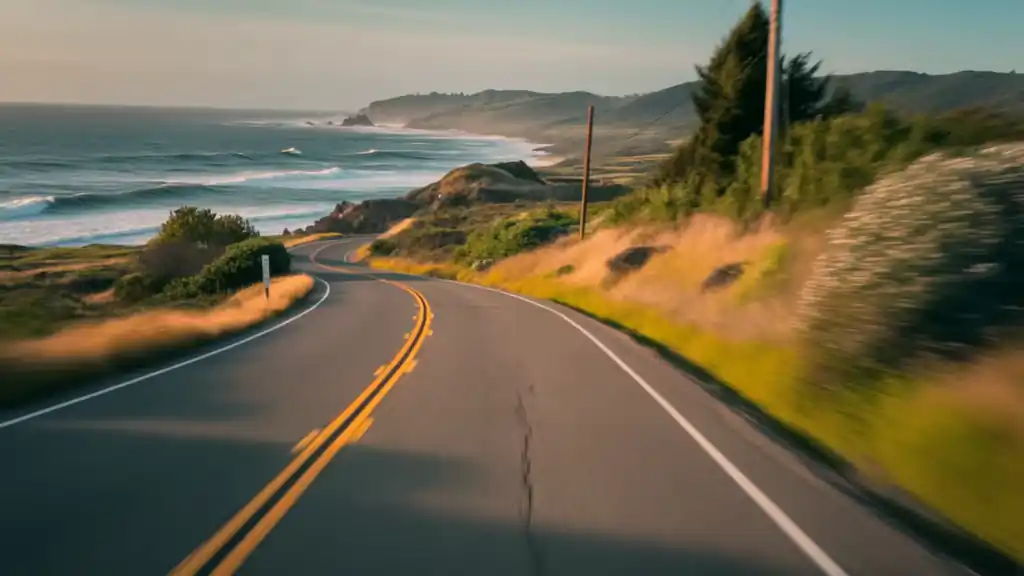
“First-person drive along winding Pacific Coast Highway at golden hour, cliffs above a turquoise ocean. Road curves past coastal grasses, waves and rocky headlands. Warm sunset light, subtle dashcam sway, 35mm film grain, Portra 400 road-trip aesthetic.”
Explore our AI effects library
Recreate any AI preset with your own images. No editing skills needed. Just upload, apply, and generate your video in seconds.
Free plan and paid plans, in numbers
No credit card to start. Here is exactly what each plan includes (values come from the plan configuration and update automatically).
Free | Lite | Pro | Business | |
|---|---|---|---|---|
Price | $0 | $15 per month, or $9 per month billed annually | $39 per month, or $19 per month billed annually | $59 per month, or $39 per month billed annually |
AI credits | 20 to start | 1,000 per month | 2,400 per month | 6,000 per month |
What that makes with Renderforest Fast | About 20 seconds at 480p | About 400 seconds at 720p | Unlimited at 480p and 720p | Unlimited at 480p, 720p and 1080p |
Premium video models | Not included | Included, paid in credits | Included, paid in credits | Included, paid in credits |
AI video downloads | 480p, with a watermark | 720p or 1080p, no watermark | 720p or 1080p, no watermark | 720p or 1080p, no watermark |
Template export | 360p | 720p | 1080p | 4K |
Max video length | 3 minutes | Multi-scene videos up to 12 minutes | Multi-scene videos up to 12 minutes | Multi-scene videos up to 12 minutes |
Commercial use | Personal use | Yes | Yes | Yes, with reseller licence |
Need more credits? See pricing
Reviews from creators
What creators and teams say after making videos with Renderforest.
- 4.8
On Capterra
For what it does and for the cost, it cannot be beat. If you're looking for short, easy-to-make videos for your projects this is the place to go.
James B.E-Learning, 1-10 employees Intro, promo, and advertisement videos are playing an important role while creating efficient marketing campaigns. Before Renderforest we were hiring freelancers in order to create such videos. But thanks to Renderforest we managed to reduce such costs.
Elnara K.Sales And Marketing Specialist, Banking When ever I need to create a video such as a slide show, animated logo, a music visual video or anything else Renderforest saves me so much time.
Jose D.Community Outreach Coordinator
Safe to publish, ready for commercial use
Every prompt and upload is checked automatically before anything is generated. Renderforest does not create deceptive content or videos of real people without their consent, so what you publish stays safe for your brand, your clients and your channels. Read our Acceptable Use Policy.
AI video generator FAQ
Is there any 100% free AI video generator?

Yes, with limits. Renderforest’s free plan costs nothing and needs no credit card: you get 20 credits to start, which is about 20 seconds of video with the Renderforest Fast model at 480p, downloaded with a watermark. Paid plans start at $9 a month billed annually, remove the watermark, export at 720p or 1080p, and on Pro and Business the Renderforest Fast model is unlimited. Every tool that advertises “100% free” has similar limits; we print ours here so you can compare.
Which AI is best to generate videos?
It depends on the shot: footage with native sound, physics-heavy motion, long single takes with many reference images and fast stylized clips each have a different leader, and no single model wins them all. On Renderforest you can try the same prompt on several premium models and the Renderforest model, keep the best take and finish it in the same editor.
Can ChatGPT make videos for free?
ChatGPT does not generate video itself. You can write your script or prompt in ChatGPT and bring it to Renderforest, or use the Renderforest connector inside Claude to generate and edit a video from the chat. The free plan applies either way.
How long can an AI video be?
A single generated scene is 1 to 15 seconds with the Renderforest models and from 3 up to 30 seconds with the premium models, depending on the model. The script-to-video flow chains scenes into one video of up to 12 minutes with voiceover, titles and music, and you can extend any project by adding scenes on the timeline. Free exports are limited to 3 minutes.
Does the free AI video generator add a watermark?
Yes, downloads on the free plan carry a Renderforest watermark and are 480p. Lite, Pro and Business export without a watermark at 720p or 1080p.
What kind of content is not allowed?
Anything that breaks our Acceptable Use Policy: content that impersonates a real person without consent, anything unlawful, and material that is not suitable for a general audience. Prompts and uploads are screened automatically; accounts that try to generate prohibited content are closed.
What is an AI video generator?
An AI video generator is a tool that creates video from a text prompt, an image, or audio using generative AI models. You describe what you want to see and hear, and the model generates the footage. The newest models produce synchronized sound in the same pass. Renderforest connects the leading video models to a full editor, so you generate, edit, brand and publish in one place.
How does an AI video generator work?
Modern AI video generators use diffusion-transformer models trained on video. Your prompt is encoded into a representation the model understands, and the model generates frames (and, in current models, audio) that match it. The more specific your prompt about subject, motion, camera and sound, the closer the result. In Renderforest you can also guide generation with reference images or audio, then refine the output in the editor.
What is the best AI video generator?
It depends on the job, because no single model wins every shot: native sound, lifelike physics, character performance and fast stylized clips each have a different leader. The practical answer is to run the same prompt through several models and compare. Renderforest includes the leading models and its own on one plan, with the editor, voiceover and stock library around them, so the test costs nothing extra.
Is there a free AI video generator?
Yes. Renderforest’s free plan includes 20 credits for the Renderforest Fast model, no credit card and nothing to install, so you can generate and export a short video today. Premium models are included in the Lite, Pro and Business plans and paid in credits, and the Renderforest Fast model is unlimited on Pro and Business, so you can draft without counting and re-render the keeper on a premium model.
Can I use AI-generated videos commercially?
Yes. Videos you generate and edit in Renderforest can be used for commercial projects, including ads, client work and monetized channels, as long as your content complies with Renderforest’s Terms of Service and usage guidelines. Note that platforms such as YouTube and Meta ask creators to label realistic AI-generated footage; that applies to output from every AI video tool, not just ours.
Which AI video models does Renderforest support?
Renderforest runs its own Renderforest Fast and Renderforest Pro models alongside the premium video models shown above, several of them in more than one version, plus Flux 3, all inside one editor on one subscription. Each has different strengths in realism, motion, style and length. New models are added as they are released.
Which AI video model should I choose?
Match the model to the shot. Footage with native sound, or a shot that starts and ends on frames you set: Google's video model. Scenes where physics matter, like hair, fabric and water: Kling 3.0. Character animation and human performance: Seedance 2.5. Stylized, imaginative visuals: MiniMax H3. Fast short-form clips: Pixverse. Free drafts, unlimited on Pro and Business: the Renderforest model. Because they share one workspace, most creators draft for free, then re-render the keeper on a premium model.
Do I need to install any software to use it?
No installation is required. Renderforest’s AI video generator runs entirely in your browser, and generation happens on our infrastructure, so there is no download and no GPU requirement. It works on desktop and mobile devices, and your projects stay in the cloud, available from any device you sign in from.
What types of inputs can I use to create a video?
Text prompts, images, and audio. Type a description for text-to-video, upload a photo or frame for image-to-video, or add a track and we generate a video that matches its mood and rhythm. Depending on the model you can combine inputs, such as a character reference image plus a text prompt, for much tighter control over the result.
Can I edit or update parts of my AI video after generation?
Yes, and that is the point of generating inside a platform rather than a raw model. Every clip lands in the Renderforest editor, where you can trim and stitch scenes, replace visuals, regenerate individual shots, add your logo, brand colors, subtitles and licensed music, and resize for YouTube, TikTok, Reels or Shorts. Advanced users can build fully custom projects with the same tools.
Will the AI maintain characters and visuals consistently across scenes?
Renderforest keeps character design, lighting, motion and style consistent across scenes, which is what makes multi-scene storytelling hold together. Models that take reference images are strongest here: generate your scenes from the same reference images, then stitch them in the editor. Perfect consistency is still an active research frontier, so we expose the models that currently handle it best.
What quality and aspect ratios can I export in?
Every model generates in 16:9 and 9:16, and most in 1:1 too. Free-plan scenes are generated and downloaded at 480p; Lite, Pro and Business generate at up to 1080p and export the finished video at 720p or 1080p. Some premium models can generate individual scenes at 4K on paid plans.
Is my data and content secure?
Yes. Renderforest uses encrypted data processing and secure storage, and your projects and uploads stay private to your account. Privacy and ethical AI use are core principles, so user content is handled confidentially and responsibly. Renderforest has operated since 2013 and serves 40M+ creators, including enterprise teams that bring their own security requirements.
Can multiple team members work on the same video project?
Yes. Team plans include shared workspaces and multi-seat access, so several people can work on the same project, review edits, and make updates in real time within the same workspace. Agencies use this to manage separate client brand kits while keeping every model available under a single subscription.
What is the difference between the AI video generator and image to video AI?
Here you describe your video in text or a script, and the AI creates the scenes from scratch. If you already have a photo you want to bring to life, use image to video AI: upload the image and describe the motion.