

AI TikTok Video Generator
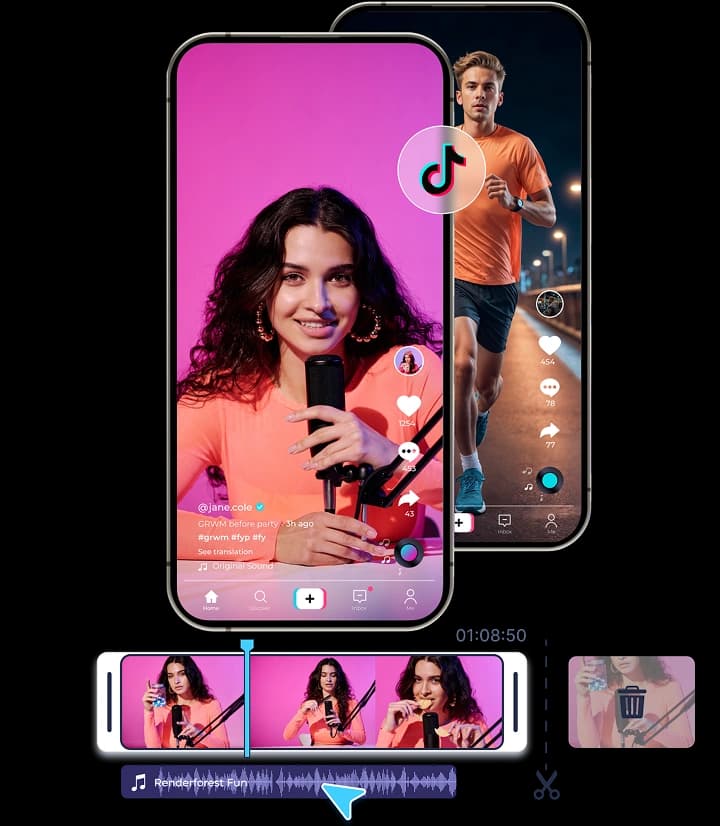
Renderforest's AI TikTok video generator turns short ideas into complete videos in minutes. The AI structures your script, adds visuals and motion, and lets you adjust style, text, and pacing before exporting a ready-to-share TikTok video.
Create AI TikTok videos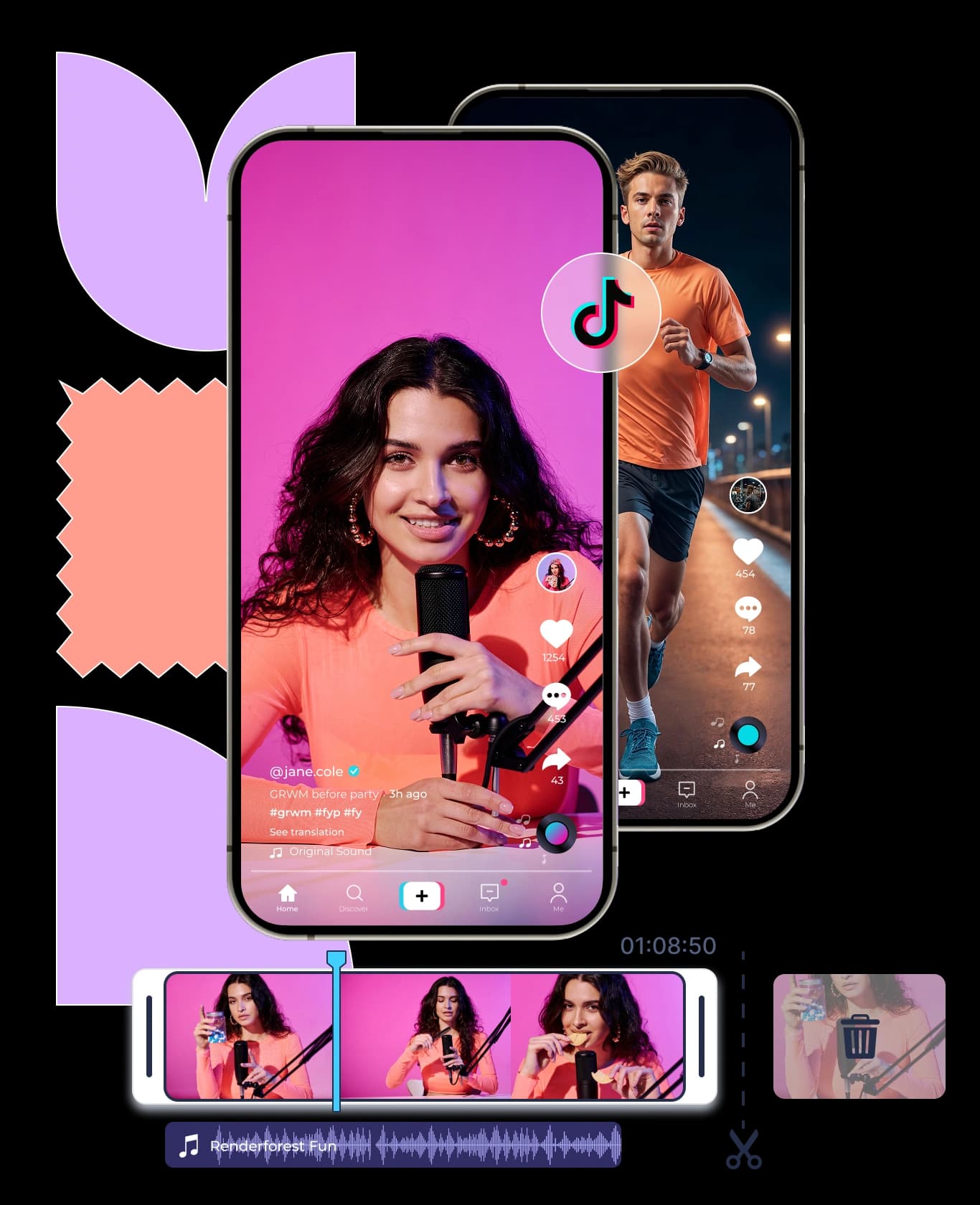


Trusted by our partners
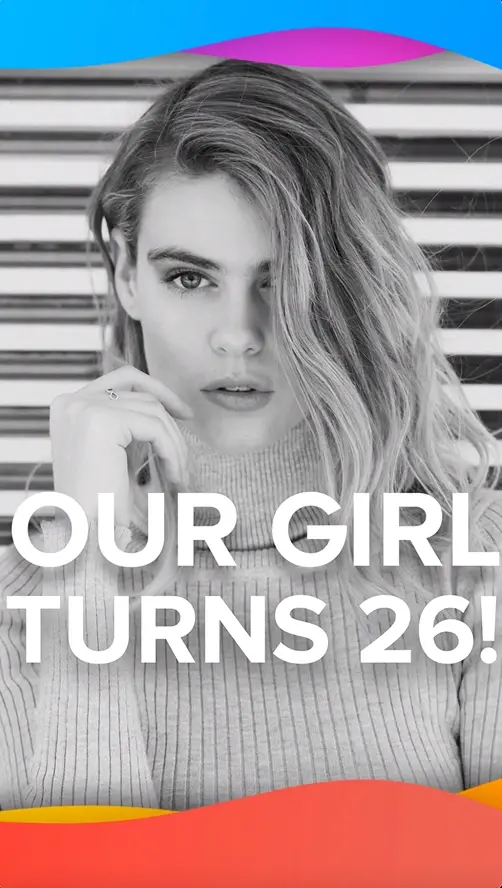
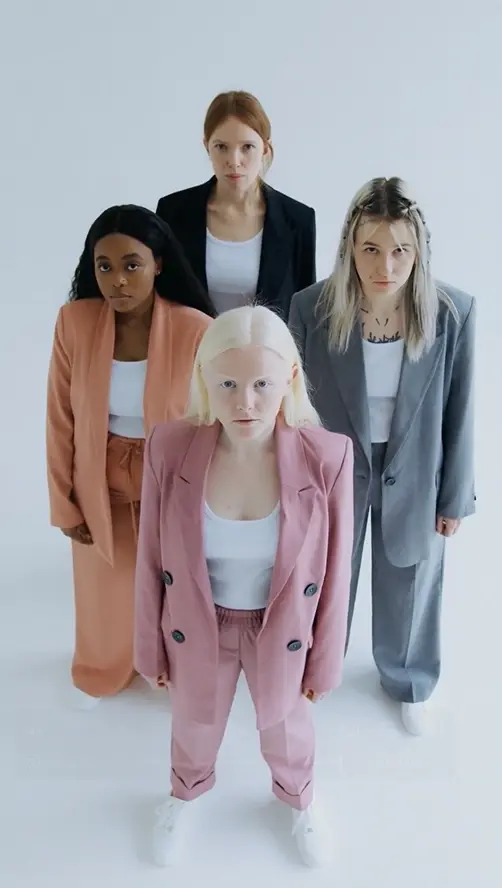

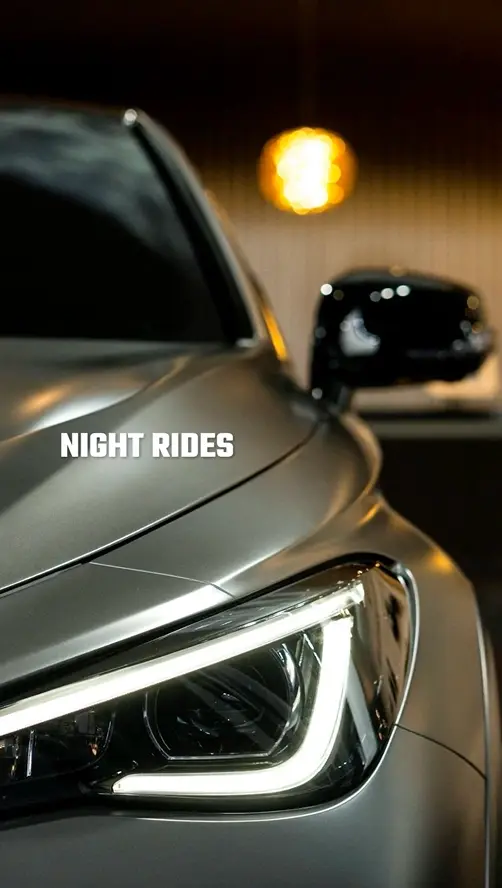
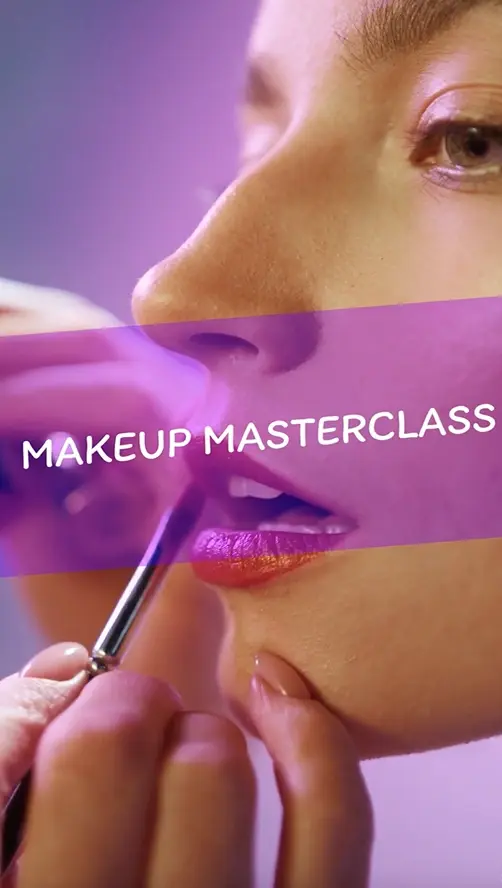
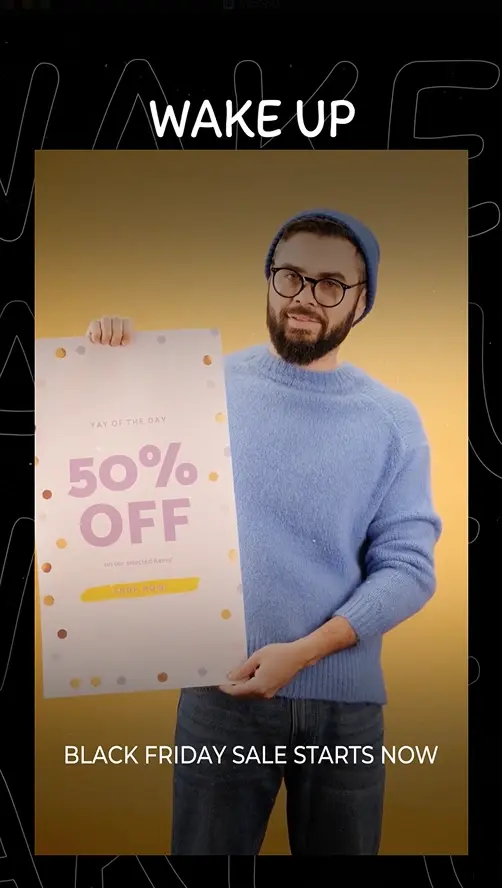
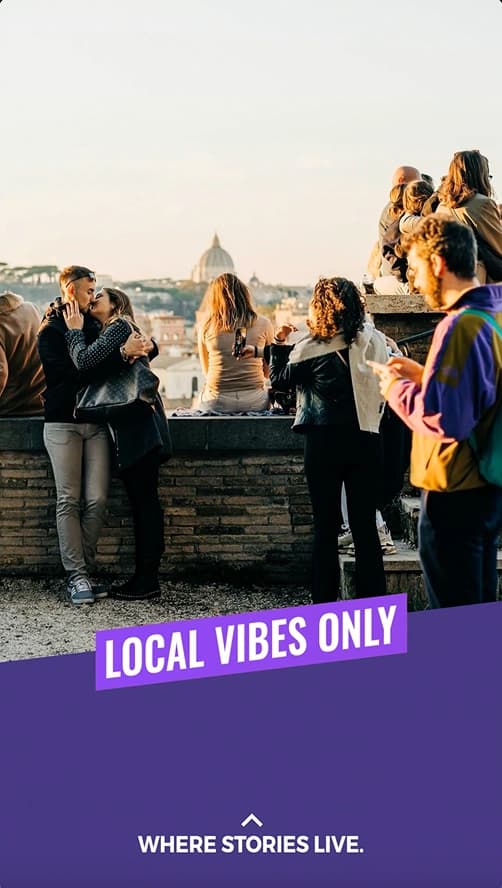
Trusted by millions of creators and businesses worldwide


Why Use Our AI TikTok Video Generator
Create videos in minutes
You can turn an idea or short script into a finished TikTok video within minutes. The AI matches your input with the right animation style and layout from its library of professional templates, so you get a smooth, ready-to-share result without needing video creation skills.
Realistic results with stock footage
If you want your video to look more realistic, the system can pick and arrange stock footage that fits your script. It adds transitions and timing automatically, producing short, clean edits suitable for product demos, brand clips, or quick social posts.
Unique AI visuals that stand out
Renderforest can also generate custom images that fit your theme or story. These visuals are built into short animated scenes, giving your videos a unique, creative look without needing to source or design the images yourself.
Full control with generative AI
You can choose how involved you want to be in the process. Let the AI generate a complete video from your idea, or review each step as it builds a storyboard. You can even describe changes in plain text and the system will update it automatically.
Professional results on any budget
Everything happens in your browser, so you don't need editing software or production tools. The AI handles scripting, visuals, and animation, helping you make professional TikTok videos quickly and at a much lower cost.
Quick Create
How to Create TikTok Videos with Renderforest
Build your video from scratch
Pick a template and scenes
Start by selecting a template that fits your style. Choose from a variety of scenes, text holders, image holders, logo animations, and more. Mix and match to build the structure of your video exactly how you envision it.
Add your content
Personalize your video by uploading text, images, videos, and audio. You can also generate AI-made visuals, use text-to-speech for voiceovers, or add your watermark. Everything you need is built into the platform for easier access.
Edit and export
Adjust the length of each scene, fine-tune the timing, and make sure everything flows just right. Once you're happy with the result, export your video in the format and resolution you need, ready to download or share.
Create TikTok videos with AI
Type your idea
Enter your script or idea into the prompt field. Describe your desired video style or paste your text. Click “Next” and choose between realistic or animated styles. Renderforest’s AI will then generate scenes to bring your idea to life.
Customize the look and feel
Choose your preferred voiceover, pick the right size for your platform, and select from a variety of video styles. Once you're ready, click “Do Magic” and let the AI generate your video.
Edit and export
Use the editor to make final tweaks, adjust the text, transitions, and font, or add music. You can also include a watermark of your business. Preview your video, export it in the quality you need, and share it directly to TikTok.

Renderforest Advantage
Key Features of Renderforest’s AI TikTok Video Maker

Fast video creation with AI templates
Turn your script or idea into a complete TikTok video in minutes. The AI matches your content with animation templates designed by professionals, giving you structured, polished results without manual editing or design work.
Real footage for a natural look
Need realistic content? The AI selects and sequences stock footage that fits your input, adds smooth transitions, and builds a finished video automatically. Ideal for product clips, social ads, and short branded content.
Custom visuals made by AI
Generate original visuals that match your story. Renderforest's AI video generator creates AI-made images and places them into dynamic scenes with clean transitions, giving your videos a unique, creative edge without needing to design anything.
Full animation from text input
Write a few lines of text, and the AI builds the rest: script, characters, and animation. You can review scenes or go straight to a complete video. Adjust details with simple text prompts for quick, story-driven results.
AI voiceovers and translations
Add AI-generated narration in different tones and languages to reach a wider audience. The voice and translation tools make your TikTok videos clear, consistent, and ready for viewers worldwide.
Accessible on web and mobile
Create, edit, and export from any device. Renderforest works in your browser and on mobile, so you can make TikTok videos, update visuals, or publish projects wherever you are.
Wide Reach
Who Can Benefit from Our AI TikTok Video Generator?

Content creators & influencers
Renderforest is basically a quick way to turn creative ideas into videos without having to learn how to use complex editing software. It helps speed up your content editing process, especially when you're posting regularly and working across multiple platforms.

Digital marketers
You’re probably working on a bit of everything across platforms, juggling content calendars, web pages, and tracking results. This tool helps speed up the process, so you can test, update, and publish content quickly and in one place. It’s useful especially for fast content and keeping things consistent.

Small business owners
Building visibility is key when you're trying to attract customers and grow on a budget. With our free AI TikTok video generator, you can create videos using a bit of AI and simple editing tools. It's a practical way to stay visible without stretching your resources.

Coaches & educators
Sharing information in a clear, accessible way is the most important part of the job. To keep up with times, a TikTok AI video generator can help you turn lessons, insights, or tips into short, structured videos without needing to plan out visuals or handle complex edits.

Faceless content creators
Creating content while protecting your privacy can sound harder than it needs to be. With text animations, voiceovers, and visuals, you can create TikTok videos that don’t need you to appear in them. It’s a smart way to build a presence without putting yourself front and center.

E-commerce brands
It’s not just about showing a product, it’s about highlighting it in the right way. The AI TikTok video generator helps you create quick, visual content that highlights what matters, without waiting on agencies or stretching your budget.
Why Users Love Renderforest
Something really helpfull for videomakers
I work in the media field and often I need to make short videos or intros for my tv station and is just great.Lot of options and fast encoding, this make me to save a lot of time and have a professional product to show to my viewers.
Create awesome things
Very nice website. Great templates, easy to make, high availability and great quality. Everyone will find something for themselves and their company.
If you're looking to add value to your marketing start with Renderforest!
Renderforest has been a staple in my advertising internally and externally. Our target audience loves it and always has delightful feedback about it. Whether it was a logo created, or a video created using the awesome templates, everything is just so simple to use.
Discover More from Renderforest
AI TikTok Generator FAQ
Can Renderforest create TikTok videos from text using AI?

Yes. Renderforest can turn written text or short ideas into TikTok videos automatically. The system analyzes your input, generates a script, builds visuals, and creates a complete video sequence. You can review or adjust scenes before exporting the final version.
Does the Renderforest AI video generator support TikTok's 9:16 vertical format?
Yes. All TikTok videos made in Renderforest are created in the 9:16 vertical format by default. You can preview your video in the correct aspect ratio and export it directly for TikTok or other vertical platforms like Instagram Reels or YouTube Shorts.
Can I use Renderforest to make TikTok ads or branded content?
Yes. Renderforest supports the creation of short ads, branded clips, and promotional TikTok videos. You can add your logo, brand colors, and messaging to match your identity. The AI helps structure the video, while you control the visual and brand details.
Are Renderforest's AI TikTok videos safe to use and copyright-free?
Yes. Videos created with Renderforest use licensed assets and AI-generated visuals, so they are copyright-safe for publishing. However, if you upload your own music, images, or footage, make sure you have permission to use them on public platforms.
Can I edit or customize my TikTok video after it's generated?
Yes. After generating a video, you can edit text, visuals, music, or timing directly in the Renderforest editor. The platform allows scene-level adjustments so you can refine details or re-generate parts of the video before exporting.
Can I add my own voice-over, logo, or brand colors to my AI-generated TikTok video?
Yes. You can upload a custom voice-over, insert your logo, and apply brand colors using the built-in editing tools. These options help personalize the AI-generated TikTok video and ensure it matches your style or company identity.
Does Renderforest include background music or voiceovers automatically?
Yes. The AI can add background music and generate voiceovers automatically if you choose that option. You can change or mute them during editing, and you also have the option to upload your own audio tracks or recorded narration.
Can I export my TikTok videos without a watermark?
Yes. You can export videos without a watermark on paid Renderforest plans. Free plan exports include a watermark, which can be removed by upgrading or purchasing individual downloads. The editor allows you to preview both versions before exporting.
How fast can Renderforest generate an AI TikTok video?
Renderforest typically generates a complete TikTok video in a few minutes. The total time depends on video length, selected style, and internet speed. Shorter clips and template-based projects render fastest, while full AI-generated animations take slightly longer.
Does Renderforest offer templates inspired by trending TikTok videos?
Yes. Renderforest regularly updates its template library to include layouts and motion styles inspired by trending TikTok formats. This helps users create content that feels current and aligns with popular styles across the platform.
Is Renderforest suitable for businesses and influencers on TikTok?
Yes. Renderforest is used by both businesses and individual creators. It supports short ads, product videos, tutorials, and personal content, helping users publish consistent TikTok videos without advanced design or editing experience.
Is the Renderforest AI TikTok video generator free to use?
Yes. Renderforest offers a free plan that lets you create and export TikTok videos with some limitations, such as watermarks and fewer export options. Paid plans unlock higher quality, watermark-free exports, and additional editing and AI features.
What is the best AI TikTok video generator?
The best AI TikTok video generator is Renderforest if you're looking for speed, ease of use, and high-quality results. It offers TikTok-specific templates, smart AI editing tools, and beginner-friendly features that simplify the entire process. From AI text-to-video options to automated scene building, everything is designed to help you create content without needing prior editing experience. It's useful for all kinds of projects including social media, web design, presentations and much more with lots of options for each.
Does TikTok allow AI-generated videos?
Yes, TikTok allows AI-generated videos, but the content still needs to follow the platform's community guidelines. AI tools are generally used to create animations, voiceovers, and text-based storytelling, so using them isn't against the rules. What matters is how the content is used. Videos that are misleading, promote false information, or impersonate real people may be taken down.