



AI-powered prompt-to-cartoon conversion
Instantly transform written prompts into animated cartoons with our advanced AI algorithms. Our AI cartoon video generator simplifies the creation process and removes the need for manual animation.
Type an idea to generate a full cartoon video with characters and voiceover — or add reference images to guide your characters and style. All free to start.
Creating cartoons using AI has never been easier.

Enter your idea or script in the AI cartoon generator. You can also use “Inspire me” for a random concept or “Enhance script” to refine what you already have. Then, choose a cartoon style that matches your project. Click Next to continue.
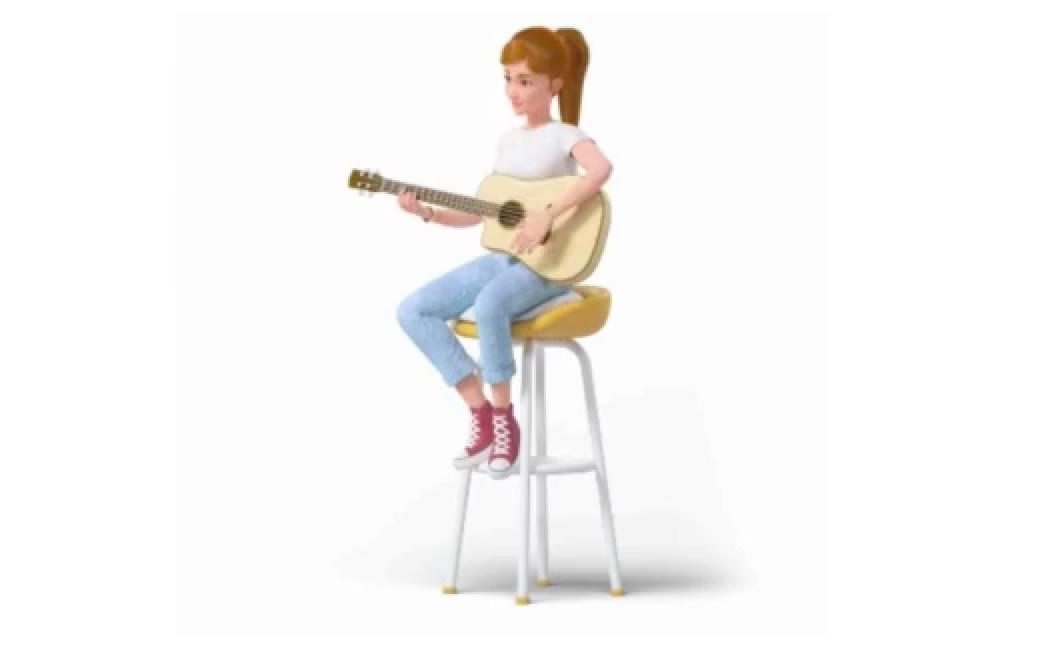

Select character types, language, and screen size. You can set the style yourself or let the AI recommend one. Adjust the details that matter to you, then click Generate to build your cartoon.
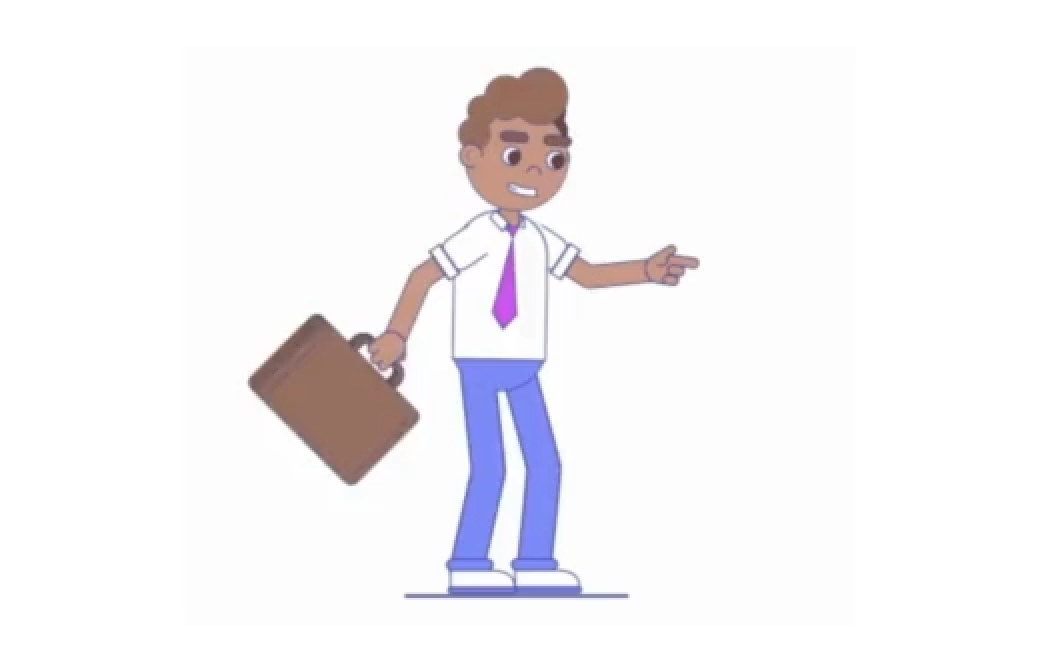

Download your cartoon or copy a shareable link. For more control, open it in the editor to adjust text, add music, change pacing, or apply AI voiceovers. Because each scene is generated separately, you can update or regenerate any part before exporting.
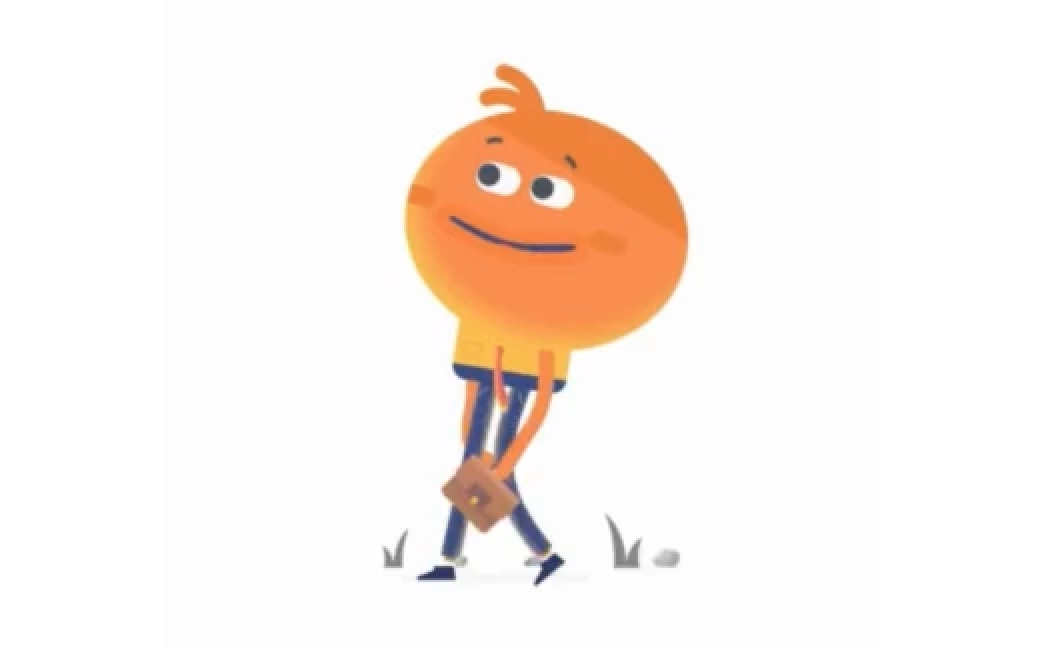
Instantly transform written prompts into animated cartoons with our advanced AI algorithms. Our AI cartoon video generator simplifies the creation process and removes the need for manual animation.

Choose from a range of cartoon styles to set the tone of your video. Options include storybook, playful, 3D, dramatic, or anime.

Add voiceovers to your cartoon with the AI cartoon generator. Upload voiceovers or generate them with AI to sync with your animations, improving the overall results.
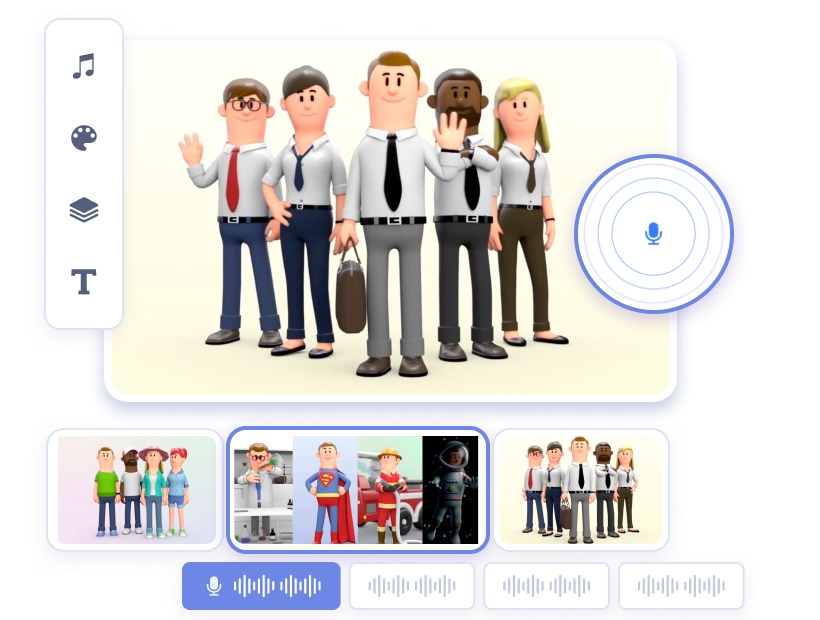
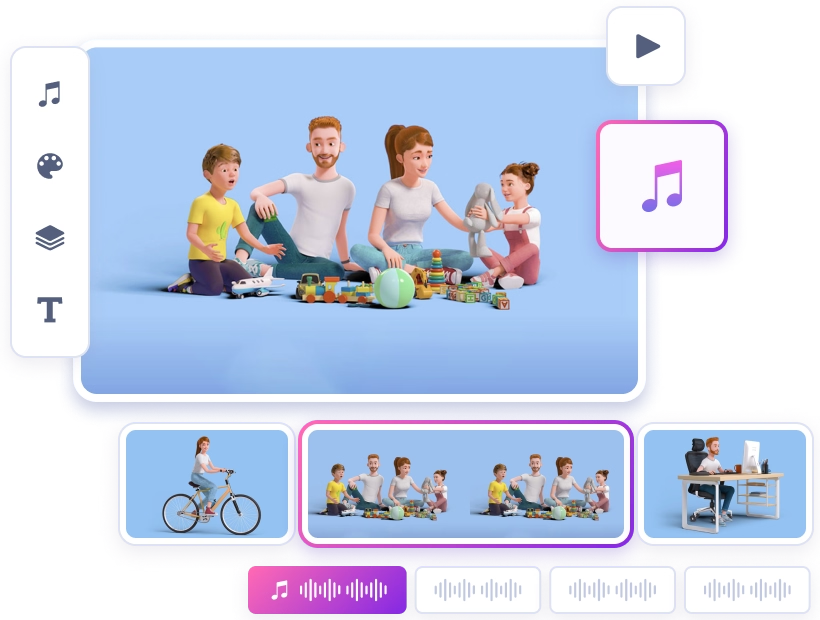
Access a huge collection of music tracks to match your animations. Our music library includes various genres and moods so you can find the right soundtrack for your cartoon.
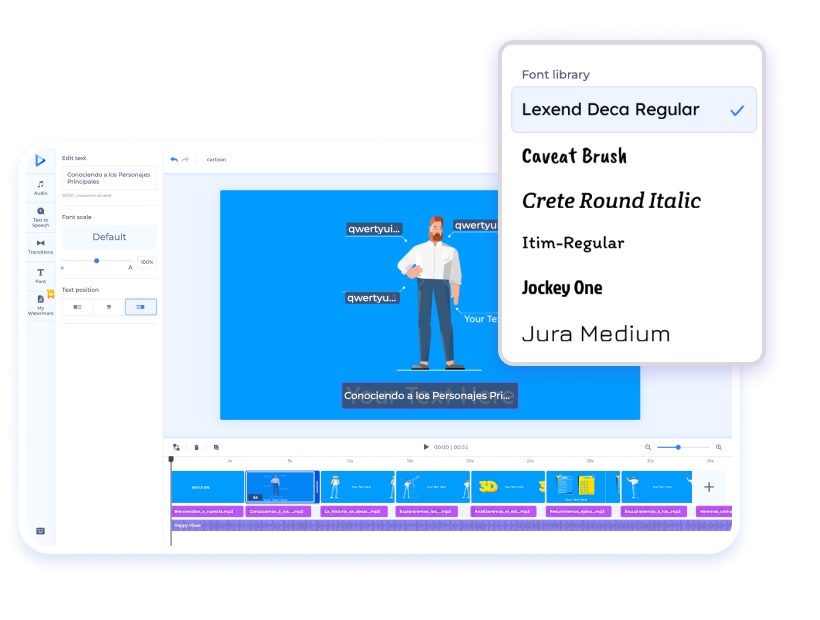
Choose from a range of fonts to style captions, titles, and other text in your cartoon. If you need consistent branding, you can also upload your own fonts so every project matches your visual identity.
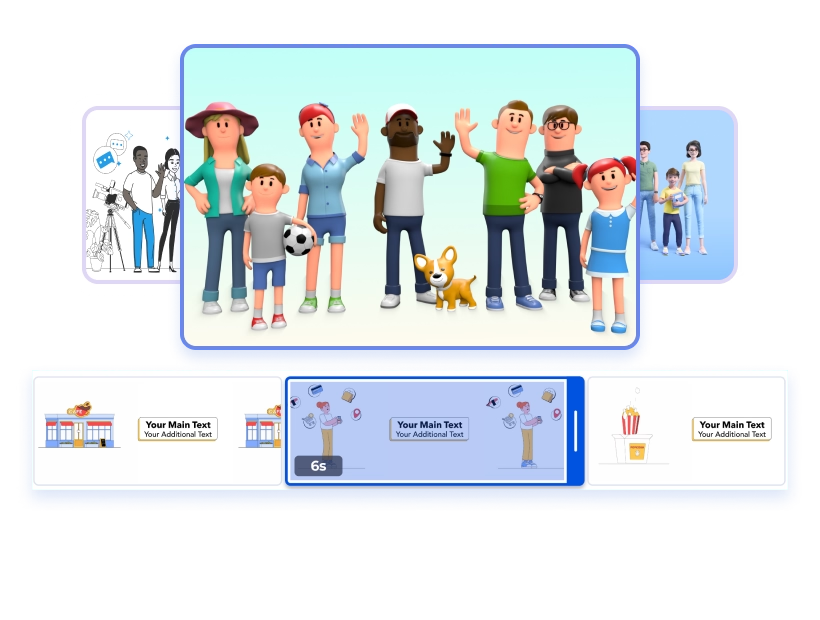
The platform creates transitions between scenes automatically, adjusting to the pacing of your cartoon. This keeps the flow consistent and removes the need to set up each transition by hand, so your cartoon feels natural, polished, and visually engaging from start to finish.
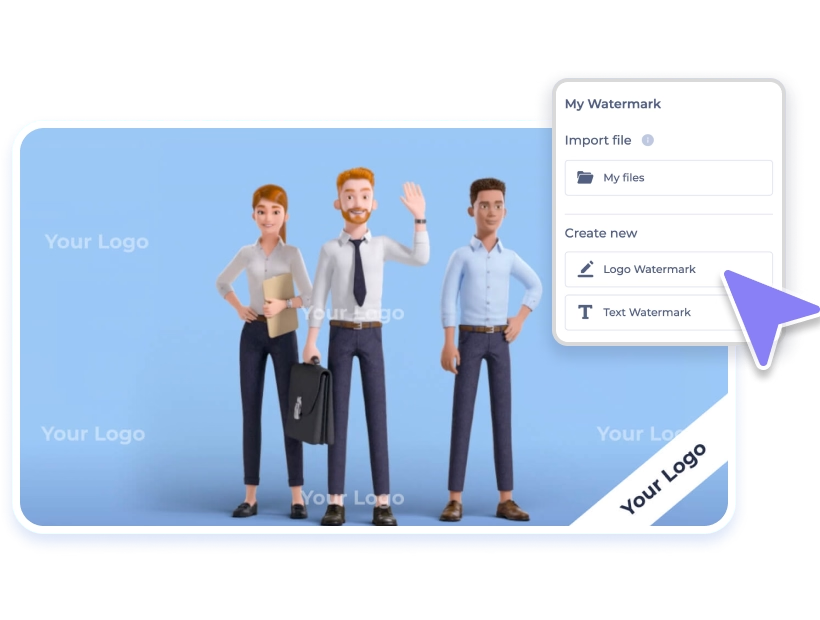
Add a logo or custom watermark to your cartoons. This ensures your work is recognizable and helps protect it from being reused without credit.
Watch updates as you make them in the editor. You can adjust text, characters, or audio and immediately see the results, which speeds up revisions and shortens the time to a finished cartoon.
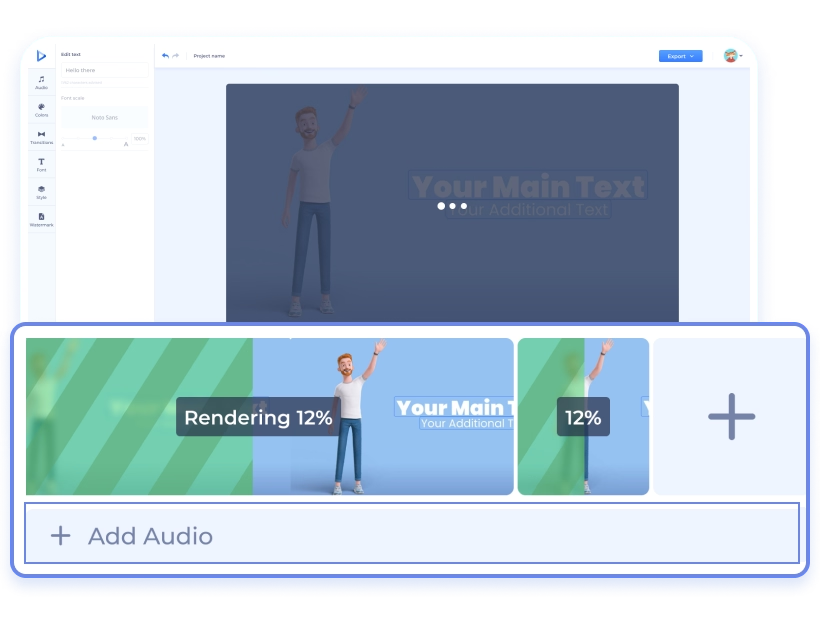
Not every cartoon starts from a prompt. These classic cartoon and animation templates come from Renderforest’s Cartoon Maker — pick a style, customize the scenes and characters, and render your video in minutes, no AI generation involved.
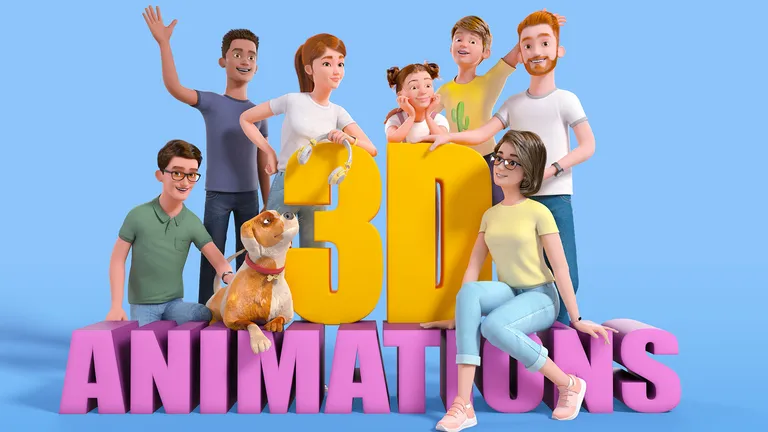
Factory of 3D Animations
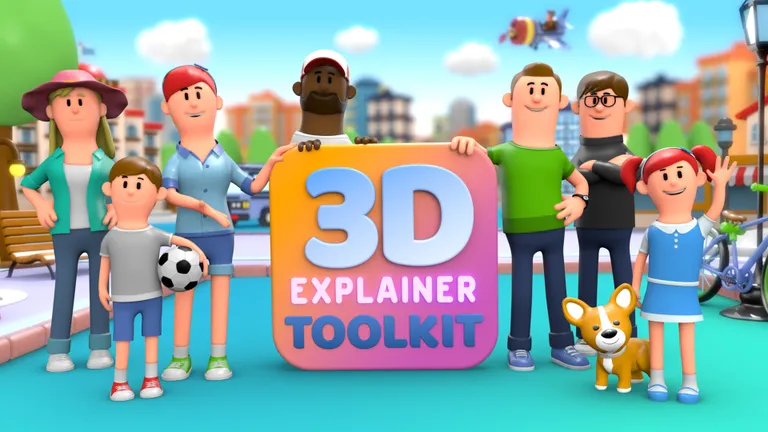
3D Explainer Video Toolkit
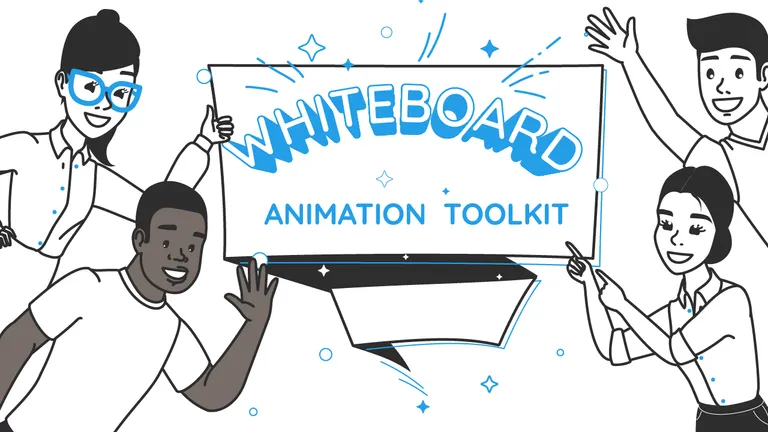
Whiteboard Animation Toolkit
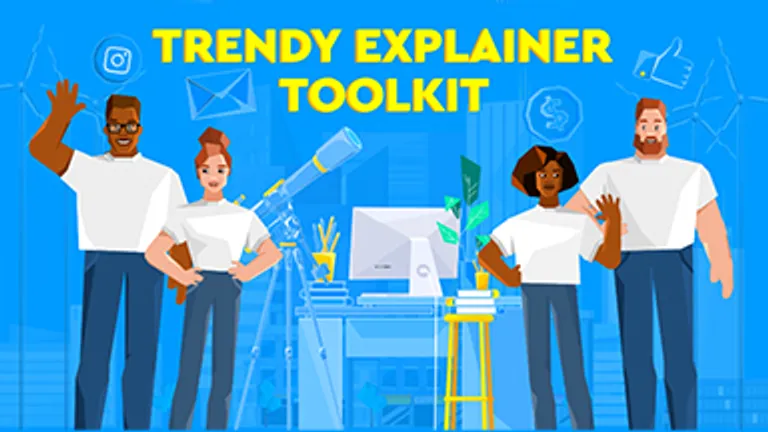
Trendy Explainer Toolkit
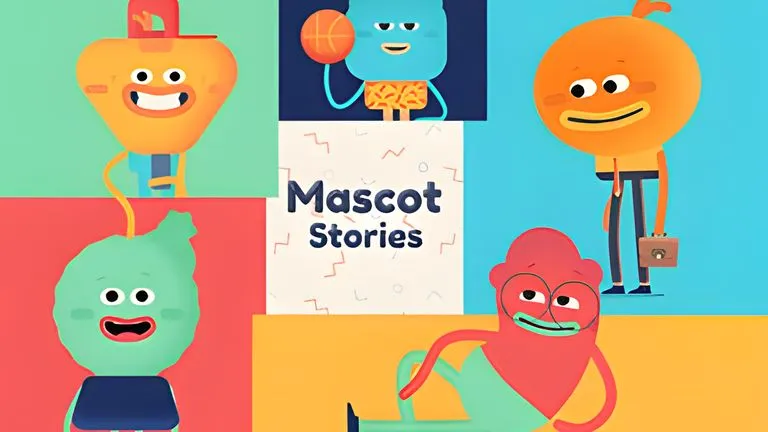
Mascot Stories Toolkit
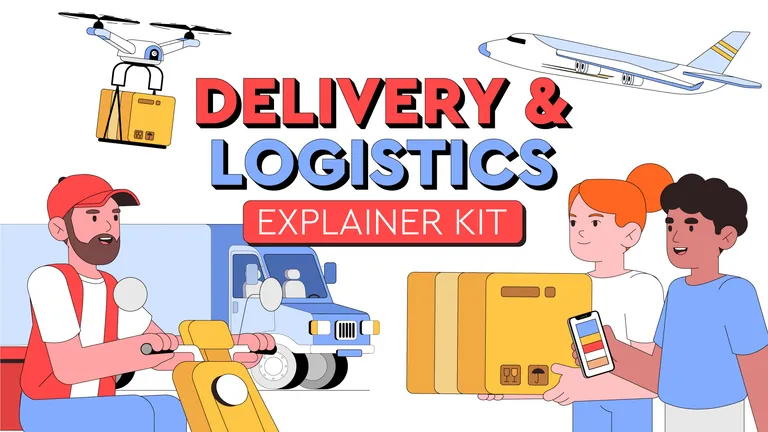
Delivery and Logistics Explainer Kit

Creators Served
Projects Created

Rated on Capterra
4.7/5 on G2 · making characters move since 2013

The AI cartoon generator eliminates the need for manual animation. Enter a script or idea, and the platform produces a full cartoon in minutes. This helps teams and individuals save time and focus on content instead of production.

The AI cartoon generator is designed to support visual storytelling through consistent characters, styles, and pacing, making it ideal for creators who want to turn scripts into watchable stories.

Renderforest is designed for non-specialists. Beginners can follow guided steps, while experienced creators still have tools to refine scenes, pacing, and voiceovers.

Choose from the built-in character library or generate unique visuals with AI. With text-to-video, image-to-video, and AI animation models in one place, you can shape cartoons to match your project’s style and context without extra tools.

The free plan gives you unlimited access to basic cartoon creation, making it easy to test ideas and experiment without cost. When you need higher quality, advanced customization, or branding features, you can upgrade to a paid plan.

Renderforest brings creation, editing, AI voiceovers, and music together in a single platform. You can refine scenes, adjust pacing, and polish details directly inside the editor. No need for third-party software or extra subscriptions.

Renderforest focuses specifically on cartoon-style outputs. This makes it easy to create imaginative, story-driven visuals that stand out from generic animation tools.

Google Veo 3.1, Kling 3.0, Seedance 2.5, MiniMax H3, and Pixverse all run in the same workspace. New models are added as they ship, so your cartoons keep pace with what the technology can do.

Turn lessons and training modules into visual stories. Cartoons simplify complex topics, making them easier to follow and remember for students and employees.

Cartoon videos stand out in feeds where static content is often ignored. They help brands increase visibility and keep audiences engaged without the cost of traditional animation.

Writers and content creators can bring stories to life with characters, dialogue, and motion. The generator turns written scripts into visual narratives that add clarity and depth.

Cartoons can highlight features and use cases in a straightforward way. Small businesses can use the AI cartoon generator free plan to build product explainers without external production costs.

Processes that are difficult to explain in text become easier with visual walkthroughs. The generator breaks down tasks into clear, scene-based steps that are simple to follow.
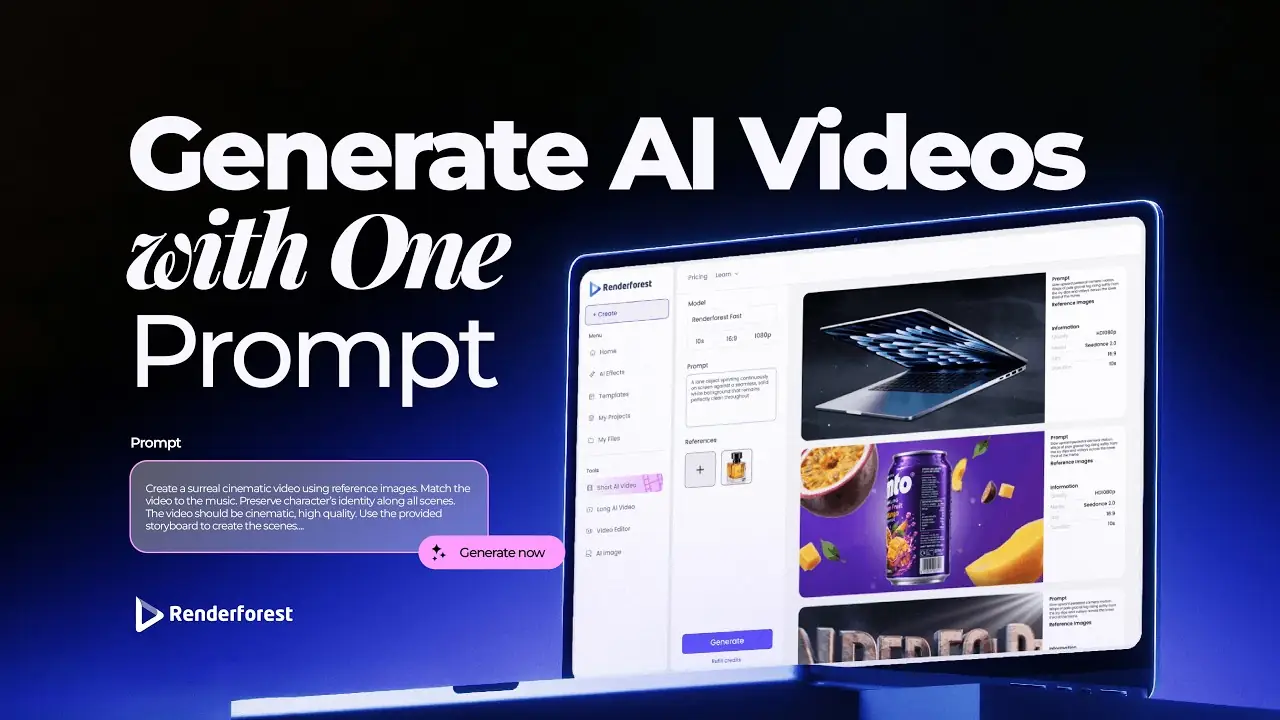
If you're looking for the best AI video creation tool, just try Renderforest. It's the only option that produces videos 100% true to your prompt and the reference images you add.
Short learning curve and very intuitive. I created a product explainer video a couple of hours after signing up, with no video editing knowledge.
I love using Renderforest for creating intro and AI videos. Everything is fast and works exceptionally well, especially the video quality.
With the AI tools they added, you can create a professional commercial for your business or brand just by typing a script.
I love the AI feature of Renderforest — that is just awesome. And I can make eye-catching reels using the AI reels maker.
Renderforest offers a diverse range of options for editing our videos with AI or manually. Unlike other AI tools, it's cost-effective and efficient.
The new AI features are awesome. Using image to video, I created beautiful short animations with my kids' book characters.
I don't come from a video production background, but the platform turns my scripts into clear, professional videos without any hassle.
A leap in the quality of our campaigns. With this speed of production, we serve retail clients with media on par with large ad agencies.
The AI features are very impressive. These tools make the creation process even faster and smarter, especially for video and branding content.
I've been using Renderforest for my video creation needs and I'm beyond impressed. The variety of templates is fantastic. A solid 5 stars!
The user-friendly interface, wide template collection, extensive customization options and fast rendering speed make my creative work achievable.
Hundreds of videos later, I'm continually impressed with the quality of the results. The best money I've spent in 30 years of marketing.
I'm dedicated to audiovisual creation, and Renderforest helps me create professional-level work quickly and simply. Fast, simple and pro.
Generate cartoon videos free. Paid plans unlock watermark-free exports, HD and 4K, the full model stack, and a commercial license — so your cartoons can sell, teach, and represent your brand anywhere.
Compare Plans
Storybook, playful 2D, 3D movie style, dramatic, and anime. Pick a style before generating, and every scene in your cartoon video keeps that look from start to finish.
Renderforest's own model generates cartoon videos free, and paid plans unlock Google Veo 3.1, Kling 3.0, Seedance 2.5, MiniMax H3, and Pixverse — all in the same workspace, with new models added as they ship.
Yes. Add your photo as a reference image, describe the scene, and the AI generates a cartoon video guided by it — then add a voiceover and music, and export from the same workspace.
Free video exports carry a small Renderforest watermark. Paid plans remove it, and also unlock HD and 4K exports plus a commercial license for your cartoons.
Clear, well-lit photos with the subject facing forward give the AI the most to work with. Simple backgrounds and sharp focus help keep your characters consistent across the scenes of your cartoon video.
An AI cartoon is an animated video created using artificial intelligence technology. The system automates much of the animation process, turning written prompts or concepts into dynamic cartoons. Tools like the AI cartoon video generator simplify the work, especially for beginners.
To create a cartoon with AI, start by describing your idea or storyline in a few sentences. The AI processes your input and lets you choose your preferred cartoon style. Next, you can customize some details before you click generate. Then, the AI cartoon maker brings your cartoon to life, adding characters, motion, music, and transitions. Finally, review your animation, edit and export it in your preferred format.
The AI cartoon generator uses advanced algorithms to transform written prompts into animated videos. After entering your concept, select animation to create a cartoon. Then, customize the voice, visual tone, and character style before generating your video. Once it’s ready, you can make additional edits, like adjusting text, transitions, and music, before exporting.
No, there is no limit to the number of cartoon videos you can create with the AI cartoon generator free of charge. You can generate as many cartoons as you like, experiment with different ideas, and upgrade later for premium features like high-quality exports, advanced customization, and watermark removal.
Renderforest's AI cartoon generator combines advanced AI technology with a user-friendly interface, customizable video templates, and a range of features designed to meet various animation needs. The platform's efficiency, cost-effectiveness, and continuous updates ensure that users always have access to the latest innovations in AI animation.