


 Trusted by 40M+ creators
Text to Video AI
Turn Any Script or Prompt into a Video, Free
Convert text into video automatically with AI: type a script or prompt, and Kling 3.0, Seedance 2.5 or Veo 3.1 turns it into a finished video. Start free, then edit, brand and publish in Renderforest.
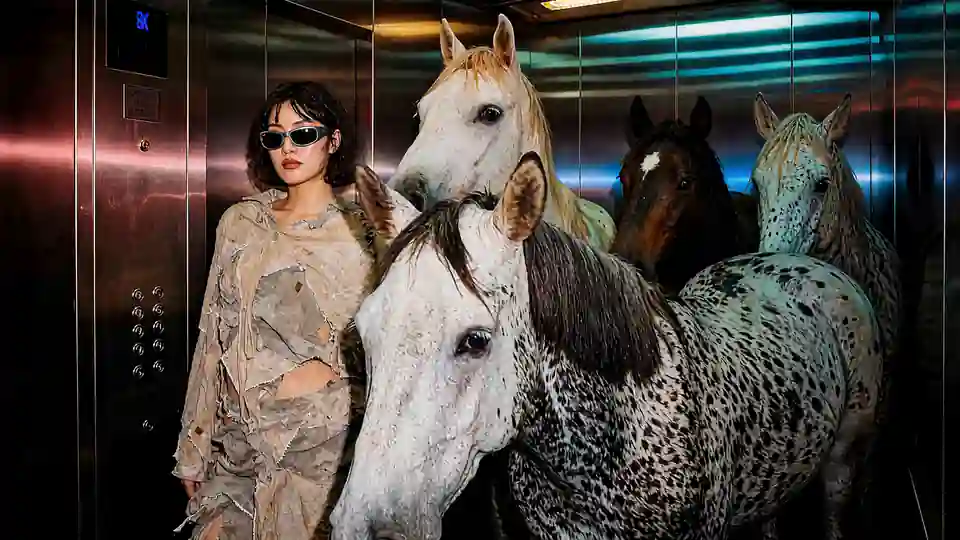
A woman in distressed linen and sunglasses stands calmly in a mirrored elevator crowded with horses, the floor counter climbing above her, moody neon reflections.
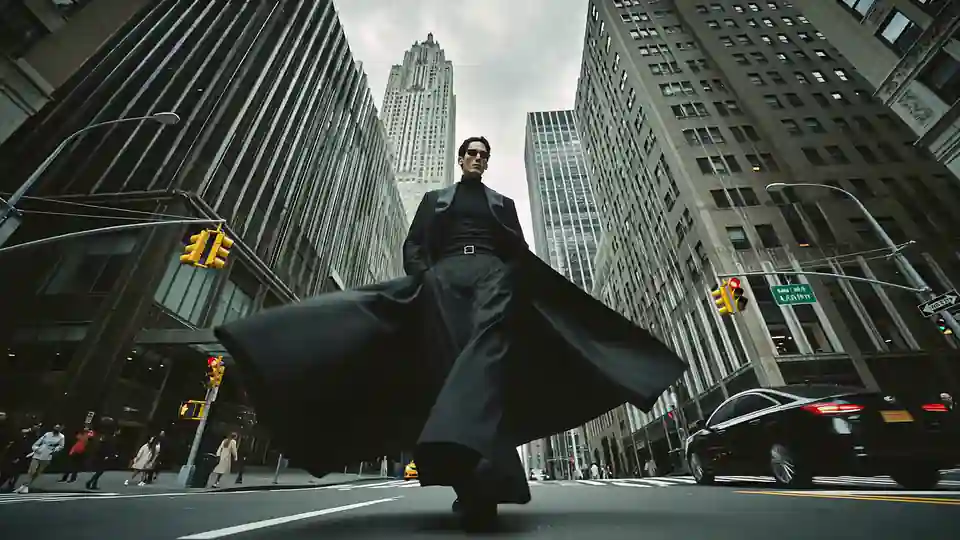
Low worm’s-eye shot of a man in a long black coat and sunglasses striding toward the camera down a city street between towering skyscrapers, yellow taxis passing behind him, overcast light.
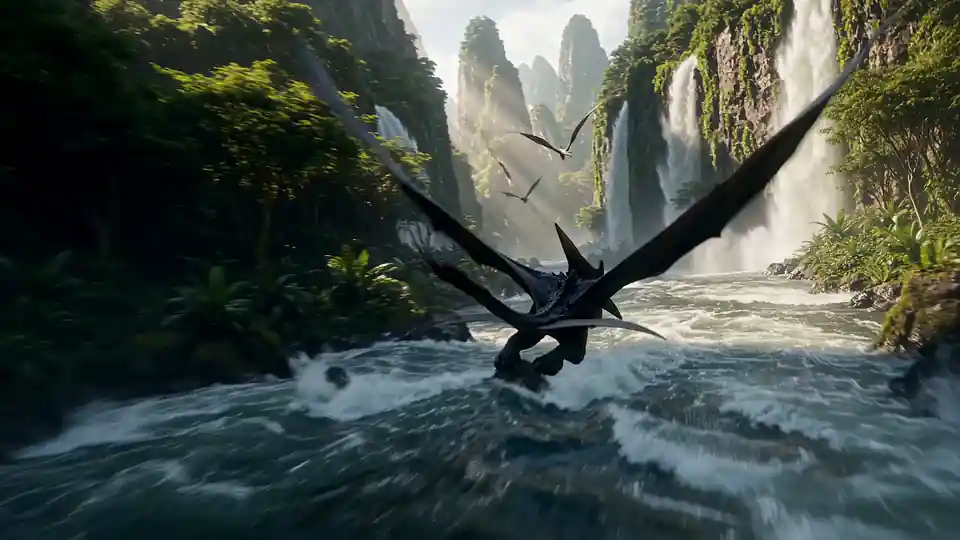
A winged creature skims a churning river through a jungle canyon of towering waterfalls and stone spires, chase camera close behind it, misty golden light.
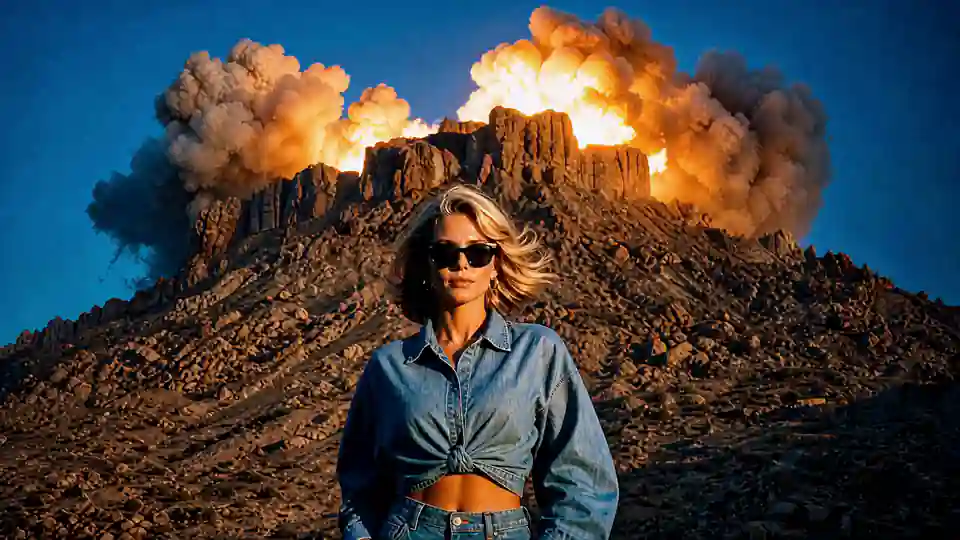
A blonde woman in a denim shirt and dark sunglasses stands calmly as a volcano erupts behind her into a starry night sky, the camera slowly pushing in.
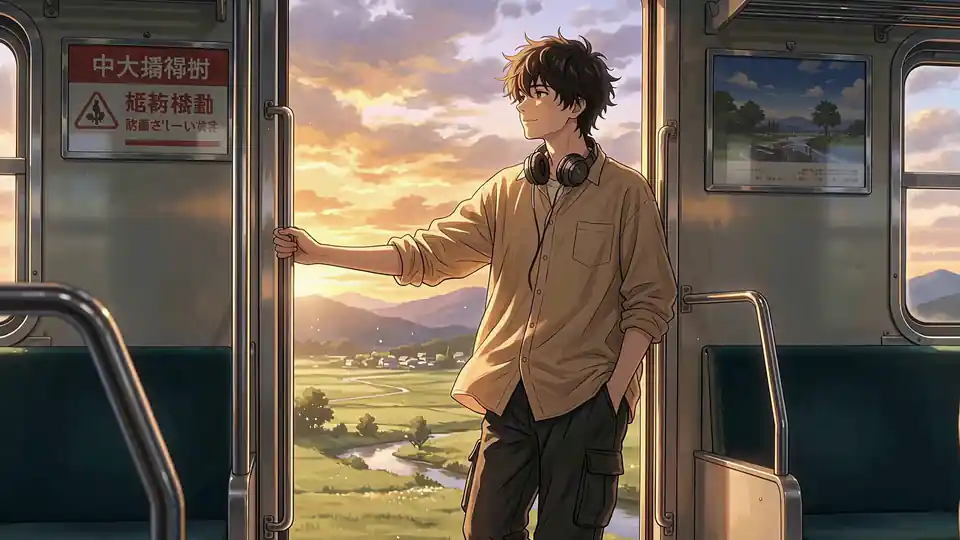
Anime-style shot of a young man with headphones round his neck leaning in the open door of a moving train, golden sunset light over green countryside and distant hills.

A man in a grey suit and black hat asleep on a small cloud, drifting slowly across a deep blue sky.
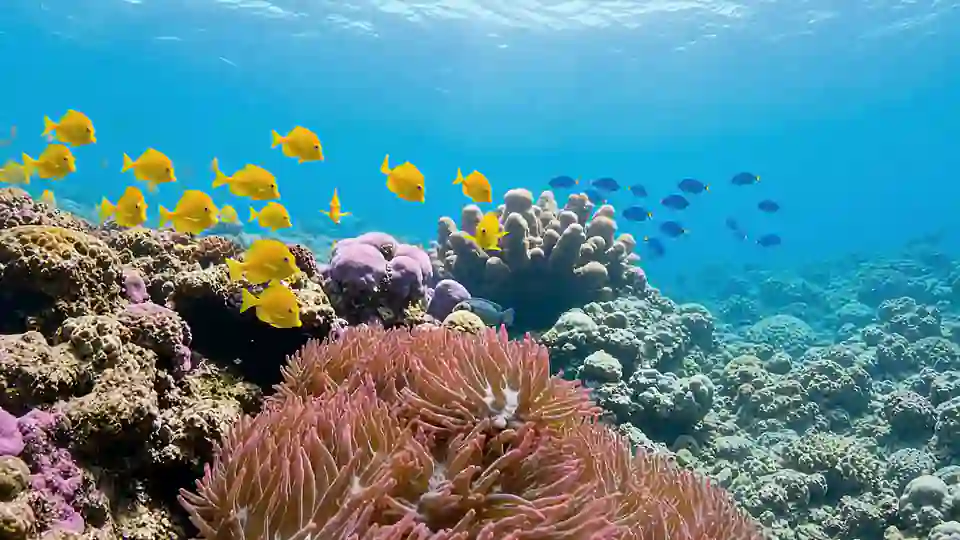
A sunlit coral reef under clear turquoise water, schools of yellow tang and small blue fish gliding over pink anemones and purple coral, slow drifting camera.
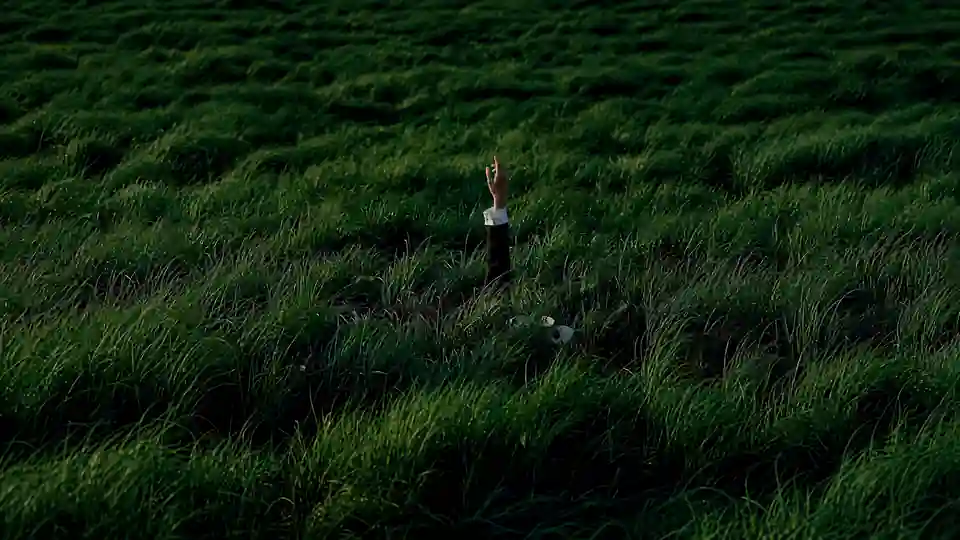
A single hand rises out of a field of tall green grass bending in the wind, its fingers slowly opening, wide static shot at dusk.
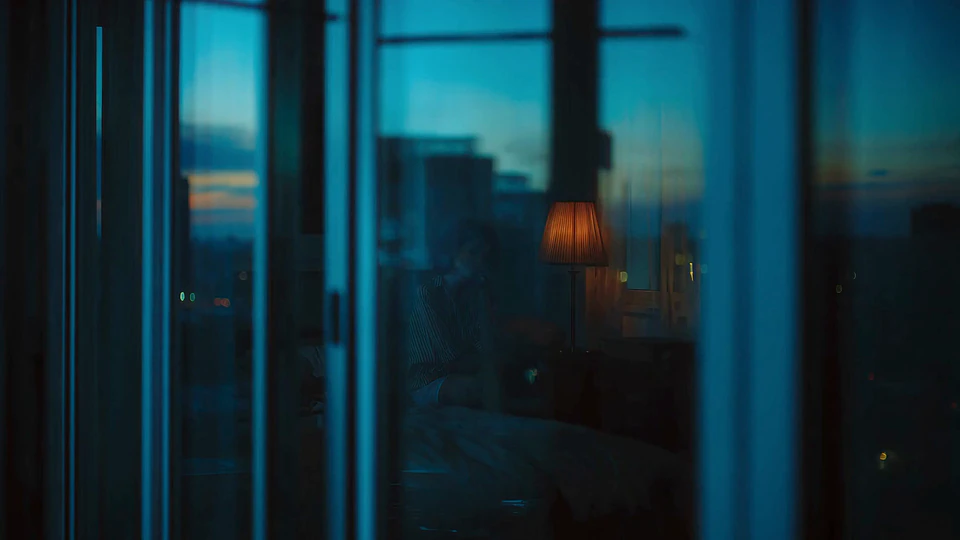
Seen through a hotel window at blue hour, a woman sits on the bed beside a glowing table lamp, the city lights reflected in the glass.
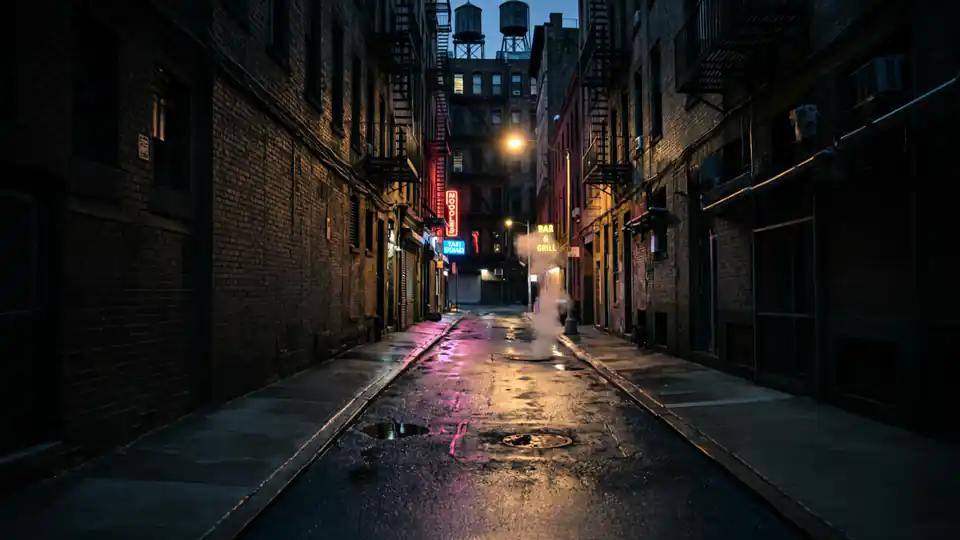
A hooded figure walks away from the camera down a wet city alley at night, steam rising from the street, neon signs and water towers glowing ahead, slow follow shot.
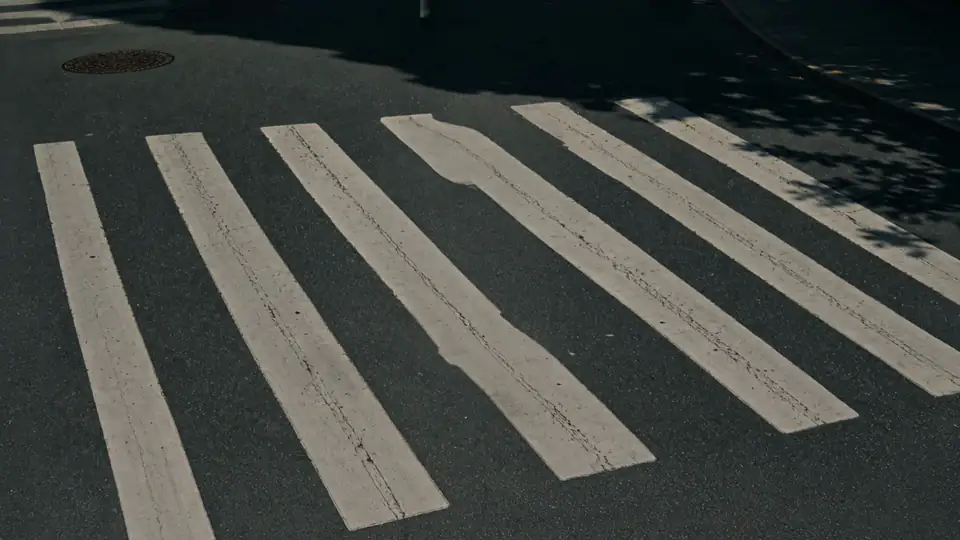
A woman in a camel coat crosses a wide zebra crossing in hard midday sun, tree shadows cutting across the asphalt.

Low-angle tracking shot of a woman in white cat-eye sunglasses and a cream fleece riding a bicycle against a clear blue sky, her hair moving in the wind.
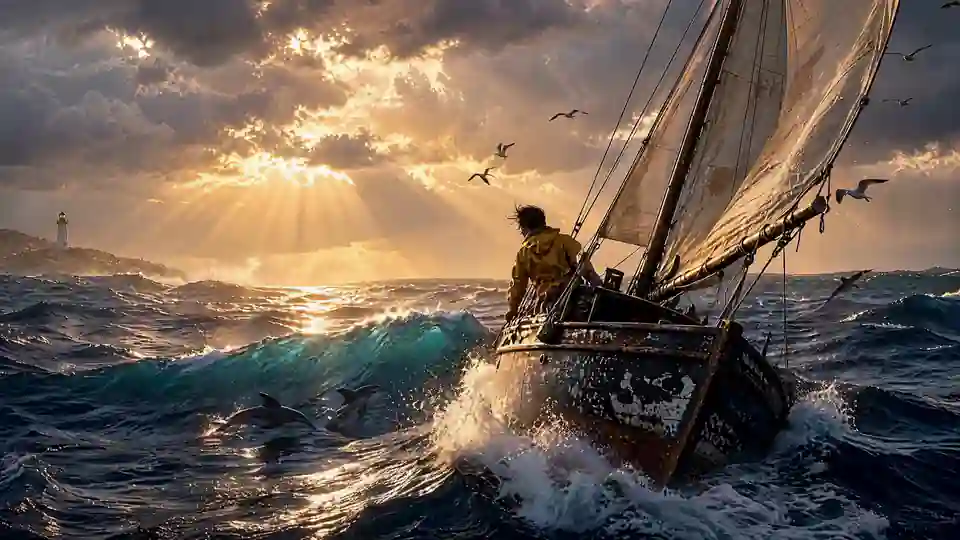
An old wooden sailboat crashes through a stormy sea, a sailor in a yellow oilskin at the bow, sunbeams breaking through dark clouds, gulls overhead and dolphins leaping alongside, a lighthouse on the far shore.
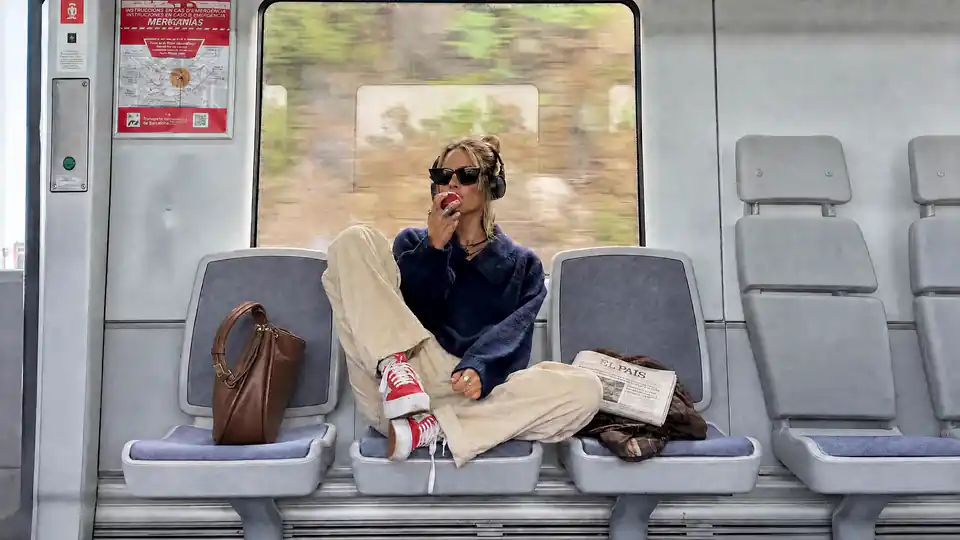
A young woman in a navy sweater, cream trousers and red sneakers rides a sunlit train, headphones on, sunglasses down, biting a red apple as autumn trees blur past the window.
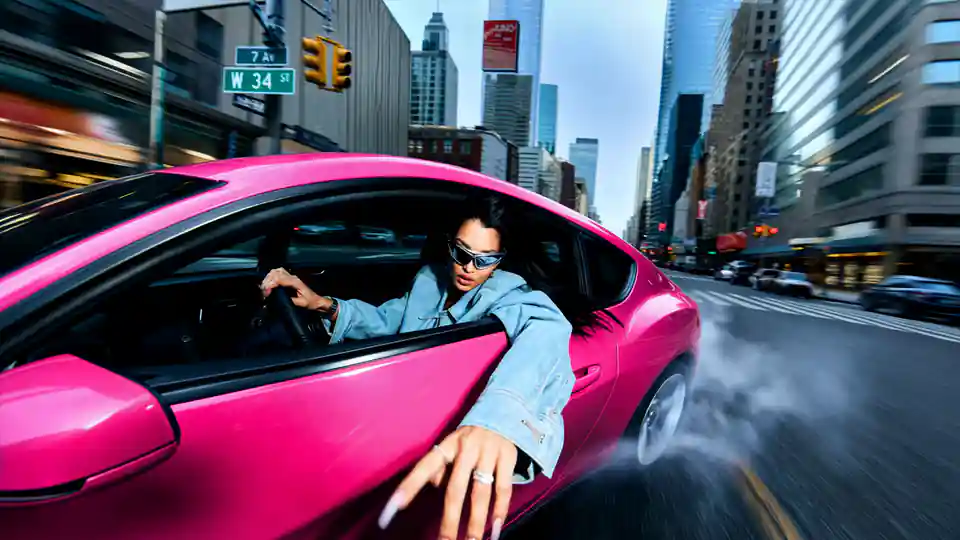
A woman in a denim jacket and mirrored sunglasses drifts a hot-pink sports car between city towers, one arm out of the window, tire smoke curling off the asphalt, low wide-angle tracking shot.
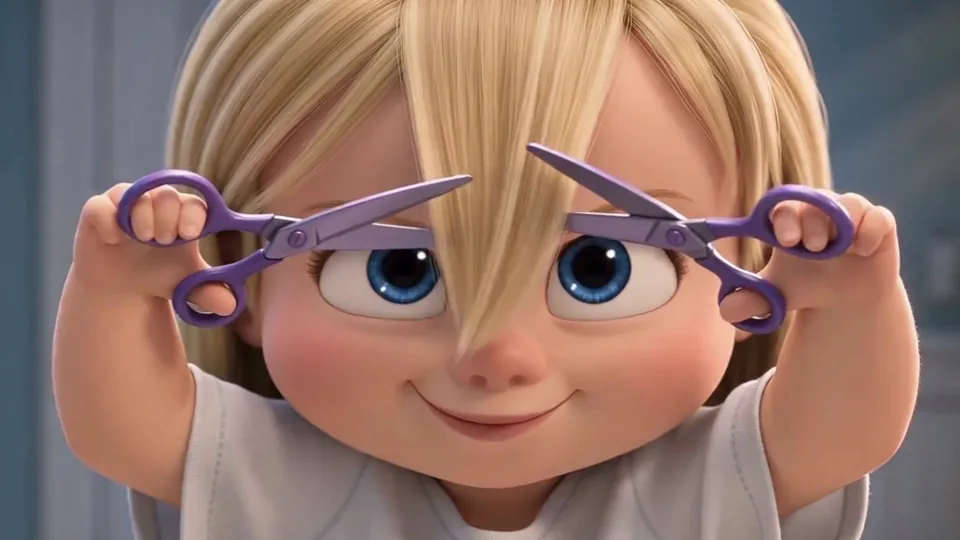
An animated toddler grins at the camera and raises a pair of purple scissors to each side of her own fringe.
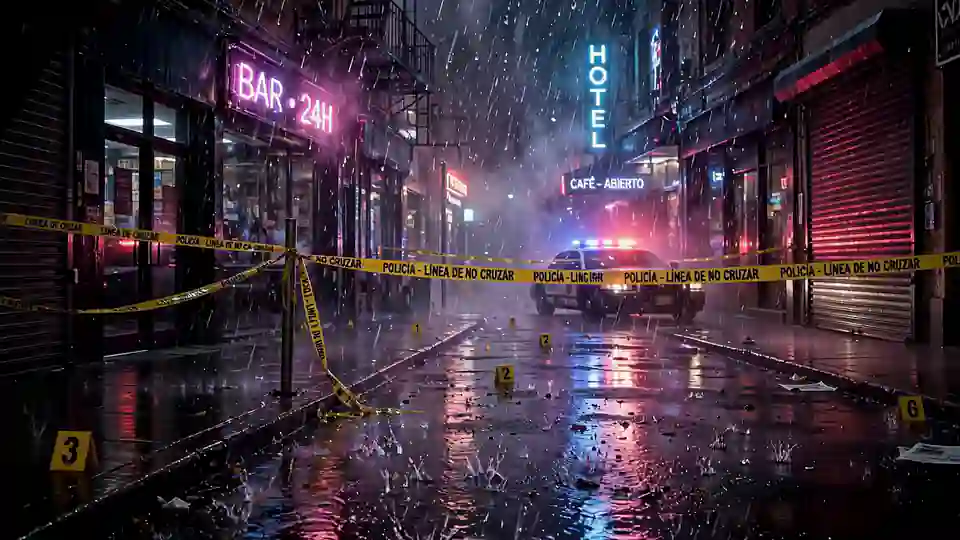
A rain-soaked neon street at night taped off as a crime scene, police lights flashing behind the yellow tape, evidence markers on the wet asphalt, a hooded figure stepping into frame as lightning splits the sky.
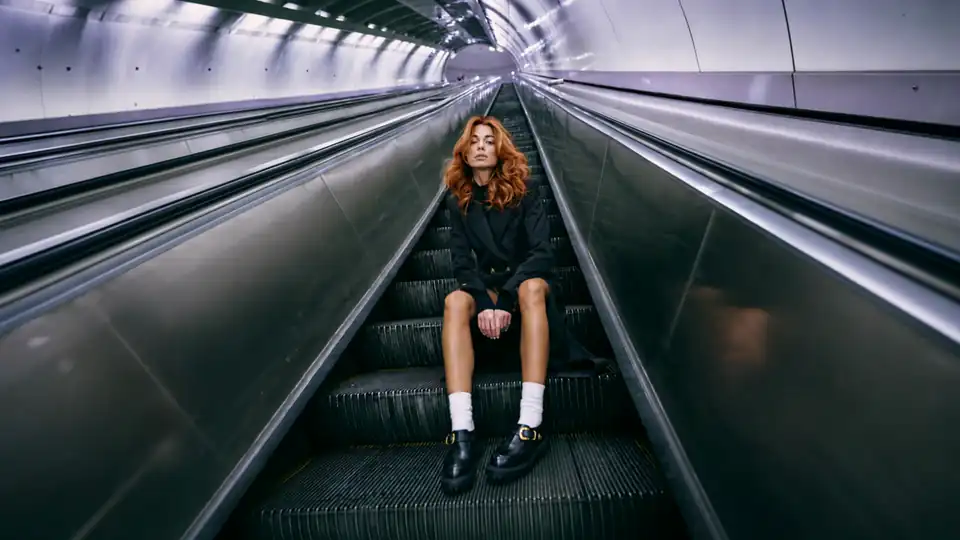
A woman in a black coat sits alone on a long escalator inside a steel underground tunnel, the light running away behind her.
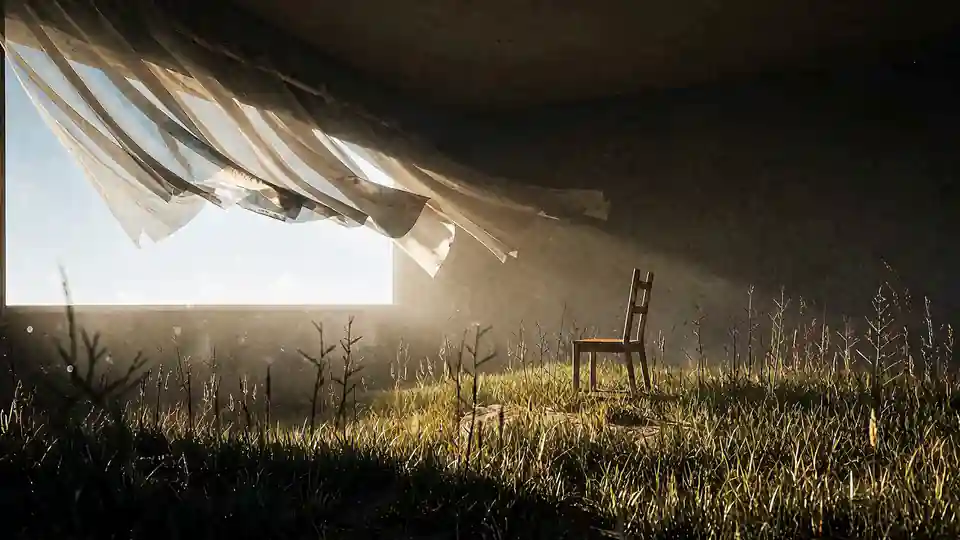
A lone wooden chair in a dark room with a grass floor, sheer curtains billowing at a bright window, dust drifting through the sunbeams, slow cinematic push-in.
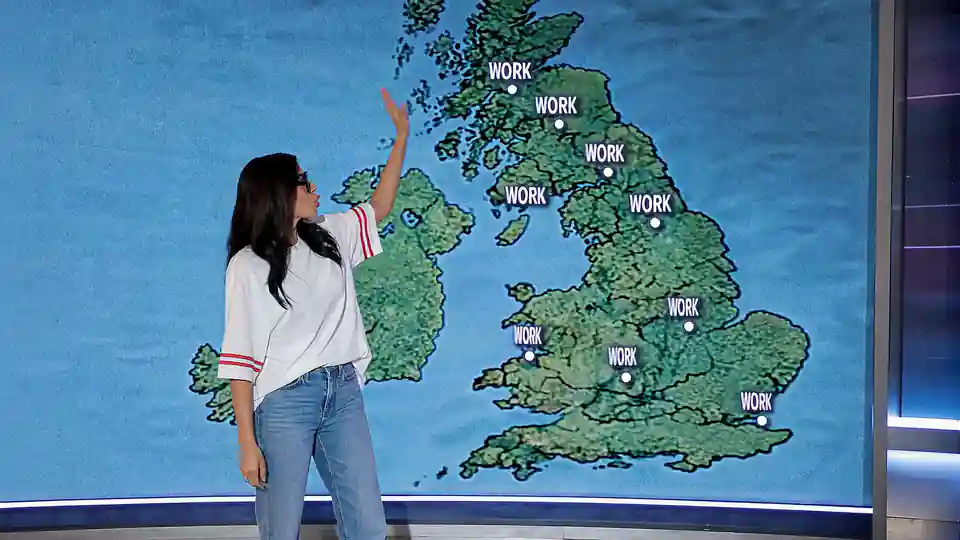
A TV weather presenter in a white T-shirt and sunglasses points at a map of the UK where every city reads “WORK”, then turns to the camera and smiles.
How to Turn Text to Video with AI
- Step 1
Start with your idea
Type in your script, write a short idea, or use Inspire me for AI-generated prompts. If needed, refine the text with the Enhance script, then pick a style such as Cartoon, Stock, Generative AI, or AI images.
- Step 2
Adjust settings and create
Choose your video type, language, and screen size. You can select a style yourself or let the AI recommend one. Once your preferences are set, click Generate to build a draft video with scenes and pacing.
- Step 3
Review and export
Preview your draft and export it free with a watermark, or upgrade for watermark-free HD downloads (4K on the Business plan). For more control, open the editor to update visuals, add audio or AI voiceovers, or regenerate sections.
How Text to Video AI Works, From Prompt to Final Video
Type a prompt or paste a full script, then choose a style, an AI model, the language and the screen size. The text to video AI turns your words into scenes with matching visuals and pacing. Fine-tune any scene in the editor, add an AI voiceover and export your finished video. That is how Renderforest’s text-to-video AI tool turns a simple script into an explainer video, complete with visuals, transitions and voiceover.

What Makes Our Text-to-Video AI Different
The latest AI models, a full editor and voiceovers in 50+ languages: here is what turns a line of text into a video you can publish.
Pick the Right AI Model for Your Text to Video
Every model turns text into video differently. Renderforest gives you all of them in one place: compare, switch, and mix per scene.
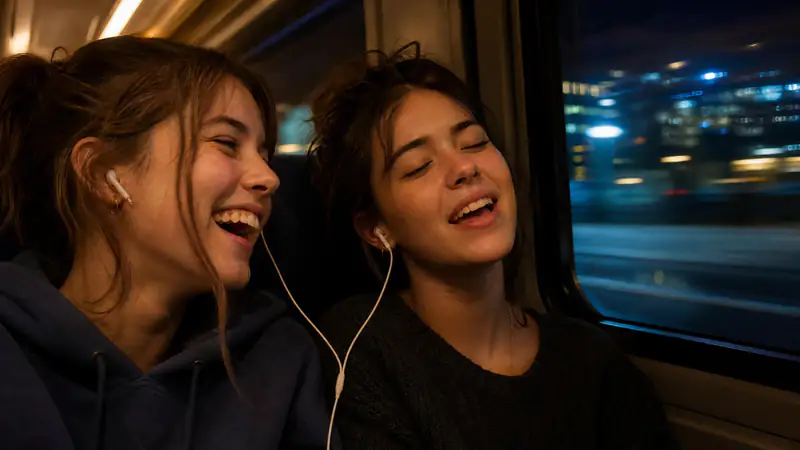
Renderforest
Renderforest's own models: structured drafts with stock, templates, voiceover, and subtitles built in, free to start on test credits. Best for explainers and training content longer than a clip.
Generate Renderforest
Seedance 2.5
Multi-shot sequences with natural cuts from a single prompt. Best for ads and product work that needs to feel edited, not generated.
Generate Seedance 2.5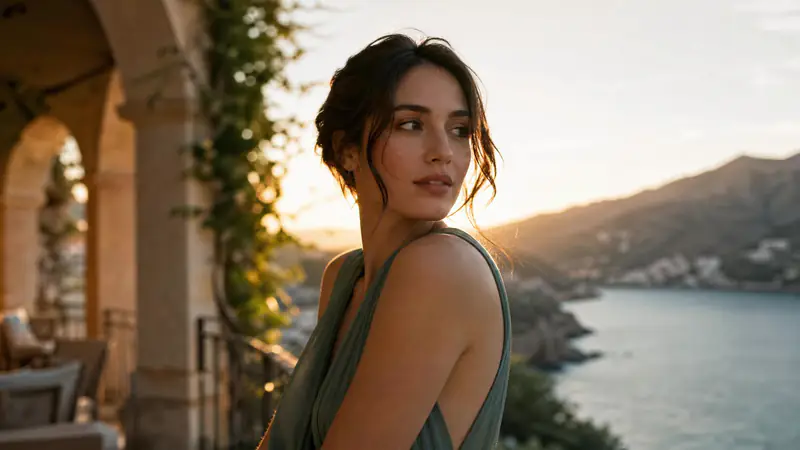
Google Veo 3.1
Cinematic realism with native ambient audio. Best for b-roll, real estate, travel, and trailer shots.
Generate Google Veo 3.1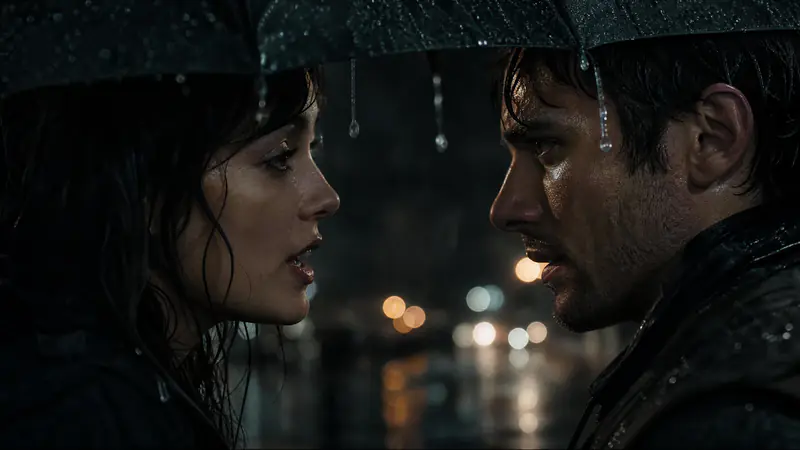
MiniMax H3
The model behind Hailuo AI: lifelike motion in up to 15-second shots of native 2K video, with stereo sound and dialogue in 11 languages. Best for realistic people and product scenes.
Generate MiniMax H3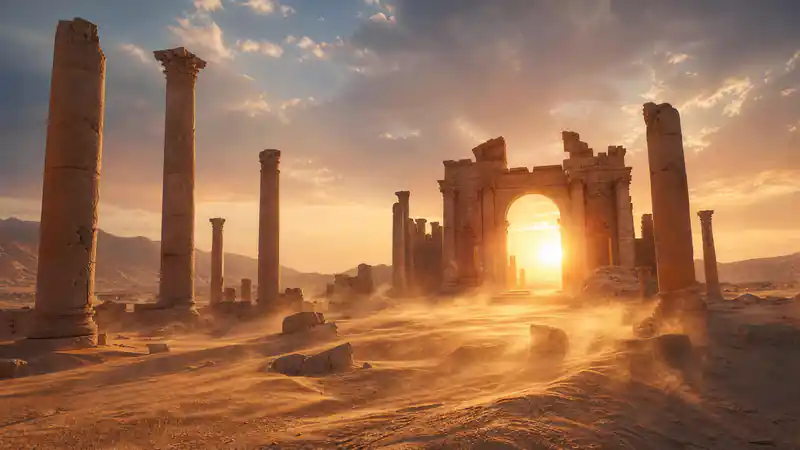
Pixverse
Stylized and anime-leaning looks for illustrated stories and effects.
Generate Pixverse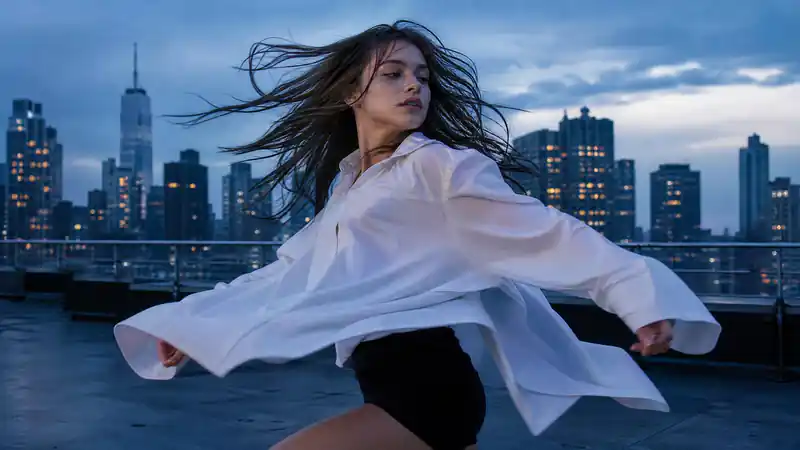
Kling 3.0
Characters, action, and physics that hold together, with lip-synced dialogue in five languages. Best for people-led scenes and story beats.
Generate Kling 3.0
Not sure? Start with the default. You can regenerate any scene with a different model without rebuilding the project. Need 4K? Export in 4K on the Business plan.
How to Write a Text to Video Prompt, With Examples
The samples in the hero aren't magic: they follow a formula. A strong text-to-video prompt answers four questions:
Subject & setting
Who or what, and where.
Action
What happens.
Camera & light
How it's filmed.
Style & sound
The finish.
A handmade candle on a wooden shelf in a cozy living room. The flame flickers; the camera pulls back to reveal the label. Slow dolly, golden-hour warmth, shallow depth of field. Cinematic, soft ambient room tone; or claymation, playful jazz.
Try a prompt freeOne line per question is enough. Models like Kling 3.0 and Veo 3.1 follow camera and lighting direction surprisingly well. The biggest prompt mistake is describing a topic (“a video about coffee”) instead of a shot (“espresso pouring in slow motion, steam curling, bold text hook”).
make a video about our bakery
Morning light in a small bakery: flour dust in the air, a baker slides sourdough out of the oven, slow push-in on the crust cracking. Warm, documentary style, soft acoustic music.
Writing a full script instead of a shot? That's a different workflow: see script to video below. Want the AI to write the prompt for you? Hit Inspire me in the generator and refine from there.
Script to Video: Turn a Full Script into a Longer Video
A prompt makes a scene. A script makes a video. Paste up to 2,000 characters (a voiceover script, lesson plan, product brief, or blog outline) and Renderforest's AI video generator from text breaks it into scenes, matches visuals to each beat, adds narration in 50+ languages, and assembles a draft with pacing and transitions already in place.
Going longer than a few minutes: trailers, episodes, story arcs? That's what the AI Movie Generator is for. Want a presenter reading your script on camera? Use the AI Avatar Video Generator.
Starting from just an idea, not a script? Try the AI Video Generator. Have a photo to animate instead? Use Image to Video AI.
Turn script into videoScene-by-scene structure
Your script's logic becomes the video's storyboard; edit any scene without touching the rest.
Narration included
Pick from multilingual AI voiceovers, or add subtitles for sound-off viewing.
Free to start
Generate your first script-to-video draft with free test credits, then refine it in the editor.
Who Uses AI Text to Video?
From internal updates to product ads, these are the teams turning written material into video with Renderforest.

Businesses and corporate teams
Creating internal updates, pitches, or training videos often takes too long. Renderforest turns scripts into fully structured videos, helping teams deliver clear and consistent communication without relying on outside production resources.
Generate video from text
Marketing and social media managers
Campaigns need frequent video content sized for different platforms. With Renderforest, managers can generate video drafts from short texts, then quickly adapt the aspect ratios for ads, posts, or product launches.
Generate video from text
Educators and e-learning creators
Turning lesson plans or summaries into engaging media is difficult without design tools. Renderforest converts scripts into explainer-style videos with narration and subtitles, making content more accessible for learners.
Generate video from text
Localization and translation teams
Scaling video content across regions is a challenge. Renderforest's free text-to-video AI supports over 50 languages and includes multilingual voiceovers, enabling teams to quickly adapt the same video for different audiences.
Generate video from text
eCommerce brands and product sellers
Product pages and ads demand consistent video output. Renderforest generates product videos directly from descriptions, giving sellers quick drafts they can refine and reuse across stores and campaigns.
Generate video from textHere is What People Think About Us
If you're looking for the best AI video creation tool, just try Renderforest. It's the only option that produces videos 100% true to your prompt and the reference images you add.
Short learning curve and very intuitive. I created a product explainer video a couple of hours after signing up, with no video editing knowledge.
I love using Renderforest for creating intro and AI videos. Everything is fast and works exceptionally well, especially the video quality.
With the AI tools they added, you can create a professional commercial for your business or brand just by typing a script.
I love the AI feature of Renderforest — that is just awesome. And I can make eye-catching reels using the AI reels maker.
Renderforest offers a diverse range of options for editing our videos with AI or manually. Unlike other AI tools, it's cost-effective and efficient.
The new AI features are awesome. Using image to video, I created beautiful short animations with my kids' book characters.
I don't come from a video production background, but the platform turns my scripts into clear, professional videos without any hassle.
A leap in the quality of our campaigns. With this speed of production, we serve retail clients with media on par with large ad agencies.
The AI features are very impressive. These tools make the creation process even faster and smarter, especially for video and branding content.
I've been using Renderforest for my video creation needs and I'm beyond impressed. The variety of templates is fantastic. A solid 5 stars!
The user-friendly interface, wide template collection, extensive customization options and fast rendering speed make my creative work achievable.
Hundreds of videos later, I'm continually impressed with the quality of the results. The best money I've spent in 30 years of marketing.
I'm dedicated to audiovisual creation, and Renderforest helps me create professional-level work quickly and simply. Fast, simple and pro.


Text-to-Video AI FAQ
How does Renderforest’s text-to-video AI generator work?
Renderforest's text-to-video AI turns written text into a finished video in three steps: type a script or prompt, pick a style and model (Kling 3.0, Seedance 2.5, Veo 3.1, or Renderforest's own models) and the AI builds a draft with scenes, pacing, and narration you can edit and export. You can refine further in the built-in editor.
What kind of content can I create with a text-to-video AI generator?
Typical use cases include explainers, social media promos, educational modules, product demos, and internal training videos.
Is there a limit to the amount of text I can use?
We currently have a limit of 2,000 characters per text-to-video generation, which is usually enough for concise and effective videos. Longer scripts can be split across scenes, or try the AI Movie Generator for long-form projects.
Does AI text-to-video replace a human video editor?
Not necessarily. AI text-to-video is a great tool for creating quick and easy videos from scratch. Renderforest also offers a full suite of editing tools if you want more control over your final video.
What is the best text-to-video AI generator?
The best text-to-video AI generators pair frontier models with editing tools. Renderforest runs Kling 3.0, Seedance 2.5, Google Veo 3.1, MiniMax H3, and Pixverse in one subscription and adds a full editor, templates, voiceovers, and brand kits, so a generated clip becomes a publishable video without switching apps.
Does the free text to video AI add a watermark?
Yes, free exports include a watermark. Paid plans export watermark-free in HD with a commercial license, and the Business plan adds 4K export.
How does Renderforest compare to other AI text-to-video tools?
Renderforest is known for its user-friendly interface, variety of visual styles, and high-quality video outputs. As a text-to-video AI generator, it’s built for speed and simplicity while still delivering professional results.
Can I easily convert my blog posts into videos?
Yes. Copy up to 2,000 characters of your post into the generator, and the AI condenses it into scenes with visuals, narration, and subtitles. Pick a style, generate, and trim in the editor. Most blog-to-video drafts are ready in minutes.
What are the benefits of converting my blog to video?
Video can increase engagement, improve SEO, expand your reach on social media. It offers a dynamic way to connect with your audience, and it's so easy thanks to the AI text to video tools like Renderforest.
Which models does Renderforest use for video generation?
Renderforest runs the latest generation of AI video models side by side (Kling 3.0, Seedance 2.5, Google Veo 3.1, MiniMax H3, and Pixverse, plus Renderforest's own models, Renderforest Fast and Pro), with new models added as they launch. You can switch models per scene to match the style and motion you need.
How do I write a good prompt for text to video AI?
Describe a shot, not a topic: name the subject and setting, the action, the camera movement and lighting, and the style or sound. One line each is enough. For example, “Espresso pouring in slow motion, steam curling, bold text hook, upbeat music.”
Does Renderforest's text-to-video AI generator require a paid subscription?
No. You can start free: sign up without a credit card and generate text-to-video drafts with free test credits on Renderforest's own model. Free exports carry a watermark; paid plans unlock watermark-free HD exports, premium models like Kling 3.0 and Veo 3.1, and a commercial license, with 4K export on Business.
Start Free, Upgrade When You Need More
Free gets you from text to your first video today. Upgrade when you need watermark-free HD exports, the full model stack, 4K export on Business, and a commercial license. Live prices below.
From Script to Structured Video With Renderforest's AI
Most projects start with written material: scripts, briefs, or lesson notes. Renderforest’s text-to-video AI converts that text into a draft video with scenes, pacing, and narration already included. Instead of starting from a blank editor, you begin with a structured version you can refine into final quality.
Start free- Free to start, no credit card
- Commercial license on paid plans
- Every model on one subscription