Upload images
Select images or drag them here
Transform photos into dynamic videos with our image to video AI generator. Powered by generative AI image and video models, Renderforest enables faster, smarter, and smoother content creation.
Upload images
Select images or drag them here

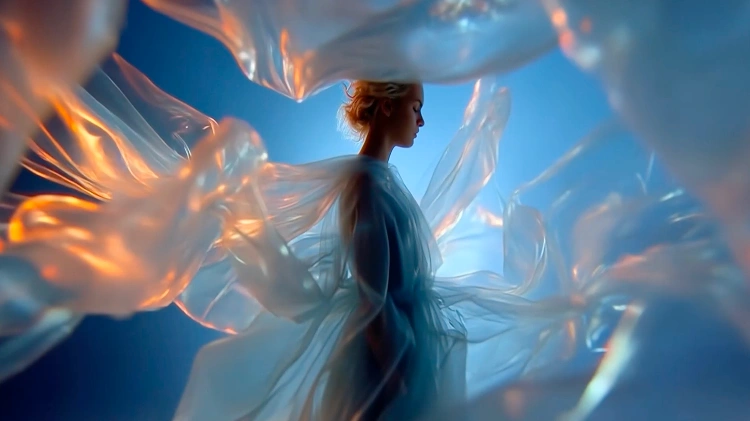
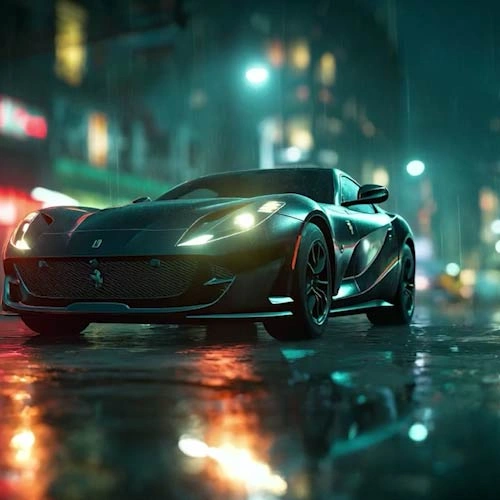
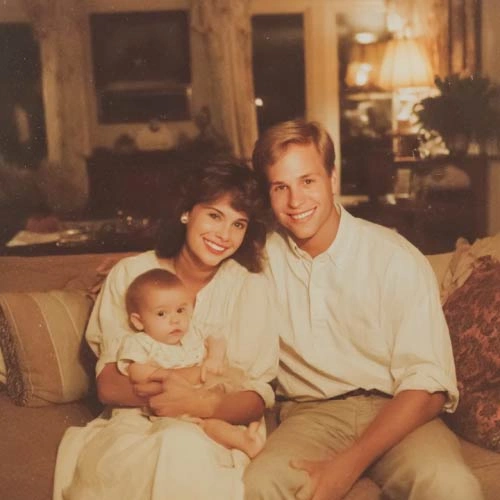
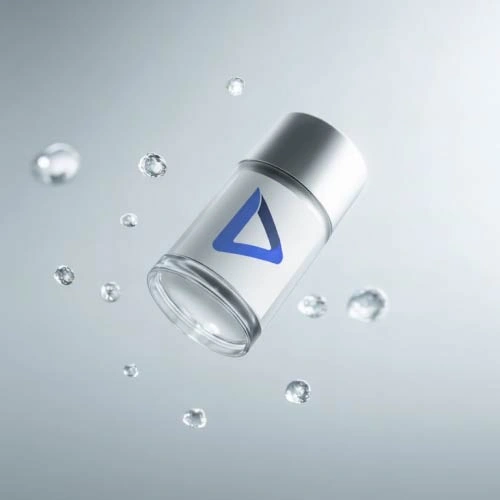
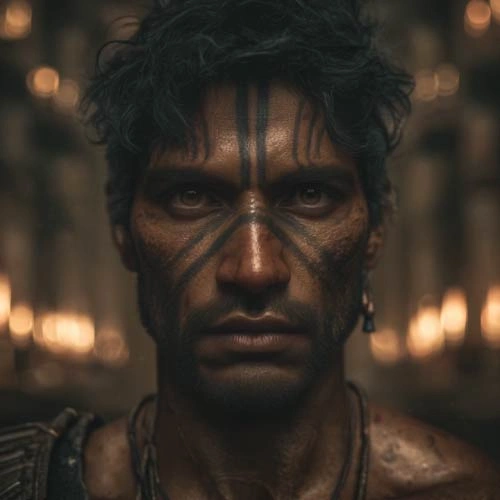
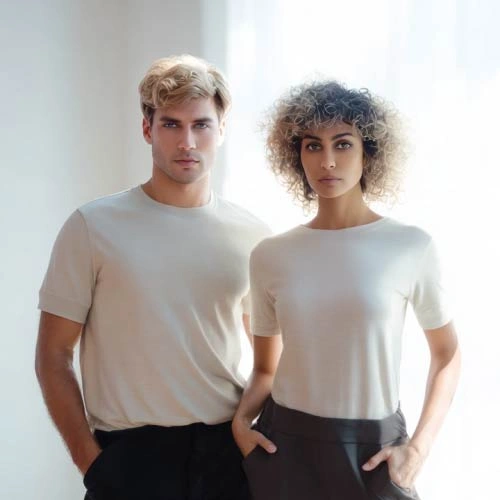
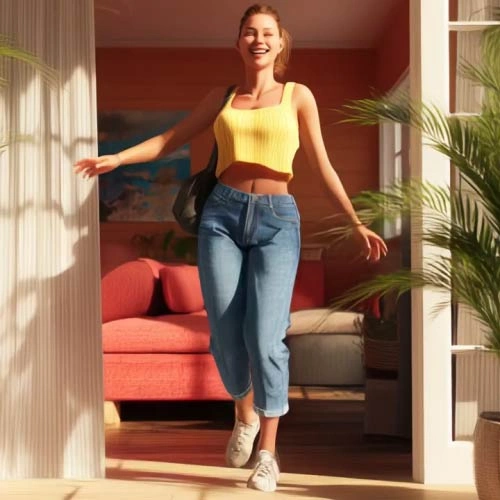
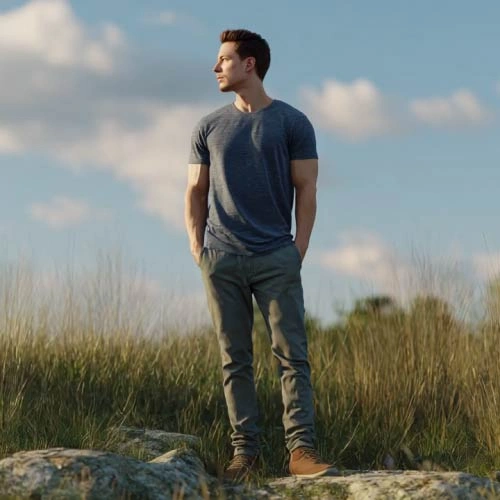
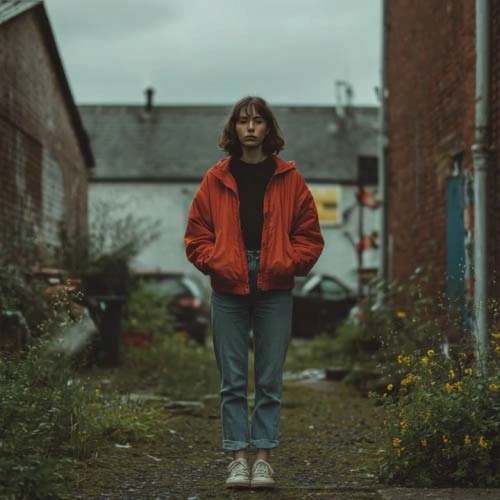
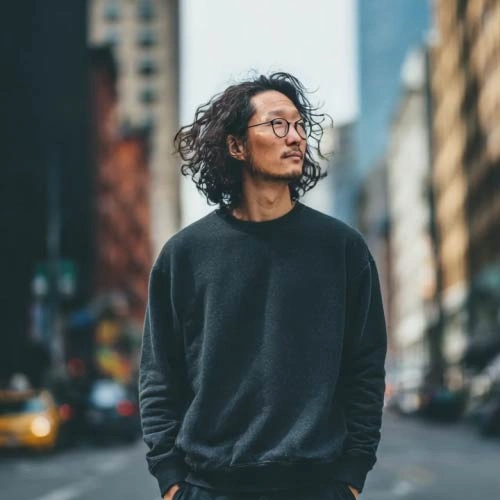
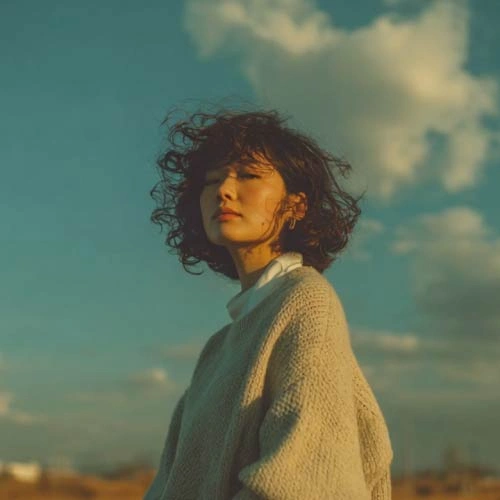
Renderforest’s AI Image Generator is built to serve a diverse and growing audience. From solo entrepreneurs to global teams, it helps anyone create stunning visuals quickly, on a budget, and without design skills.
With models like Seedance, Hailuo and Pixverse, you can craft videos for any purpose, whether cinematic, animated or made for social media.
Create videos in the same aspect ratio as your image to ensure a perfect fit for Instagram Reels, TikTok, YouTube, and more.
Easily set and control the length of your AI video, from short clips for ads to longer-form storytelling content.
Tell stories that keep characters consistent across multiple scenes, making your videos feel polished and professional.
Use Renderforest’s intuitive editor to combine images, animations, music, and text seamlessly in a single timeline.
Quickly replace or adjust any subject, background and mood of your video without having to rebuild the entire project, saving time and effort.
Generate unique AI images within Renderforest and integrate them directly into your videos for a complete creative workflow.

Renderforest’s image to video AI converts photos into moving scenes within seconds. It adds camera motion, depth, and transitions automatically, giving you natural, cinematic movement without manual animation.
Instead of working frame-by-frame, you describe the motion once. The AI handles transitions, timing, and continuity, cutting creation time from hours to minutes.
Create short clips for social media, explainers for presentations, or cinematic sequences for marketing. The AI supports multiple aspect ratios and resolutions for TikTok, YouTube, and more.
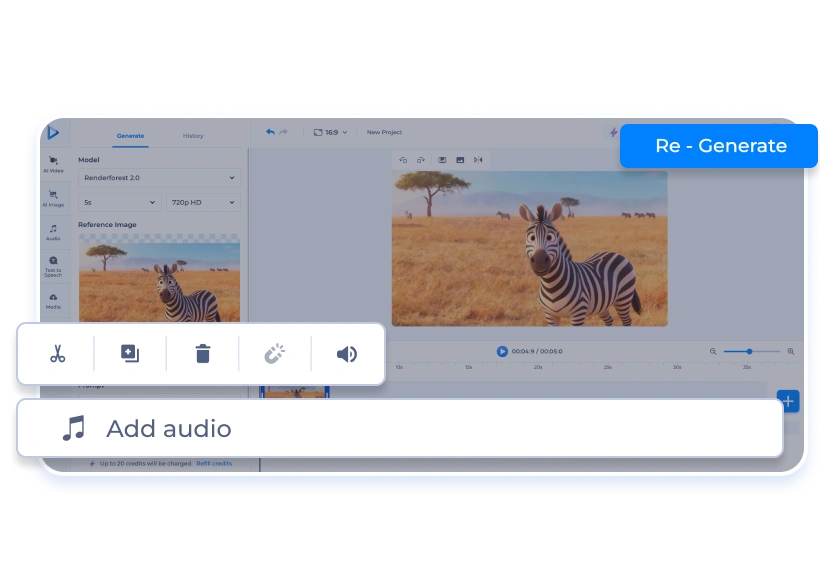
Unlike one-click generators, Renderforest lets you refine the AI output. Edit scenes, replace images, adjust pacing, or add voiceovers directly in the built-in editor.
Powered by models like Hailuo, Pixverse, and Seedance, the system creates smooth, high-quality video motion that looks professionally animated—no prior experience needed.
Videos created through Renderforest can be used in marketing, client, and e-commerce projects. As long as you own the input images, the outputs are cleared for professional use.
Start by uploading a photo, illustration, or design that you want to make into a video with generative AI.
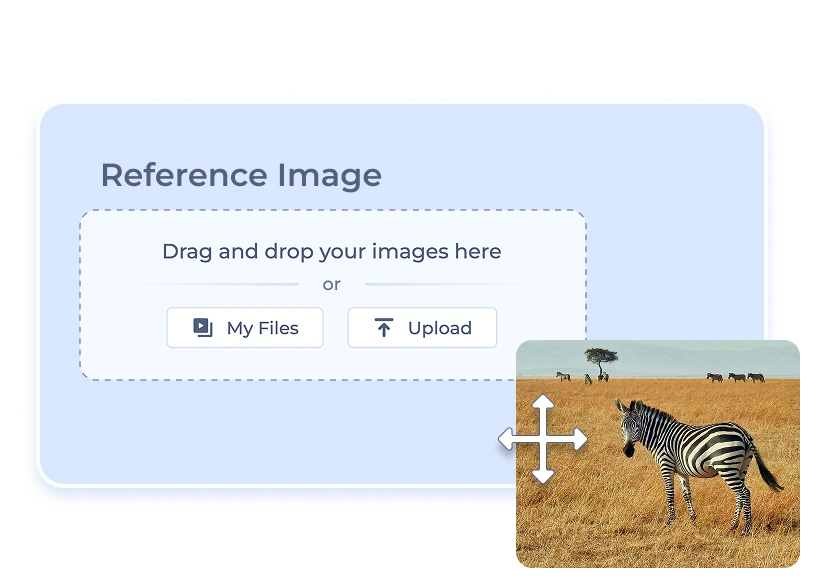
Choose the video generation model that fits your vision and describe the motion or action you want.
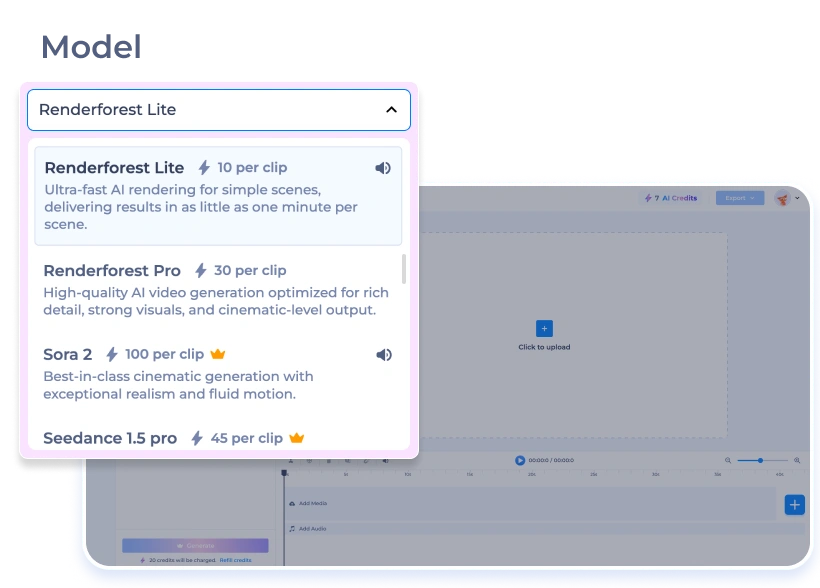
Click Generate and get your finished video in seconds. If you want, refine it further in Renderforest’s editor.
Transform static images into short, eye-catching videos for TikTok, Instagram, YouTube Shorts, and Facebook. Boost engagement with scroll-stopping content powered by AI.
Produce high-converting promotional videos, brand stories, and ad creatives from product photos. Streamline workflows with team collaboration and the all-in-one editor.
Showcase product photos as smooth videos that highlight features, drive sales, and increase customer trust. Perfect for online stores, product launches, and seasonal campaigns.
Turn posters, album covers, and promotional visuals into dynamic teasers and trailers. Enhance storytelling and fan engagement with AI-driven video content.
Convert static presentations and training materials into lessons that simplify complex topics, increase learner engagement, and deliver training content faster.
Image to video AI is a technology that uses generative AI models to transform static images into videos. Instead of simple slideshows, Renderforest applies AI-driven character and camera motion, transitions, depth effects, and cinematic animations to create natural video sequences. The process is fully automated and produces results within seconds.
Renderforest is one of the best image to video AI generators because it combines multiple industry-leading generative models, such as Hailou, Seedance, Pixverse, and many others, with new models added regularly. This ensures you always have access to the most advanced technology. Together with our easy-to-use editor, creative assets, and branding tools, it makes turning your images into professional-quality videos fast, simple, and effective.
The process is easy:
1. Go to Renderforest’s image to video AI generator and upload your image.
2. Describe the motion, style, or action you want (e.g. “make the character wave,” “pan upward with cinematic zoom”).
3. Click Generate.
The AI instantly delivers a finished video with the described motion applied to your image. No complicated editing steps, just upload, describe, and generate.
Rendering with our free AI image to video generator is almost instant. Once you upload your image and describe the motion, the AI generates a finished video in a few seconds. More complex requests or longer sequences may take up to a minute, but the platform is optimized for real-time creativity, so you can create, review, and share videos without long waiting times.
Yes. Even though the AI instantly provides a ready-to-use video, you can further refine it in Renderforest’s editor. You can regenerate variations, replace or adjust elements, fine-tune timing, add your videos or stock footage, and change background music to fully customize your video.
Yes. Renderforest’s AI videos can be used for commercial, marketing, social media, advertising, e-commerce, and client projects. As long as you own or have rights to the input images, you can safely use the outputs for professional and business purposes under Renderforest’s licensing.
Yes, your projects are private and secure. Renderforest does not share or expose your uploaded content. Your inputs and outputs are stored in your account and are not used to train AI models, ensuring confidentiality for personal and commercial work.
Renderforest’s image to video AI supports HD and Full HD outputs by default. The resolution depends on your input image quality and the chosen export settings. You can preview before exporting and adjust size or format to match the platform where you plan to share the video.
Yes. The AI can generate smooth motion and depth from a single still image. It creates camera movement, perspective shifts, or small animated actions to make the scene feel dynamic — no need for multiple frames or extra assets.
Yes. You can upload several images to create a sequence. The AI connects them with transitions and consistent motion, producing a continuous video. You can control the pacing and style or edit the transitions afterward in Renderforest’s video editor.
Renderforest’s AI Image Generator is built to serve a diverse and growing audience. From solo entrepreneurs to global teams, it helps anyone create stunning visuals quickly, on a budget, and without design skills.