AI video
Prompt
“A 30-second ad for a Lisbon bakery, warm morning light, upbeat”
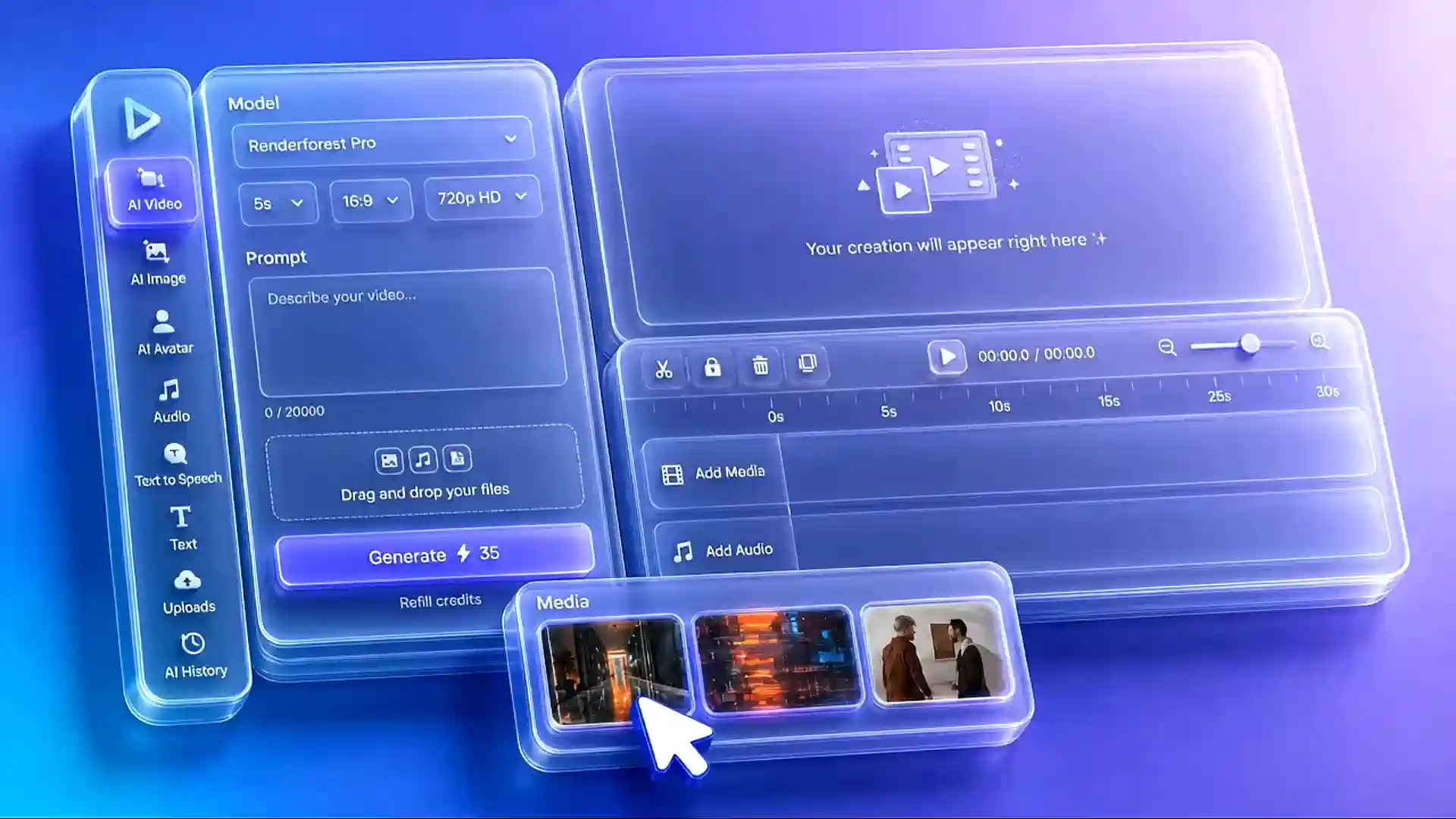
Type an idea, drop in a photo or paste a link. Renderforest makes it in your brand, ready for every platform. Free to start.
Free to start. No card, nothing to install.
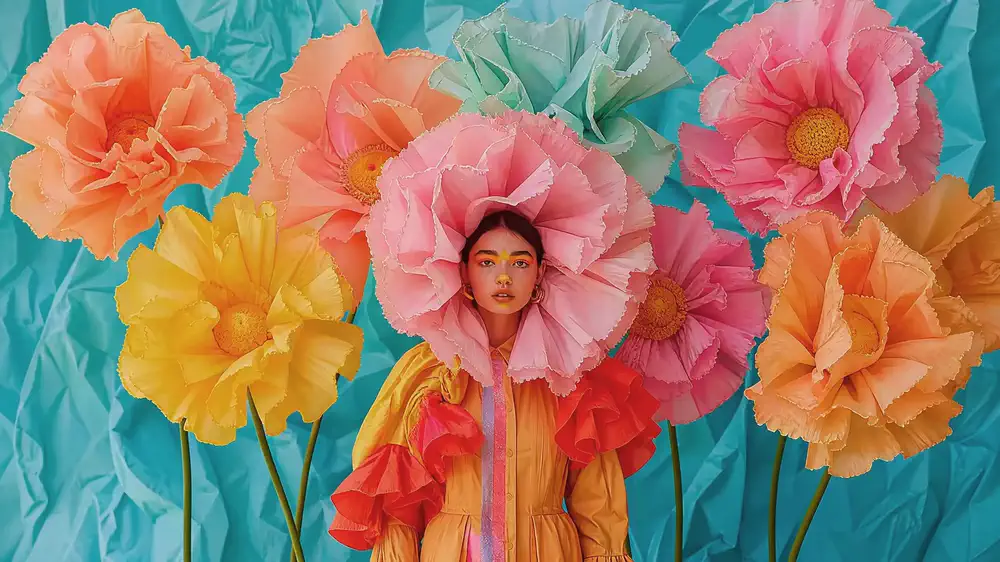
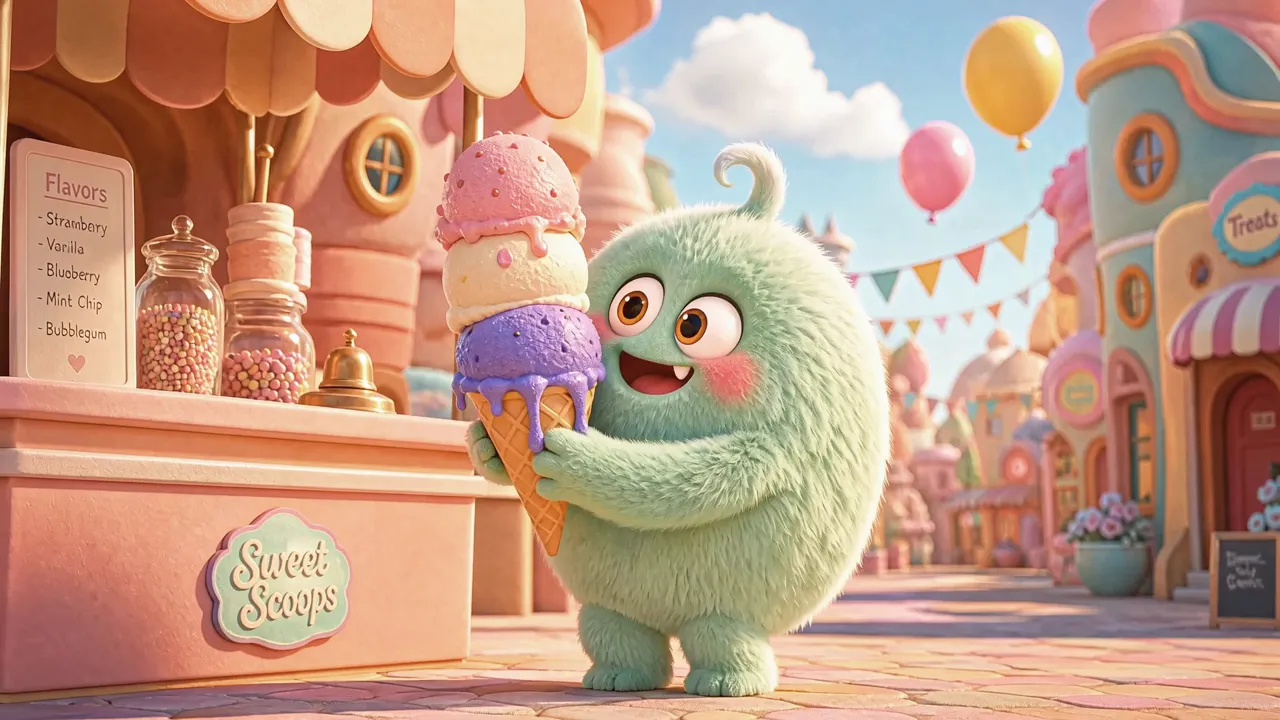
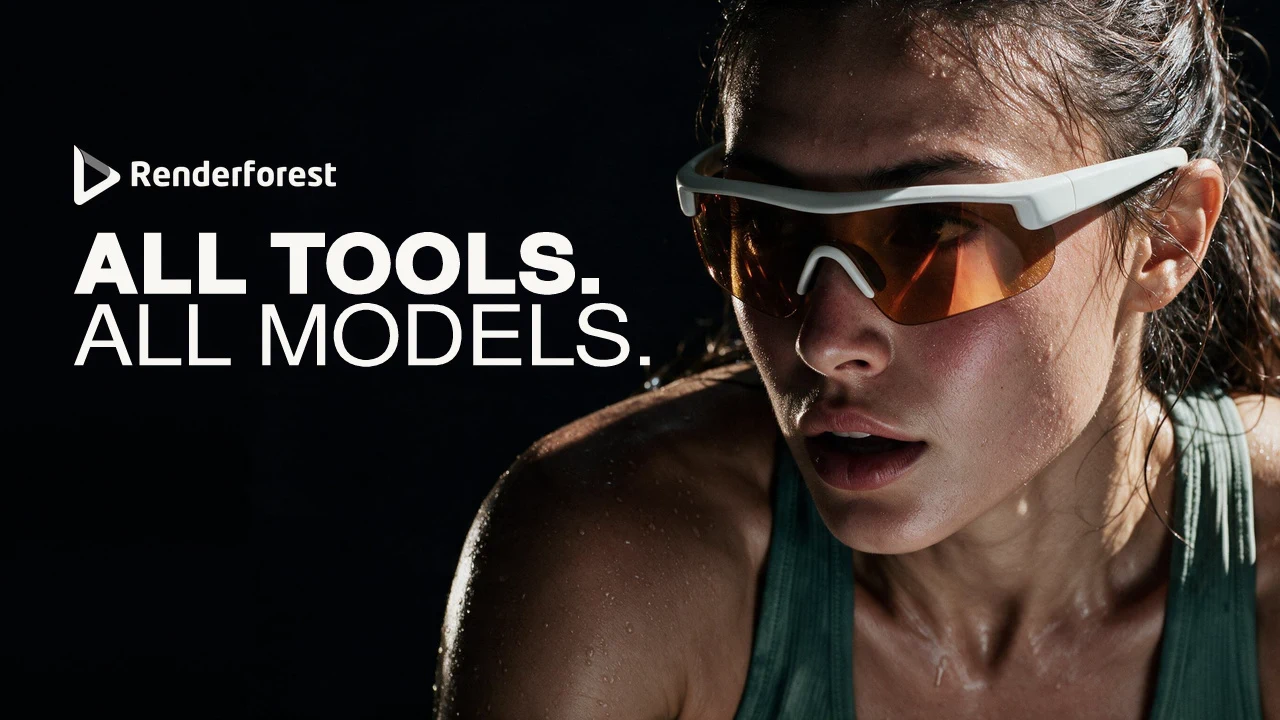
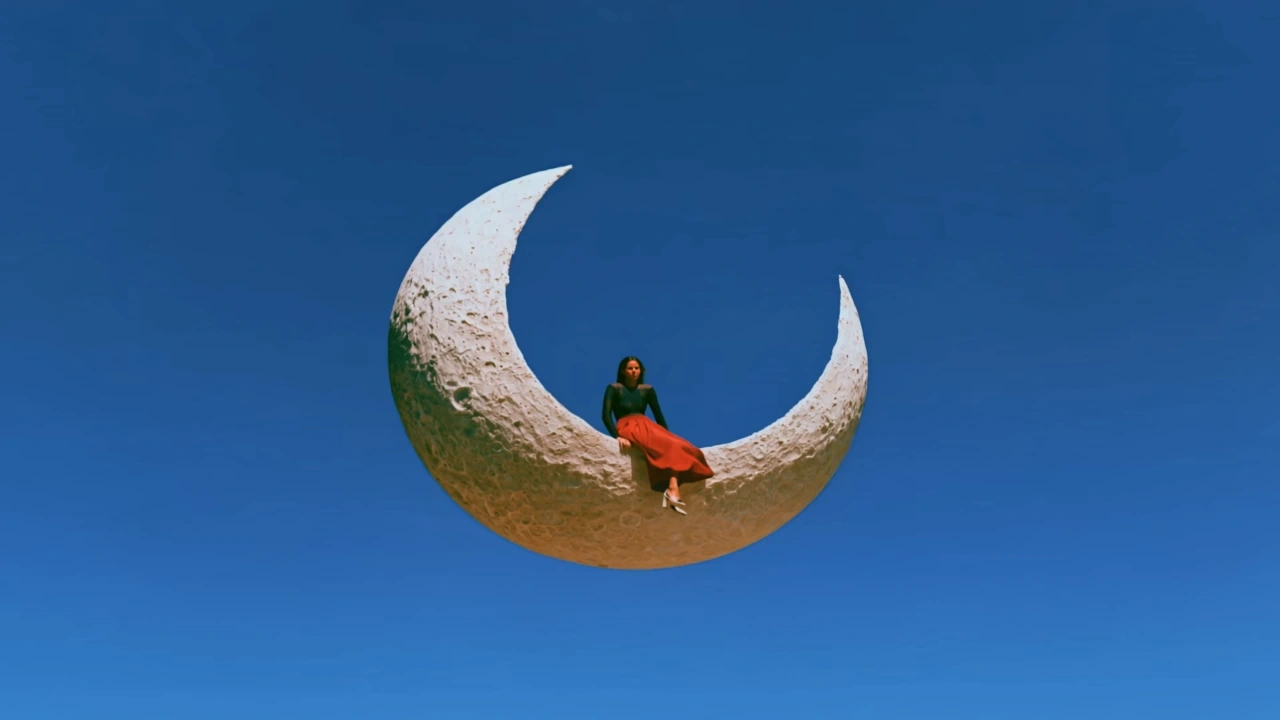 Renderforest Pro: Surreal editorial fashion portrait in a paper-flower world: a young woman in a giant pink paper collar among oversized blooms on crumpled turquoise.




From AI video and image generation to logos and full brand kits, Renderforest brings your whole creative workflow into one place: describe the idea, let the AI draft it and polish every detail in the online editor.








Real outputs, the exact prompt that made them, one click to recreate with your own details.
“A 30-second ad for a Lisbon bakery, warm morning light, upbeat”
“Music video for my track “Night Drive”: a neon convertible on a starry night road, driving into a giant glowing iris, cut to the beat”
“A realistic photo of me standing next to Leonardo DiCaprio, both smiling at the camera in front of a soft curtain”
“Our English product demo with two presenters, dubbed to Spanish in their own voices, lips in sync”
“Logo for a brand called Orbit: a looping letter O with a mint outline”
“Onboarding video for new hires, friendly presenter, 2 minutes”
“Portfolio site for a design studio called Aurora Studios, with a bold sculpture hero and a mobile version”
“Stunt shot: a woman hangs from a vintage car flying through a clear blue sky”
“Music video for my lo-fi track: an astronaut DJ spinning under a giant moon”
“Streetwear campaign poster: a model in a puffer and balaclava, the word HORIZON in neon green”
“Our team meeting recap in English, dubbed to German with everyone’s own voice”
“A gaming logo of a burning gamepad in game style, isolated white background”
“Evening news update with two presenters in a skyline studio, 60 seconds”
“Furniture studio site with a bold headline, featured sofas and a shop button”
“Slow-motion swim across an infinity pool at sunset, golden light on the water”
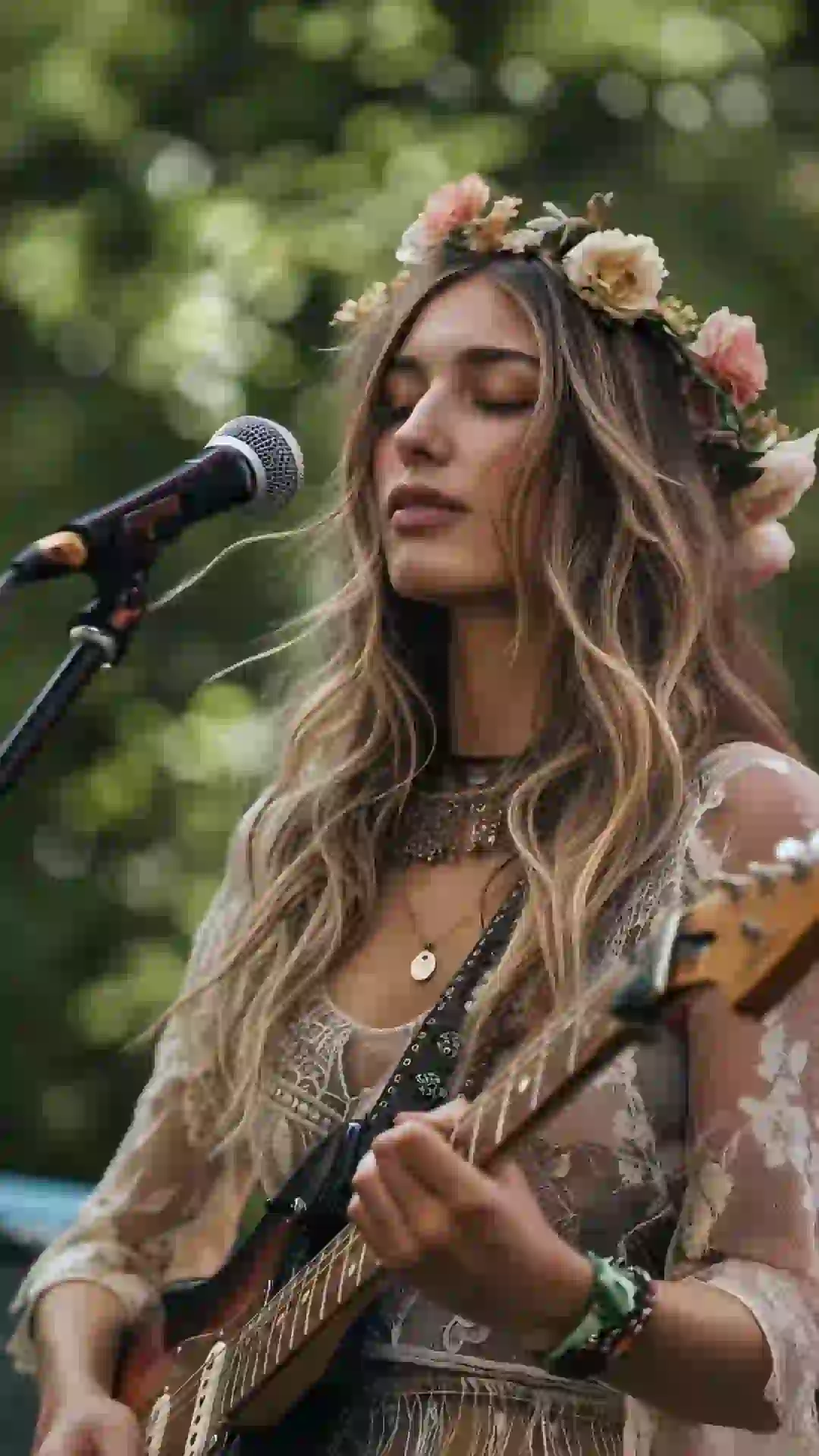
“Music video for our indie single: a guitarist playing in violet neon light”
“Beauty editorial: a woman in a white daisy hood behind fuzzy lime-green cactus hands”
“Bedtime cartoon for my kids’ channel, English dubbed to French, same voices”
“Logo for an EV charging brand, Electric Bloom: a plug cable looped into infinity”
“Honest product review from a friendly presenter in the store aisle, vertical”
“Landing page for our wireless earbuds, Nova Arc, dark with spec callouts”
Bring an idea.
Leave with a video.
Video, image, audio, logo and website tools. One subscription.
Pick what you want to make.
One prompt, every model. Keep the take you like. Renderforest’s own model is free to use.
Free to use
Can Claude generate videos? With the Renderforest MCP connector, it can. Claude plans each video, shows you the credit cost first and creates it in your Renderforest account, with no API key to set up.
In Claude, add a custom connector with this address, then sign in.
https://mcp.renderforest.com/mcpAsk for an AI video clip, a narrated story, a music video or AI images.
Studio-made intros, explainers, slideshows and promos. Swap the text, keep the craft.
For small businesses, creators and teams. Pick yours to see where to start.
Who it’s for
Renderforest is my number one creative tool. It replaced multiple platforms, eliminating tool fatigue and allowing The Pipeline Strategies to deliver high-quality videos and strategic designs for all our government and business clients much faster.
As a professional LinkedIn creator, consistency and speed are vital for my explainer videos. Renderforest’s AI video generator and scene customization allow me to quickly draft polished, text-based content, ensuring professional visual summaries that drive strong social media engagement.
Intro, promo, and advertisement videos are playing an important role while creating efficient marketing campaigns. Before Renderforest we were hiring freelancers in order to create such videos. But thanks to Renderforest we managed to reduce such costs.
Before Renderforest, we had to rely on expensive external agencies for video content. Now, as the Internal Communications Specialist, I can create all our professional corporate announcements, training videos, and celebration content in-house.
No credit card to start. Here is exactly what each plan includes.
Renderforest is an all-in-one AI creative platform for making videos, images, logos, websites and audio in one place. More than 40 million creators and 100,000 companies have used it to make over 120 million projects. We run Renderforest’s own models alongside Gemini Omni Flash, Kling 3.0, Seedance 2.5, MiniMax H3, Pixverse V6 and FLUX 3 under one subscription.
The questions people search before they start.
About Renderforest
Renderforest is an all-in-one AI creative platform for making videos, images, logos, websites and audio in one place. Founded in 2013 and used by 40M+ creators, it pairs the leading AI models (Gemini Omni Flash, Kling 3.0, Seedance 2.5, MiniMax H3, Pixverse V6, FLUX 3) and Renderforest’s own model with a full editor and 1,200+ studio-made templates, so what you generate comes out finished and ready to post.
Videos of every kind: AI-generated clips and full videos, avatar presenters, AI influencers, music videos, ads, explainers and intros. Images and product mockups. Logos. Websites. Voiceovers and cloned voices. You can also fix what you already have: edit by describing the change, resize for every platform, translate and dub, remaster old footage to 4K, swap faces or compress files.
For video: Renderforest’s own model, Gemini Omni Flash, Kling 3.0, Seedance 2.5, MiniMax H3, Pixverse V6 and FLUX 3. For images: Nano Banana Pro, GPT Image 2 and Grok Imagine. Pick a model per project, or run one prompt across several and keep the best take. New models are added as they launch, under the same subscription.
Renderforest is the team that has been building creative tools under the same name since 2013, long before the current wave of AI. The same company now builds its own video model, integrates the leading third-party models, and maintains the editor, templates and brand tools around them: one product, developed continuously for over a decade and used by 40M+ creators.
Trust & rights
Review scores are consistently high: Renderforest is rated 4.8 on Capterra and 4.7 on G2, and more than 40 million creators have used it since 2013. Reviews aside, the free plan is the honest test: generate something real for free and judge the results yourself before paying.
Yes. Renderforest has been operating since 2013, is used by more than 40 million creators and is rated 4.8 on Capterra and 4.7 on G2. And because the free plan needs no credit card, you can try the whole platform yourself before any payment is involved.
Paid plans are built for business use: ads, client work and content for your company. The exact rights for what you make are set by the Renderforest license terms, so check them for your use case before publishing. The free plan is meant for trying the platform and personal projects, so upgrade before you publish commercial work.
Canva is a design tool that has added AI; Animaker focuses on animated video. Renderforest’s difference is coverage under one subscription: video, image, audio, logo and website tools in one place, with the leading AI models plus its own, and an editor that finishes what the models generate. If you’d rather not juggle several subscriptions, that’s the case for Renderforest.
Plans & pricing
Yes. The free plan needs no credit card and has no trial clock: you can try the tools and generate with Renderforest’s own model without paying anything. Paid plans add the frontier models, higher video quality and bigger generation limits, but the free plan is a real way to work, not a demo.
Exports on the free plan carry a small Renderforest watermark. The pricing page lists exactly what each paid plan includes, watermark policy included. Be wary of ‘mod’ APKs and cracked versions promising watermark-free exports: they are not Renderforest. The official way to upgrade is always a plan from renderforest.com itself.
The Free plan costs nothing. Lite, Pro and Business are paid subscriptions, and every paid plan covers all the tools and all the models, so you never pay per tool. Paying annually costs less than monthly billing, and you can cancel any time. Current prices are always on the pricing page, along with exactly what each plan includes.
You don’t need to hunt for one: annual billing is the standing discount, applied automatically at checkout with no code to enter. Be careful with third-party ‘coupon code’ sites, as the codes they list are usually fake or expired. If a deal isn’t on renderforest.com itself, treat it with suspicion.
You can cancel any time from your account settings; cancelling stops the next renewal, and your plan stays active for the time you’ve already paid for. The Free plan has nothing to cancel and never turns into a paid one on its own. Subscription fees are non-refundable except where the law requires otherwise: if something went wrong, contact the support team through the Help Center, and requests are reviewed case by case.
Using it
Export quality steps up with your plan: up to Full HD on Pro and up to 4K on Business. AI-generated clips are short by design; the editor is where clips become full videos, and music videos run up to 10 minutes. The remaster tool can also upscale old footage to 4K.
Yes. Upload photos, footage and scripts straight into the composer and the editor: animate a photo, swap a face or cut your own clips together. Drop your own track to drive a music video, keep your logo and colors in a brand kit, and clone your own voice for narration.
The Renderforest site runs in English, Arabic, German, Spanish, French, Italian, Japanese, Korean, Portuguese, Russian and Turkish. The AI tools go further: voiceovers and avatars can speak many more languages, and the translate tool dubs an existing video into another language in the speaker’s own voice.
Yes: Renderforest has apps on both the App Store and Google Play, and the full platform also runs in any modern browser, with nothing to install and no extension needed. One account and one subscription cover the web and the apps, so your projects and your plan are the same wherever you sign in.
Free plan, no credit card, 40M+ creators