

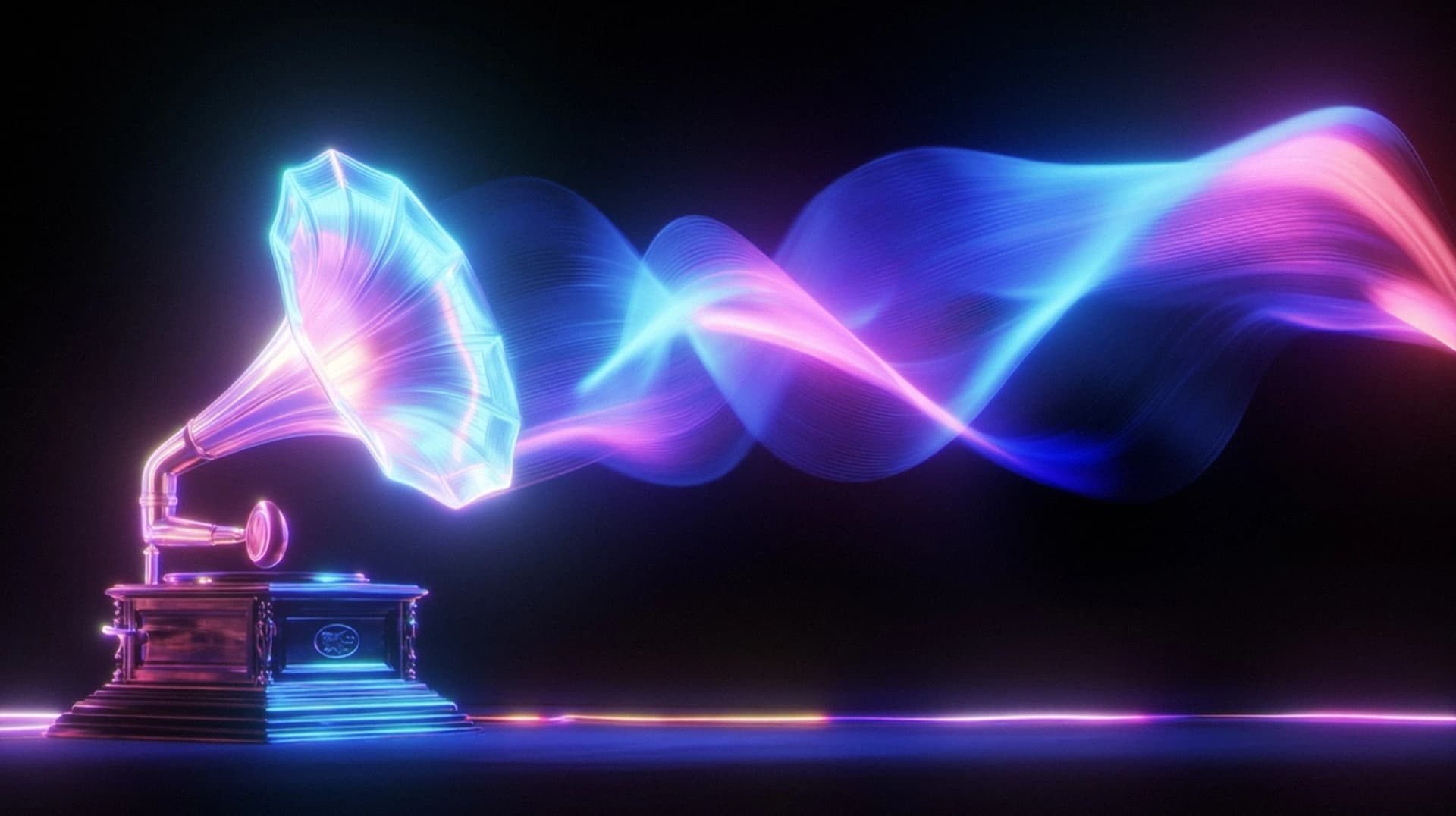
AI Music Video Generator
Turn your music into professional, story-driven, beat-synced videos with Renderforest's AI music video generator, powered by next-gen generative AI.
Generate AI music videoAccess multiple models with one subscription





Render Unlimited HD AI Videos at Lightning Speed
Create as many HD AI videos as you need with the powerful Renderforest Fast model. Perfect your projects, test variations, and iterate without worrying about render caps. Your creativity should never be restricted — and now, it isn't.
Check Subscription PlansHow Renderforest’s AI Music Video Generator Stands Out
See Our AI Music Video Generator in Action
Explore how easy it is to create a professional AI music video with Renderforest and turn your song into high-quality visuals in just a few simple steps.

Who Our AI Music Video Generator Is For
Renderforest's AI Image Generator is built to serve a diverse and growing audience. From solo entrepreneurs to global teams, it helps anyone create stunning visuals quickly, on a budget, and without design skills.

Musicians
Musicians use Renderforest's AI music video generator to create full music video clips, visualizers, teasers, and promo videos for their songs. AI helps them turn ideas into polished, story-driven visuals that support single releases, album rollouts, and social media campaigns with ease.
Producers & DJs
Producers and DJs generate energetic AI music video clips and beat-reactive visuals that enhance their tracks, mixes, and live sets. Renderforest makes it fast to create eye-catching edits for releases, performances, and social promotions.

Labels & artist managers
Labels and managers rely on Renderforest to produce consistent, scalable music video clips across multiple artists. AI speeds up production, maintains visual branding, and delivers platform-ready content for YouTube, TikTok, and more.

Content creators
Content creators transform audio into dynamic AI music video clips and short-form visual content. From vertical edits to full-length videos, AI allows them to produce engaging visuals without complex tools or editing skills.
Podcasters & spoken word creators
Podcasters turn episodes and spoken segments into compelling AI video clips using animated scenes and reactive visuals. It's an easy way to make audio content more watchable on YouTube and social platforms.
Beatmakers
Beatmakers create polished music video clips with AI, and stylish visualizers that showcase their beats. Renderforest helps them present instrumentals professionally and build a recognizable visual identity across platforms.

Vibe creators & streamers
Vibe creators and streamers use Renderforest to build atmospheric AI music videos and looping visuals that enhance their streams or playlists. AI makes it simple to match the mood and keep audiences engaged.
AI-Powered Music Video Templates to Get Started With
Explore AI-powered music video templates designed to sync with your track's rhythm and support every format, from YouTube to TikTok and Spotify Canvas.
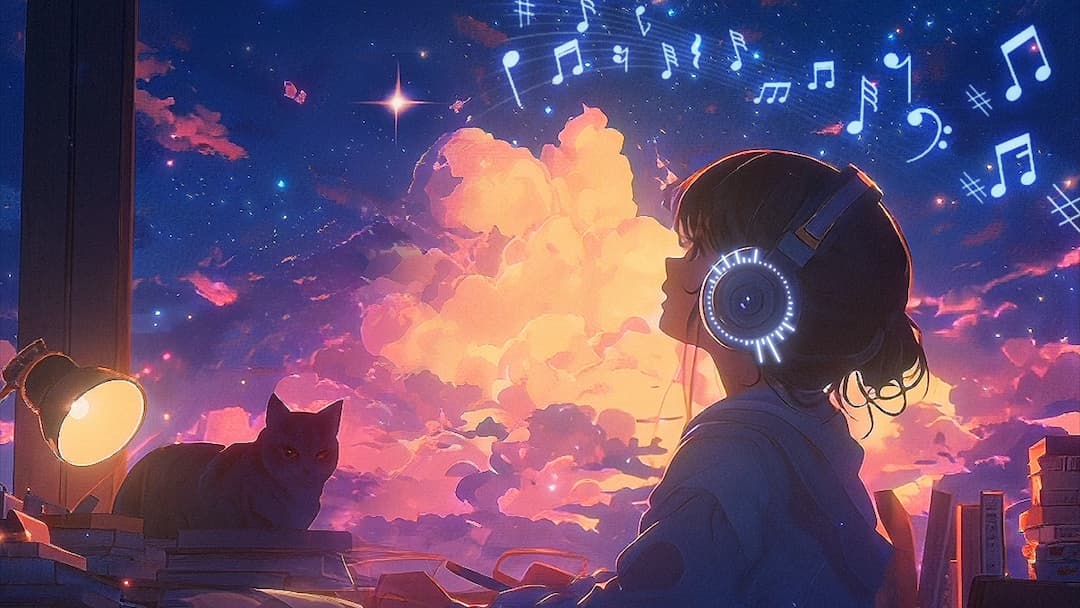
Lofi Vibes Music Visualizer
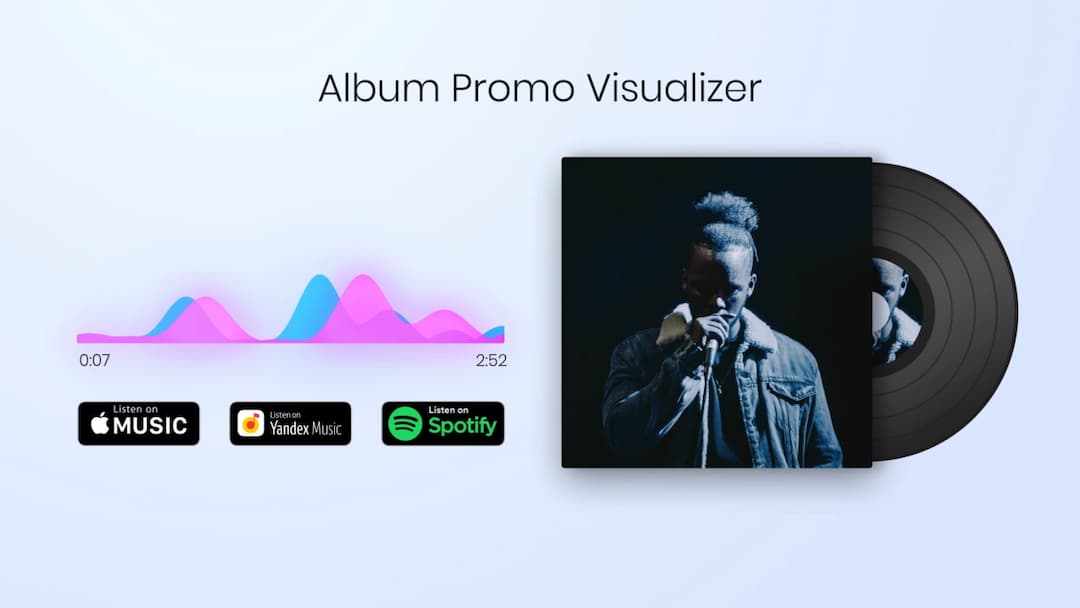
Album Promo Visualizer
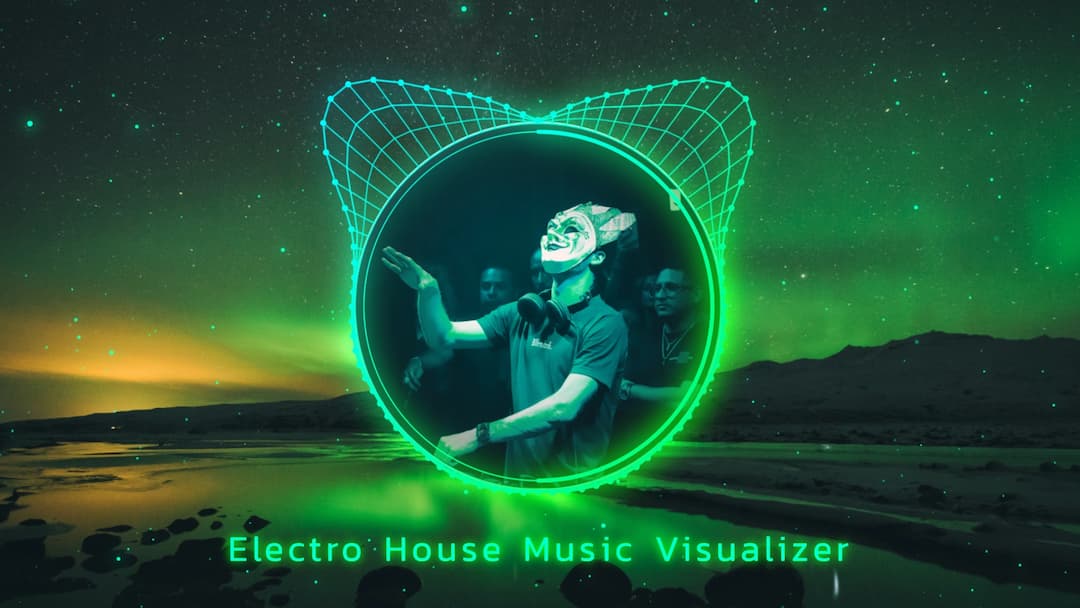
Electro Dubstep Visualizer
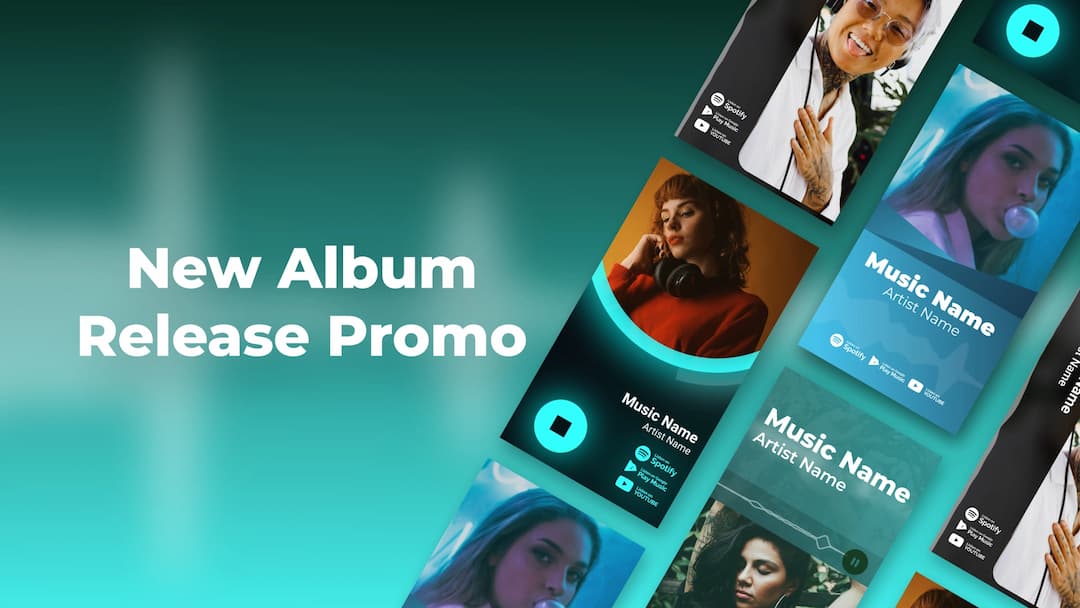
New Album Release Promo
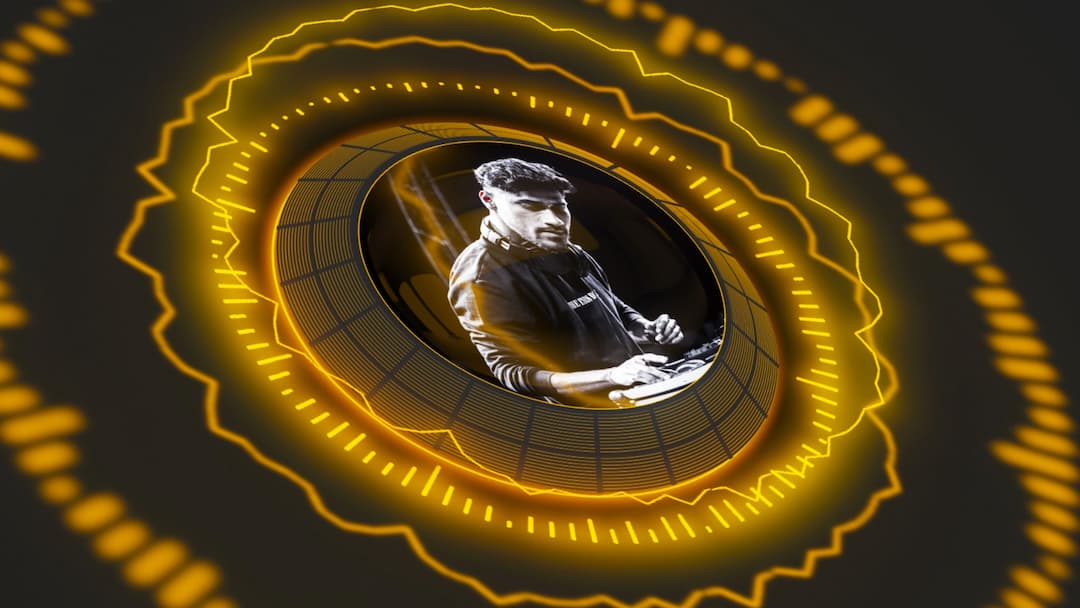
Electro Beat Spectrum Visualizer
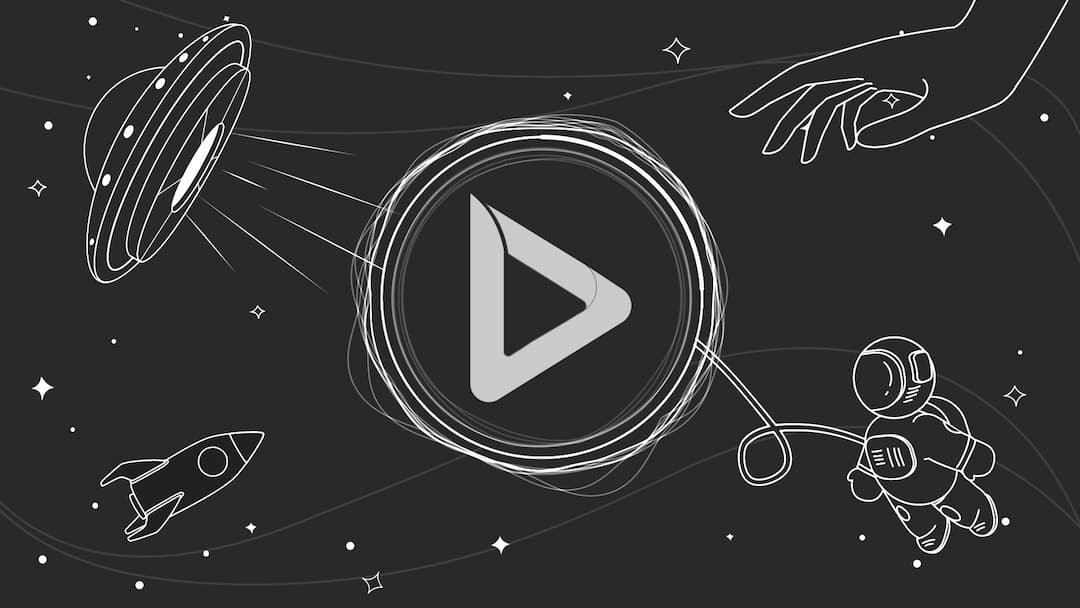
Cosmic Sketches Music Visualizer
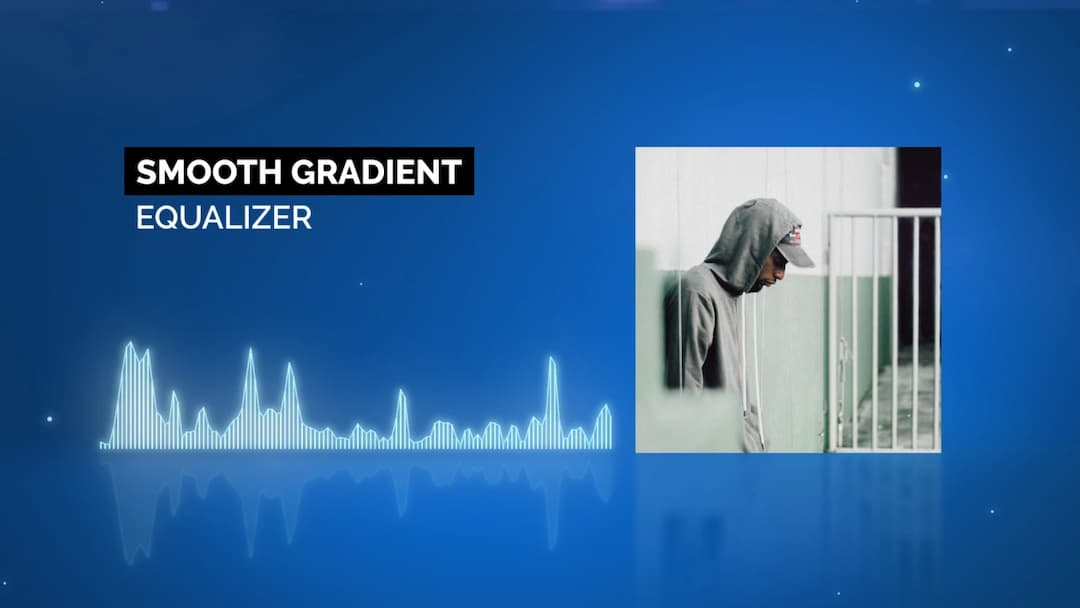
Smooth Gradient Equalizer
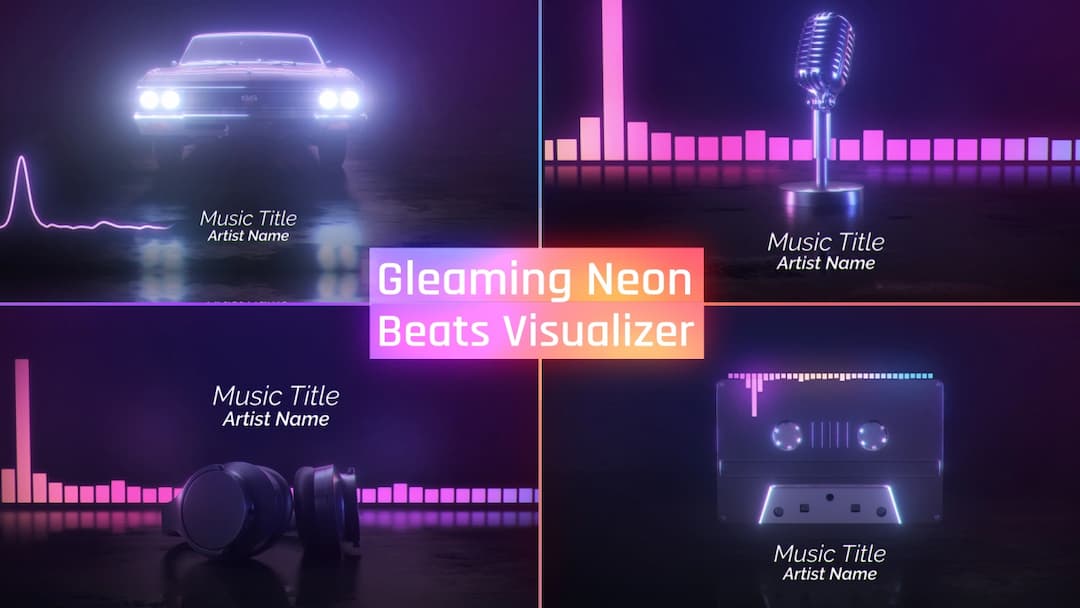
Gleaming Neon Beats Visualizer
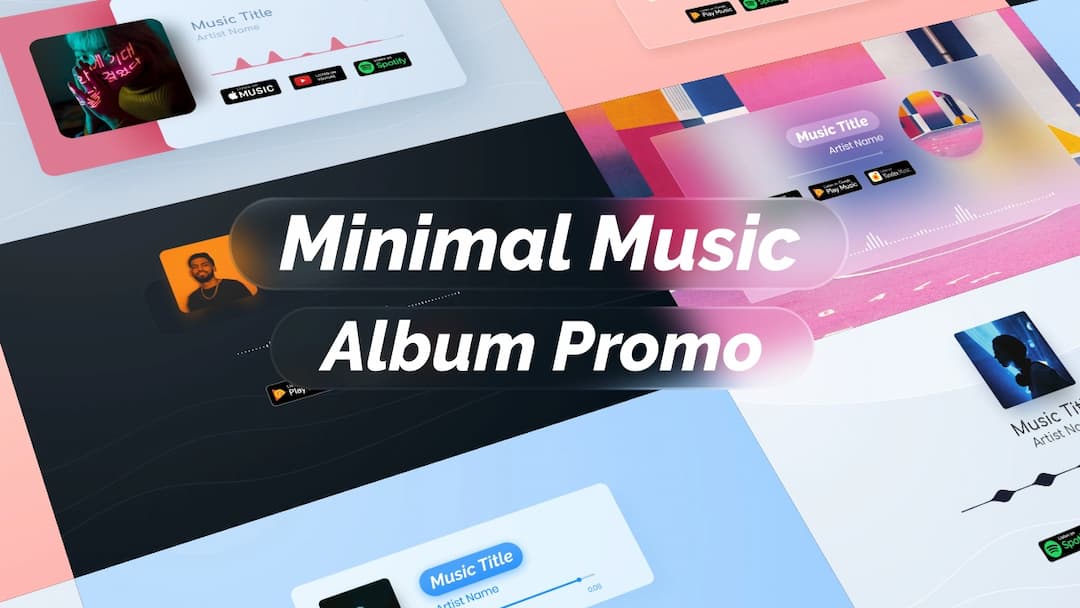
Minimal Music Album Promo
How to Create Music Videos with AI
1
Start and upload your music
Open a blank project inside the editor. Select your preferred video format, either 9:16 for vertical content or 16:9 for widescreen. Then upload your music to the timeline. The editor analyzes the beat, mood, and structure of your track so your visuals can follow the rhythm naturally.
2
Generate and animate
Create your storyboard using generative AI image models such as Nano Banana Pro, Seedream 4.5, and Flux 2 Pro. When your scenes are ready, animate them with advanced AI video models including Renderforest 1.0, Seedance 1.0 Pro, Hailuo 2.3, Pixverse, and Sora 2. Inside the editor, adjust timing, refine moments with Smart Add or Smart Edit, and mix in your own footage if needed.
3
Finalize and export
Review your project, make any final adjustments, and ensure the flow matches your music. When everything is ready, export your finished music video in the format you selected at the start. Your clip is now prepared for YouTube, TikTok, Instagram, or any platform where you share your work.
See Why People Love Us
AI Music Video Generator FAQ
What is an AI music video generator?
An AI music video generator is a tool that turns your song into a video by analyzing the beat, mood, and structure of your track and automatically creating visuals that match it. In Renderforest, you can generate full music video clips, animated scenes, beat-reactive visualizers, or complete story-driven videos using advanced generative AI models.
Do I need editing skills to create a music video?
No. The platform is designed for beginners and professionals. You can let AI generate everything for you or customize your project inside the editor with simple tools. You never need to use advanced editing software.
Can I choose vertical or horizontal video formats?
Yes. You choose the format at the beginning of your project. You can create vertical 9:16 videos for TikTok, Instagram Reels, and Shorts or horizontal 16:9 videos for YouTube and desktop viewing. Your entire workflow adapts to the format you select.
Can I generate scenes with AI inside the editor?
Yes. You can generate images using AI models like Nano Banana Pro, Seedream 4.5, Flux 2 Pro, and others. These images can be turned into animated scenes using AI video models such as Renderforest 1.0, Seedance 1.0 Pro, Hailuo 2.3, Pixverse, and Sora 2.
Can I mix my own footage with AI-generated visuals?
Yes. You can upload your own video clips or performance footage and blend them with AI-generated visuals for a hybrid music video. Many artists prefer this because it creates a unique style combining real footage with AI animation.
Can I use the videos I create for commercial purposes?
Yes. On paid plans you receive commercial usage rights. You can publish, monetize, promote, and distribute your music videos on any platform including YouTube, TikTok, Instagram, Spotify Canvas, and streaming services.
What platforms can I publish my AI music video on?
Your exported video is ready for YouTube, TikTok, Instagram Reels, Facebook, X, Vimeo, Spotify Canvas, or any social or music platform. You choose the aspect ratio at the start so everything fits perfectly when you publish.
Who is the AI music video generator for?
It is built for artists, producers, DJs, beatmakers, labels, content creators, podcasters, vibe creators, and anyone who needs music video clips, animated stories, or beat-synced visuals.
Can I make a full music video clip for my song with Renderforest?
Yes. Renderforest allows you to create full-length music video clips for any song. You can build videos scene by scene with AI-generated images and animations or use AI Story Draft to generate a complete video in one prompt. You can also mix your own footage with AI scenes for a more personal style.
How do I sync the visuals to my music?
Renderforest analyzes your audio to detect tempo, energy, transitions, and important moments in your track. Visuals, movements, animations, and cuts follow the rhythm automatically. This creates a naturally synchronized look even without manual editing.
What music formats can I upload?
You can upload your audio in popular formats such as MP3 or WAV. The editor analyzes your track immediately so you can start creating your visuals.
Can I replace or extend scenes after AI generates them?
Yes. You can use Smart Add to continue your story in the same style or Smart Edit to replace objects or elements in an already generated scene. This gives you full control over the final look of your video.
How long does it take to create a music video with AI?
Simple visualizers and short clips generate within minutes. Full story-based videos take more time because the AI generates images, animations, and scene transitions. Even complex videos are still much faster than traditional video editing or production.
Is Renderforest free to try?
Yes. You can create projects for free, explore templates, generate scenes, test AI workflows, and preview your video. A paid plan is required to export your final video in high quality without watermarks.
Can I create loops or short clips for Spotify Canvas?
Yes. You can create short looping scenes or vertical clips that fit Spotify Canvas requirements.