Social Media Marketing
Marketing teams don’t have the luxury of slowing down. Campaigns launch faster, content calendars fill up weeks in advance, and every channel demands a video. What once required cameras, editors, and long production cycles can now happen inside a browser in a single afternoon.
That shift is exactly why AI video editors have become part of the modern marketing workflow.
AI video tools help teams move quickly without losing consistency. Instead of starting from scratch every time, marketers can generate structured videos from text, reuse branded templates, localize content for different regions, and keep visual standards aligned across campaigns. For growing teams, this means fewer bottlenecks and more output.
As AI editors continue to grow in number, choosing the right one has become more complicated. Some tools focus on cinematic visuals, others are built around avatar-based explainers, and some aim to cover most marketing use cases in a single platform. This guide is here to walk you through what each tool is designed for, where it fits best, and where it may fall short for marketing teams, so you can choose the one that works best for your team.
Before looking into specific tools, take a moment to think about what your team really needs. The right editor should make your daily work easier and support your marketing goals, not just look impressive in a feature list.
Start by looking at how your team already works. Do you create videos from scripts? Do you rely on templates for recurring campaigns? Do you need a quick turnaround for social content? The best AI video editor should fit naturally into your planning, approval, and publishing process. If the tool feels disconnected from your workflow, it can create unnecessary friction.
Most marketing projects involve more than one person. Designers, copywriters, paid media managers, and marketing leads may all need access to the same project. Look for features like shared workspaces, brand asset libraries, commenting, and role-based access. These details make a real difference when your team is producing content at scale.
Not every editor is built for the same type of content. Some tools focus on short-form ads, others specialize in presenter-style explainers or internal updates. Think about the formats you create most often and choose a platform that handles those formats well, rather than trying to stretch a tool beyond its core purpose.
Marketing teams need to plan budgets in advance. Look for pricing models that clearly explain limits around exports, video length, resolution, or team members. A predictable pricing structure makes it easier to scale content production without worrying about hidden costs or sudden restrictions.
Finally, consider the quality of the final result. The visuals, transitions, voiceovers, and overall presentation should match your brand standards. The best tool for you should reduce manual editing while still delivering content that feels polished and consistent.
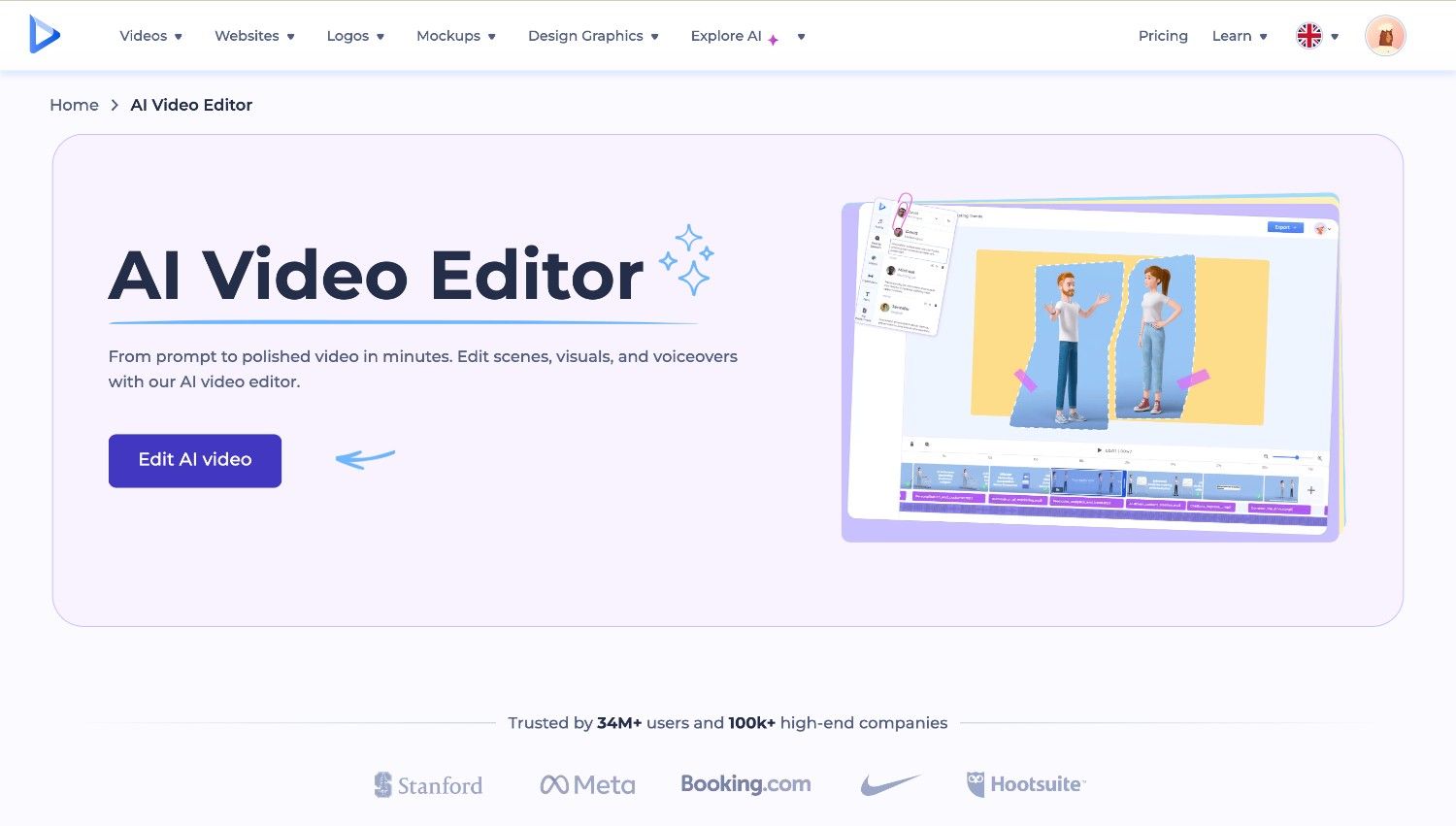
Renderforest is an all-in-one AI video editor designed for marketing teams that need to produce a wide range of video content, from ads and promo videos to internal and brand content. It combines multiple video creation approaches in one platform, which reduces the need to juggle separate tools.
Key features:
Why marketing teams like it:
Where it falls short:
Pricing overview:
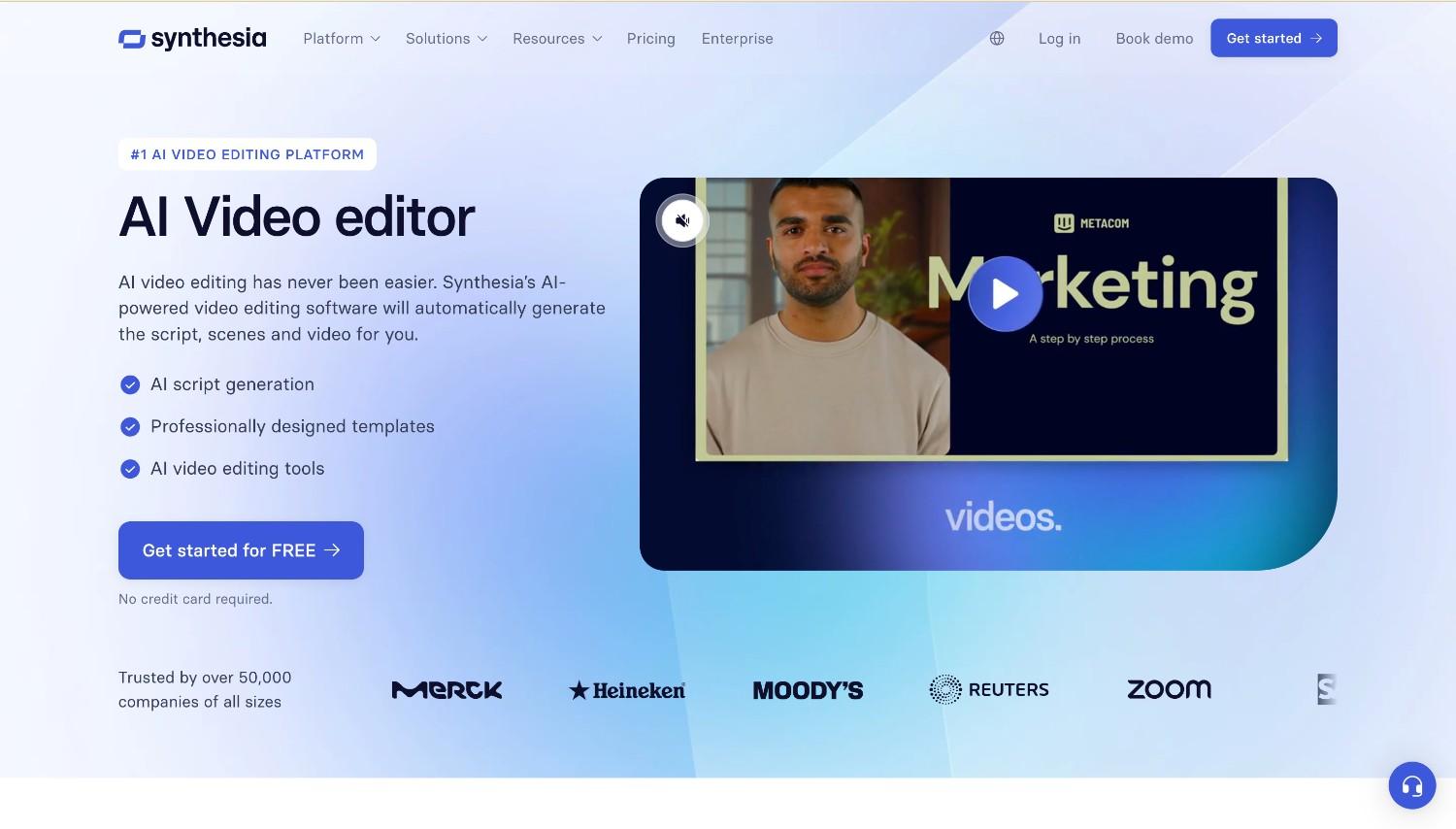
Synthesia is an AI video platform focused on avatar-based videos for business communication. It’s widely used for explainers, product updates, onboarding materials, and internal marketing messages where the goal is clear delivery rather than heavy visual production. Instead of filming presenters, teams can generate videos using AI avatars that deliver scripted content on screen.
Key features:
Why marketing teams like it:
Where it falls short:
Pricing overview:
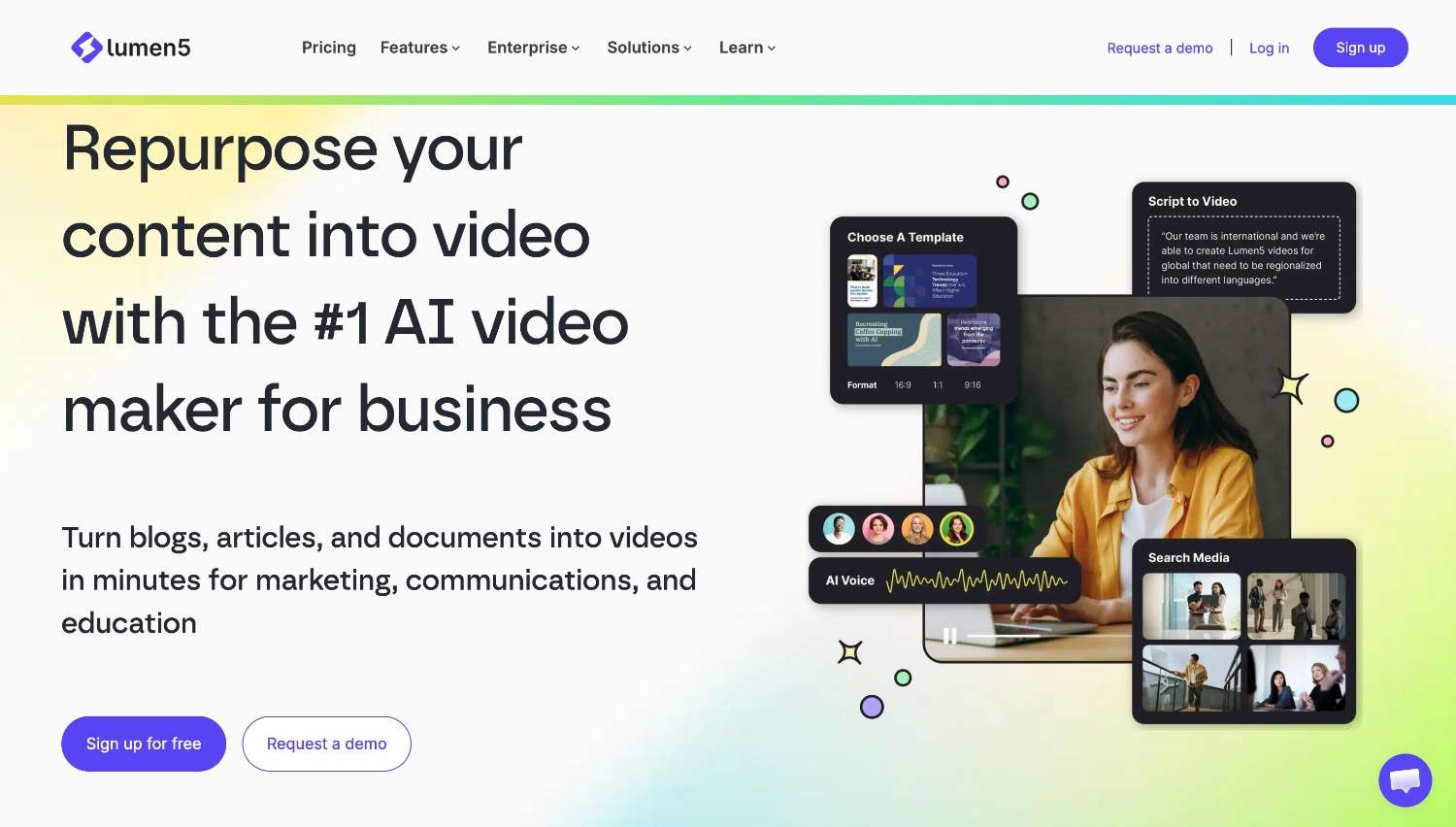
Lumen5 is an AI video tool built mainly for turning written content into marketing videos. It’s often used by teams that want to repurpose blog posts, articles, reports, or outlines into short videos for social media and content marketing. Instead of starting from scratch, you begin with text, and the platform structures the video around it.
Key features:
Why marketing teams like it:
Where it falls short:
Pricing overview:
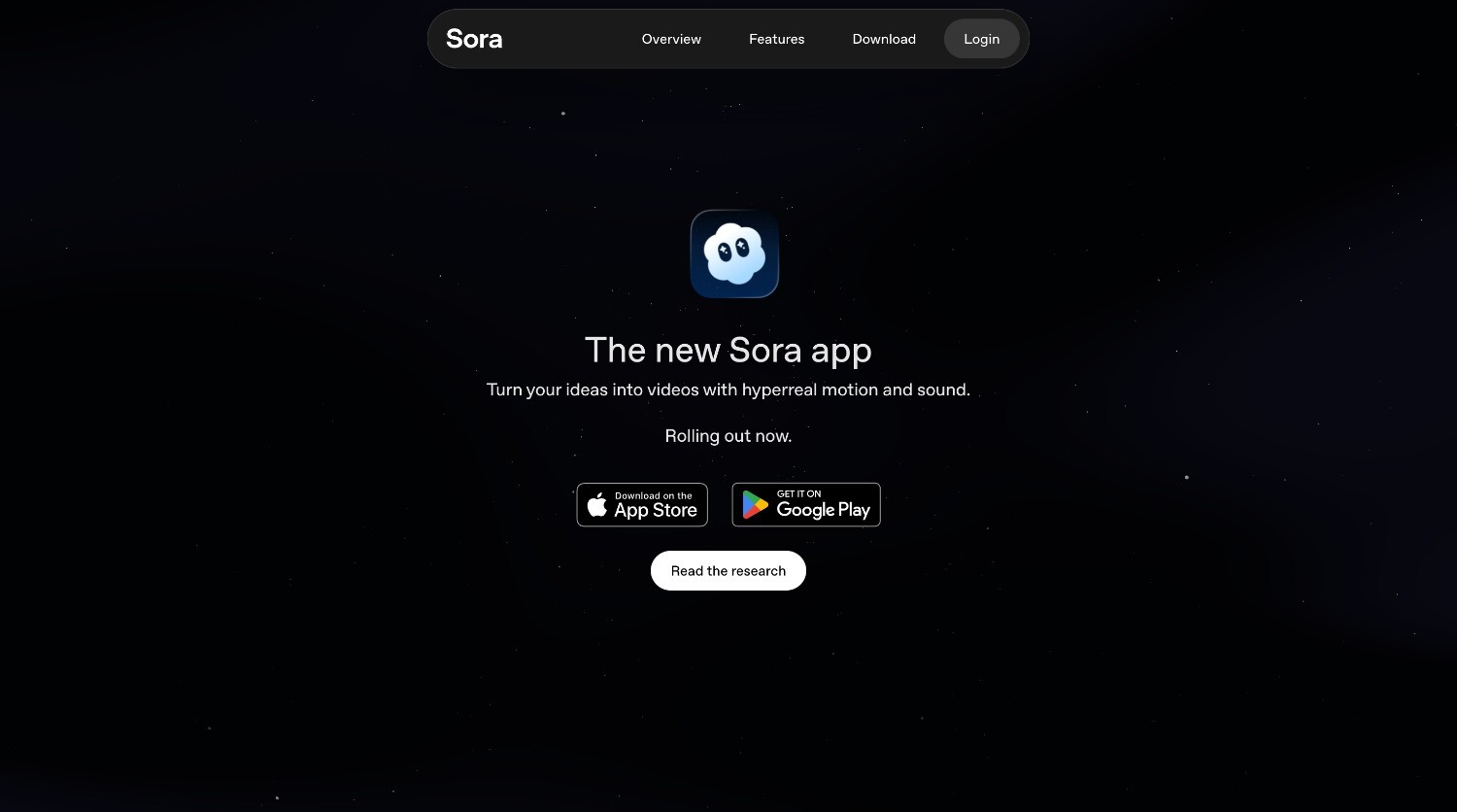
Sora is a generative AI video model focused on creating highly realistic, cinematic videos from simple prompts. Instead of editing scenes manually, users describe what they want to see, and Sora generates full video sequences with detailed motion, lighting, and sound. It’s designed more as a creative engine than a traditional marketing editor.
Key features:
Why marketing teams like it:
Where it falls short:
Pricing overview:
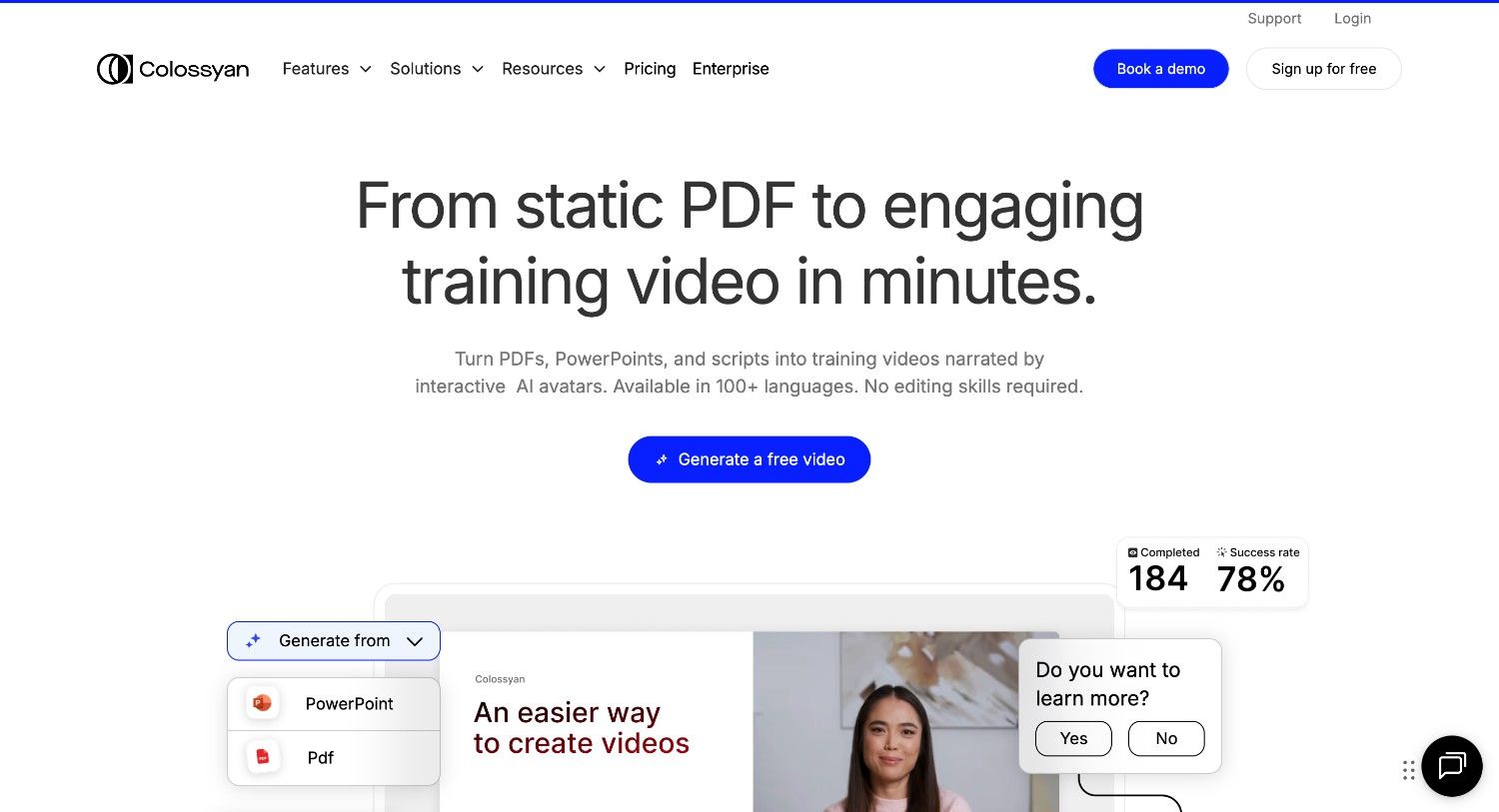
Colossyan is an AI video platform built for presenter-style videos and knowledge sharing. It focuses on turning text, documents, and presentations into clear, structured videos led by AI avatars. The platform is commonly used for training, onboarding, internal communication, and product education where the goal is clear delivery rather than visual experimentation.
Key features:
Why marketing teams like it:
Where it falls short:
Pricing overview:
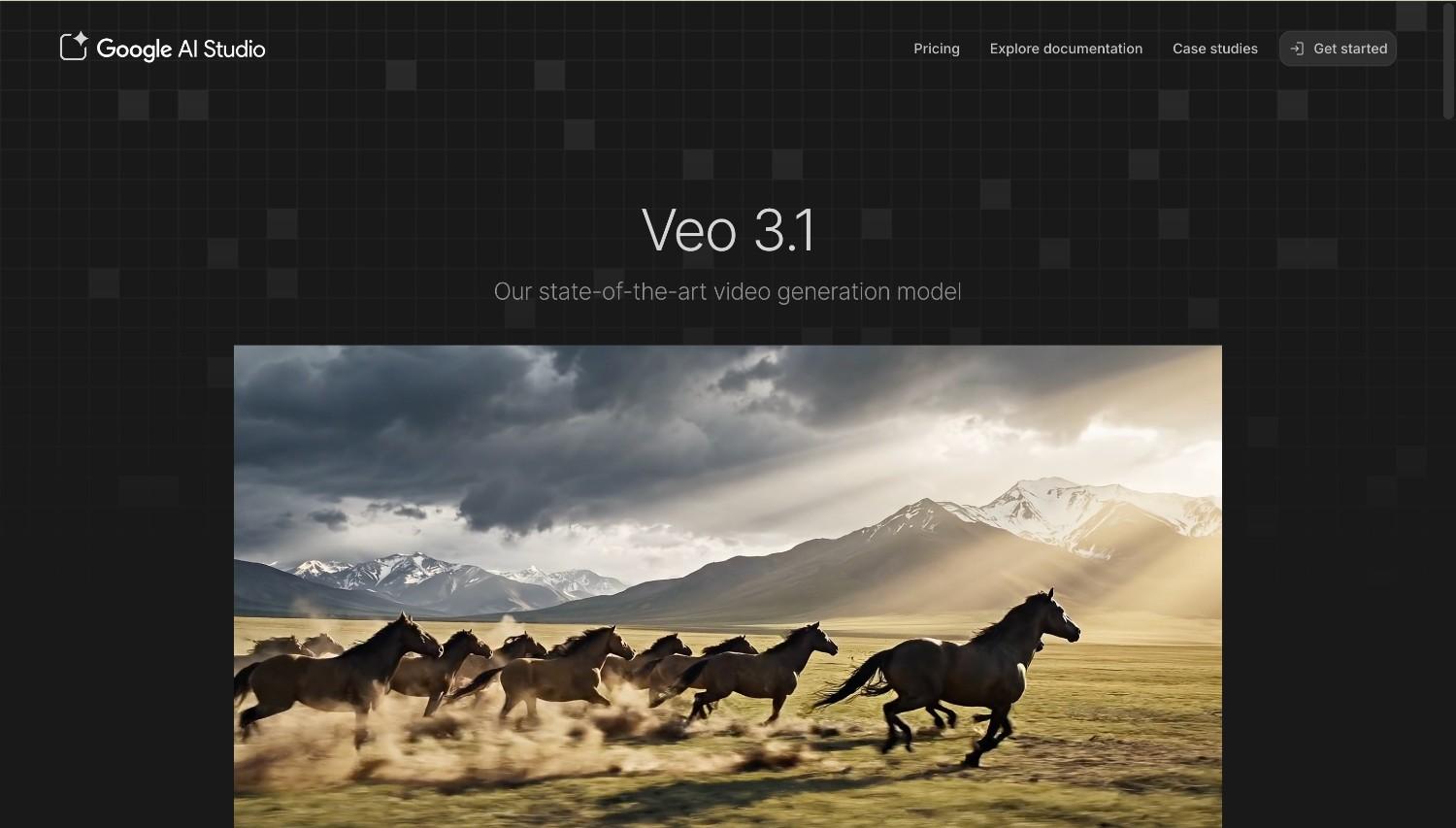
Google Veo is an advanced generative AI video model focused on producing highly realistic, high-resolution video. It’s designed for developers and creators who want strong visual fidelity, accurate prompt interpretation, and native audio generation. Rather than functioning as a full marketing editor, Veo acts as a powerful video generation engine capable of producing detailed cinematic clips.
Key features:
Why marketing teams like it:
Where it falls short:
Pricing overview:
There isn’t one “best” editor for every marketing team. The right choice depends on how your team works, how much content you produce, and what types of videos you create most often. A team producing frequent social content will have different needs than one focused on internal communication or large brand campaigns.
If your workflow relies on templates, brand guidelines, and shared approvals, look for a platform that supports collaboration and consistent output. If your priority is clear product messaging or training content, presenter-style tools may fit better. If your campaigns rely on strong visuals and creative experimentation, a more advanced generative model could be a better match.
Team size and budget also play a role. Larger teams often need role management and predictable pricing, while smaller teams may prioritize speed and simplicity. Before choosing a tool, compare it to your real process. The best choice is the one that fits naturally into that flow and helps your team work more efficiently.
AI video editors reduce the need for manual filming, complex editing, and repeated design work. Marketers can turn scripts, blog posts, or ideas into structured videos within minutes. Templates, brand presets, and automation features also make it easier to produce consistent content without rebuilding every project from scratch.
Marketing campaigns run on deadlines. Timeline control allows teams to adjust scene lengths, pacing, and transitions to match ad formats, platform requirements, and audience attention spans. Without this level of control, it becomes harder to fine-tune videos for performance and campaign goals.
Yes, especially when they support quick testing and iteration. Teams can create multiple versions of a video, adjust messaging, and test different formats without long production cycles. Faster experimentation often leads to quicker insights and better-performing campaigns.
Many video editors designed for business use offer shared workspaces and collaboration tools. Platforms like Renderforest, Colossyan, and enterprise-level plans from other providers include multi-user access, role management, and approval workflows. It’s important to check whether collaboration features are included in the plan your team chooses.
Share this


Article by: Sara Abrams
Sara is a writer and content manager from Portland, Oregon. With over a decade of experience in writing and editing, she gets excited about exploring new tech and loves breaking down tricky topics to help brands connect with people. If she’s not writing content, poetry, or creative nonfiction, you can probably find her playing with her dogs.
Read all posts by Sara Abrams