

AI Video Editor
From prompt to polished video in minutes. Edit scenes, visuals, and voiceovers with our AI video editor.
Edit AI video



Trusted by 34M+ users and 100k+ high-end companies
How to Edit Videos With Renderforest

Open your project or start with a prompt
Go directly to the video editor and start your project. You can upload your own media, paste a script, or enter a prompt to generate initial scenes. If you already have text, use Enhance script to refine it before building the video.

Edit scenes and customize the video
The editor assembles your video into scenes that you can edit individually. Adjust text, replace visuals, change transitions, add music, or upload your own clips. You can also modify aspect ratio, language, and layout as you refine the project.

Finalize and export
Once editing is complete, export the video in 720p or share it with a link. Since the video is built scene by scene, you can always return to the editor to update visuals, text, or timing without rebuilding the entire project.


All the Features You Need, in One AI Video Editing Tool
User-friendly interface
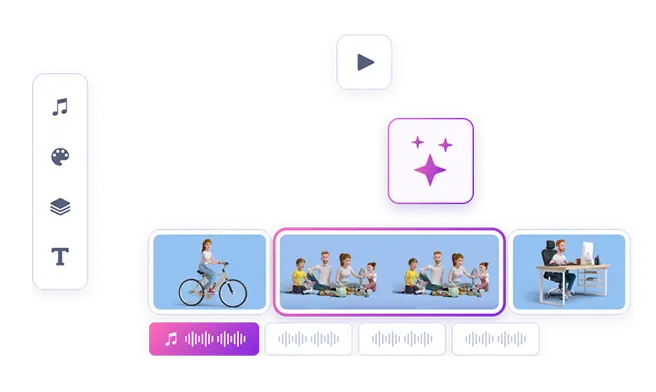
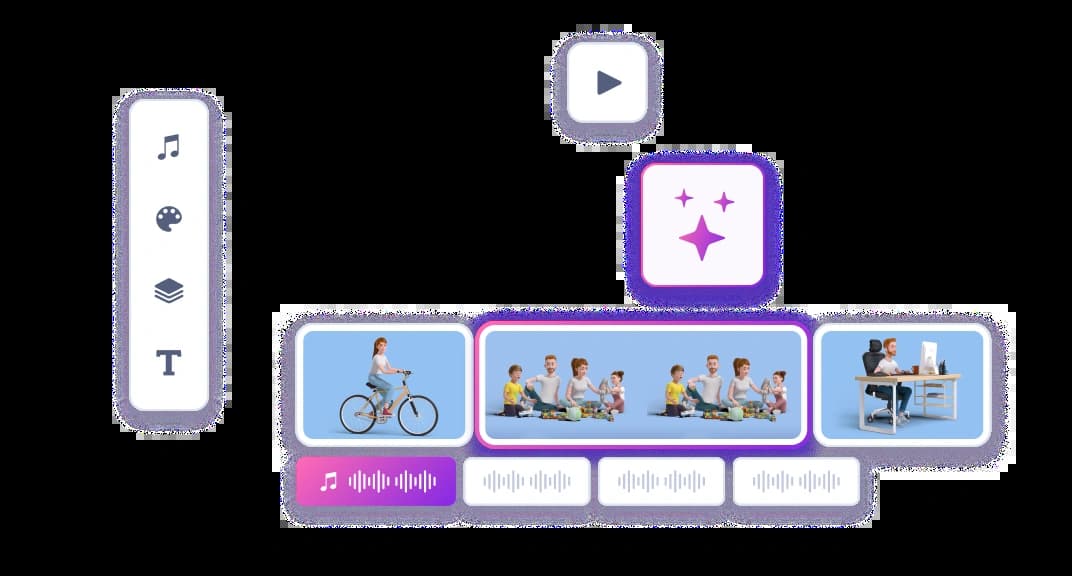
Renderforest’s free AI video editor is designed with a straightforward interface. Users of all skill levels, from beginners to professionals, can use the tool. The layout allows you to start projects, manage media files, and access editing features easily.
Thousands of free templates and millions of video clips
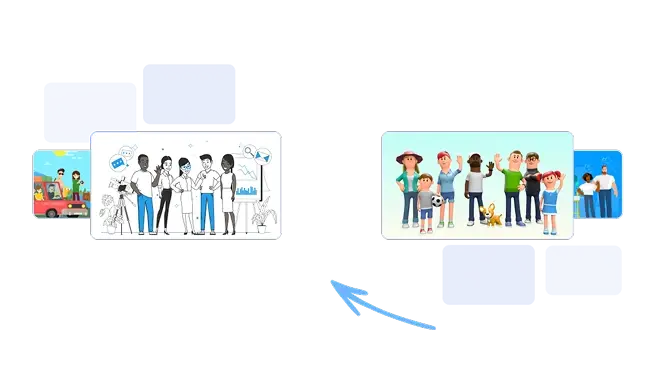
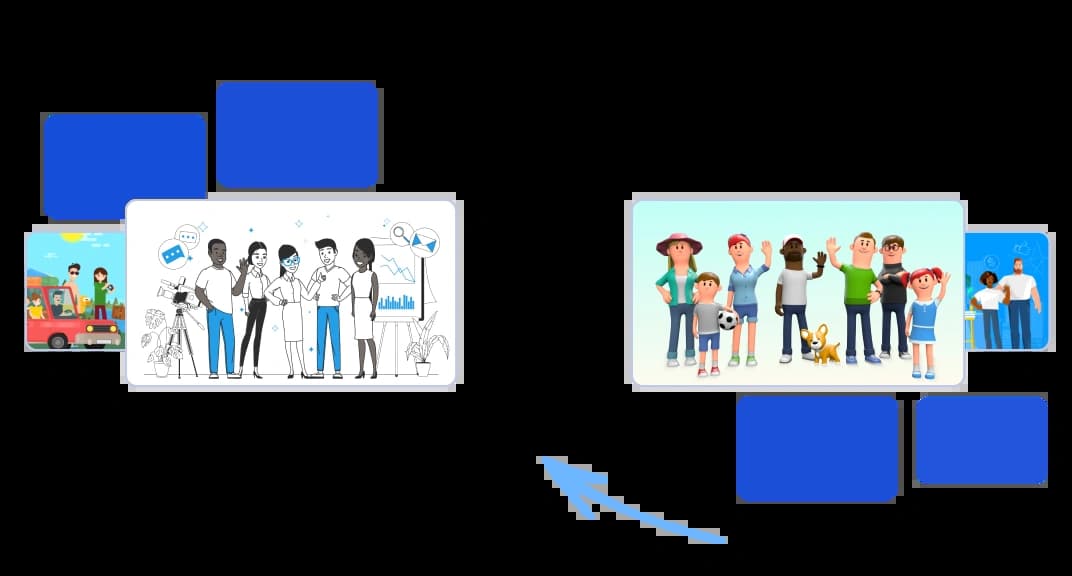
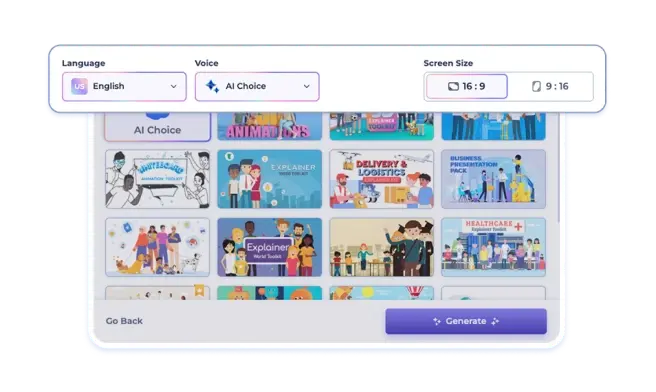
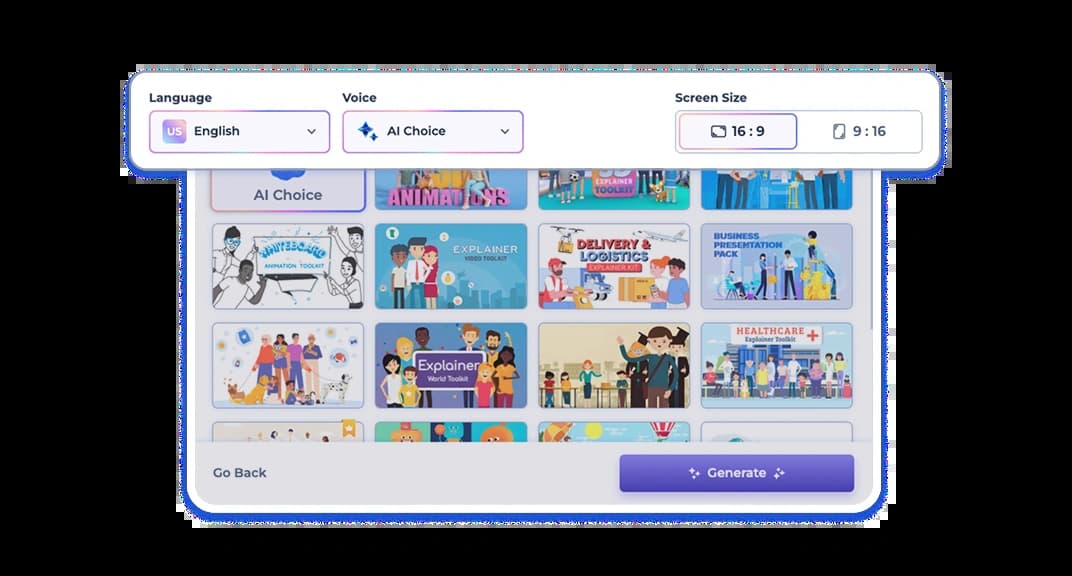
The AI video editor offers flexible style choices. Once you enter your prompt, you can choose animated or realistic visuals, then customize the overall look, from 3D and cartoon styles to videos that include stock media, AI-generated images, or kinetic typography.
Text, overlays, and transitions
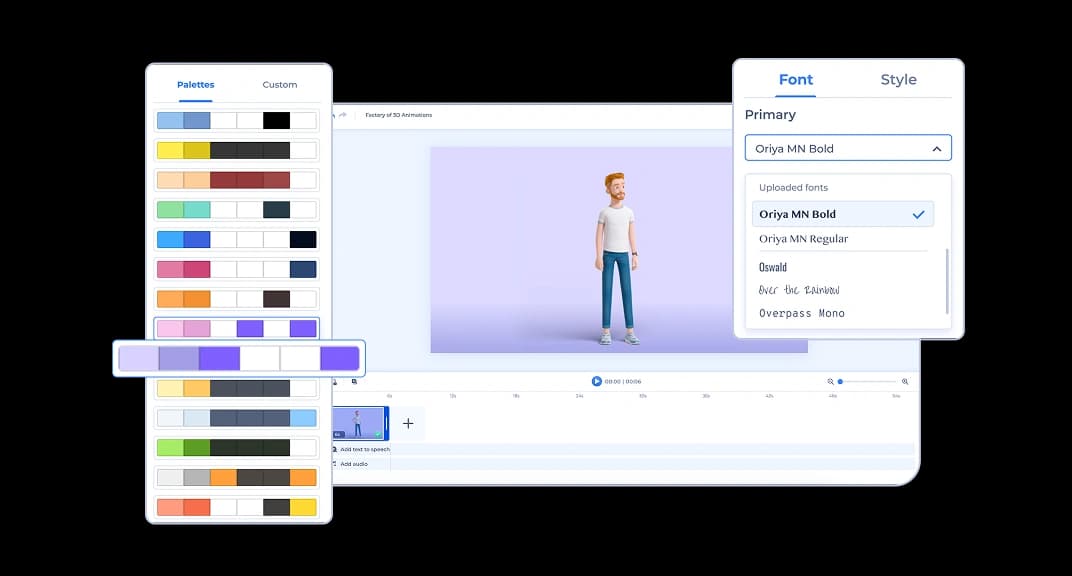
After your video is generated, you can tweak the text, change fonts and colors, edit transitions, and add music. Upload your logo for branding, and apply a watermark.
Generative AI-driven video editing
Generative AI helps you start editing faster. You can enter a script, idea, or prompt and the editor will generate initial scenes, visuals, and structure for your project. From there, everything remains editable. Replace media, adjust timing, change styles, or rewrite text directly inside the video editor until the final result matches your vision.
Try our AI video editor

34 Million
Clients Served

100+ Million
Projects Created

20.000+
Positive Reviews
Why Teams Choose Our AI-Powered Video Editor

High-quality template-based videos
Access a wide range of professionally designed templates that integrate with your text, visuals, and audio. Produce polished, on-brand videos in minutes without the need for advanced editing or design skills.

From idea to final video in one place
Turn scripts, text, or ideas into complete videos in minutes. Generate AI voiceovers, apply templates, and adjust fonts, colors, and transitions within the same platform. Combine generative AI with built-in editing tools to save time and remove the need for multiple tools.

Budget-friendly plans
Renderforest integrates templates, stock footage, AI imagery, generative animations, and editing tools in one platform. You can create, refine, and export videos without relying on third-party add-ons.

Versatility across industry and use cases
The AI video editor adapts to different use cases, including product promos, training modules, social media clips, and tutorials. You can combine AI-generated content with stock media and branded templates to match your goals.

Who Our AI Video Editor Is for

Marketing professionals
For marketers, the online AI video editor is a fast way to create branded content without relying on design or production teams. Built-in customization and style options help produce videos that align with campaign goals.

Educators and trainers
Educators and trainers can use the AI video editor to create educational material for online courses, instructional videos, or interactive training sessions. Features like text overlays, transitions, and educational graphics make complex information easier to present clearly.

Small business owners
Small business owners can use our AI video editor to produce marketing content without needing a large budget or technical expertise. The straightforward design helps create professional-quality videos that stand alongside larger productions.

Content creators
The AI video editor app helps creators turn ideas into polished content fast. From vlogs and tutorials to reels and animations, creators can test formats, add voice or music, and publish without needing a studio setup.
All the Video Tools You Need in One Place
Explore Renderforest’s full range of AI and non-AI video tools. From quick edits to automated video creation, you can build content that fits your brand, your goals, and platform.
Frequently Asked Questions
What is an AI video editor?

An AI video editor uses artificial intelligence to automate parts of the video editing process, such as trimming, scene structure, and even voiceovers. An AI video editor helps make video editing more efficient and less manual, so both beginners and professionals can produce high-quality videos.
How does the AI video editor work?
The AI video editor lets you start with a prompt, script, or uploaded media. It builds an editable video project with scenes, visuals, and structure that you can modify inside the editor. From there you can adjust text, replace visuals, add music, and refine the video before exporting the final version.
What types of videos can be edited with Renderforest’s AI video editor?
Renderforest’s AI video editor is versatile and can be used for promotional videos, explainer videos, educational content, social media videos, and event highlights. Its broad range of features and styles makes it suitable for different industries and purposes.
Do I need any video editing skills to use an AI video editor?
No, you don’t need video editing skills to use an AI video editor. Using an AI video editor online provides the flexibility to edit videos, anywhere, any time. The tool is designed to be user-friendly, handling complex editing tasks so you can focus on the creative parts of your project.
Can I customize the videos edited by an AI video editor?
Yes. Once your video is generated, you can adjust text, fonts, colors, music, or voiceover. The AI gives you a base, and you personalize it from there.
Is Renderforest’s AI video editor free to use?
Yes, you can use the free AI video editor to create videos with essential features. For access to higher video quality, watermark-free exports, and more advanced tools, you can upgrade to a premium plan. The AI video editor online offers flexible pricing so you can choose what fits your needs.
What is the best AI video editor for beginners and small teams?
The best AI video editor for beginners and small teams is one that’s simple, fast, and efficient. Renderforest fits the description with its AI-generated scenes, built-in voiceovers, and flexible style options, all in a browser-based editor with no installation required.