AI
Most AI video tools start from the same place. A text prompt goes in, and a video comes out based on how the model interprets those words. That approach works for abstract ideas, but it breaks down quickly when visuals matter.
Brands, creators, and product teams already have visual assets they care about. Logos need to look like logos. Characters need to stay consistent. Products need to resemble the real thing. Relying on text alone forces users to describe visuals instead of using them, which often leads to unpredictable or generic results.
Renderforest’s multi-image prompting shifts that starting point. Instead of asking the model to imagine everything from text, users can generate visuals with the AI image generator and ground video creation in real assets and clear intent from the start.

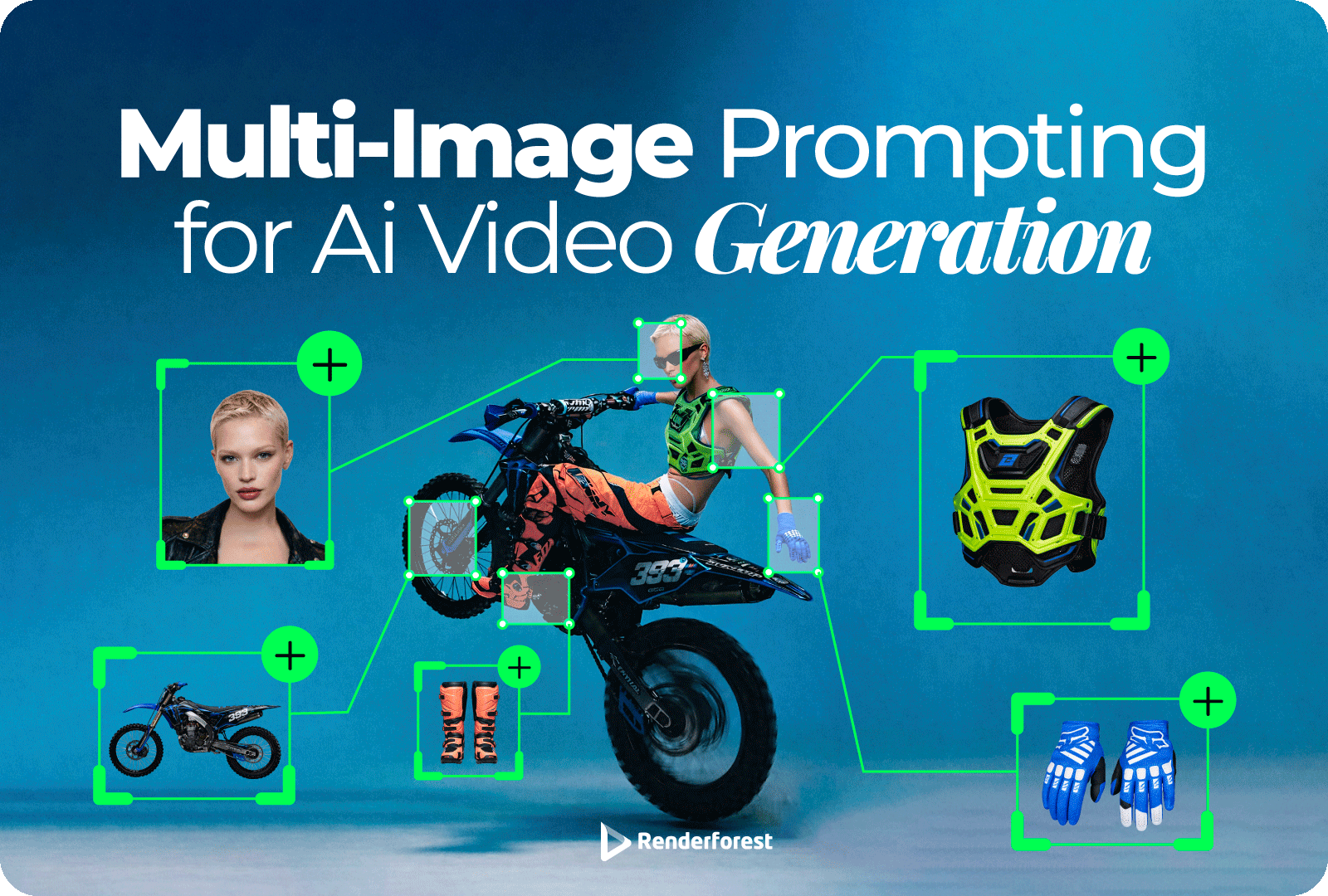
With this new multimodal video creation flow, users can upload multiple images alongside a single prompt. These images can include logos, characters, environments, products, or any other visual reference they want reflected in the final output.
The AI analyzes all inputs together. It looks at the visual material and the written prompt as one combined instruction, rather than treating them separately. The result is a single, cohesive video that reflects both the provided visuals and the intent behind the prompt.
This makes it easier to create videos that stay aligned with existing assets while still benefiting from the flexibility of AI generation. Instead of recreating visuals from scratch or hoping the model guesses correctly, users can show the AI exactly what matters and guide the output more precisely.
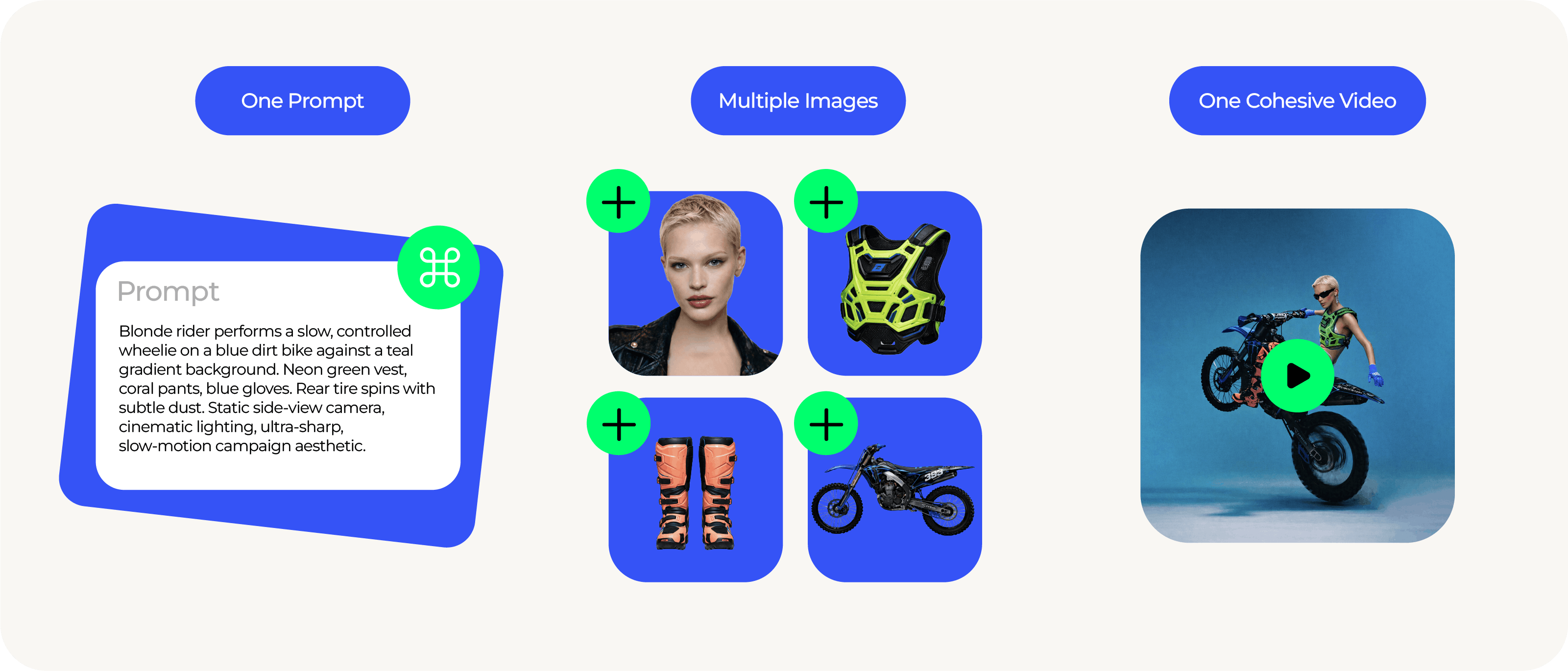 When people struggle with AI video tools, it’s usually not because the idea is unclear. It’s because the output drifts away from what they were trying to make once visuals enter the picture.
Text alone forces the model to guess what things should look like. When real images are added, those guesses are replaced with actual references.
By combining multiple images with a single prompt, Renderforest gives the model clearer direction from the start. Visuals stay consistent, brand assets remain recognizable, and the output stays closer to what the user had in mind.
This keeps iteration focused on creative decisions instead of damage control.
Multi-image prompting, or multi-image to video AI, expands the standard text-to-video flow by allowing users to combine written intent with multiple visual references in a single generation request.
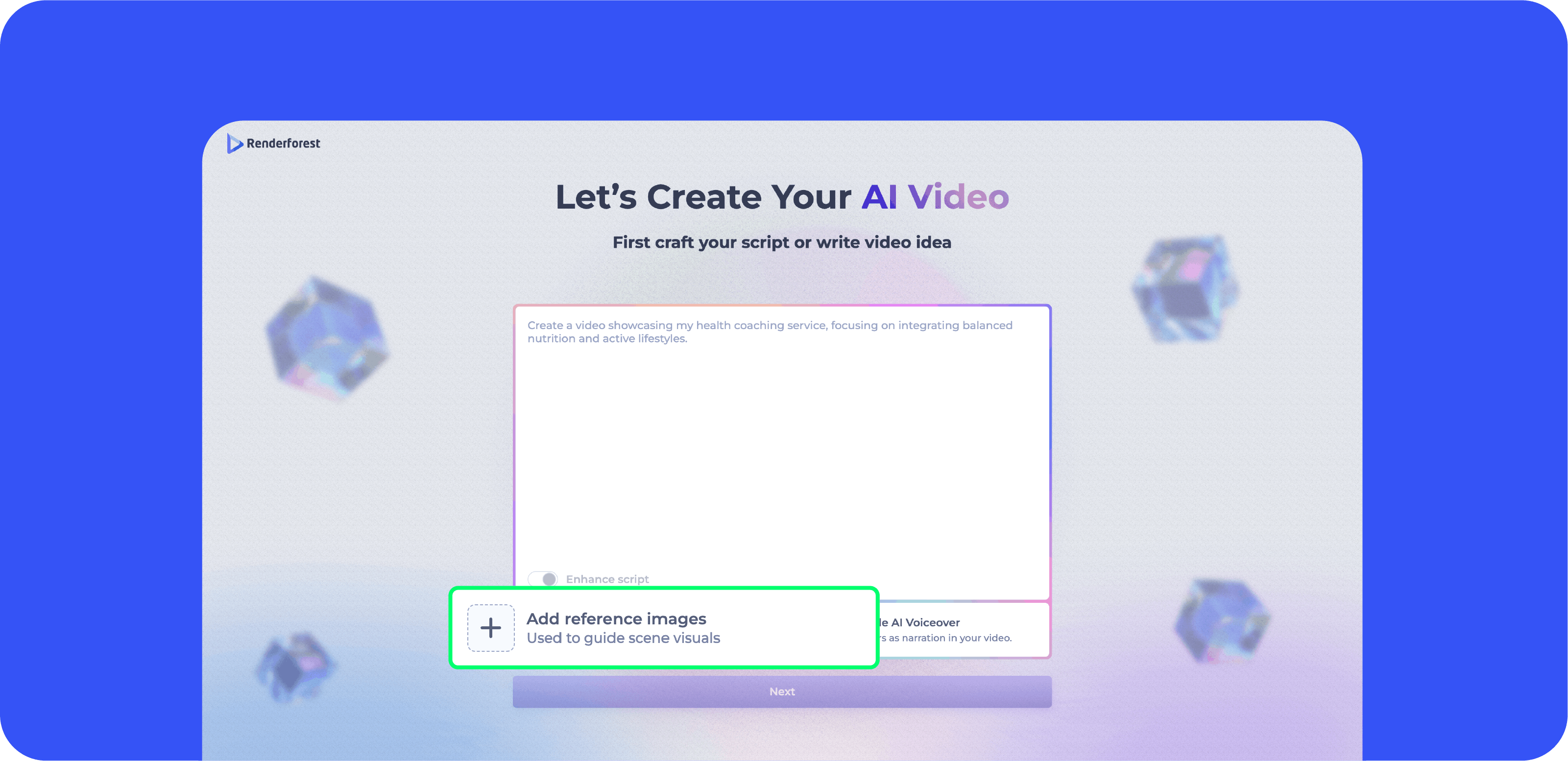
The process is straightforward:
Users add multiple images that represent what should appear in the video. These can include logos, characters, product photos, environments, style references, mood boards, or screenshots. Instead of describing every detail in text, users provide the actual visuals they want reflected on screen.
Alongside the images, users write a single prompt that explains the concept, structure, or narrative direction of the video. This can include scene descriptions, dialogue, transitions, or specific instructions such as where a logo should appear or how a character should be presented.
Renderforest analyzes the uploaded images and the written prompt together as one instruction. The model extracts visual details from the images and combines them with the intent described in the prompt. It then generates a single, coherent video where visual elements remain consistent across scenes.
For example, users can:
Instead of the AI guessing what a logo, product, or character should look like, it works directly from the provided references. The prompt defines how those visuals should move, interact, and appear across the video.
The result is not a collection of loosely related scenes, but a single video grounded in real visual input and guided by clear intent from start to finish.
Most AI video tools generate from text alone or allow a single image reference. If users want consistent characters, accurate logo placement, or specific product details across multiple scenes, they often have to rely on repeated prompting or manual editing.
Renderforest introduces a multi-image prompting flow that competitors do not currently offer in this format. Users can upload several visual references and combine them with one structured prompt in a single request. The system treats all inputs as one instruction and generates a cohesive video that reflects those references consistently from scene to scene.
This means:
Instead of guessing what visuals should look like, the AI works directly from the provided references and applies them throughout the video.
It also runs inside a full video creation platform, so users can generate, edit, add voiceovers, and finalize their content in one workflow. The difference is not just in generation, but in control and continuity across the entire process.

Multi-image prompting is built for teams and creators who already work with visual assets and want more control over how those assets appear in video.
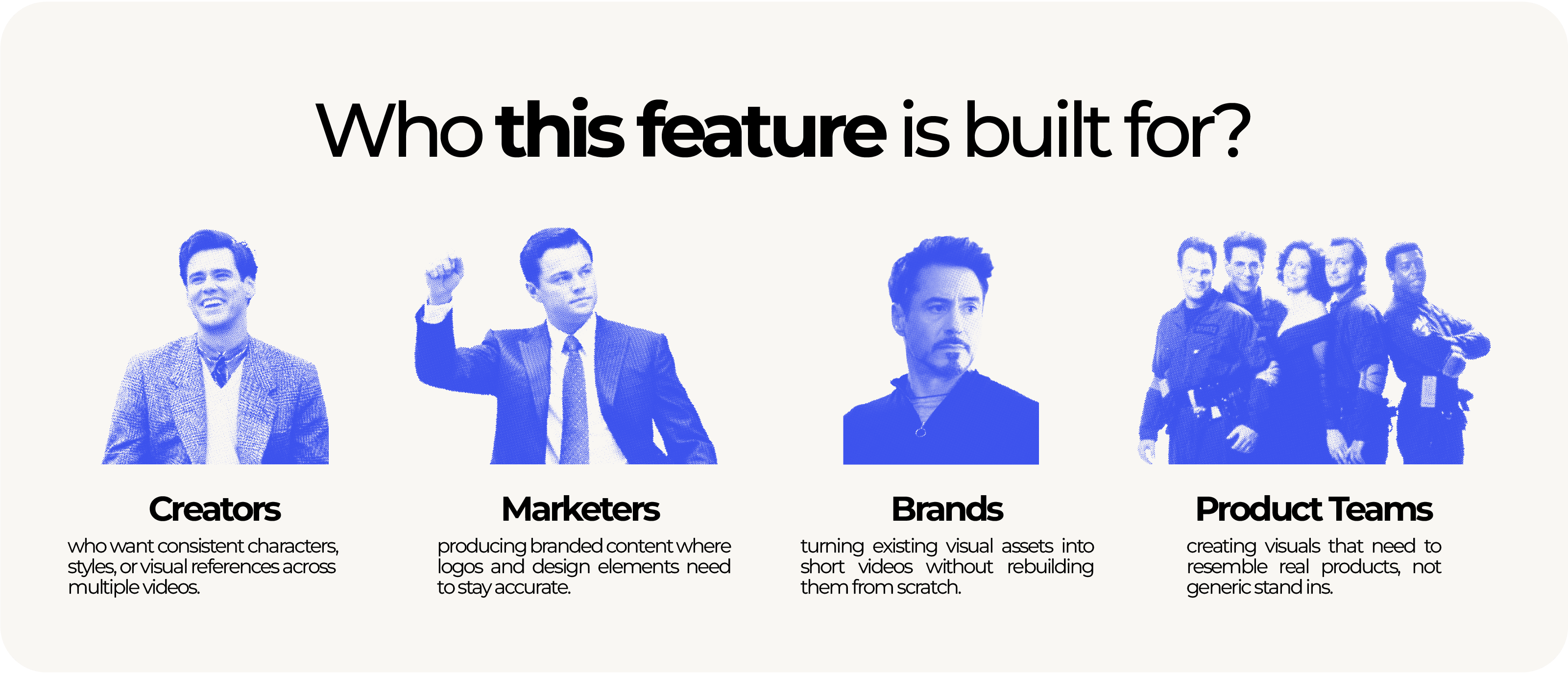 It’s especially useful for:
In short, this feature is for anyone who cares about visual consistency just as much as speed.
Multi-image prompting makes it possible to create polished, narrative-driven videos without complex instructions or long prompts. By combining a few visual references with a clear idea, users can generate cohesive and high-quality videos that feel intentional, structured, and brand-ready.
This includes:
An ecommerce brand can upload product photos, packaging images, and its logo to create a short promotional video for a new launch. The video can show the product in use, highlight key features on screen, and end with a clean branded outro. The same packaging design and logo remain accurate throughout the entire video.
A SaaS marketing team can upload UI screenshots, a logo, and brand style references to generate a product walkthrough. The video can move from feature to feature while keeping interface visuals consistent and aligned with the actual product design.
A real estate agency can upload property photos, its logo, and interior detail images to create a listing video. The final output presents the space in a structured sequence, maintaining visual accuracy and brand identity from opening frame to closing scene.
A training team can upload character visuals, branded slide designs, and environment references to create onboarding or instructional content. The characters and visual style remain consistent across scenes, making the training feel unified rather than stitched together.
Renderforest AI works from what you actually provide, so the result feels grounded and coherent. What you see in the final video connects clearly to what you started with.
Multi-image prompting changes how AI video creation works in Renderforest by grounding output in real visual inputs from the start. This makes results more consistent, iteration more predictable, and videos easier to refine.
Generate your AI video story with multi-image prompting and turn your visual references into a cohesive video in minutes with Renderforest.

Share this


Article by: Sara Abrams
Sara is a writer and content manager from Portland, Oregon. With over a decade of experience in writing and editing, she gets excited about exploring new tech and loves breaking down tricky topics to help brands connect with people. If she’s not writing content, poetry, or creative nonfiction, you can probably find her playing with her dogs.
Read all posts by Sara Abrams