AI
Let’s be honest for a second: most AI video tools aren’t actually affordable, they’re just cheap to try.
You sign up for one tool to generate visuals, another for voiceovers, a third for editing, and suddenly you’re juggling subscriptions, credit limits, and exports that don’t quite match.
As a result, you spend more time managing tools than actually making videos.
That’s why “affordable” in 2026 doesn’t mean cutting corners or settling for low-quality output. Instead, it’s about using a single all-in-one AI video platform that gives you multiple generation models, real editing control, and flexible exports, without forcing you into expensive plans before you’ve even tested your idea.
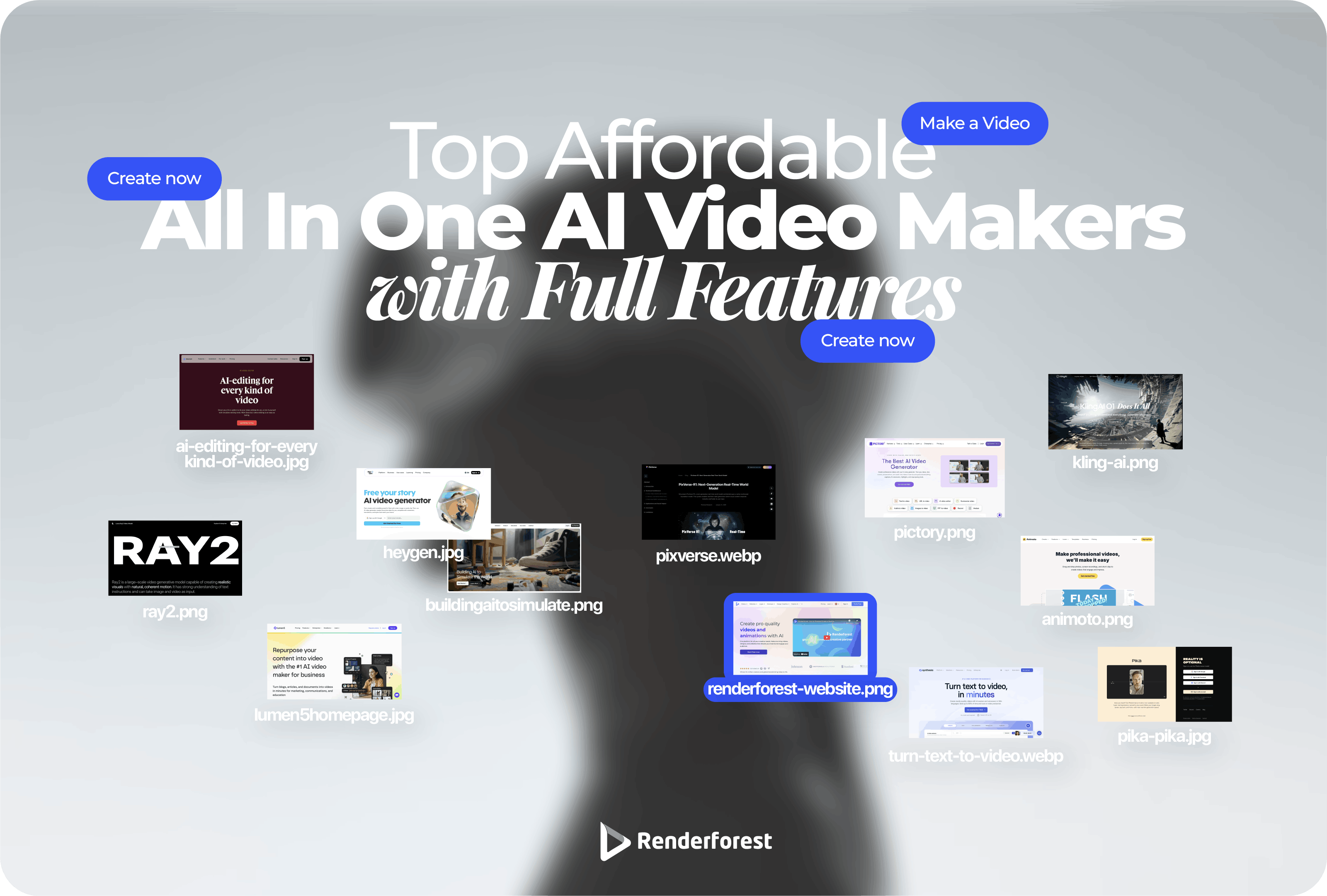
In this guide, we’ll break down the top affordable all-in-one AI video makers with full features, platforms that let you do more with fewer tools, spend smarter, and scale video production without watching costs spiral.
Not every platform that claims to be “all in one” actually reduces cost or complexity. The tools below were evaluated based on how well they support real production workflows while keeping long-term usage affordable, not just how low the entry price looks.
A truly all-in-one and affordable AI video maker should offer:
All platforms in this list were assessed based on real usage cost over time, factoring in credit efficiency, flexibility, and feature depth, not just advertised starting prices.
Below are the AI video makers that actually make sense if you care about features and cost, tools that stay flexible, transparent, and practical to use, with Renderforest leading the way by combining multiple AI video models and smart credit efficiency tools in one platform.
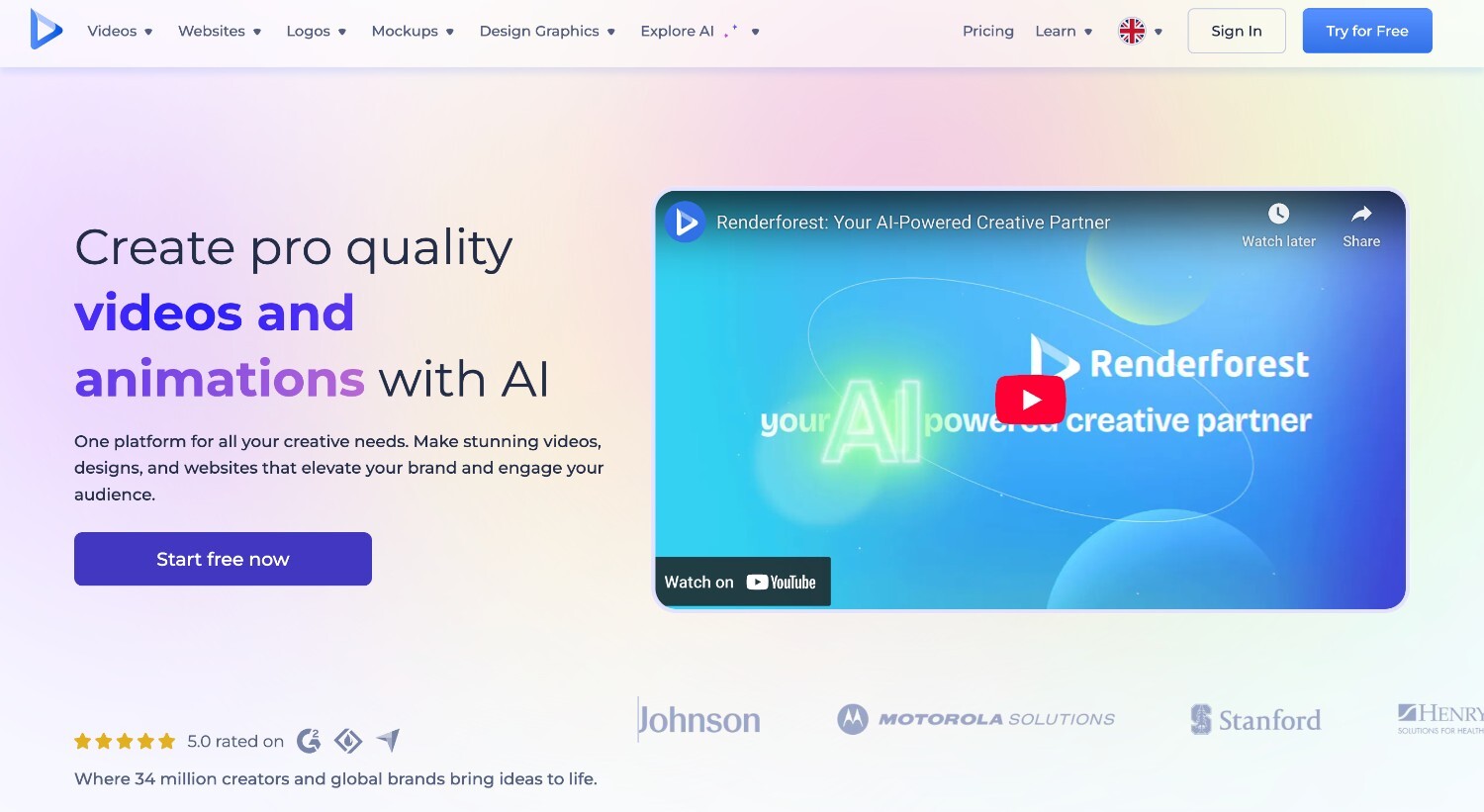
Renderforest is designed for teams and creators who don’t want to get locked into a single way of making videos. It combines multiple AI video generation approaches in one workspace, letting users choose the fastest or most creative path depending on the task.
What you can do in Renderforest:
Renderforest also includes built in controls that help users understand and manage credit usage before generating videos. Users can see estimated credit costs and adjust video length or quality to test ideas at a lower cost before committing to a final export. This makes it easier to experiment, refine concepts, and avoid spending credits on videos that are not ready to publish.
Best for: Teams and creators who need one flexible platform that keeps video costs predictable.
Use case example: A marketing team tests multiple short concepts at lower quality using fewer credits, refines the best performer, and exports a high-quality version for final publishing.
Pricing: Tiered plans with free access, flexible credit usage, and strong value for the features included.
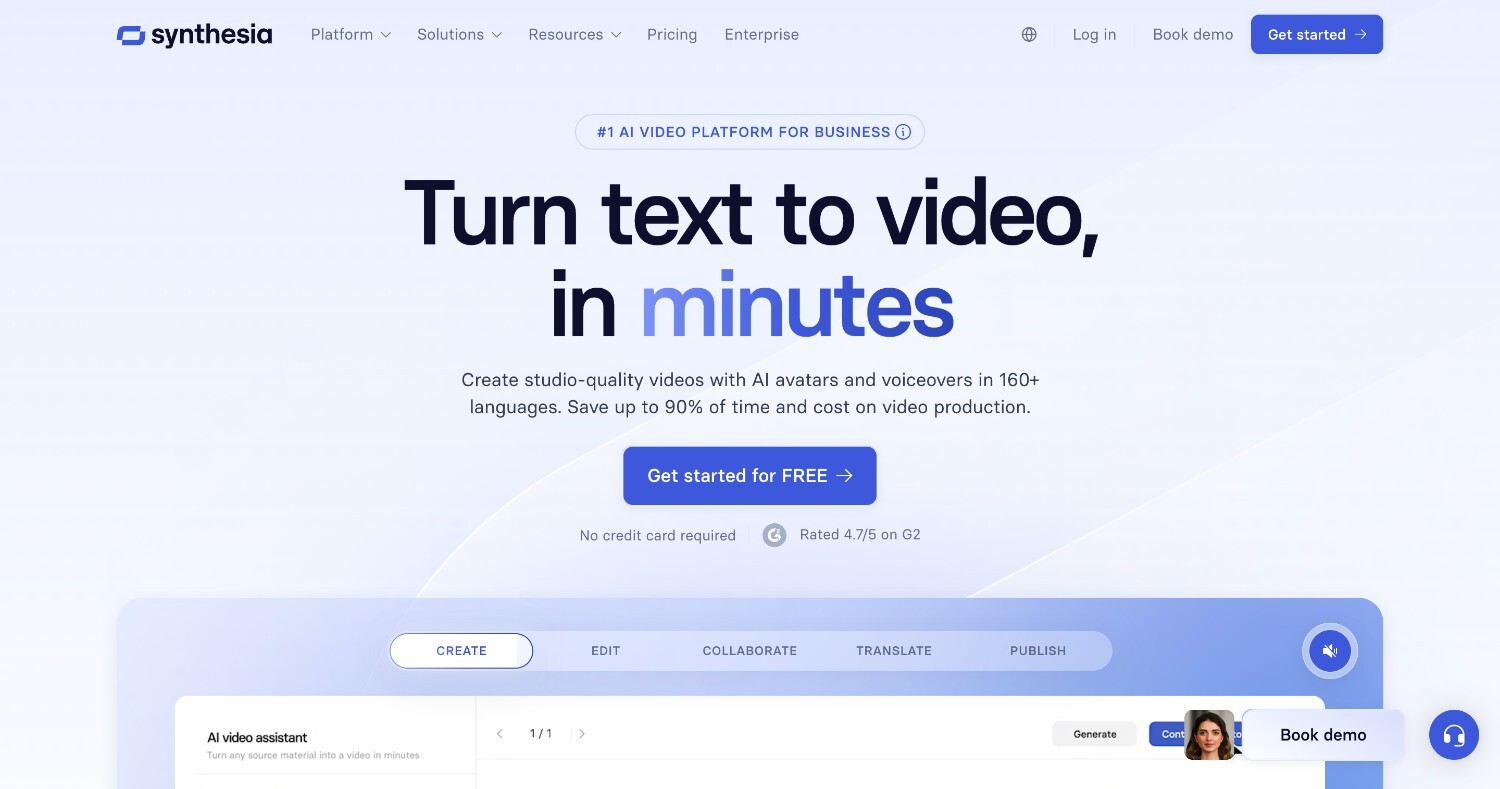
If your videos need a polished, professional presenter every time, Synthesia could be a good choice. The platform focuses on avatar-based videos where you write a script, pick a presenter, and generate clean, consistent results without worrying about cameras or lighting. It’s less about creative experimentation and more about reliability.
Best for: Teams producing structured explainer videos, internal training, or company announcements.
Use case example: A product team creates repeatable avatar-led videos for feature updates and onboarding, keeping messaging consistent across departments with minimal editing.
Pricing: Business-oriented plans that sit on the higher end, with limited free access for testing.
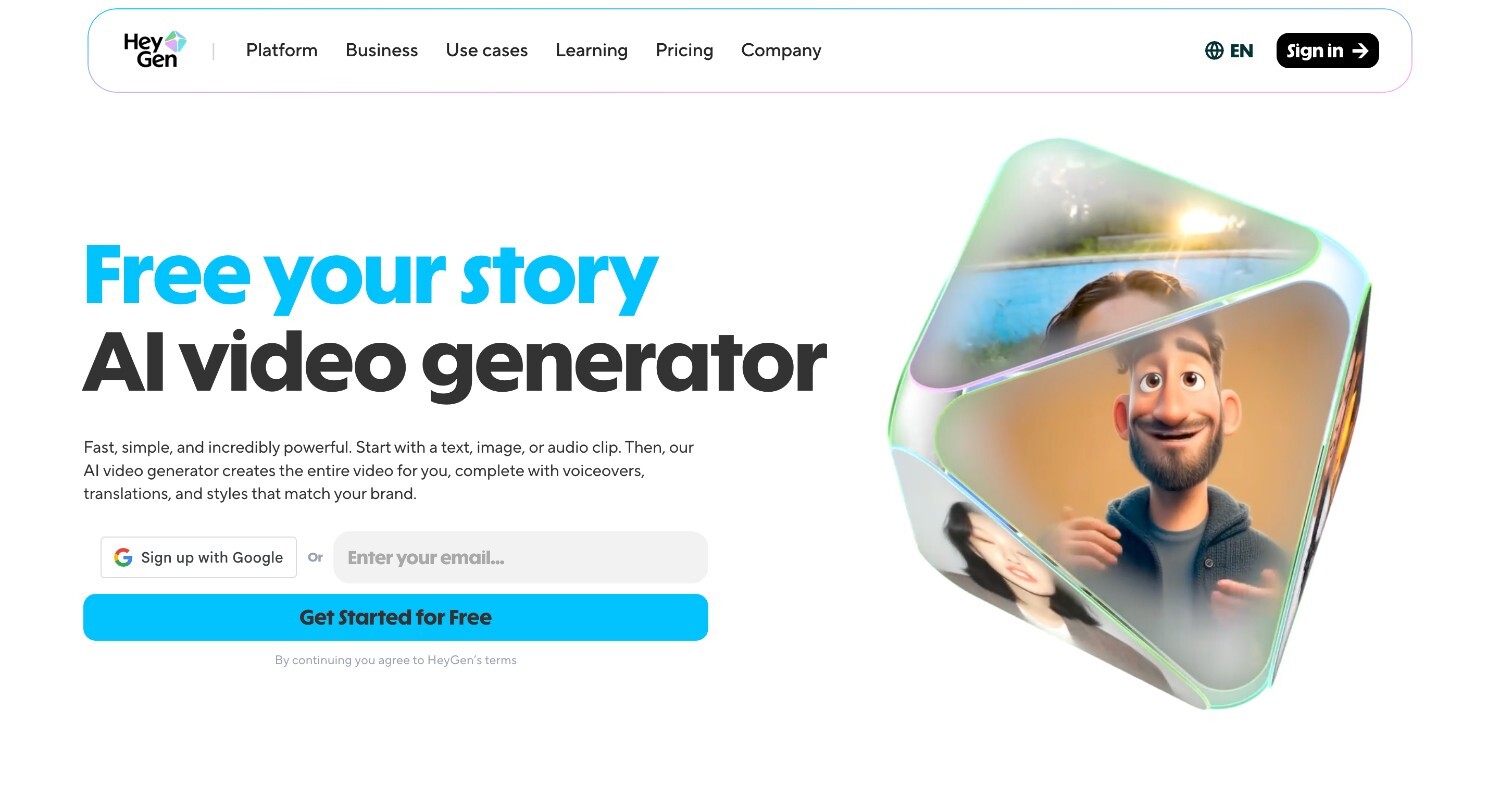
HeyGen leans into human-style, talking-head videos that feel personal without requiring anyone to step in front of a camera. You can go from script to video quickly, making it a popular option for founders and marketers who want face-led content without the filming process.
Best for: Founders and marketers who want human-looking videos for social or ads without recording themselves.
Use case example: A founder creates short spokesperson-style videos for social updates and ad creatives using the same avatar across campaigns.
Pricing: Subscription-based plans with usage limits tied to video length.
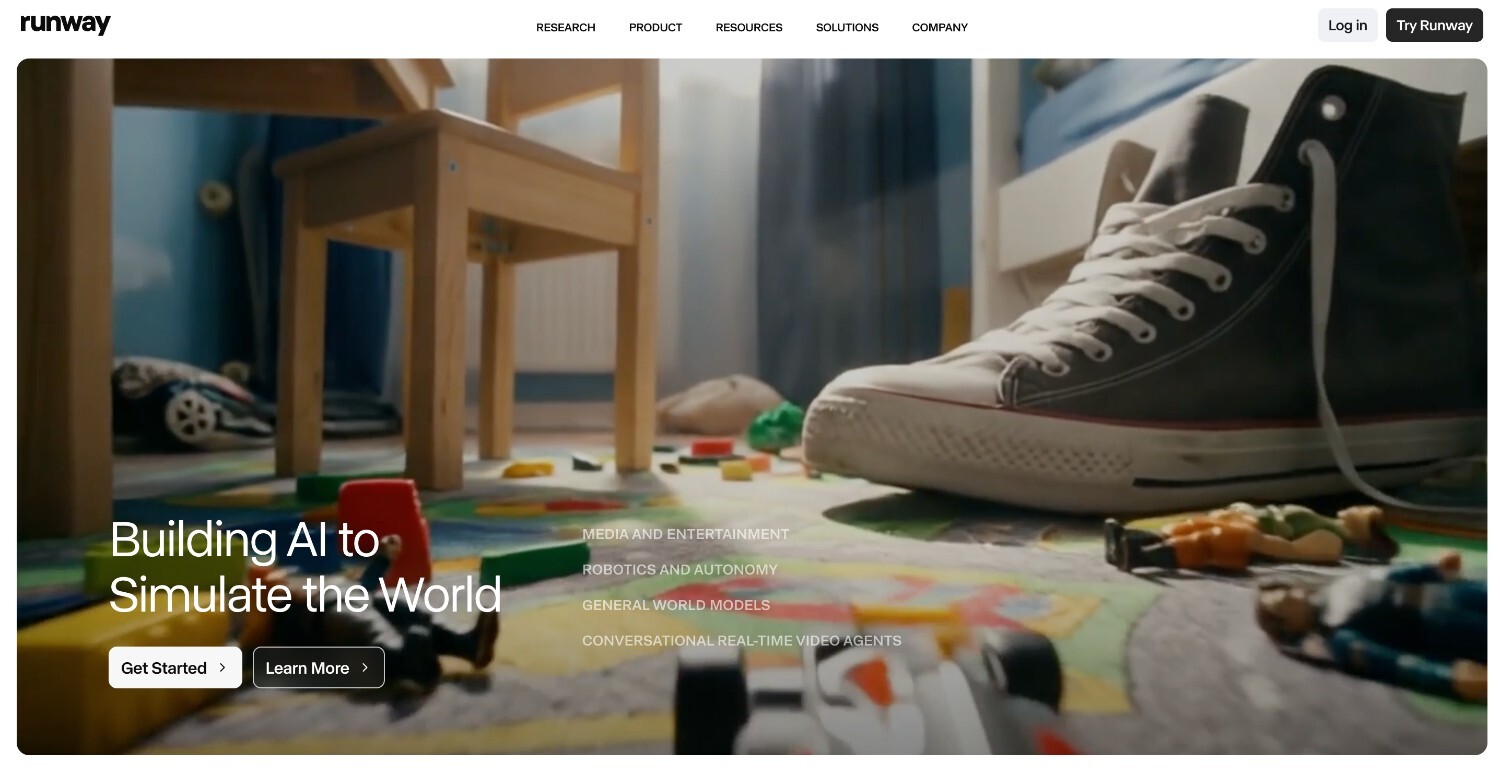
Runway ML is where creativity is prioritized more. It’s built for users who want to experiment with visuals, motion, and cinematic effects, even if that means spending more time, and budget, on experimentation. It’s powerful, but not designed around cost efficiency.
Best for: Creators who prioritize visual experimentation over predictable pricing.
Use case example: A creative team generates stylized teaser clips and eye-catching brand visuals for social media campaigns.
Pricing: Usage-based pricing that can scale quickly as experimentation increases.
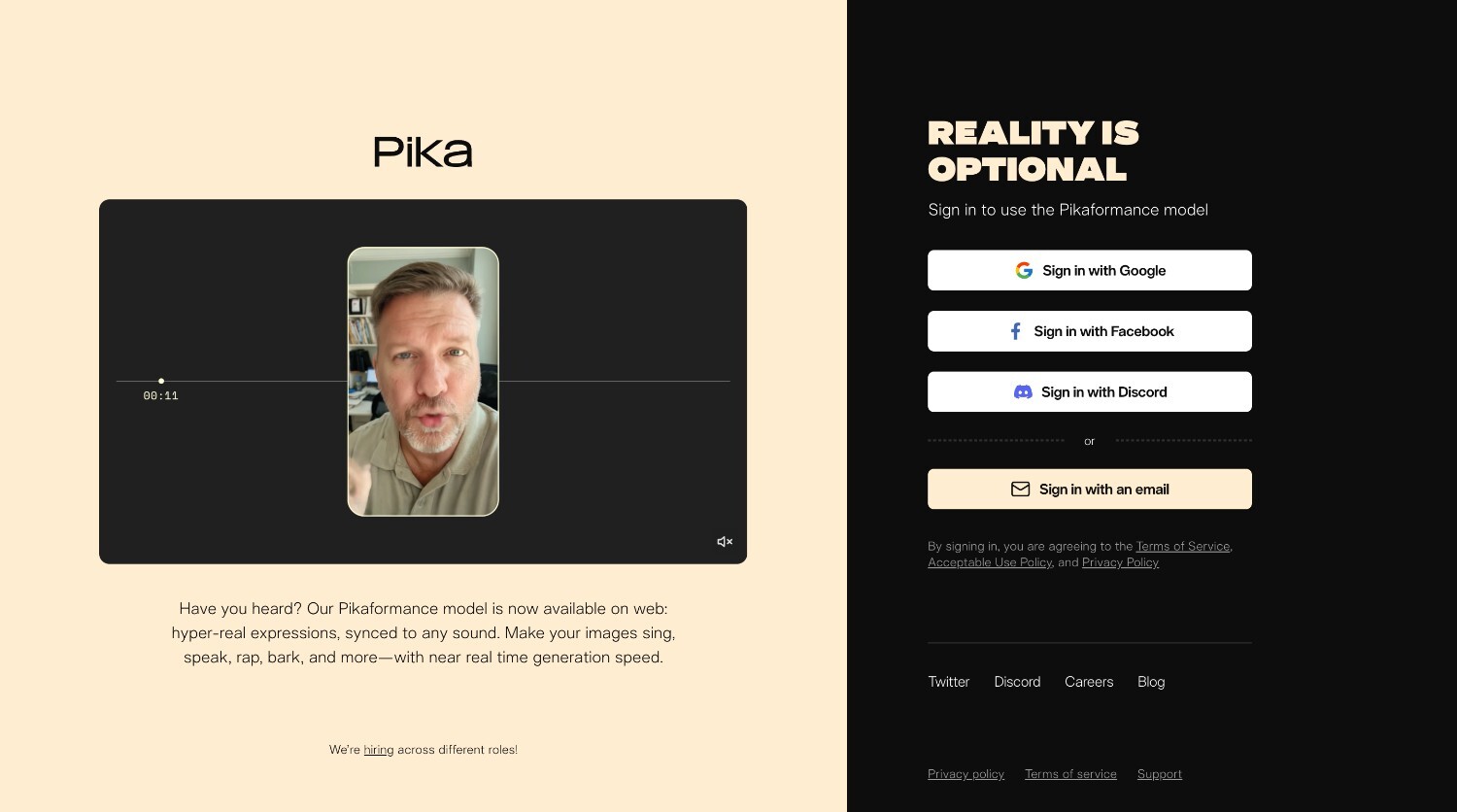
Pika AI is about quick, creative experimentation. It focuses on text-to-video and image-to-video generation, so users can turn an idea into a short motion clip without overthinking the setup. It’s designed for speed and play, not long production pipelines.
Best for: Creators who want to experiment with AI-generated motion and short-form visuals.
Use case example: A creator tests multiple short clips for TikTok or Shorts, experimenting with styles and prompts to see what resonates before committing to a final concept.
Pricing: A free tier is available, with paid plans unlocking higher usage.
Luma Ray2 is built for users who care about realism and smooth motion in AI-generated video. The focus here is on visual quality and consistency rather than ease or affordability, making it better suited for more advanced experimentation.
Best for: Advanced users exploring realistic AI video outputs.
Use case example: A creative team generates visually realistic clips to support high-end social campaigns or experimental brand content.
Pricing: Model-based pricing with limited free access.
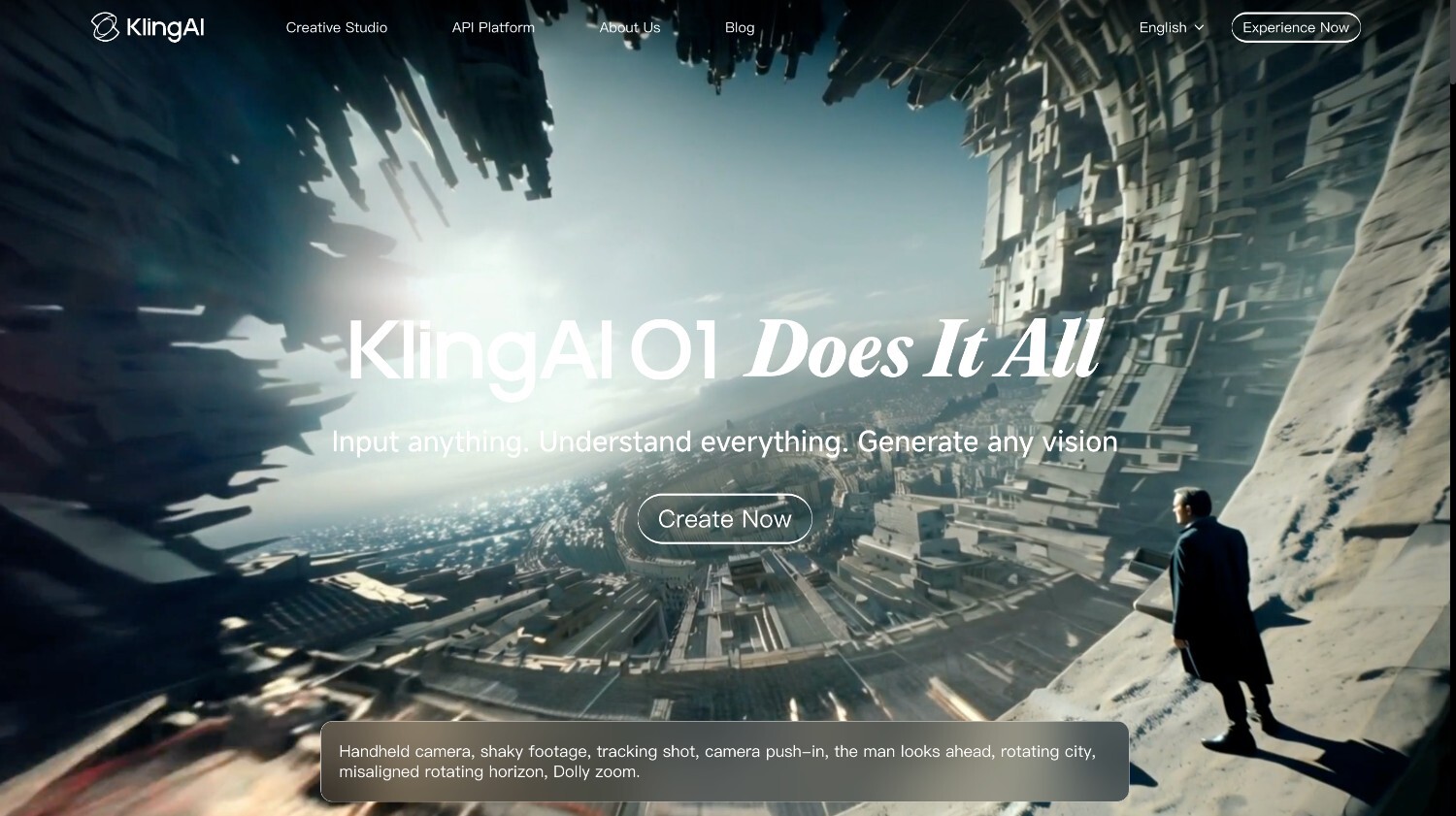
Kling is known for producing high-quality AI video with detailed motion and strong visual coherence. It’s often chosen when visual quality matters more than speed or cost, especially for cinematic-style outputs.
Best for: Users focused on high-quality, cinematic AI-generated video.
Use case example: A brand team creates short cinematic clips to support storytelling campaigns or premium social content.
Pricing: Access is limited by credits and availability.
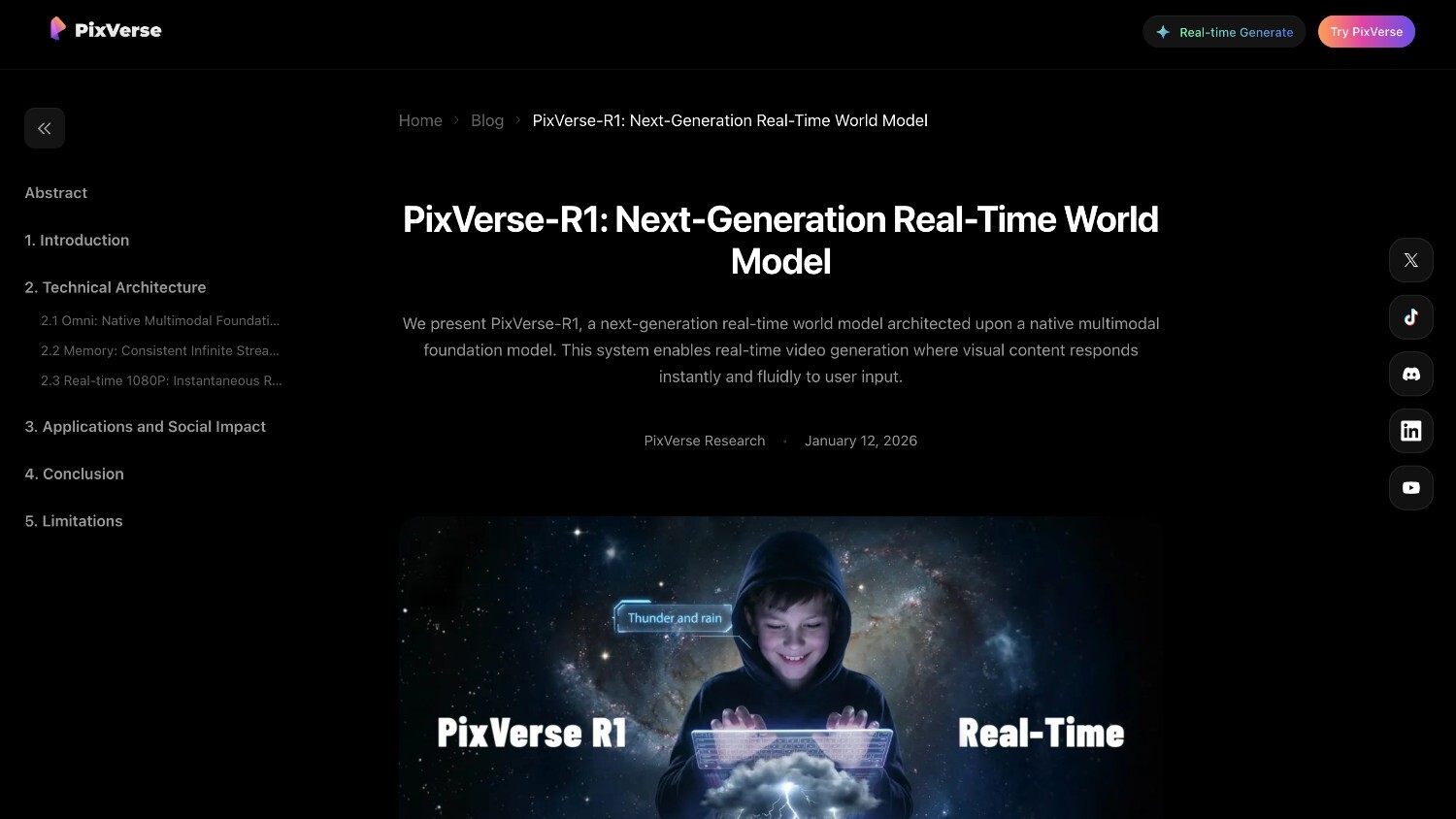
PixVerse is built for speed and volume. It’s a creative AI video generator that helps you spin up short social clips quickly without getting stuck in settings or long workflows. The focus is on testing ideas fast and seeing what sticks.
Best for: Social creators who publish frequently and need a steady flow of short-form content.
Use case example: A creator generates several versions of the same short clip to test hooks and visuals across different social platforms.
Pricing: Freemium model with paid upgrades for higher usage.
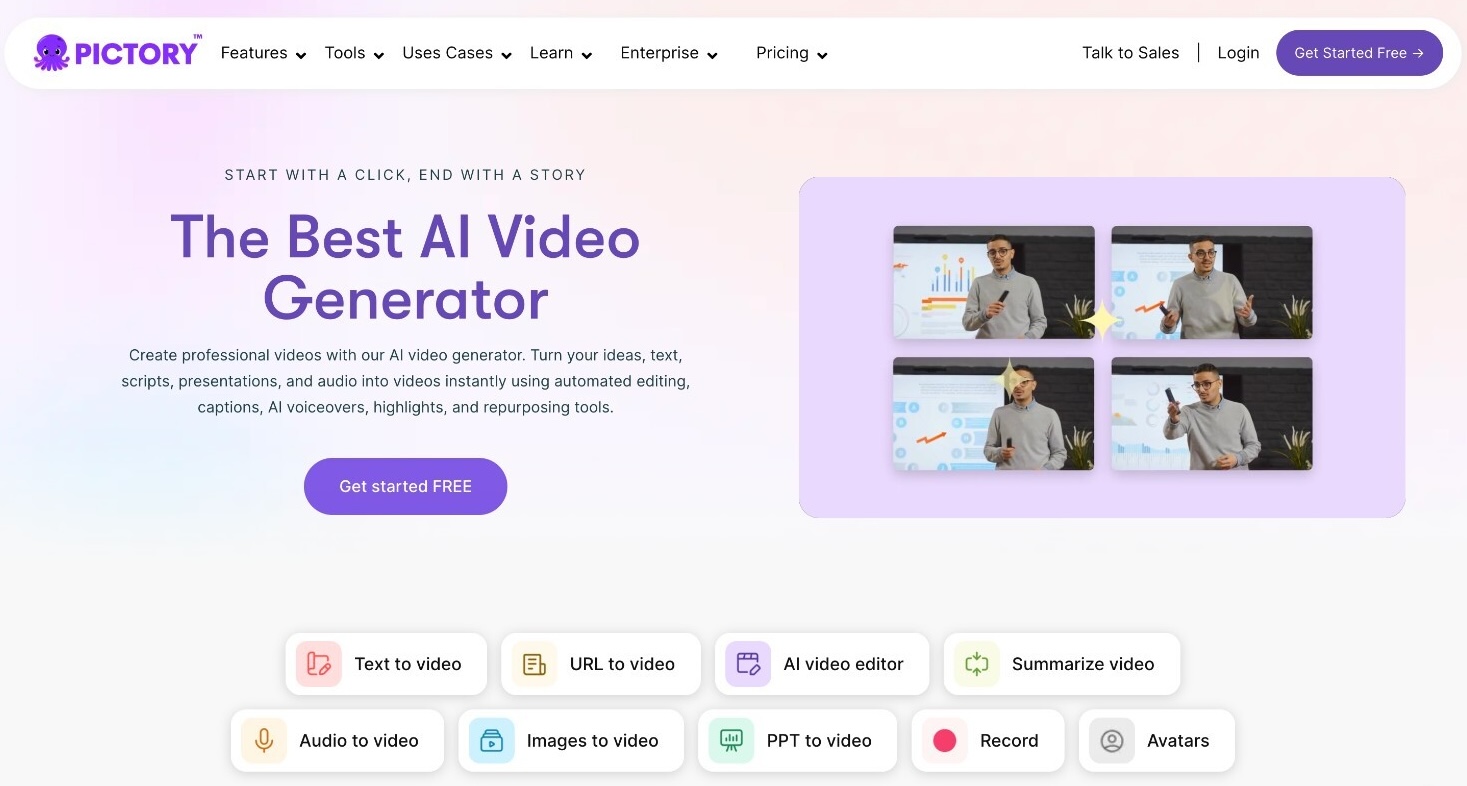
Pictory is a choice for when you already have content and want to turn it into video. Instead of starting from scratch, it helps transform scripts, blog posts, or long recordings into shorter, shareable video formats.
Best for: Content marketers repurposing long-form material into video.
Use case example: A marketing team converts blog articles or webinar recordings into short social clips for ongoing promotion.
Pricing: Subscription-based plans with limited free access.
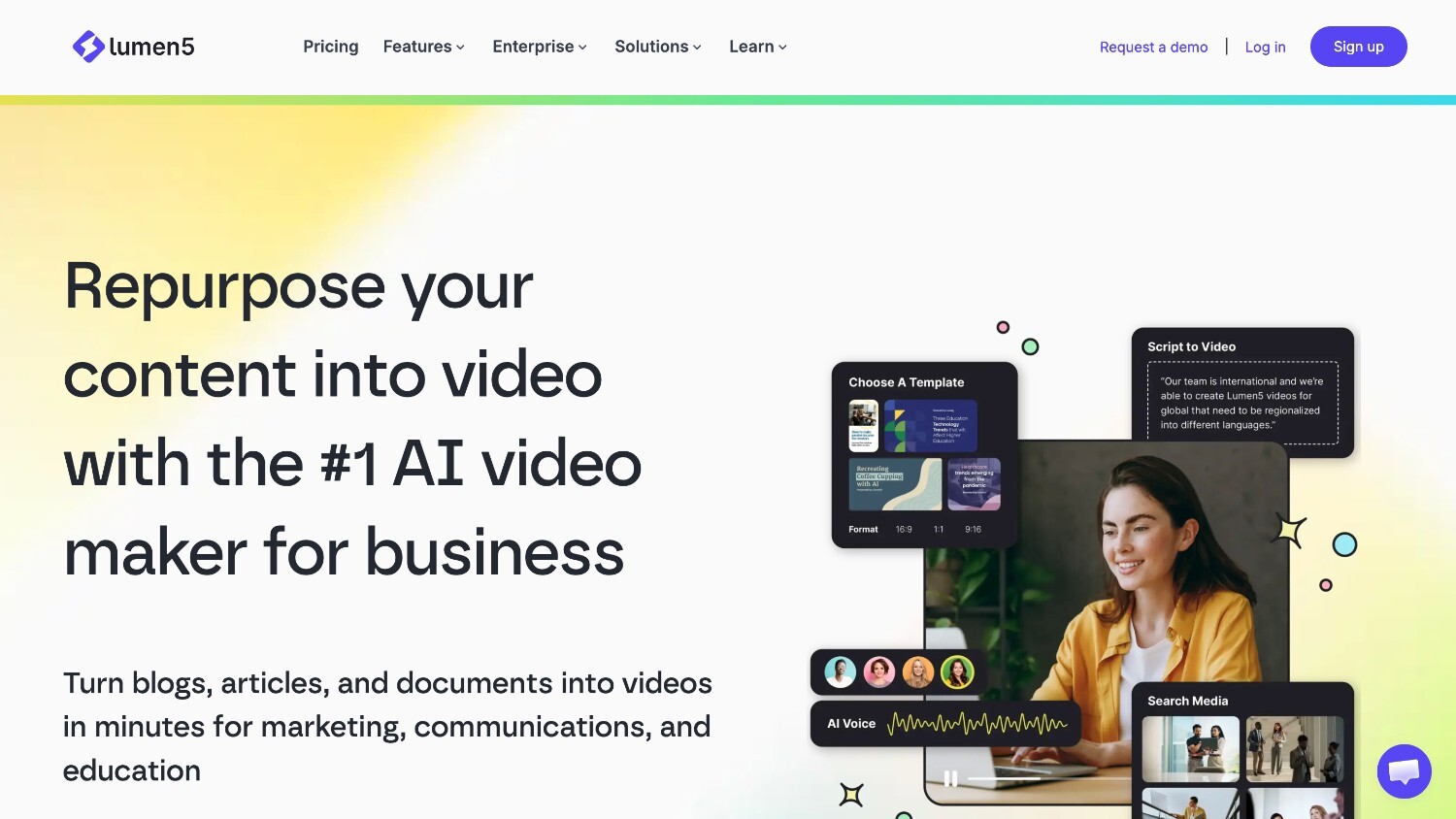
Lumen5 is a template driven AI video tool built to turn text into simple, branded videos with minimal setup. The platform focuses on speed and ease of use rather than creative flexibility or multiple generation models.
Users typically start with written content like blog posts or marketing copy, which Lumen5 maps into predefined scenes using templates and stock visuals. Basic branding controls are available, but the overall structure stays template led.
Best for: Teams that need fast, basic social videos with minimal setup.
Use case example: A brand turns marketing copy into short, branded videos for social feeds and announcements.
Pricing: Free tier available, with paid plans unlocking branding options.
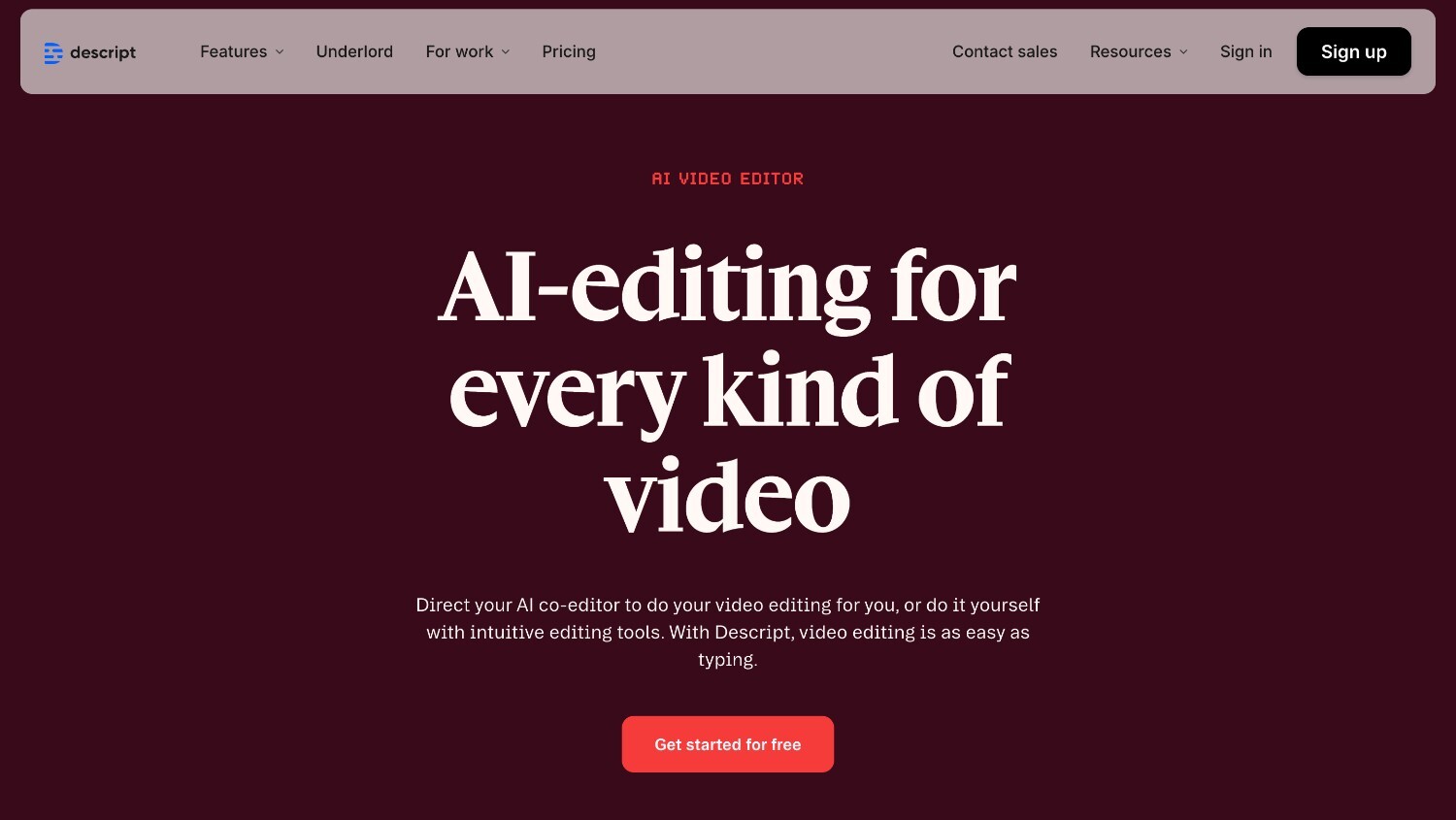
Descript takes an audio first approach to video creation, making it fundamentally different from visual or generative AI video tools. Instead of building videos from templates or scenes, users edit audio and video by editing text transcripts.
The platform includes AI tools for cleaning up recordings, removing filler words, and generating captions, which makes it especially useful for turning spoken content into polished, shareable clips.
Best for: Podcasters and creators working with spoken content.
Use case example: A podcast host turns recorded episodes into captioned video clips for social media.
Pricing: Freemium model with paid tiers for advanced features.
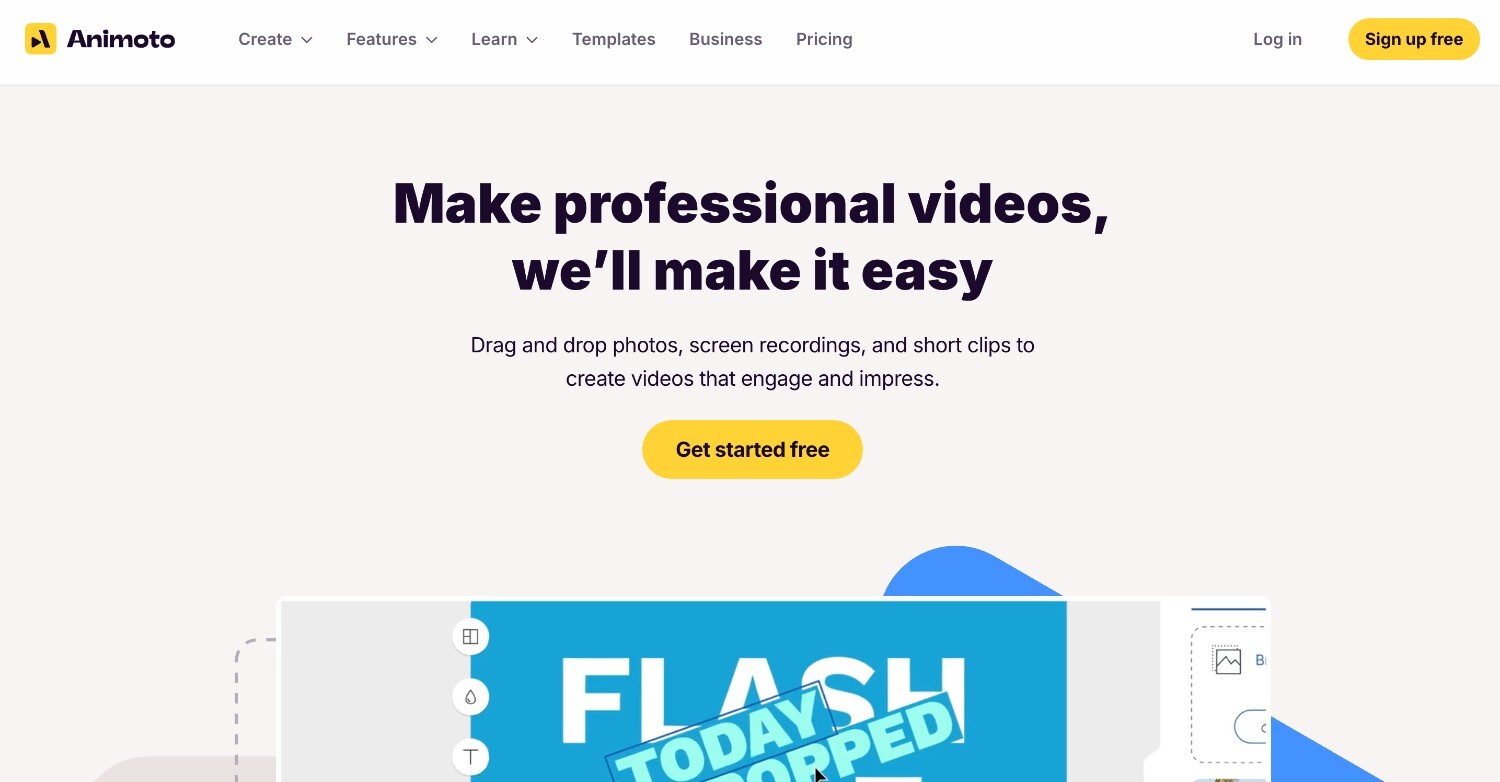
Animoto focuses on simplicity and speed through pre built templates and layouts. The platform is designed for users who want to assemble basic videos quickly without learning video editing or animation tools.
Users choose a layout, add text, images, or short video clips, and apply basic branding elements like logos and colors. Creative control is limited, but the workflow stays predictable and easy to manage.
Best for: Small businesses creating straightforward marketing videos.
Use case example: A local business produces quick social ads using ready-made layouts and brand assets.
Pricing: Free trial available, with affordable paid plans.
| Tool | Free trial or free tier | Pricing | Affordability | Feature depth | Credit or usage efficiency | Best use case |
| Renderforest | Free access available | Tiered plans with flexible credits | High | Very broad | Strong credit transparency, AI credits calculator, selectable quality | All-in-one video creation for teams |
| Synthesia | Limited free access | Higher-priced, business plans | Medium | Focused on avatars | Fixed usage, less flexibility | Professional explainer and training videos |
| HeyGen | Limited free usage | Subscription based, length-based limits | Medium | Avatar-focused | Usage tied to video length | Human-style talking head videos |
| Runway ML | Free credits available | Usage-based pricing | Low to medium | Very advanced | Costs scale quickly with experimentation | Creative and cinematic visuals |
| Pika AI | Free tier available | Paid plans for higher usage | Medium | Focused on short clips | Limited cost control | Short-form creative experiments |
| Luma Ray2 | Limited free access | Model-based pricing | Low to medium | High realism focus | Less predictable usage | Realistic AI video outputs |
| Kling | Credits-based access | Credit-limited availability | Low to medium | High visual fidelity | Availability and credits constrained | Cinematic AI video generation |
| PixVerse | Freemium | Paid upgrades | Medium | Social-focused | Designed for fast iteration | Frequent short-form social content |
| Pictory | Limited free access | Subscription based | Medium | Content-to-video focused | Efficient for repurposing | Turning long content into videos |
| Lumen5 | Free tier available | Paid plans for branding | Medium | Template driven | Simple, predictable usage | Fast, basic social videos |
| Descript | Freemium | Paid feature tiers | Medium | Strong editing tools | Efficient for audio-driven workflows | Podcast and spoken-content video |
| Animoto | Free trial available | Affordable paid plans | Medium | Basic templates | Straightforward usage | Simple promotional videos |
The real cost of an AI video tool shows up after you start using it. What really matters is whether you can test ideas cheaply, switch video styles without switching platforms, and keep spending predictable as output grows.
Affordability comes from flexibility, credit efficiency, and having multiple AI models in one place. All-in-one tools also cut long-term costs by replacing multiple subscriptions for generation, voiceovers, editing, and exports.
One platform, fewer tools, fewer surprises, and a setup that can scale as your video needs evolve.
Share this


Article by: Sara Abrams
Sara is a writer and content manager from Portland, Oregon. With over a decade of experience in writing and editing, she gets excited about exploring new tech and loves breaking down tricky topics to help brands connect with people. If she’s not writing content, poetry, or creative nonfiction, you can probably find her playing with her dogs.
Read all posts by Sara Abrams