AI
AI videos are everywhere on social media right now.
They show up in Reels, Shorts, TikTok feeds, and even comment sections. People follow entire accounts built on AI generated videos, and there are ongoing debates around spotting them, reacting to them, or figuring out how they were made. At this point, AI video is part of how engagement is generated on socials.
That being said, not all AI video tools produce videos that perform equally well once they’re published. Some are better at creating fast, scroll stopping content, while others struggle to keep up with the pace, formats, and volume social publishing demands.
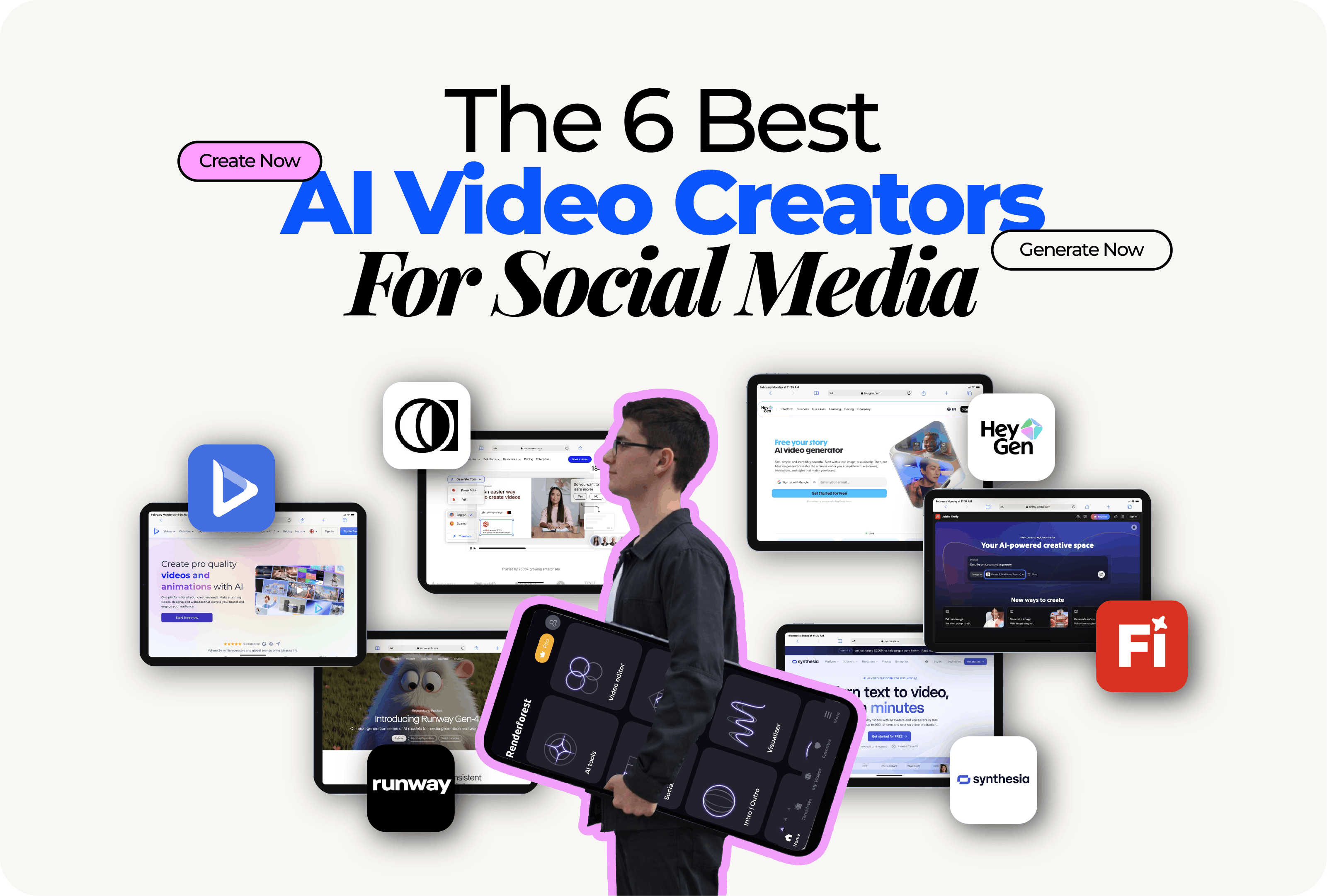
In this article, we compare the best AI video creators for social media based on how effectively they support engagement driven content, publishing speed, and real world social media workflows.
It depends. If you’ve tried more than one AI video tool, you’ve probably noticed they don’t all perform the same on social media. Some make it easy to create videos that feel natural in fast moving feeds, while others add friction or produce results that struggle to hold attention.
A few practical factors separate the AI video tools that work well on social media from the ones that don’t:
All the tools in this comparison are evaluated with daily publishing in mind, not one-off videos made for a launch or a showcase. The focus is on tools that stay useful beyond a single post or trend.
We brought together a mix of all in one and more specialized AI video tools to cover the different ways people actually use AI on social media.
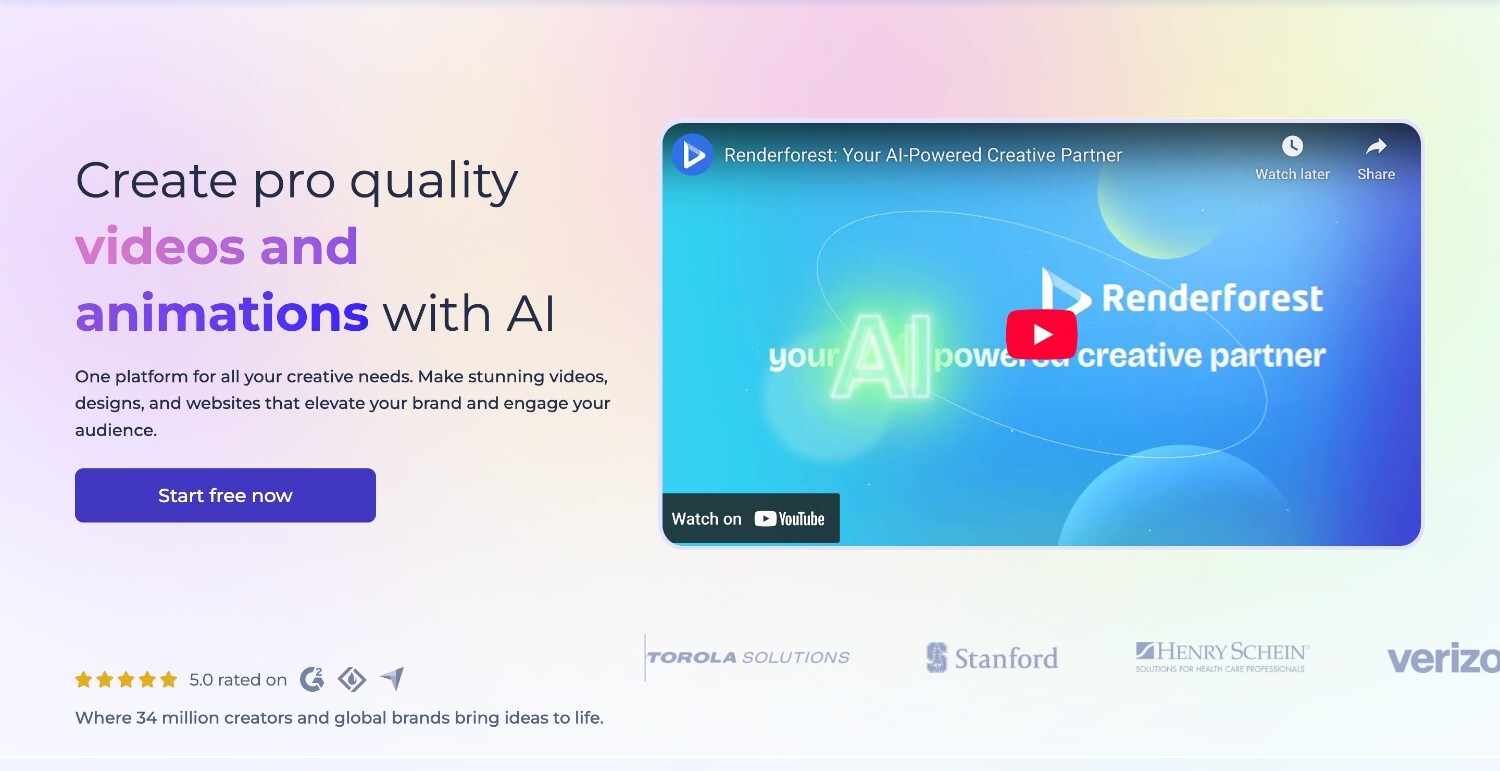
Renderforest is an all in one AI video creation platform built for making social media videos at scale, without locking you into a single style or format. It works especially well when you need to create different types of content from the same place, test ideas quickly, and keep your videos visually consistent across platforms.
The platform combines professional quality output with automation that removes a lot of manual work. Videos are generated using well designed templates, contextual AI decisions, and built in editing tools, so you can go from a rough script or idea to a finished video without switching tools. It supports both vertical and horizontal formats, making it easy to publish to Instagram Reels, YouTube Shorts, TikTok, and other platforms without rebuilding the video each time.
Renderforest also gives you control where it matters. You can apply brand fonts, colors, and logos once and reuse them across videos, adjust pacing and duration, customize reminders or subtitles, and keep character and visual style consistent across multiple posts. Multilingual AI voiceovers with voice customization make it easier to publish content for different audiences, while access controls and permissions support team-based creation without losing consistency.
For creators and teams using an AI video maker to post regularly, Renderforest strikes a balance between automation and flexibility. It helps you move fast, experiment with formats, and scale content without everything starting to look repetitive or off brand. It also works well alongside workflows focused on short form content, like our AI TikTok video generator, while still supporting more structured videos when needed.
Key features
Best for: Creators and social media teams who want one platform to handle recurring social posts, branded campaigns, and short form videos across multiple platforms.
Use case example: A small marketing team uses Renderforest to run a weekly social video series, keeping the same look and tone across Instagram and YouTube Shorts. When launching a new campaign, they reuse their brand setup, switch formats, and generate multiple language versions without juggling multiple tools.
Pricing: Renderforest uses a subscription based pricing model, with plans varying by usage level, features, and export needs.
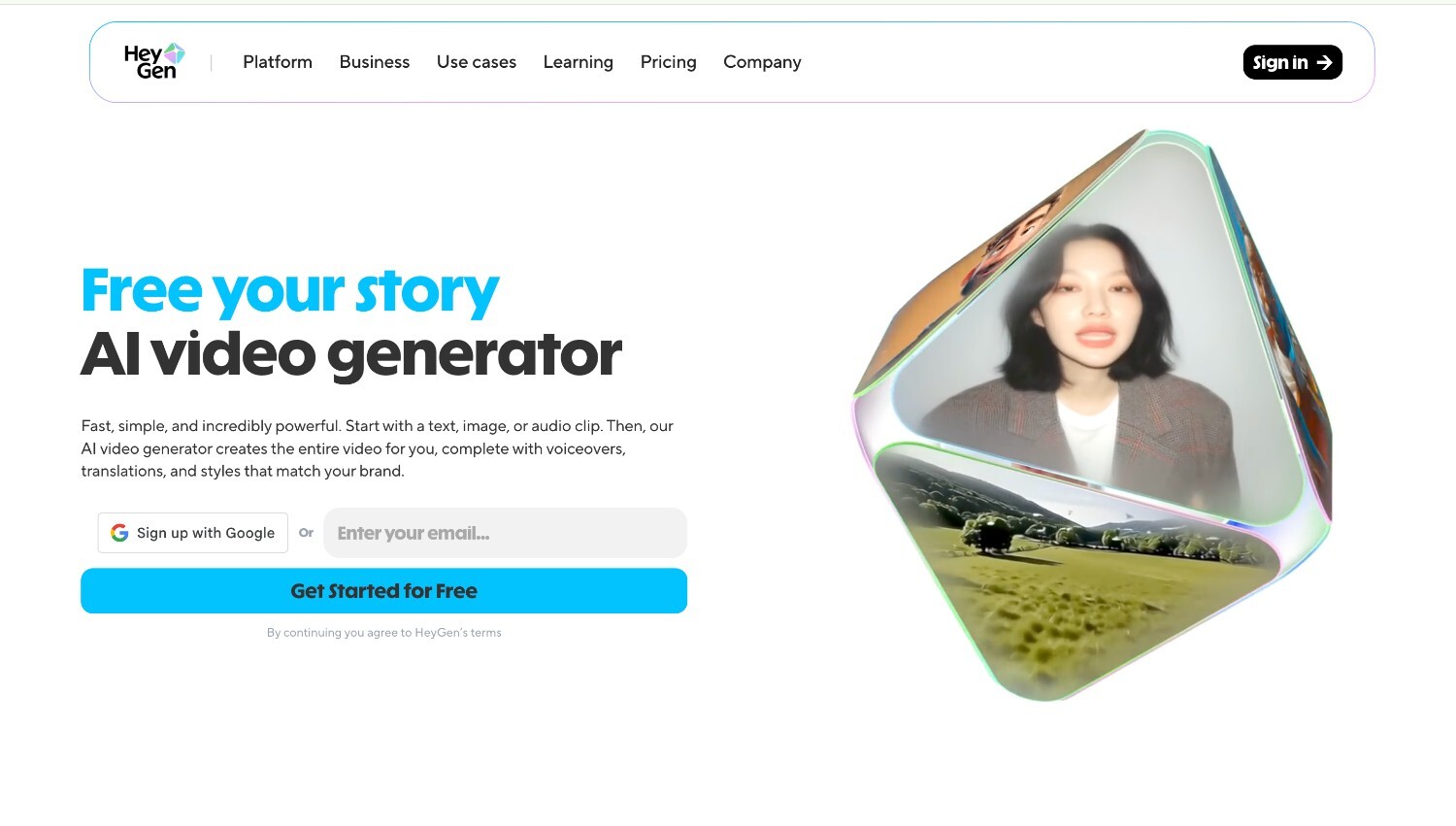
HeyGen is an AI video creator and video translator built around realistic, talking avatars that speak your script with natural-looking lip sync and voice.
You pick a pre-made or custom avatar, paste in your script and the AI generates a talking-head video you can export for social posts. So if you’re looking for consistent, human-like messaging without filming every update yourself, HeyGen is the perfect option.
Best for: Creators and social teams who want short, presenter-led videos without recording themselves on camera.
Use case example: If you want videos with a person on screen but don’t want to be on camera every time, HeyGen makes that easy. You write the script, pick an avatar, and generate vertical clips ready for posting.
Pricing: HeyGen offers a free tier to test basic video creation and a subscription model where paid plans unlock longer videos, higher quality exports, custom avatars, and broader language support, with options for individuals and teams.
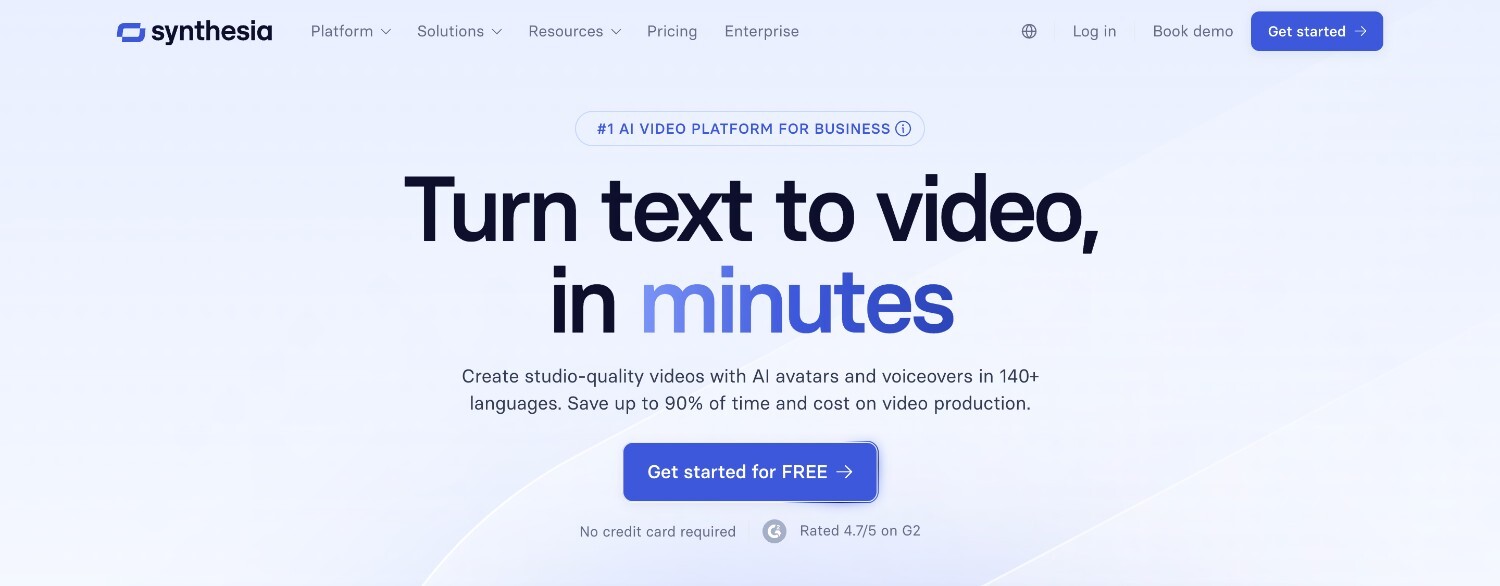
Another avatar-based platform is Synthesia. It’s designed for scripted videos that need to look consistent and professional, without you spending much effort on it.
The flow is pretty similar to that of HeyGen: you write a script, choose an avatar, and generate a talking-head style video that’s clean, predictable, and easy to reuse across channels.
Remember, Synthesia is not invested in trying to feel spontaneous or user-generated. Instead, it’s built for clarity and repeatability, which is often exactly what teams need for informational social content.
Best for: Teams creating structured, recurring videos like product updates, internal announcements, training snippets, or informational posts that need a consistent look and tone.
Use case example: Your company can use Synthesia to publish short update videos across LinkedIn, Instagram, and YouTube, all using the same avatar and format. Each week, you can swap in a new script, export in different aspect ratios, and post without worrying about filming.
Pricing: Synthesia uses a subscription-based pricing model, with plans aimed at teams and businesses that need regular video production and consistent output.
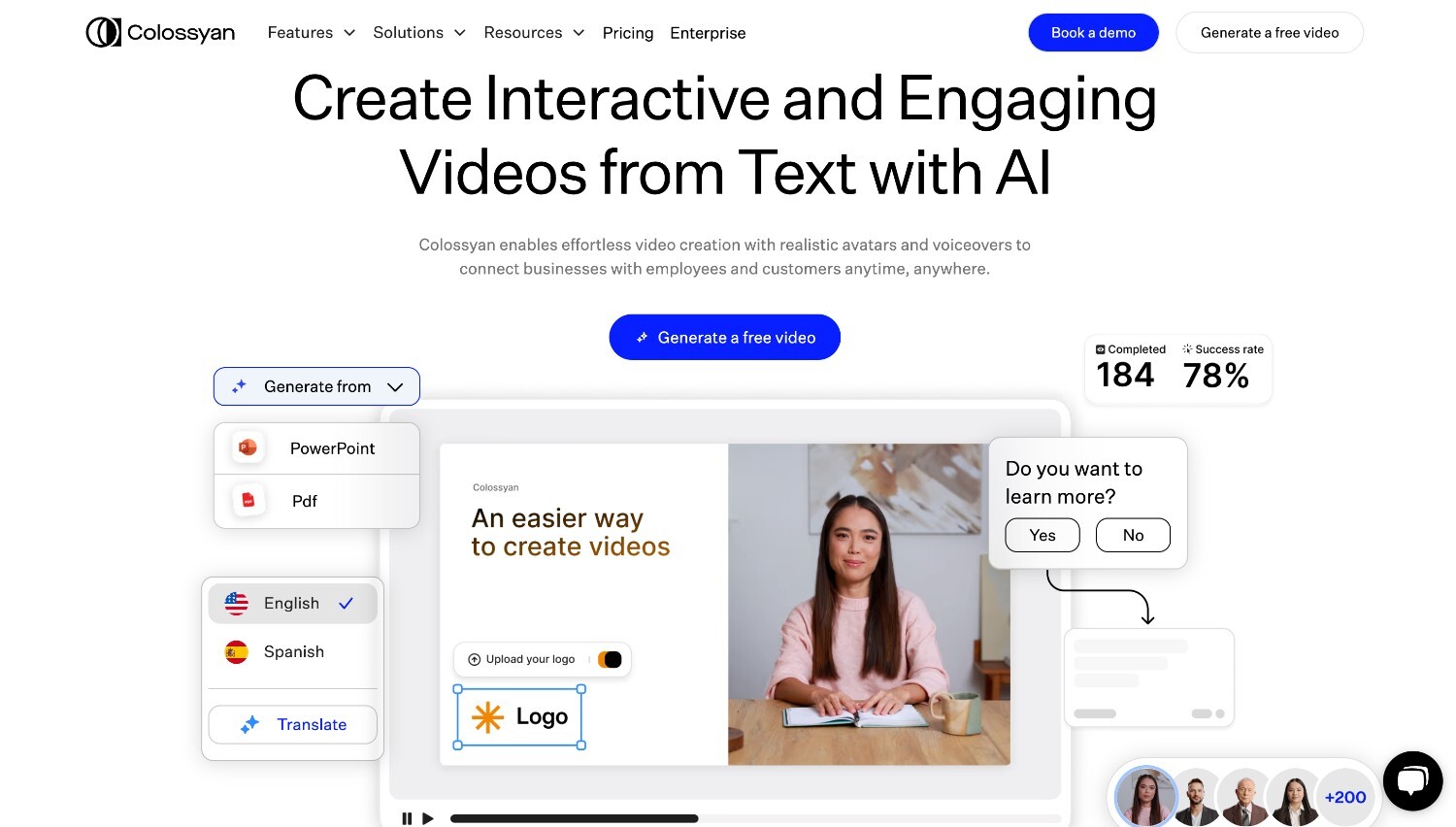
Colossyan is a talking-avatar video platform that leans heavily into multilingual content and structured messaging. Like other avatar tools, you start with a script and generate a presenter-style video, but Colossyan stands out when you need the same content delivered clearly in multiple languages.
It’s especially well suited to educational and instructional videos that need to be adapted for social platforms without losing clarity or consistency.
Best for: Teams creating educational, training, or ad-driven social content that needs to be published in multiple languages.
Use case example: Your brand can create short explainer videos for Instagram and YouTube Shorts, then quickly generates localized versions for different regions. Instead of filming multiple presenters, you reuse one format and swap languages to keep messaging consistent across markets.
Pricing: Colossyan uses a subscription-based pricing model, with plans designed for teams producing video content regularly.
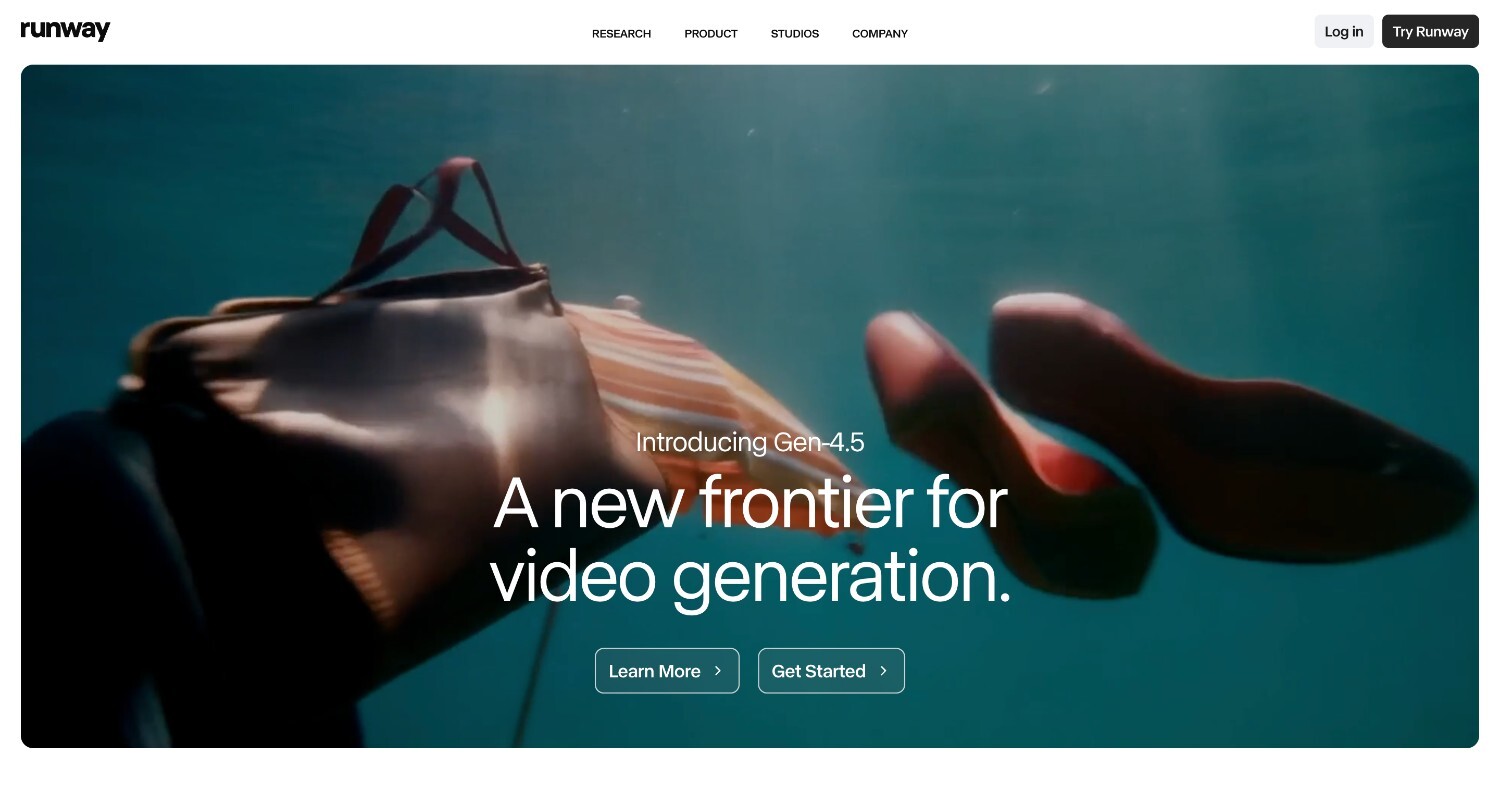
Runway Gen-4 is a creative AI video tool built for visual storytelling rather than fast social publishing. Instead of avatars or templates, it focuses on generating cinematic motion, stylized scenes, and experimental visuals from prompts or source media. It’s powerful, but it asks more from you creatively, which makes it better suited for standout moments than everyday posting.
Best for: Creators and teams who care more about visual impact and storytelling than speed or repeatability.
Use case example: You can use Runway to create short teaser videos or atmospheric clips for a campaign launch. It’s perfect for eye-catching pieces meant to stop the scroll and set a mood, but you can also get it mixed with more practical content.
Pricing: Runway offers tiered subscription plans based on usage and access to advanced generation features.
Adobe Firefly is an AI media and video generation tool built around licensed, brand-safe assets. Instead of pulling from open or unclear data sources, it’s designed to generate visuals you can use confidently in commercial and branded content.
Firefly fits naturally into the Adobe ecosystem, so if you’re already using tools like Photoshop, Illustrator, or Premiere, it feels like an extension rather than a separate platform. For social media teams, that means fewer concerns about usage rights and more control over how AI-generated visuals fit into existing brand guidelines.
Best for: Teams that prioritize legal safety, brand consistency, and smooth integration with Adobe tools when creating social media content.
Use case example: If you’re running a product or campaign launch, you can use Firefly to generate and refine visuals using approved assets, then assemble short social videos in your existing Adobe workflow.
Pricing: Adobe Firefly is available through Adobe’s subscription plans, with usage limits depending on your plan and how much AI generation you need.
| Tool | Video quality | Ease of use | Content versatility | Speed to publish | Best use case |
| Renderforest | High, polished templates and AI visuals | Very easy for non designers | Very high. Social, explainers, campaigns, training | Fast | All in one social video creation with strong branding control |
| HeyGen | High for talking head videos | Easy | Medium. Avatar led content only | Very fast | Human style social videos without filming |
| Synthesia | High, professional and consistent | Easy | Medium. Scripted avatar content | Fast | Structured, repeatable social updates and announcements |
| Runway | Very high, cinematic output | Moderate learning curve | Medium. Creative storytelling focused | Moderate | Visually striking social videos and brand storytelling |
| Adobe Firefly | High, brand safe assets | Moderate | Medium. Product and campaign videos | Moderate | Brand safe social videos using licensed media |
The right AI video tool depends a lot on how you actually make and post content.
If you care about moving fast and keeping things consistent, tools that remove setup and guesswork tend to work better than ones that focus only on creative depth. If you’re juggling different formats or platforms at the same time, having everything in one place can save you a lot of friction.
For many teams, the decision becomes clearer once they understand how to make an AI video that fits their usual posting rhythm rather than trying to optimize for every possible feature.
At the end of the day, the right tool is the one that makes it easier to keep posting without overthinking every video. Once you know how you like to create and share content, the choice usually becomes pretty obvious.
Share this


Article by: Sara Abrams
Sara is a writer and content manager from Portland, Oregon. With over a decade of experience in writing and editing, she gets excited about exploring new tech and loves breaking down tricky topics to help brands connect with people. If she’s not writing content, poetry, or creative nonfiction, you can probably find her playing with her dogs.
Read all posts by Sara Abrams