AI
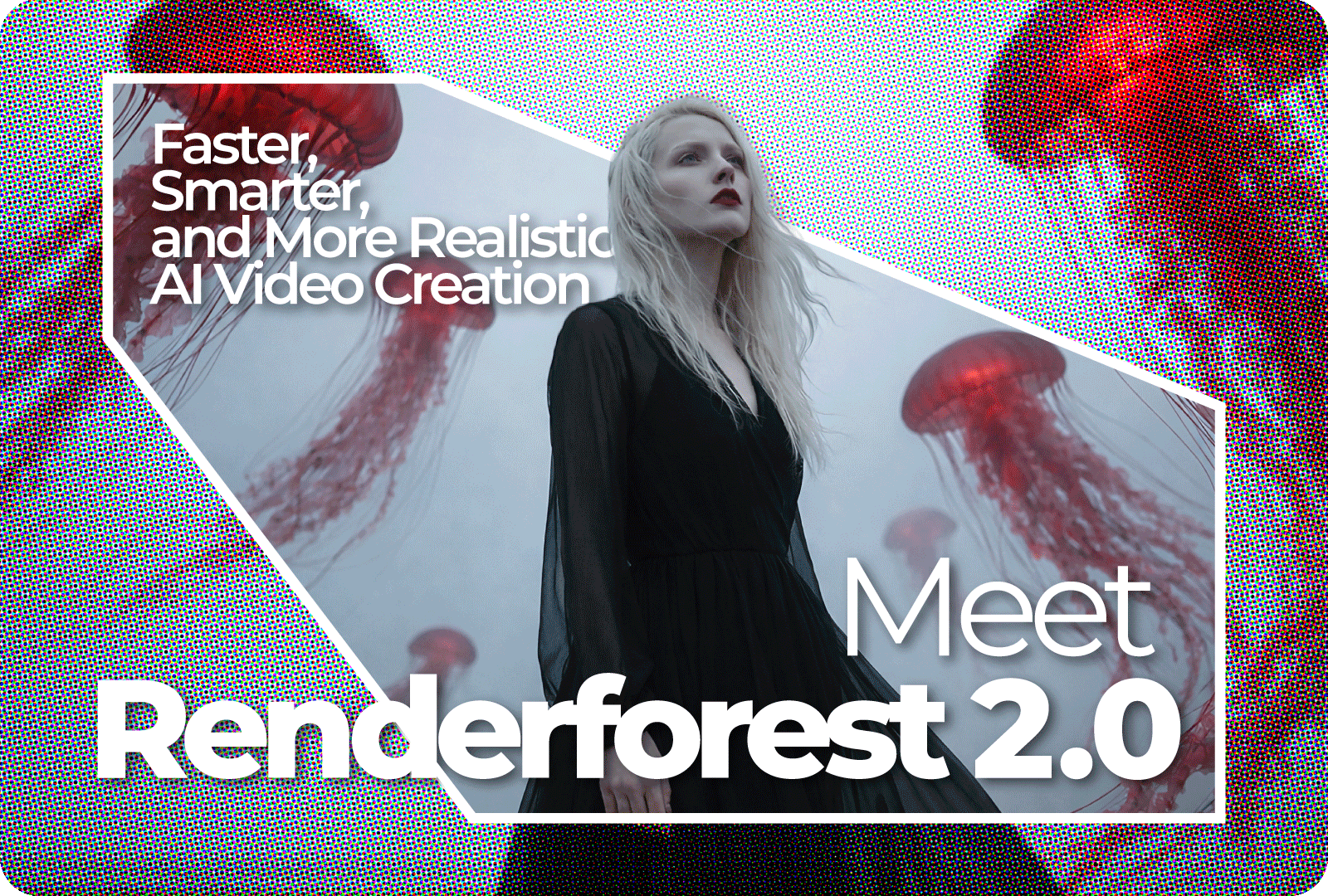
We are thrilled to announce the launch of Renderforest 2.0. This release is a significant milestone in our AI’s development, refining the core features our community relies on while introducing a new standard for video quality.
With this release, we focused on three things creators care about most: more realistic motion, much faster generation, and audio that finally feels like it belongs to the video. The result is an AI video experience that feels smoother, more natural, and far more usable for real projects.
Here’s what’s new – and why it matters.
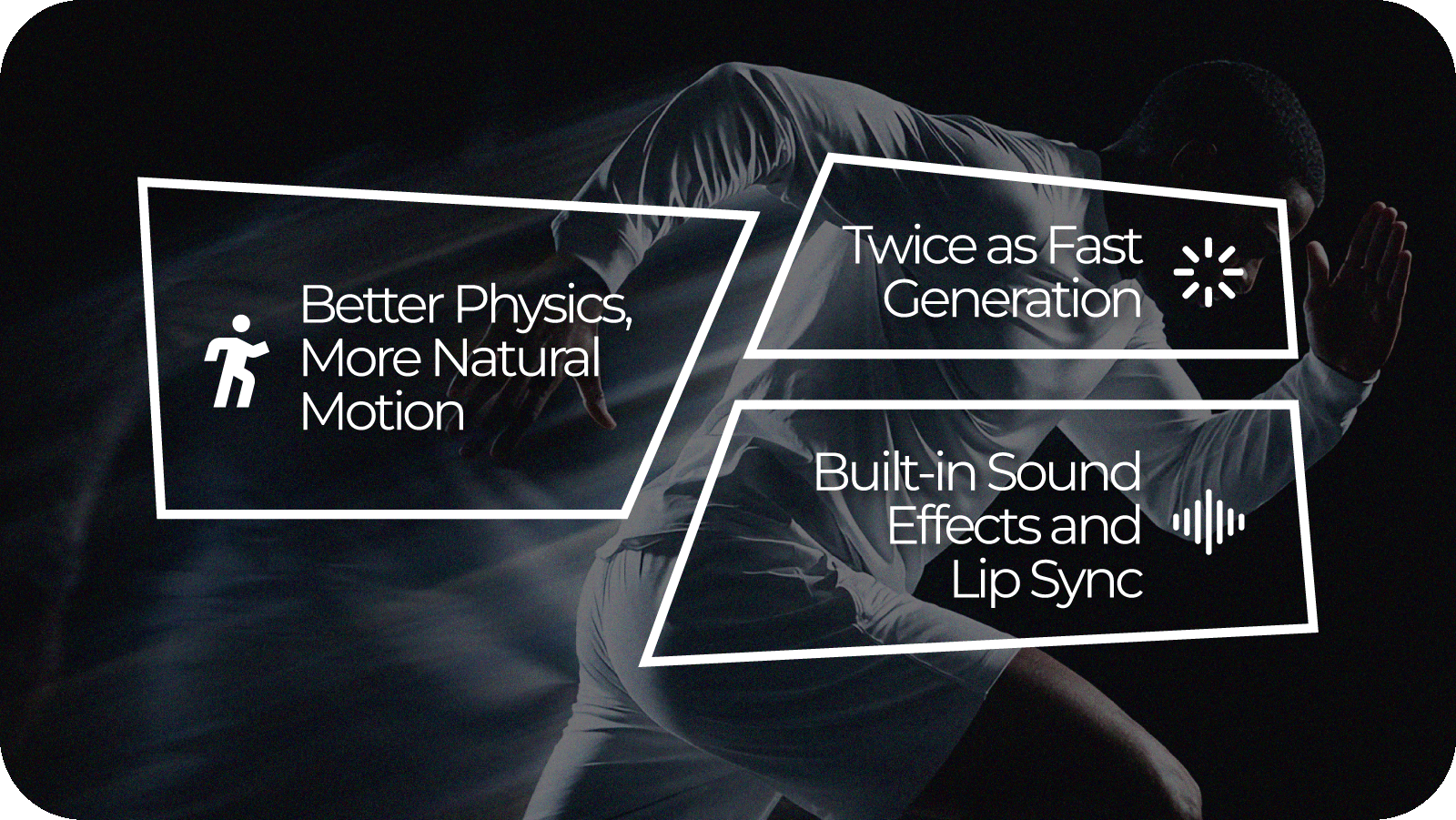
Movement has always been one of the hardest problems for AI video to get right. Characters can feel floaty, objects don’t always behave as expected, and fast motion can break the illusion.
Renderforest 2.0 takes a big step forward with improved physical realism. Movement now has more weight and intention. Character movement finally feels smoother and intentional rather than floaty, whether it’s a simple gesture or a complex camera movement. It moves us away from that strange ‘AI dream’ look and much closer to something you’d capture on a real camera.
For creators, this means you spend less time writing a detailed prompt and more time focusing on the story you’re trying to tell. This physical realism is the difference between a video that looks like a prototype and one that’s ready for a high-stakes client presentation.
Waiting for a video to render can kill creative momentum. Renderforest 2.0 is up to 2× faster than the previous version, letting you iterate, experiment, and finalize content much more quickly.
The “final” version of your video is now the result of five or six quick iterations, rather than a “good enough” first attempt because you didn’t have time to wait for a second render. For agencies working on tight deadlines or social media managers trying to jump on a trending topic, this speed is the difference between being first to the conversation and being forgotten.
This is one of the most exciting updates.
Renderforest 2.0 brings audio and video together under one roof. The model now supports built-in sound effects and automatic lip sync, so visuals and sound are generated together as one cohesive result.
You don’t need to piece together visuals, voiceovers, and effects in separate tools anymore. When someone speaks, their lips move in time with the words. When something happens on screen, the sound appears at the right moment. That means less time fixing audio and more time focusing on the message of the video, without distracting mismatches.

At the end of the day, AI is just a tool. It’s the person behind the prompt who has the vision. Our goal with Renderforest 2.0 was to make sure the tool finally keeps up with that vision. We’ve removed the technical hurdles – the slow speeds, the awkward movement, the disconnected audio – so you can get back to what you do best: creating.
Renderforest 2.0 is available now. Log in, start a new video, and experience smoother motion, faster generation, and built-in audio that finally feels right.

Share this


Article by: Renderforest Staff
Dive into our Forestblog of exclusive interviews, handy tutorials and interesting articles published every week!
Read all posts by Renderforest Staff