
Video creation rarely happens on a clean schedule. You get a spark, you try a version, you tweak the pacing, you swap visuals, you run it again. But many AI workflows still have the same problem: once you burn through credits, your flow gets cut off.
Renderforest fixes that for Pro AI and higher plans. You can generate using your monthly AI credits, and when those credits are used up, you can keep creating AI videos with the Renderforest Lite model.
And that’s only the start. Here’s what’s new in this upgraded experience:
- unlimited continuation with Renderforest Lite,
- a fresh multi-image prompting feature in the AI video generator for better control,
- constant model updates that keep improving what you can make.
Most AI video tools still work like a meter: you can explore freely until you hit a limit, and then your workflow slows down or even stops.
With Renderforest Pro AI and higher plans, the experience is built to keep you moving:
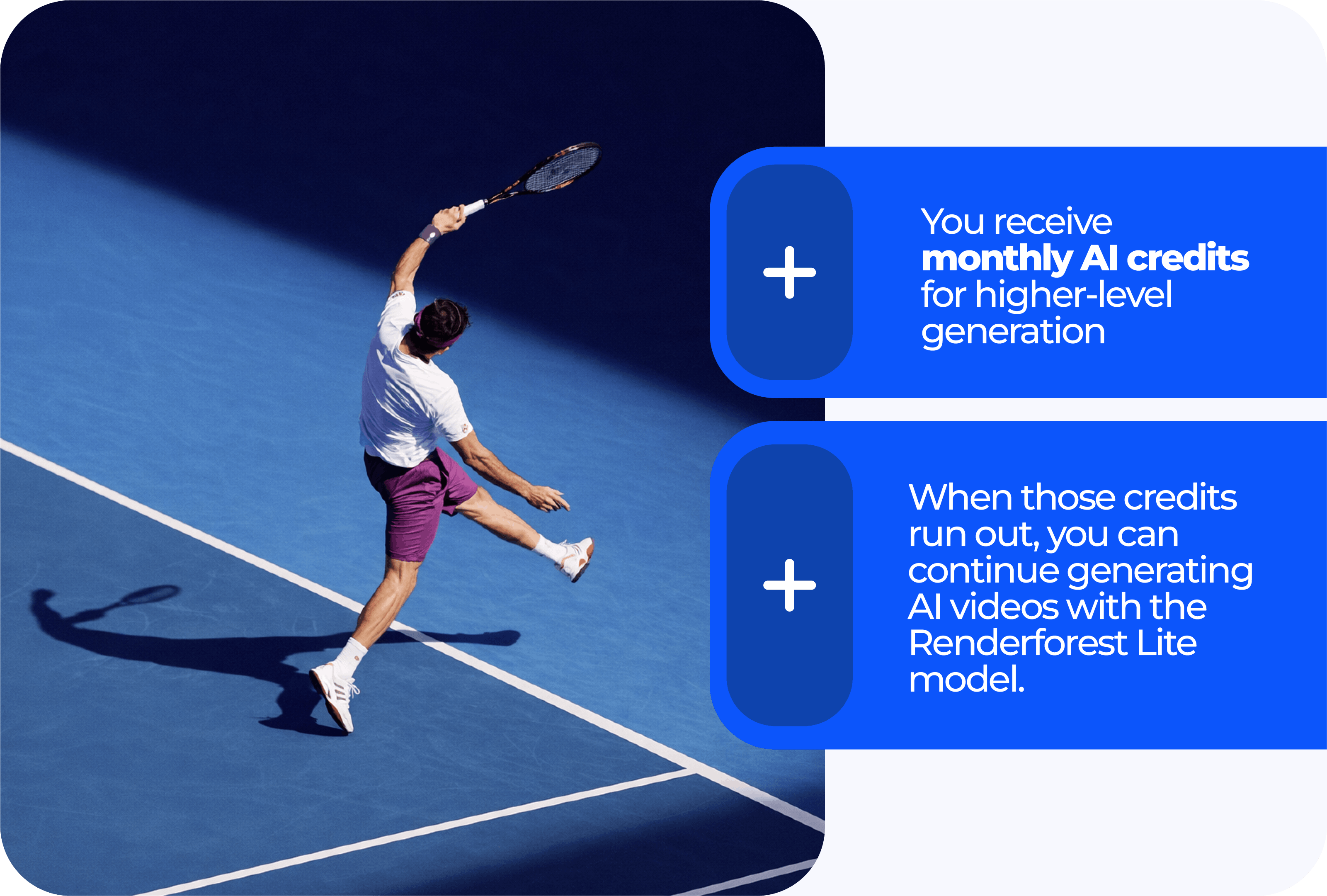
- You receive monthly AI credits for higher-level generation
- When those credits run out, you can continue generating AI videos with the Renderforest Lite model
This is the part that hits different. No more doing mental math on credits – just make a version, tweak it, make another, and keep pushing content out.
What this unlocks in real life
Unlimited continuation isn’t just a “nice-to-have.” It changes how you create:
- You can experiment with more ideas without worrying about whether a test is “worth it.”
- You can polish more: tightening pacing, rewriting hooks, or regenerating scenes until the video feels right.
- Even if you’ve spent your credits on top-tier runs, you can keep generating.
News in AI video generator
Multi-image prompting
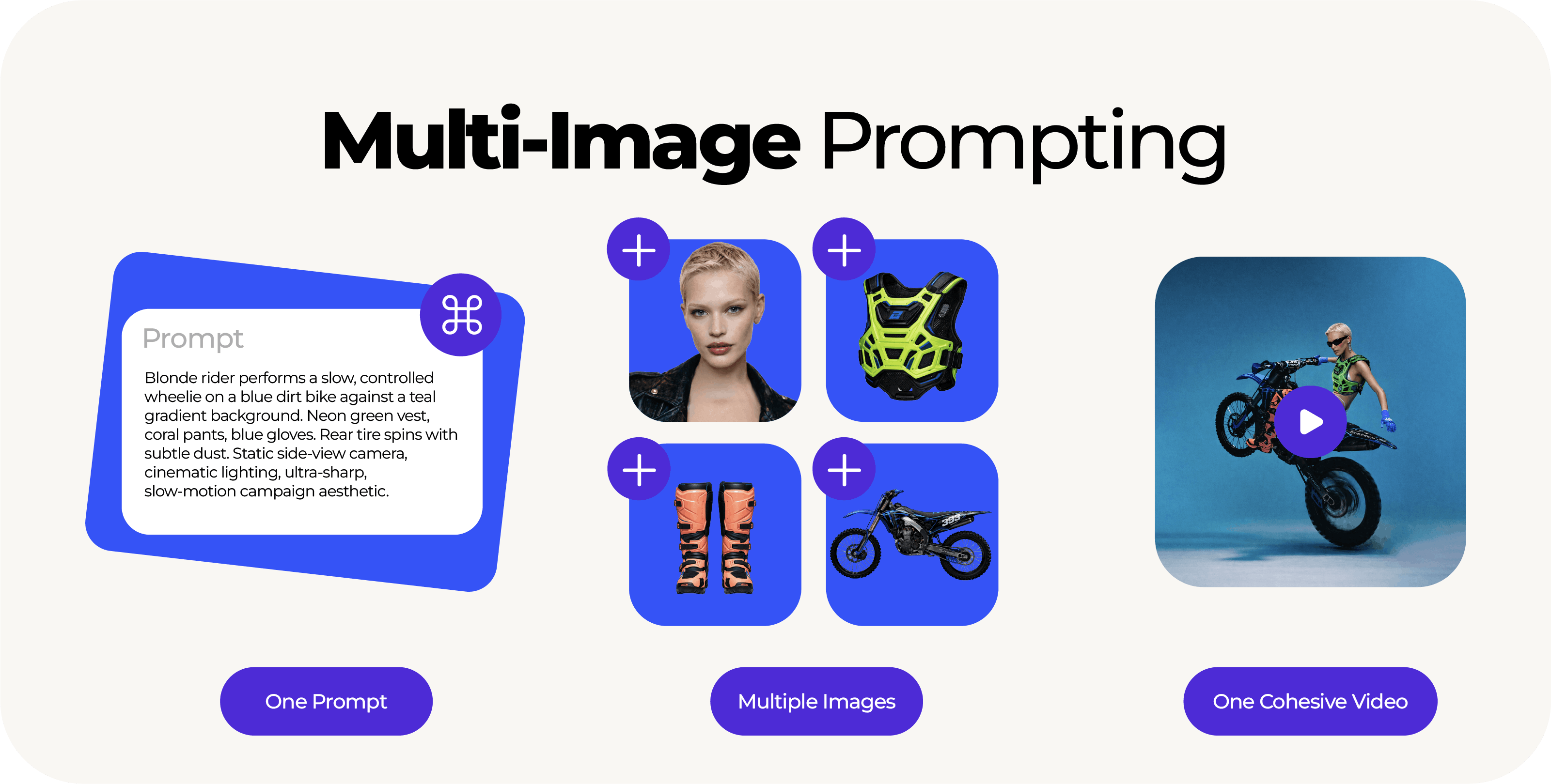
One of the biggest challenges in AI video is getting the output to match what’s in your head – especially when you’re working with real brand assets, real products, or recurring visuals.
Multi-image prompting gives you way more control here.
Instead of relying on text alone, you can upload multiple reference images, including assets created with an AI image generator, and pair them with one prompt. The AI uses both your visuals and your instructions to generate a more cohesive result.
Why it matters:
Multi-image prompting is built for creators who want results that feel intentional – like you directed them, not like the AI guessed.
It’s especially useful when you need:
- Brand consistency: logos, colors, overall look
- Product accuracy: packaging, shapes, key details
- Character stability: recognizable faces, outfits, props across scenes
- Cleaner continuity: fewer random shifts from frame to frame
You start closer to what you want, so you spend less time fixing and more time finishing.
Read more about Multi-image prompting
Constant model updates
AI creation doesn’t stand still – neither should the tools behind it.
Renderforest is continuously improving both the experience and the underlying capabilities by:
- Upgrading existing models for smoother, higher-quality generations
- Introducing new models for different creative needs and quality levels
- Expanding features that increase control, consistency, and usability
This matters because creators don’t just want “more AI.”
They want AI that:
- follows direction more accurately
- stays consistent across scenes
- produces cleaner visuals with fewer distractions
- supports different use cases (ads, explainers, social content, product videos, and more)
The goal is simple: every update should make it easier to turn an idea into a finished video faster.
What subscription plans are really designed for
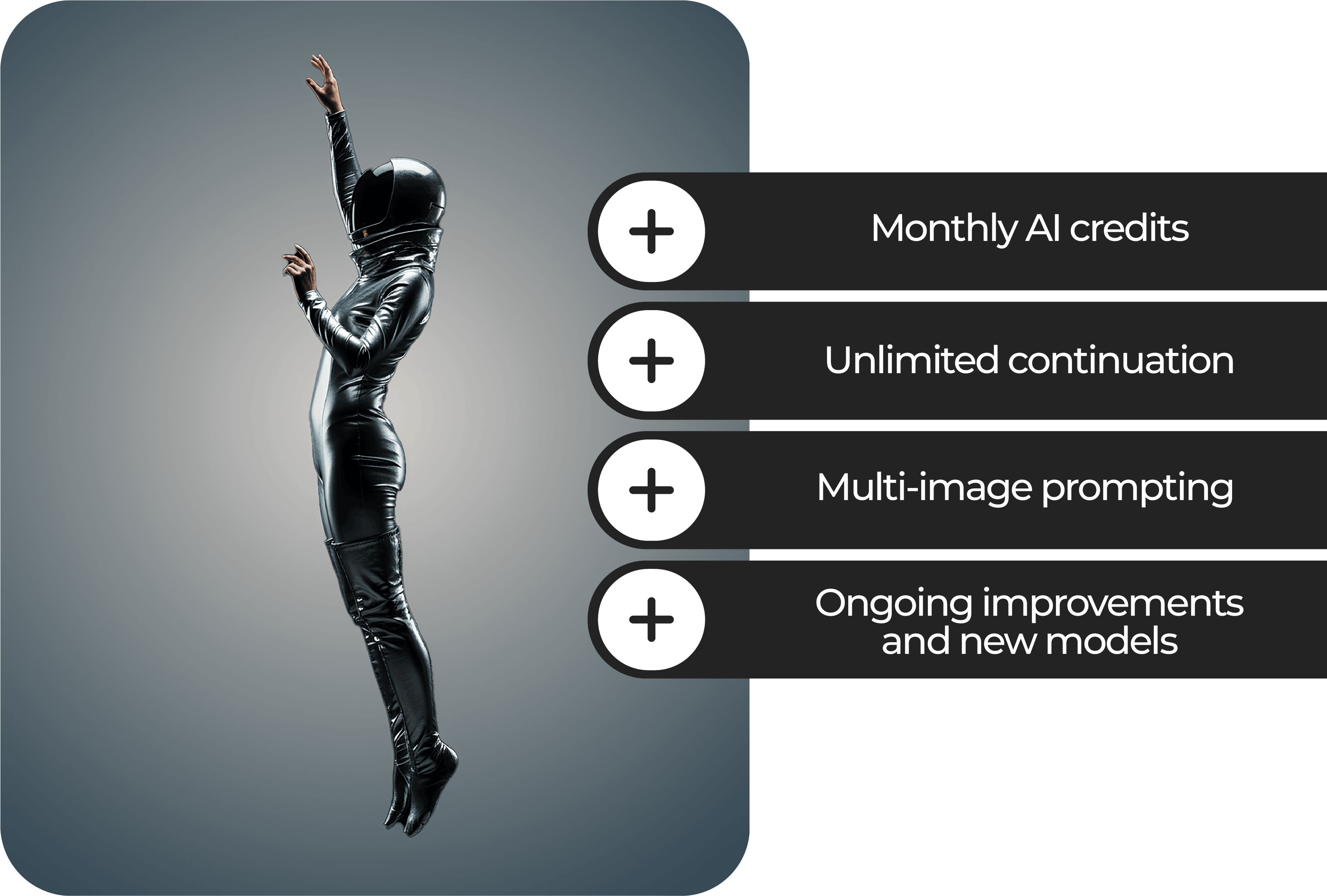
The Renderforest AI and higher plans are built for people who create often and don’t want friction in the process:
- Monthly AI credits to power advanced generation when you need it most
- Unlimited continuation with Renderforest Lite once credits are used up
- Multi-image prompting for more controlled, accurate video results
- Ongoing improvements and new models to keep the platform ahead of evolving creator demands
You could be running campaigns, building a content pipeline, creating weekly videos for a brand, or producing fast-turnaround updates with an AI news generator, and your workflow will stay reliable.
The takeaway: creativity shouldn’t have an “off” switch
The biggest change here isn’t a single feature. It’s the new feeling of the platform:
You can generate, test, and build without overthinking it. Use your credits when you want the premium punch, then roll straight into Lite when they’re gone. Drop in multi-image prompting when you need things to stay on-brand, and do it all in one place, from visuals to voiceovers to final export.
No tool-juggling: visuals, voice, and export are all handled in the same workflow, so you can be creative without limits.