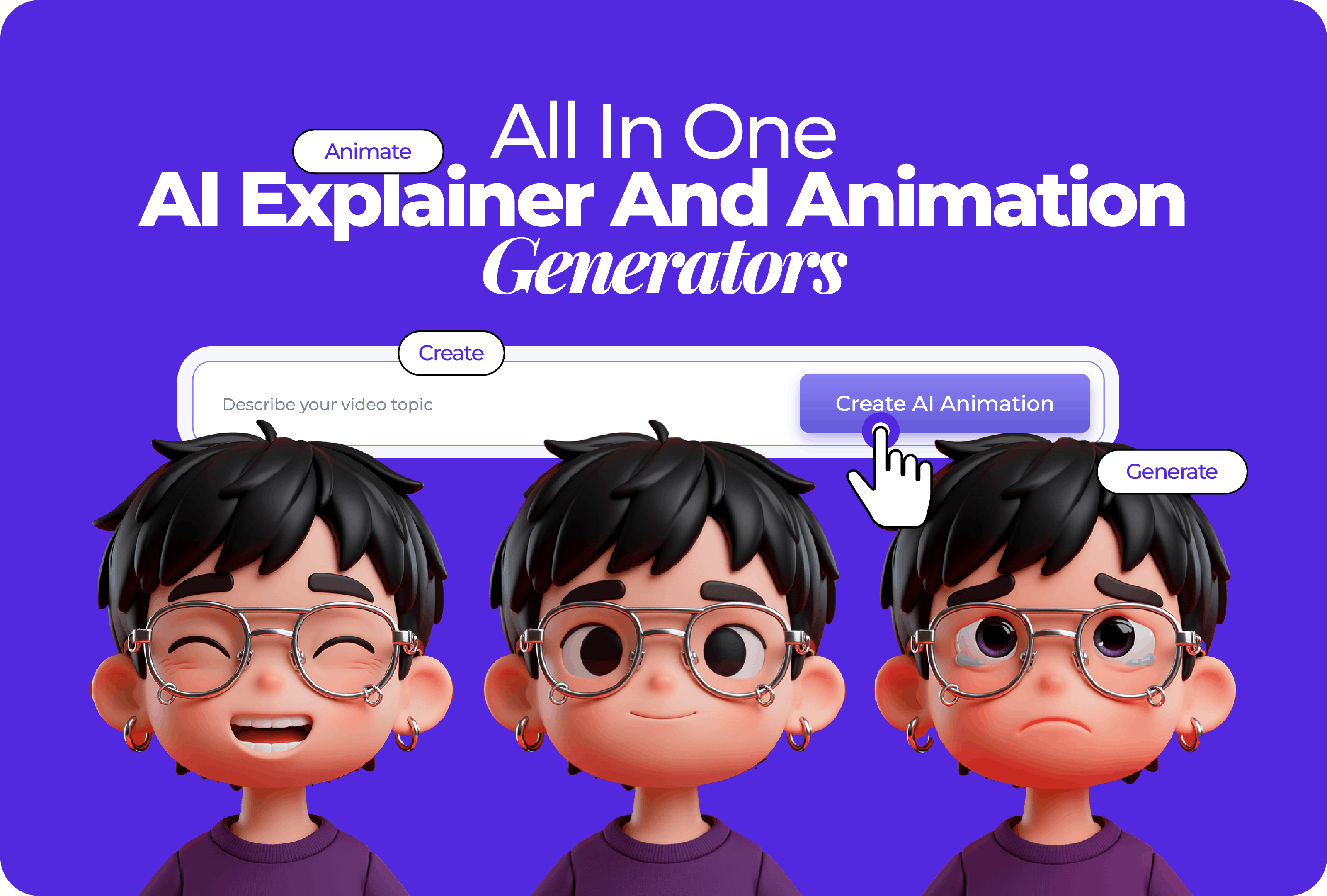


Turning an idea into an animated video used to feel complicated and time-consuming. Today, all-in-one AI explainers and animation generators make the process much simpler.
These tools take text, scripts, or basic ideas and turn them into animated videos with scenes, motion, and voiceovers, without needing animation skills. Everything happens in one place; video generation, editing, templates, branding, and export.
In this guide, we’ll look at tools that can help you create engaging explainer and animated videos from start to finish, even if you’re just getting started.
What an all in one AI explainer and animation generator does
At first glance, animated videos can feel like a lot of work. The good news is that all-in-one tools break the process into easy, manageable steps. You bring the idea, and the tool helps create the final video.
Script or prompt goes in
You start with a short script, outline, or even a rough idea. This text gives the tool direction and sets the message of the video.
Scenes and storyboard are created
The tool then breaks your input into scenes and arranges them into a basic storyboard. This helps shape the flow of the video without you needing to plan every frame.
Visual style and animations are applied
Next, a visual style is added to the scenes, and animations are generated automatically. This is where the video starts to feel polished and cohesive.
Voiceover, captions, and music are added
AI voiceovers, on-screen text, and background music are layered in to support the message and make the video easier to follow.
Edit and export
Finally, you can adjust timing, scenes, or text, then export the video in the format and size you need, ready for sharing or publishing.
How to choose the right tool
When comparing all-in-one AI explainer and animation generators, a quick checklist can help you spot the best fit faster:
- Explainer styles supported: Look for styles that match your goal, such as animated explainers, motion graphics, or presentation-style videos.
- Scene control and storyboard editing: Check how easily you can adjust scenes, reorder them, or fine-tune the flow of the video.
- Brand controls: Make sure you can apply your logo, colors, and fonts to keep videos on brand.
- Voiceover and captions: See if the tool offers AI voiceovers, subtitle options, and language support.
- Asset library and AI-generated visuals: A mix of ready-made assets and AI visuals gives you more creative flexibility.
- Collaboration and permissions: Useful if you’re working with a team or need feedback and approvals.
- Export formats and sizes: Confirm it supports the video formats and aspect ratios you need for social, web, or presentations.
- Pricing and free plan limits: Review what’s included in free plans and where paid tiers start to matter.
Best use cases for explainers and animated videos
There are many different places where animated videos can fit naturally into your work or content. Depending on what you’re trying to explain or share, they can support everything from marketing to internal communication.
Here are some of the most common ways people use explainer and animated videos:
- Product explainers and feature launches let you walk viewers through how a product works, highlight key features, or show what’s changed in a new release.
- Paid social and short-form ads deliver a focused message in the first few seconds using motion and text that work well on fast-moving social feeds.
- Website and landing page videos give visitors a quick overview of your product or service so they understand the value before scrolling further.
- Training and onboarding videos show processes, tools, or workflows in a clear visual sequence that’s easy to follow and repeat.
- Internal communications and updates let you share updates, changes, or announcements in a format that feels clearer and more engaging than long written messages.
- Sales demos and pitches support conversations with visuals that explain ideas, flows, or benefits without relying on long explanations.
- Education content helps turn lessons, concepts, or instructions into short visual explanations that help learners stay focused and retain information.
Top all in one AI explainer and animation generators
To make comparison easier, we’ve grouped these all-in-one video generators by their strengths and how simple they make turning ideas into finished animated videos.
Renderforest
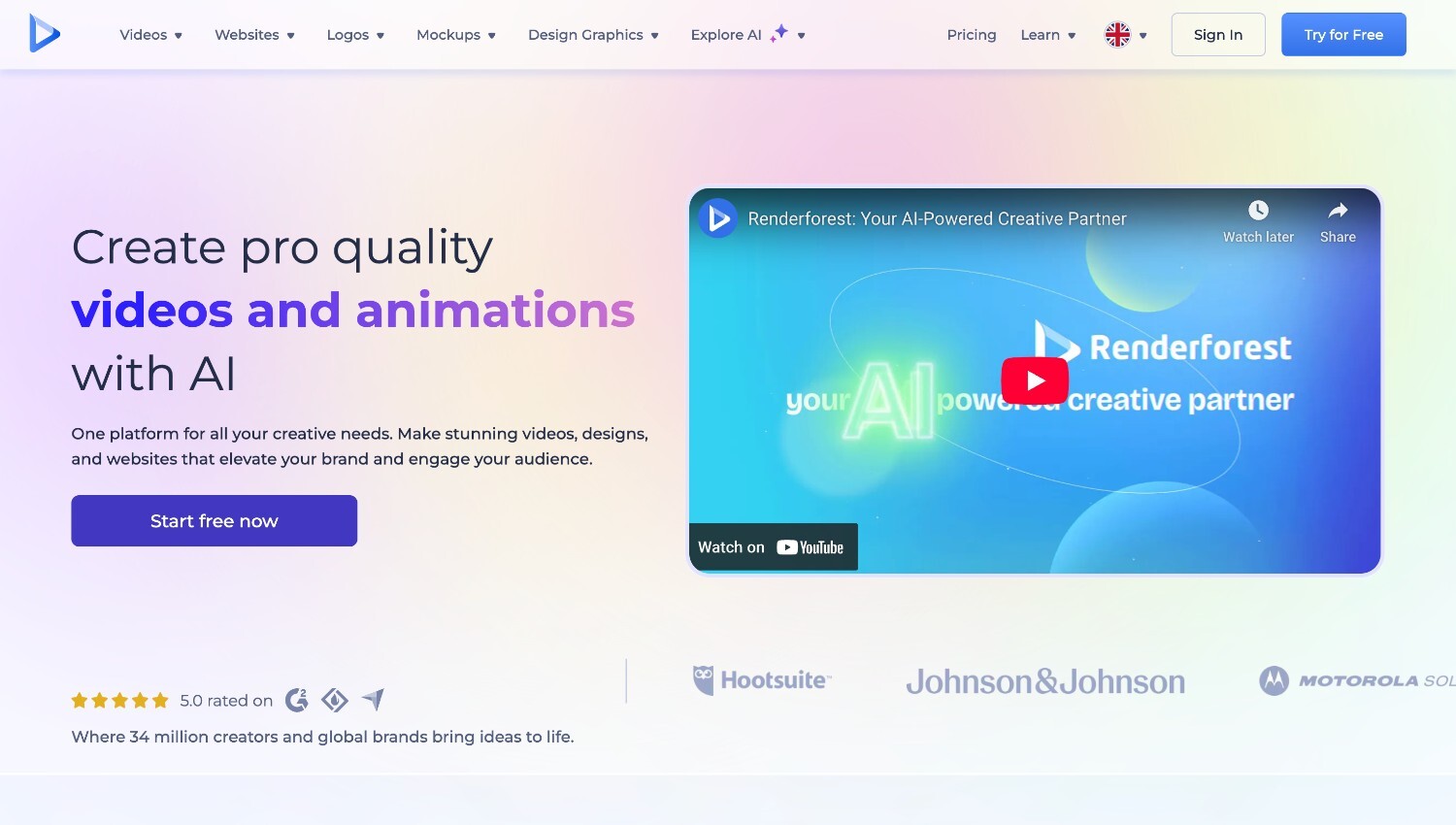
Renderforest is an all-in-one platform for creating explainer videos and animation-style videos using both template based tools and generative AI. For users who want speed and structure, it offers ready-made explainer and animation templates that can be customized scene by scene.
For users who prefer a more automated starting point, Renderforest also supports AI-driven video creation where scenes and visuals are generated directly from text or scripts. Both approaches are available inside the same editor, so teams can choose the workflow that fits their project without switching platforms.
For animation specifically, Renderforest supports both template-based animation workflows and a dedicated AI animation generator.
So, while AI-generated animations start automatically, customization does not stop there. After generation, users can edit text, replace visuals, reorder scenes, adjust animation timing, refine transitions, and apply brand kits with fonts, colors, and logos. This makes it possible to shape AI-generated animations beyond the initial output while keeping production fast.
Key features:
- Text-to-video generation and animation maker with a scene-based structure
- Generative AI visuals alongside custom image packs for scenes
- Explainer video maker for learning-friendly styles and templates for quick, polished results
- Built-in editor for timing, scenes, transitions, and layout
- AI voiceovers with multilingual options
- Brand kit controls for fonts, colors, and logos
- Multiple aspect ratios and export options for social and web
Vyond
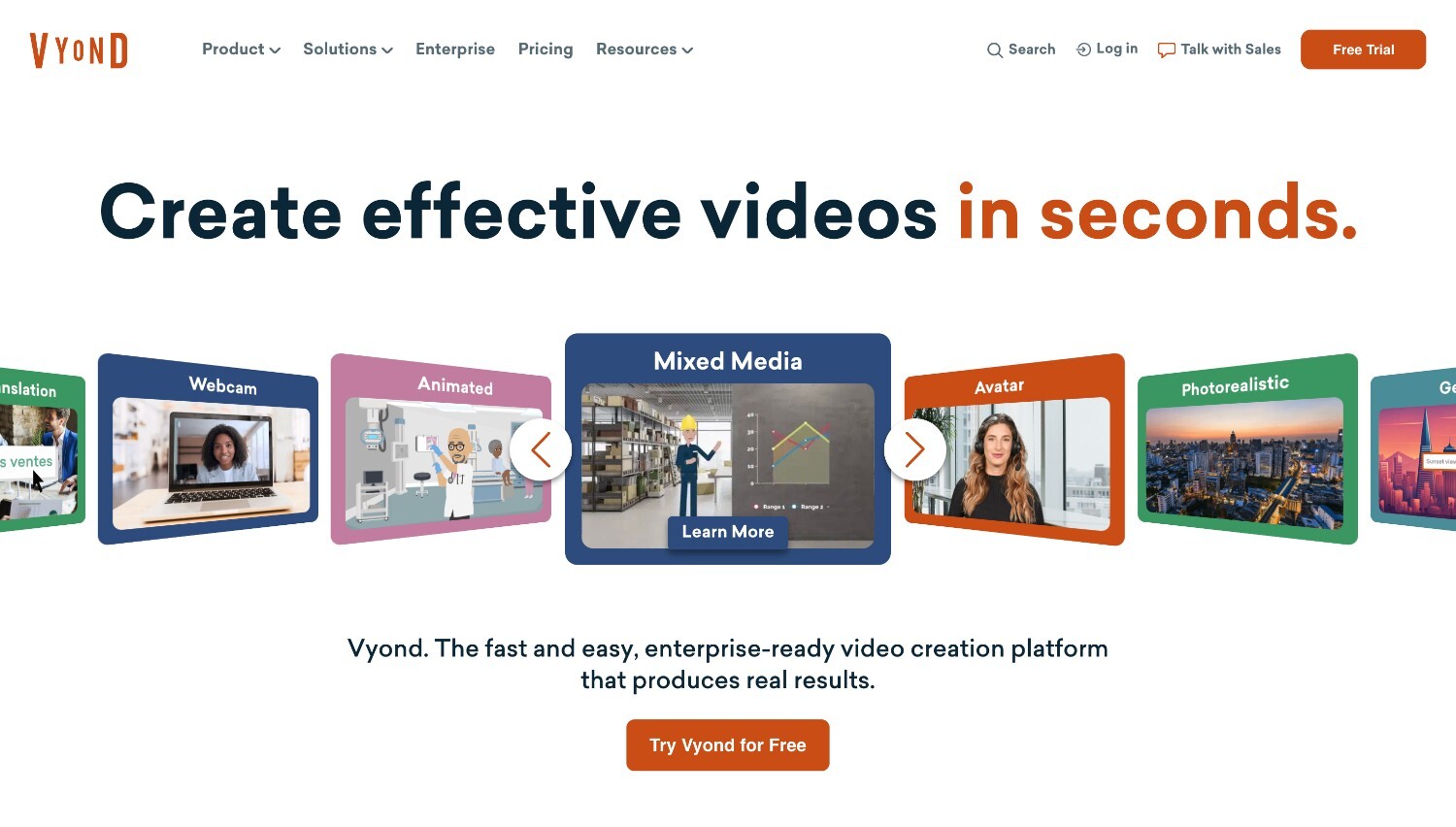
Vyond is a business-friendly platform designed for creating animated explainers, training videos, and internal communications. It’s especially well suited for videos that rely on storytelling, with strong control over characters, scenes, and actions. Using text prompts, scripts, or reference content, Vyond helps turn ideas into structured, editable videos without requiring video or animation experience. Its mix of visual styles and language support also makes it a practical choice for teams creating content for different audiences.
Key features:
- Character-driven animated explainers with strong scene and action control
- AI-assisted video creation from text, scripts, or reference documents
- Multiple visual styles to match different audiences and use cases
- Large library of characters and avatars for training and business videos
- Natural-sounding text-to-speech voices with wide language support
- Export options suitable for sharing, hosting, or learning platforms
Powtoon
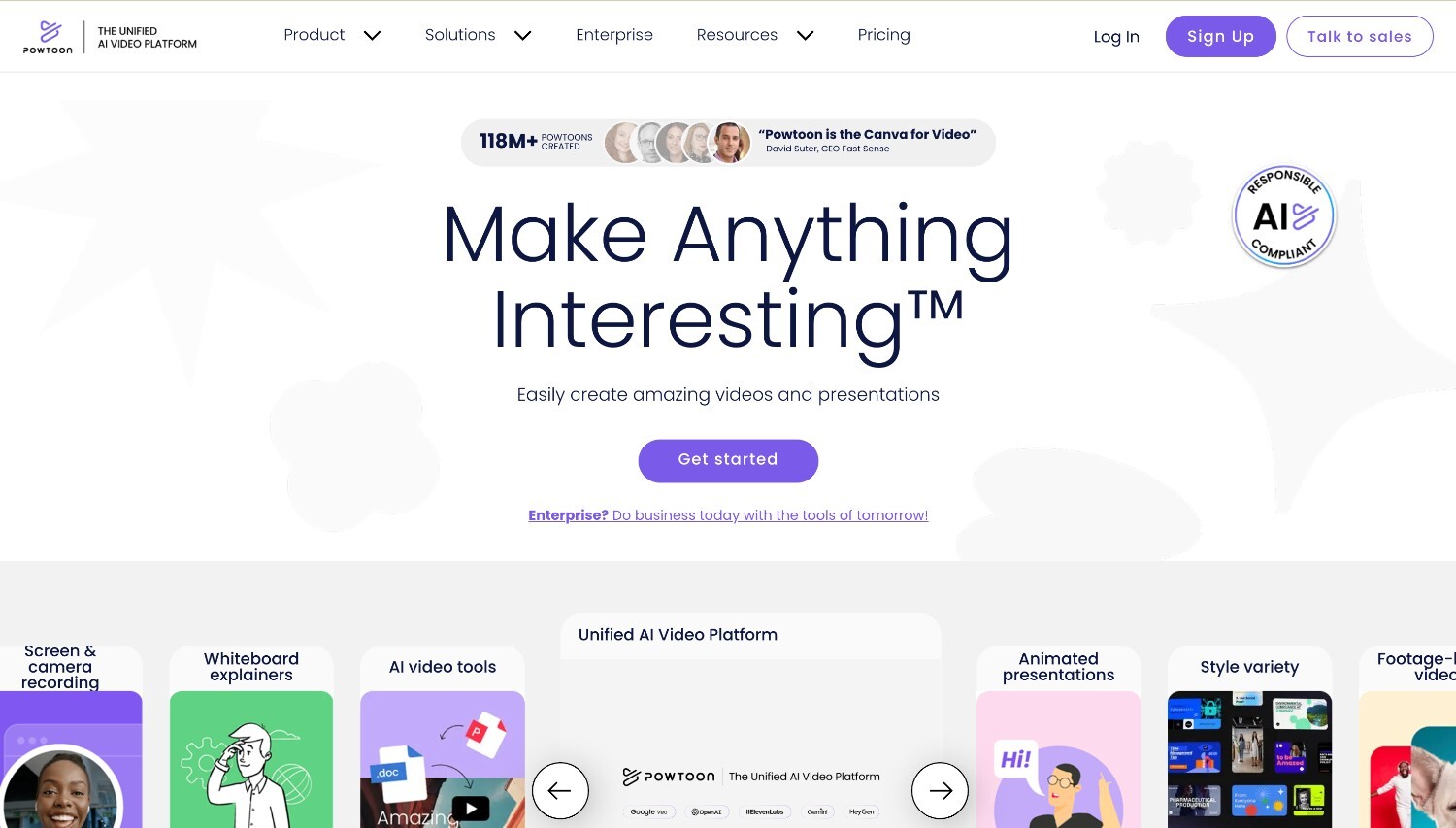
Powtoon focuses on presentation-style explainer videos and business communication, making it easy to turn ideas or scripts into animated content. It works especially well for teams that already think in slides and want to add motion, visuals, and voiceovers without complicated editing. With a wide range of templates and simple controls, Powtoon helps create high-quality, engaging videos for presentations, updates, and short explainers.
Key features:
- Presentation-style animated explainers with a slide-based flow
- Ready-made templates for business, marketing, and internal communication
- Simple drag-and-drop editing for scenes, text, and visuals
- Built-in characters, icons, and motion elements
- Text-to-speech and voiceover options
- Export formats suited for presentations, social media, and web
Canva
Canva is a popular choice for creating quick explainer videos using templates, simple animations, and brand-ready layouts. It works especially well if you already use Canva for presentations, social posts, or documents and want to turn that content into short animated videos without a learning curve. With easy animation controls and fast export, Canva helps you move from idea to finished explainer in just a few steps.
Key features:
- Ready-made explainer video templates for fast creation
- Simple animation tools for elements, pages, and text
- Brand kit support to keep colors, fonts, and logos consistent
- Built-in captions, music, and basic motion effects
- Collaboration features for team feedback and edits
- Quick export options for social media, web, and presentations
Synthesia
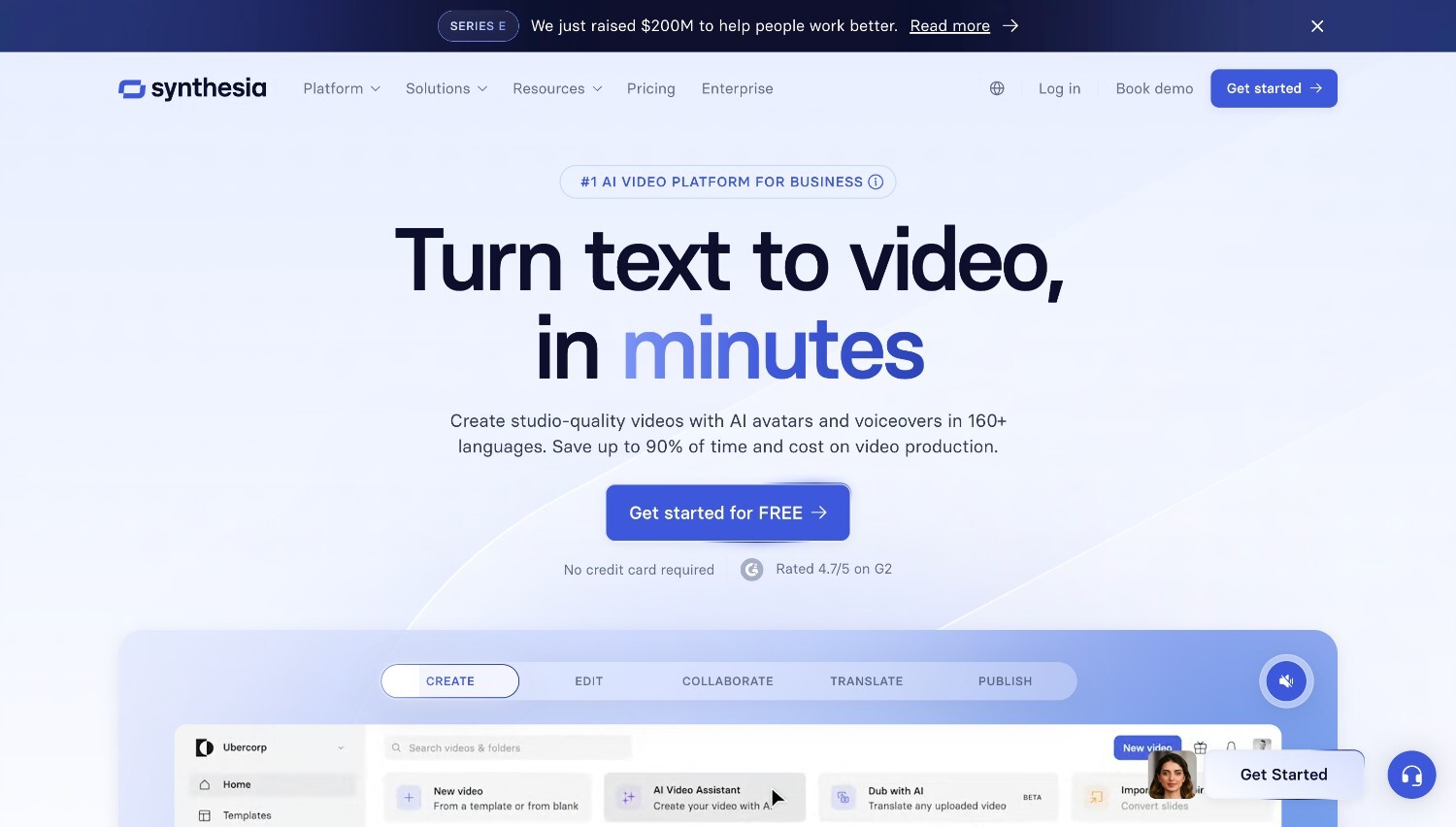
Synthesia is best known for explainer and training videos created with AI avatars. The videos center around a digital presenter who delivers the message on screen, which makes them especially useful for training, onboarding, product walkthroughs, and internal communication. This format works well when you want a clear, human-style presentation without needing to appear on camera.
Key features:
- Explainer and training videos led by realistic AI avatars
- Wide selection of diverse avatars, with the option to create a custom one
- Text-to-video workflow that turns scripts into narrated videos
- Customizable backgrounds, layouts, and brand elements
- AI-generated and supporting visuals for each scene
- Simple export and sharing for presentations, email, and social channels
InVideo
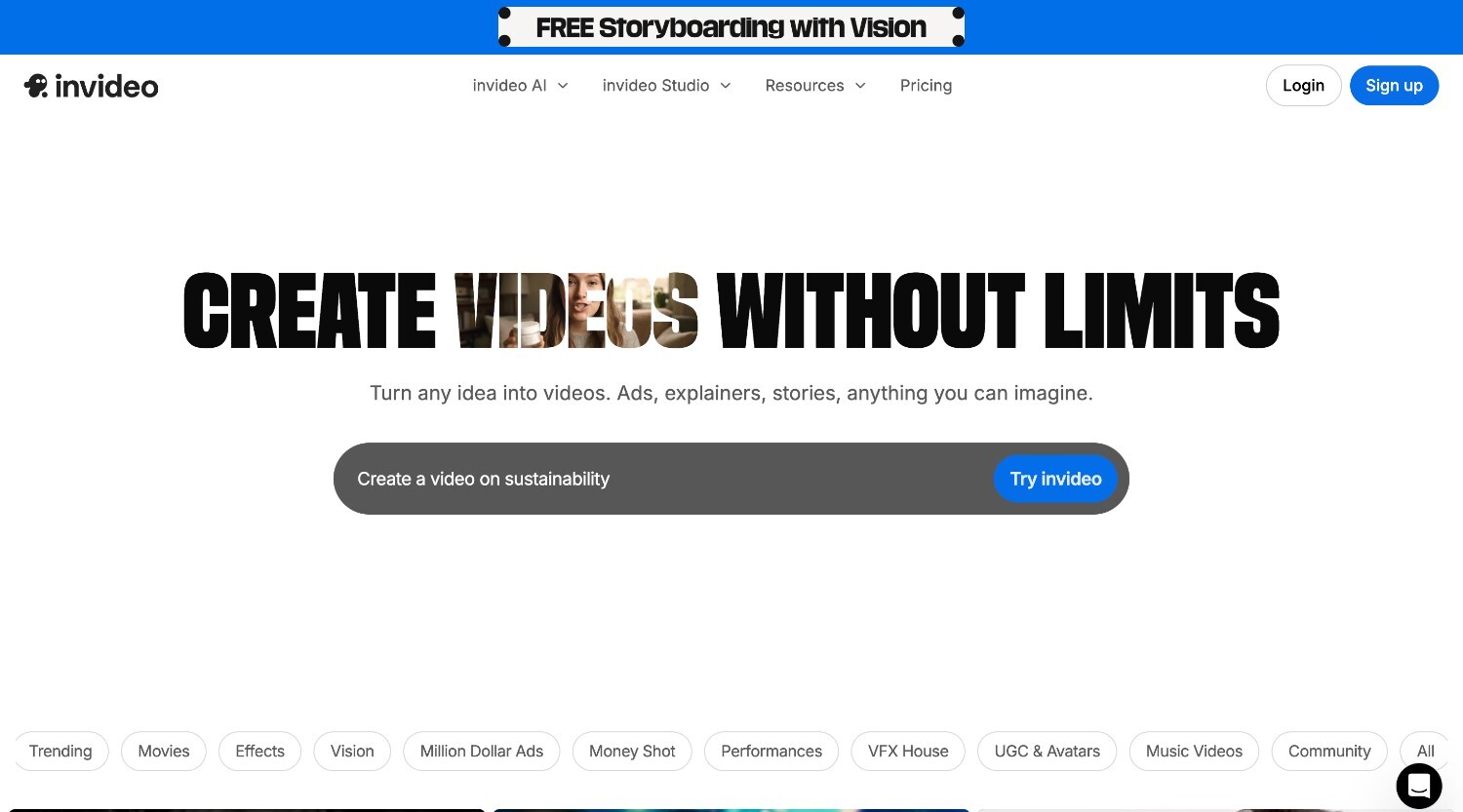
If speed and flexibility are your top priorities, InVideo fits naturally into that workflow. It’s often used to turn scripts or rough ideas into short videos quickly, especially for social and marketing content that needs frequent updates. With AI-assisted generation and hands-on editing, InVideo makes it easy to create, tweak, and repurpose videos without slowing the process down.
Key features:
- Script-to-video creation for explainers, marketing, and social content
- AI-assisted generation of visuals, voiceovers, subtitles, and music
- Text-based editing for fast revisions and updates
- Support for multiple languages
- Strong editing tools for adapting videos to different platforms
- Export options for social media, web, and presentations
Tips for getting better results
Even the best all in one explainer tools work best when you give them clear direction. A few small choices at the start can make a big difference in how polished and effective the final video feels.
- Start with a clear one-sentence goal so every scene supports the same message
- Keep scripts short and organized around scenes to maintain a smooth flow
- Stick to one visual style per video for a cleaner, more consistent look
- Use minimal on-screen text to keep the focus on visuals and narration
- Match the pacing to the platform, faster for social and calmer for longer formats
- Add a clear call to action so viewers know what to do next
- Export in the right aspect ratio and length for where the video will be shared
FAQ
What makes a tool all in one?
An all-in-one explainer and animation tool handles the entire video process in one place. This usually includes AI video generator features like turning text into scenes, adding animations, editing layouts and timing, applying branding, and exporting the final video. Having everything in a single workflow makes video creation faster and easier to manage.
What do all in one explainer tools usually cost?
Pricing changes depending on features, export quality, and usage limits, but a lot of all in one explainer tools are designed to be more accessible than hiring designers or animators. Some platforms offer free plans for testing and learning the workflow, with paid tiers that combine generation, editing, branding, and export in one place. For example, Renderforest offers a free plan with AI credits alongside bundled subscriptions, which makes it one of the more affordable all in one AI video makers on the market for teams and creators who want predictable costs.
Can these tools replace an animator?
These tools cover many common needs, such as explainers, training videos, and marketing content. They make it possible to create polished videos quickly without animation experience. For highly custom visuals or complex creative work, a professional animator may still be the better option.
How long should an explainer video be?
Short and focused videos tend to work best. Many explainers fall between 30 and 90 seconds, which is usually enough to explain the main idea without losing attention. Training or educational videos can be longer if the content is clearly structured.
What is the best format for social ads?
The best format depends on the platform, but vertical and square videos are often more effective. Short runtimes, clear visuals, and captions help communicate the message quickly, especially when viewers watch without sound.
How do I keep branding consistent?
Using brand kits and templates helps keep colors, fonts, and logos consistent across videos. Sticking to the same visual style and tone also makes your content feel familiar and easier to recognize over time.