AI
Finding the best AI avatar generator depends almost entirely on what you’re trying to make. These tools serve very different purposes, and a platform built for enterprise training videos works nothing like one designed for social media content or marketing campaigns. Picking the wrong one usually means a lot of wasted free trials.
The real question is which tool fits what you’re actually trying to make. Producing internal onboarding videos at scale, creating marketing content for multiple languages, or running a full video production workflow where an avatar is just one part of the process; each of these points to a different tool.
This article breaks down the best AI avatar generators for video creation available right now, what each one does well, where each one falls short, and how to find the right fit before you commit to a plan.
| Tool | Best for | Avatar realism | Custom avatar | Languages | Full workflow | Starting price |
| Renderforest | All-in-one video creation with avatar support | High, customizable characters, realistic styles | Yes, via image upload or stock characters | 50+ (voiceover) | Yes, generation, editing, voiceover, export in one platform | Free / from $9/month |
| HeyGen | Marketing and social content, multilingual video | Very high, Avatar IV with micro-expressions and full-body motion | Yes, digital twin from 2–5 min footage | 170+ | Yes, generation, editing, translation, export | Free (3 videos/month) / from $29/month |
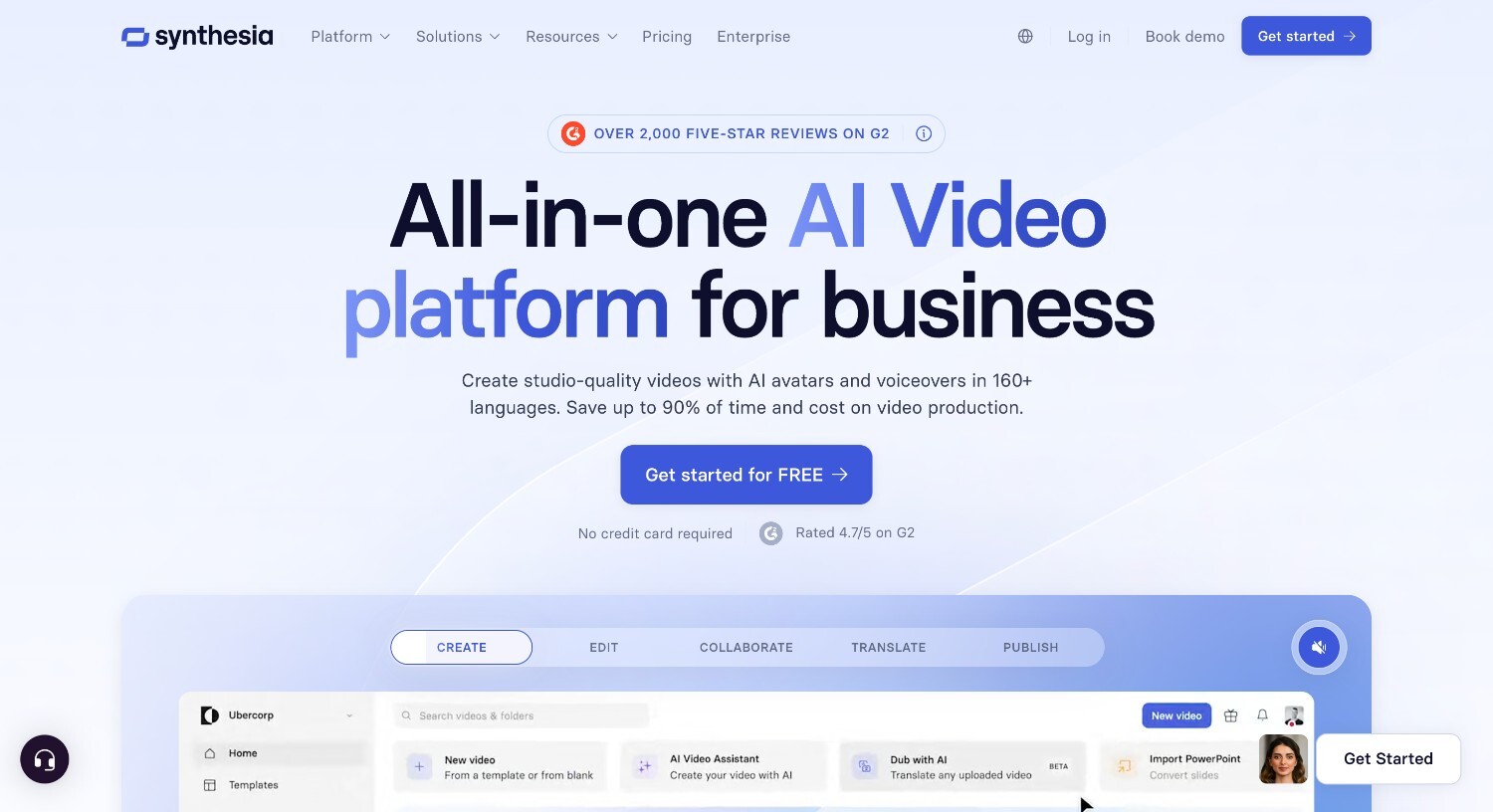
| Synthesia | Enterprise training, internal comms, L&D | Very high, polished and consistent for corporate use | Yes, studio avatar on enterprise plans | 160+ | Yes, script to export with built-in editor | Free (10 min/month, watermarked) / from $18/month |
| D-ID | Interactive avatars and conversational AI agents | High, V4 Expressive with emotional range | Yes, from photo upload | 120+ | Partial, generation and translation, lighter editing suite | Free trial / from $5.9/month |
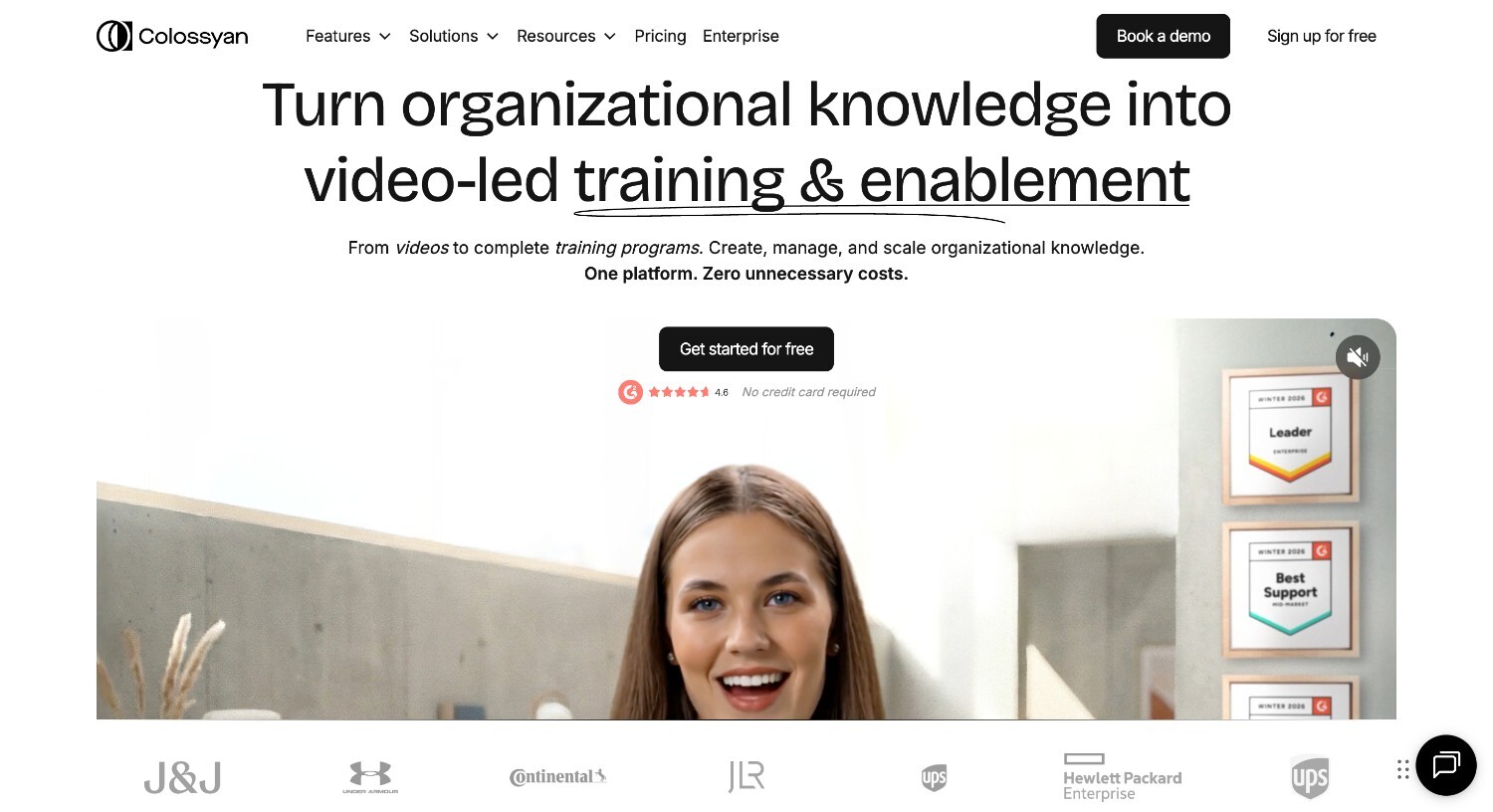
| Colossyan | L&D and e-learning with interactive content | High, good consistency across 200+ avatars | Yes, from phone footage | 100+ | Yes; includes quizzes, branching scenarios, SCORM export | Free trial / from $27/month |
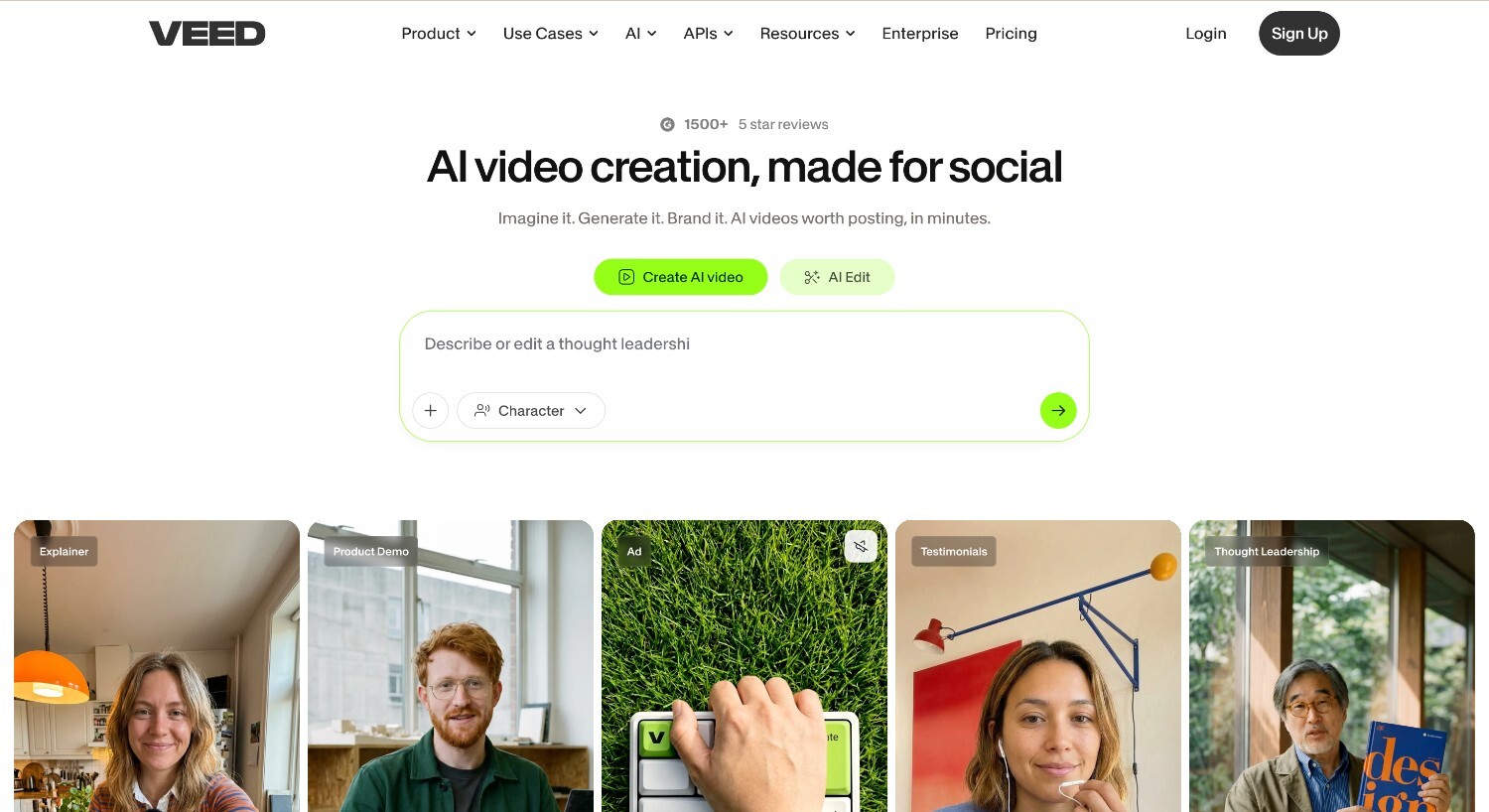
| VEED | Solo creators needing editing and avatars in one tool | Moderate, functional but trails dedicated avatar platforms | Limited | 120+ | Partial, strong editor but avatar generation is secondary feature | Free / from $10/month |
Most articles skip straight to the tool list. That’s fine if you already know what matters to you, but if you’re comparing platforms for the first time, you’ll end up choosing based on marketing copy rather than actual fit. These five criteria help you figure out what to look for.
Realism in avatar video comes down to a few specific things: how accurately the avatar’s lips match the audio, whether the eyes move naturally, and whether the head gestures feel fluid and natural. Micro-expressions matter too, and a slight brow raise or a natural blink goes a long way toward making a video feel convincing.
Most platforms have improved significantly in this area over the last two years, but there’s still a visible gap between top-tier tools like HeyGen Avatar IV and Synthesia and the mid-tier options. For external-facing content like sales videos or brand campaigns, realism directly affects how much trust the viewer extends. For internal training or explainer videos, clarity and consistency tend to matter more than photorealism.
Stock avatars are pre-built personas you pick from a library. Custom avatars, sometimes called digital twins, are created from your own footage. Most platforms that offer this ask for a short recording session, typically two to five minutes, and use that to generate a personalized avatar that looks and sounds like you.
Custom avatars are a top choice when brand consistency is a priority, whether that means a recognizable face for your company or a personal brand you want to carry across multiple videos. For internal training, neutral explainers, or content where the presenter’s identity isn’t central to the message, a stock avatar works just fine. One thing worth checking before you sign up: custom avatar creation usually sits behind higher-tier plans, so it’s not always available on entry-level or free subscriptions.
If you produce content for multiple markets or need to localize existing videos, language support becomes one of the more important factors in your decision. HeyGen covers over 175 languages and dialects, Synthesia supports more than 160. The numbers matter, but they only tell part of the story. Voice quality and natural delivery vary significantly across languages, so a platform that sounds great in English may perform noticeably worse in Portuguese or Arabic.
Voice cloning is just as important. Some tools let you clone a specific voice and carry it across languages, which keeps a consistent presenter identity even when the language changes. For global teams producing content at scale, that’s a practical advantage that goes beyond just having a high language count.
Most avatar tool reviews list features without explaining whether the platform covers a full production workflow or just one part of it. A tool that handles avatar generation well but leaves editing, voiceover, and export to other platforms is a very different proposition from one that takes you from script to finished video without switching tabs.
A complete workflow typically covers script input, avatar generation, voiceover, basic editing, and export, all in one place. For a solo creator making occasional content, a gap in the workflow is manageable. For a marketing team or L&D department producing videos every week, those gaps add up and create bottlenecks that slow the whole process down.
Pricing pages across these platforms tend to look more generous than they actually are, and free tiers are where most of the confusion happens. The details you should check are whether exports carry a watermark, how long videos can be on a free plan, which avatars you get access to without paying, and whether content you create can be used commercially under the free tier’s terms.
These are the details most people overlook until they’ve already spent time learning a platform. A free plan with a two-minute video cap and watermarked exports is a trial, not a usable tier. Getting clear on what’s actually included before you commit saves a lot of backtracking later.
Who this is for: Marketers, small business owners, educators, and content creators who need avatar-supported videos as part of a broader production workflow, not just a talking head
Not ideal for: Teams whose primary need is a photorealistic digital twin or enterprise-grade avatar with SOC 2 compliance
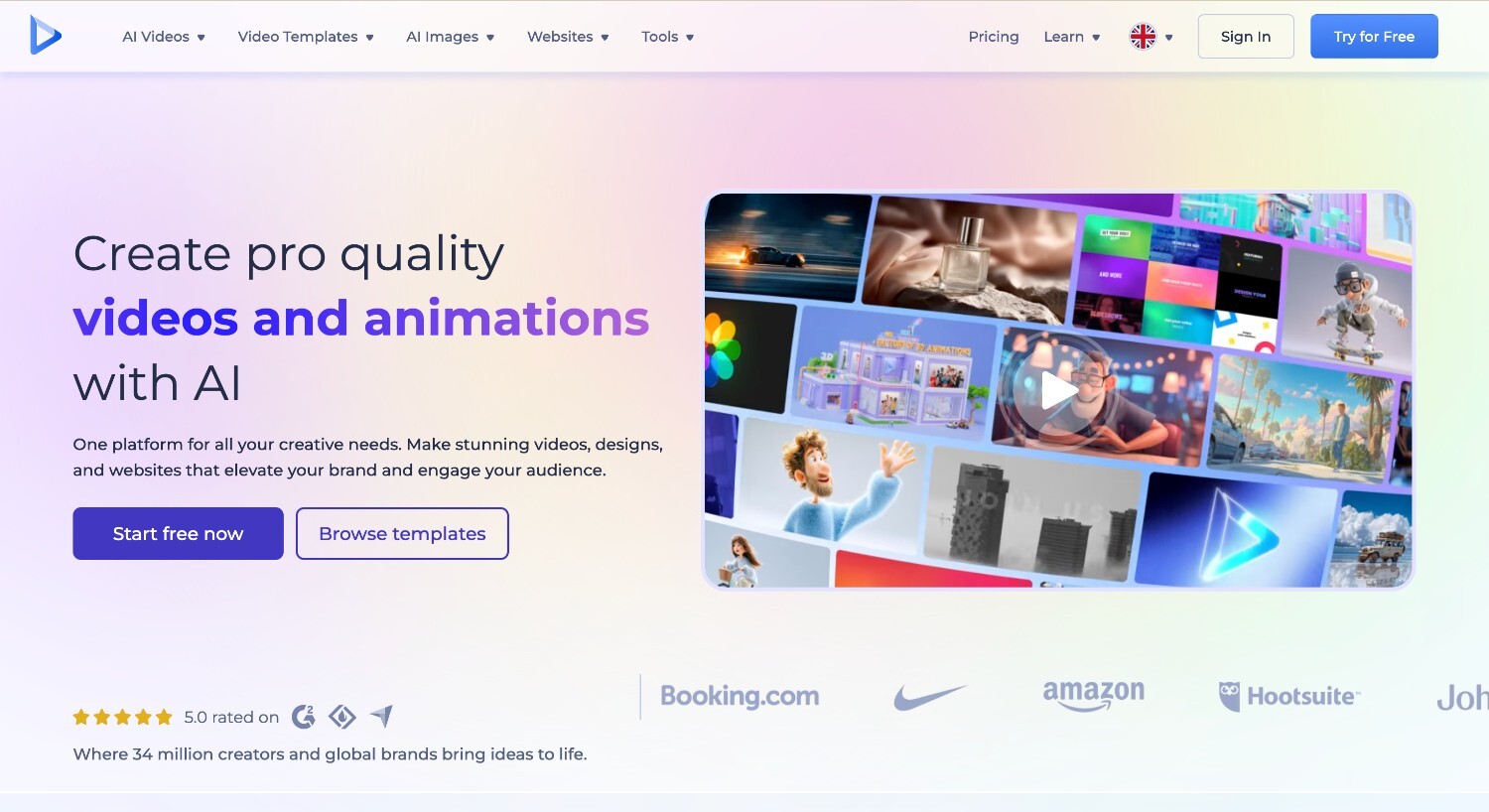
Renderforest combines AI avatar generation with a full video production suite: video templates, voiceover in 50+ languages, an AI video generator, and brand tools, all in one platform.
How avatar generation works: Select or build a character, input your script, and the platform generates a complete video with the avatar, voiceover, transitions, and export formatting. Characters can be adjusted for appearance, clothing, and style. The generative AI pipeline supports consistent character rendering across scenes, useful for longer or multi-scene videos.
What works well:
Limitations:
Pricing: Free plan available. Paid plans from $9/month (Lite, annual)
Who this is for: Marketing teams, social media managers, and creators who need photorealistic avatar videos at scale, with strong multilingual capabilities and custom digital twin support
Not ideal for: Teams primarily building interactive e-learning with quizzes, branching scenarios, or SCORM export
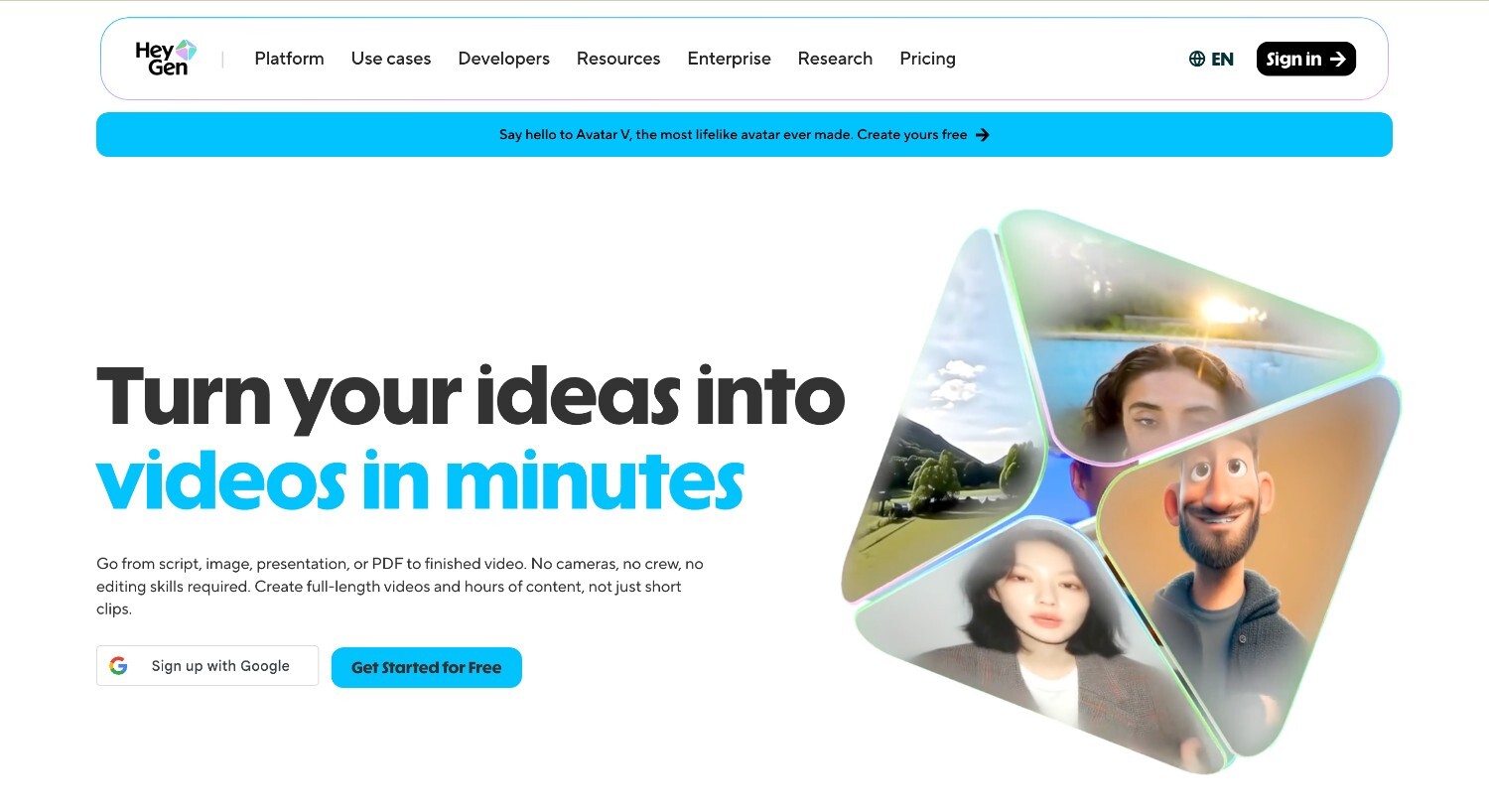
HeyGen is a strong option in this comparison for avatar realism and multilingual reach, especially for marketing and social content.
How avatar generation works: HeyGen’s Avatar IV produces full-body motion with natural hand gestures, micro-expressions, and lip sync accuracy down to 0.02 seconds — a level of detail that holds up well in professional marketing and sales contexts. For teams that want a personalized presenter, digital twin creation works by uploading two to five minutes of personal footage. HeyGen uses that recording to generate a custom avatar that mirrors your appearance and voice. From there, content can be produced in 170+ languages and dialects, with voice cloning that carries the original speaker’s tone across all of them.
What works well:
Limitations:
Pricing: Free: 3 videos/month, up to 1 min each, 720p. Paid from $29/month
Who this is for: Enterprise L&D teams, HR communications departments, and organizations that need governance, compliance, and structured training video production
Not ideal for: Creators or marketers who need expressive, dynamic avatars for social content or external-facing brand videos
Synthesia is the most mature enterprise platform in this comparison, with the strongest compliance and workflow structure for teams producing internal communications at scale.
How avatar generation works: Synthesia turns a script into a complete avatar-led video using 240+ stock avatars, with custom studio avatars available on Enterprise plans. The built-in editor covers everything from scene layout to text overlays, reducing the need for external tools at any stage of production. For teams on lower tiers, selfie avatars powered by Veo 2 offer more personalization.
What works well:
Limitations:
Pricing: Free: 10 min/month, watermarked, paid from $18/month
Who this is for: Teams building AI agents, customer-facing interactive experiences, or conversational video interfaces where two-way interaction matters
Not ideal for: Users who need a full video production workflow with editing, templates, or brand tools built in
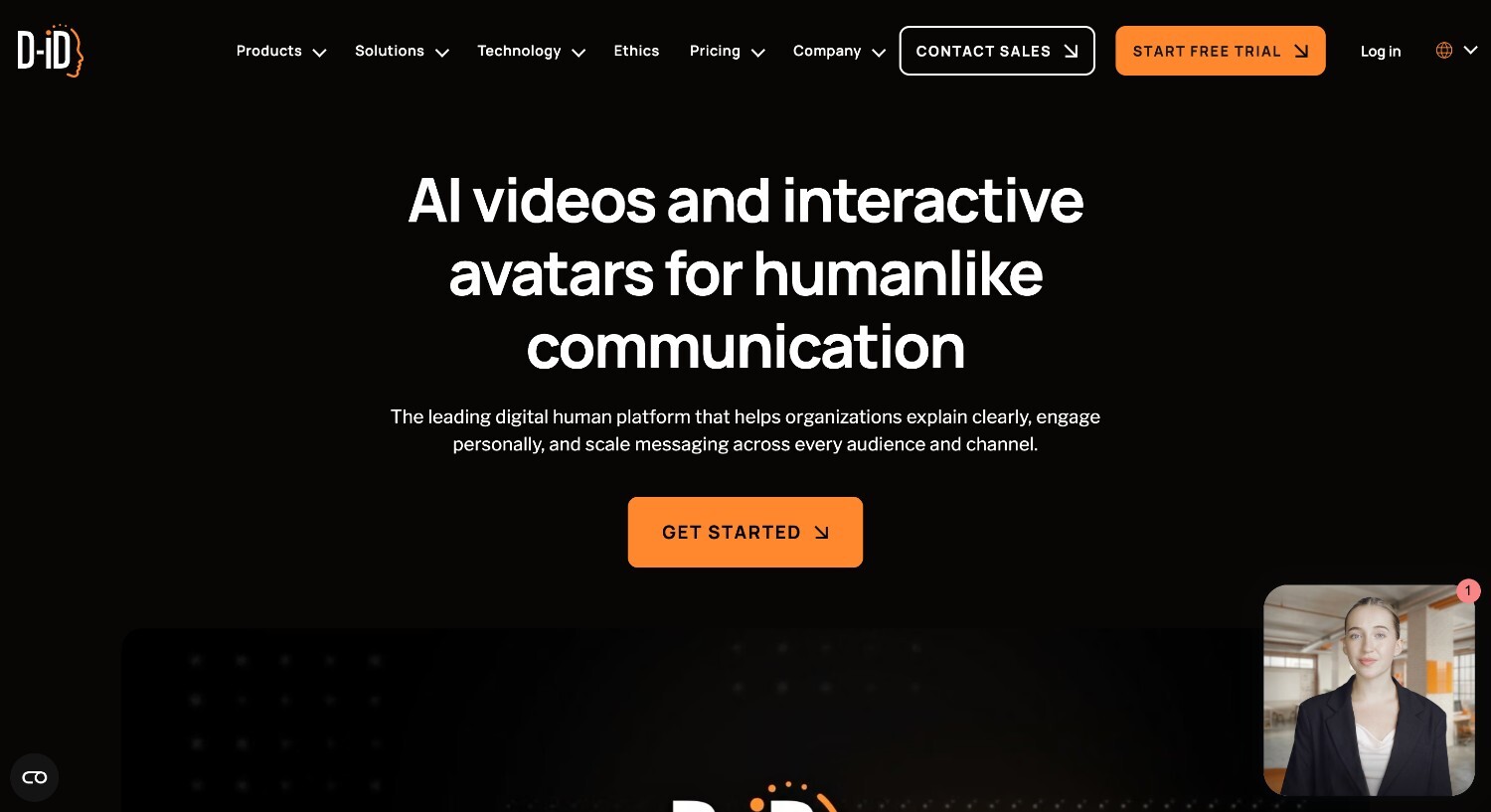
D-ID is the strongest tool in this comparison for interactive and conversational avatar use cases, built around real-time engagement rather than one-way video output.
How avatar generation works: D-ID’s Creative Reality Studio centers on its V4 Expressive Avatars, which cover emotional range, voice modulation, and real-time interaction in a way most avatar platforms don’t attempt. The photo-to-avatar pipeline is straightforward: upload a photo and the platform generates a talking avatar from it, no filming session required. For teams deploying avatars in customer-facing contexts, the Visual AI Agents product supports real-time conversational interactions rather than pre-recorded video delivery. Developers can also access the full pipeline via API, making D-ID a practical option for teams building avatar-driven applications into their own products.
What works well:
Limitations:
Pricing: Free trial available. Paid from $5.90/month
Who this is for: L&D professionals and corporate trainers who need interactive video features, quizzes, branching scenarios, and SCORM export, alongside avatar generation
Not ideal for: Marketing or social content creators who need expressive, dynamic avatars and fast generation speed
When interactive learning structure matters as much as avatar quality, Colossyan is the strongest tool in this comparison for e-learning and training content.
How avatar generation works: Colossyan offers 300+ diverse avatars with consistent lip sync and voice modulation across 100+ languages. Instant avatar creation works from phone footage, meaning teams don’t need a studio setup to get a personalized presenter. The platform also supports voice cloning in 30+ languages, which helps maintain a consistent presenter identity across localized versions of the same course. Where Colossyan separates itself from other tools in this comparison is the interactive content layer: videos can include multi-avatar conversations, embedded quizzes, and branching scenarios that respond to learner input, all exportable via SCORM for direct LMS integration.
What works well:
Limitations:
Pricing: Free trial available. Paid from $27/month
Who this is for: Solo creators and small teams who already need a video editor and want avatar functionality without managing a separate subscription.
What works well:
Limitations:
Pricing: Free plan available. Paid from $10/month
The right tool comes down to what you’re actually trying to produce and which platform fits that job. These pointers cover the main use cases and what to focus on when evaluating your options.
Marketing and social content: Realism and language support should be your starting point. If your videos are external-facing, lip sync quality and multilingual capability will matter more than interactive features or workflow breadth.
Enterprise training and L&D: Prioritize compliance, governance, and workflow structure. SSO, approval workflows, and LMS integration are the features that determine whether a platform actually fits an enterprise environment.
Interactive e-learning: Look for platforms that treat interactivity as a core feature, not an add-on. Quizzes, branching scenarios, and SCORM export should all be available natively within the platform.
Conversational AI agents: Real-time interaction capability is the deciding factor here. Most tools in this comparison produce one-way video; only a few support genuine two-way avatar experiences.
Solo creators: Weigh the value of having editing and avatar generation in one place against the limitations that come with a platform where avatars aren’t the primary focus.
All-in-one video production: If avatars are one part of a broader workflow that also includes templates, voiceover, and brand tools, a platform like Renderforest is worth considering before committing to a dedicated avatar tool.
Avatar quality is important, but it rarely determines whether a tool actually works for your team. The workflow it supports, the use case it covers, and where the final video ends up all affect that decision more than realism scores or feature counts.
If you need a platform that covers the full production process, from script and avatar generation to voiceover, editing, and export, Renderforest combines it in one place. Avatars are part of the workflow, which makes it a practical fit for teams who produce a range of video content, not just avatar-led video exclusively.
Give it a try on the free plan and see if it fits what you’re working on.
It depends on what kind of video you’re creating. HeyGen leads for marketing and social content, Synthesia for enterprise training, and Renderforest for teams that need the best AI avatar software for video generation as part of a broader video production workflow covering templates, voiceover, and editing in one place.
For solo creators who produce a mix of edited and avatar-led content, VEED offers the most practical setup since it combines a full video editor with avatar functionality in one subscription. Creators focused specifically on avatar-led video will get better output quality from HeyGen.
Synthesia’s free plan includes 10 minutes of video per month across 9 avatars, though exports carry a watermark. HeyGen’s free tier allows 3 videos per month, up to 3 minutes each, with 500+ stock avatars and 720p export. Renderforest also offers a free plan with access to core features. Which one works best depends on how much you need to produce and whether a watermark is a dealbreaker.
Stock avatars are pre-built personas you pick from a platform’s library. Custom avatars, often called digital twins, are generated from your own footage, typically a short recording of two to five minutes. Custom avatars carry your appearance and voice, which makes them useful for brand-consistent content. Stock avatars are a perfectly fine option for internal training or neutral explainer videos where the presenter’s identity isn’t central to the message.
Most platforms cover commercial use on paid plans, but the terms vary. Free tiers often restrict commercial rights or require a watermark on exports, which makes them unsuitable for professional use. Always check the licensing terms of the specific plan you’re on before publishing commercially.
Synthesia is the strongest option for corporate training, with SOC 2 compliance, SSO, approval workflows, and SCORM export built in. Colossyan is worth considering for teams that need interactive content features like quizzes and branching scenarios alongside avatar generation.
Yes. Renderforest includes AI avatar generation as part of its broader video creation platform. You can select or build a character, input your script, and generate a complete video with the avatar, voiceover, and transitions included. It supports 50+ languages for voiceover and maintains character consistency across scenes, making it a practical option for teams producing multi-scene or longer-form content.
Share this


Article by: Sara Abrams
Sara is a writer and content manager from Portland, Oregon. With over a decade of experience in writing and editing, she gets excited about exploring new tech and loves breaking down tricky topics to help brands connect with people. If she’s not writing content, poetry, or creative nonfiction, you can probably find her playing with her dogs.
Read all posts by Sara Abrams