AI Avatar Video Generator
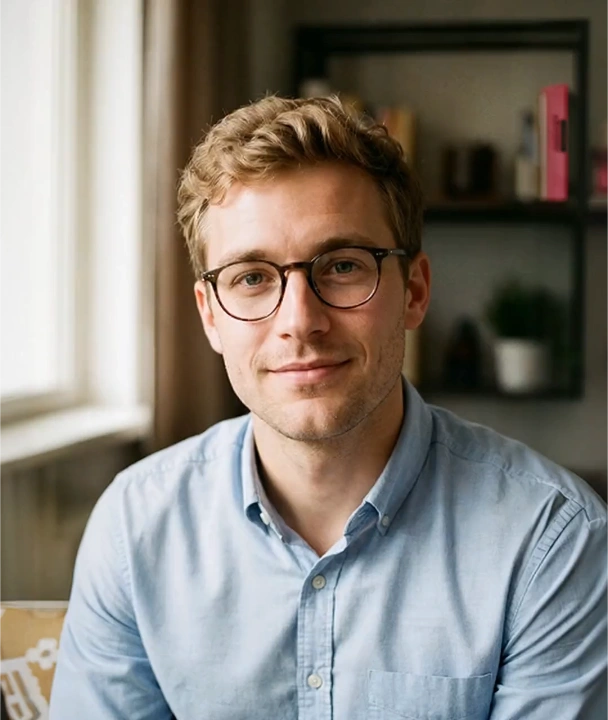
Use our AI avatar video generator to turn a profile photo, podcast photo, or portrait into a speaking video with realistic lip sync and multilingual voice support. No filming or actors required.
Select your avatar
Type your script
0 / 2000
Add a prompt to generate your video
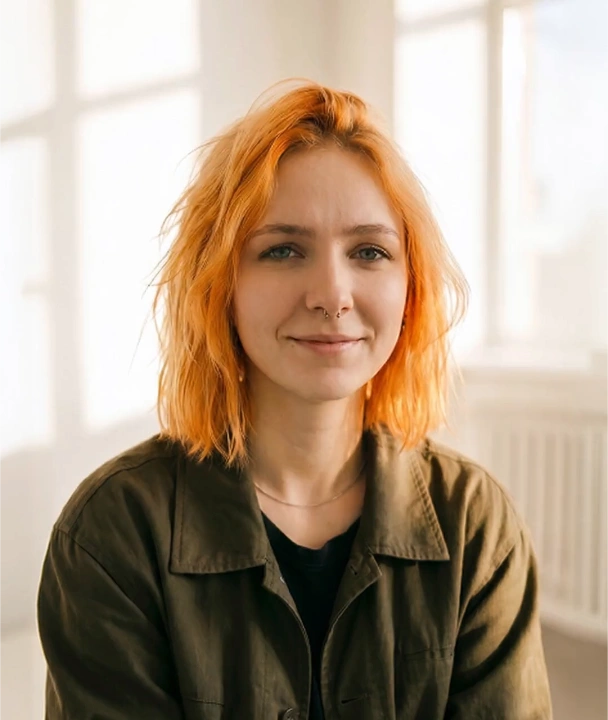
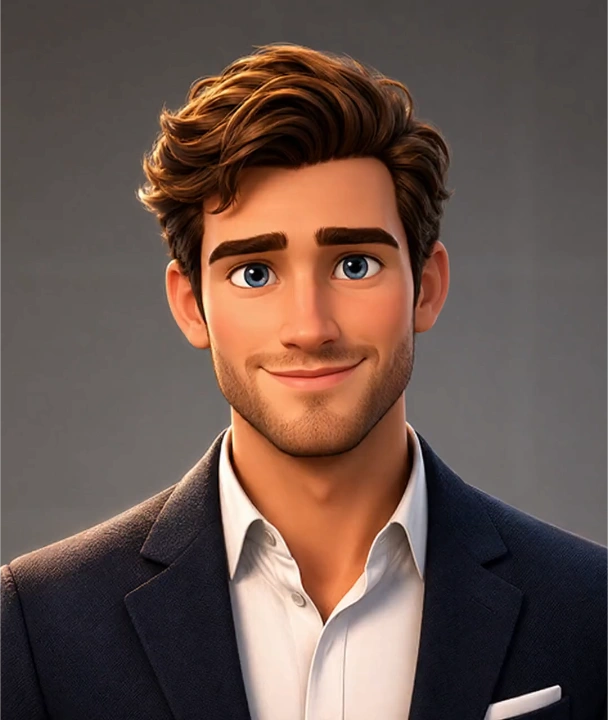
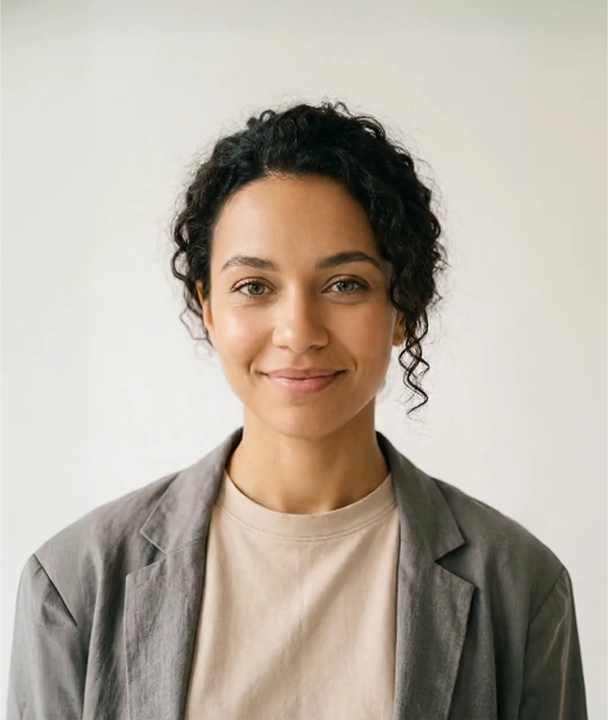
Explore Public Avatars or Upload Yours
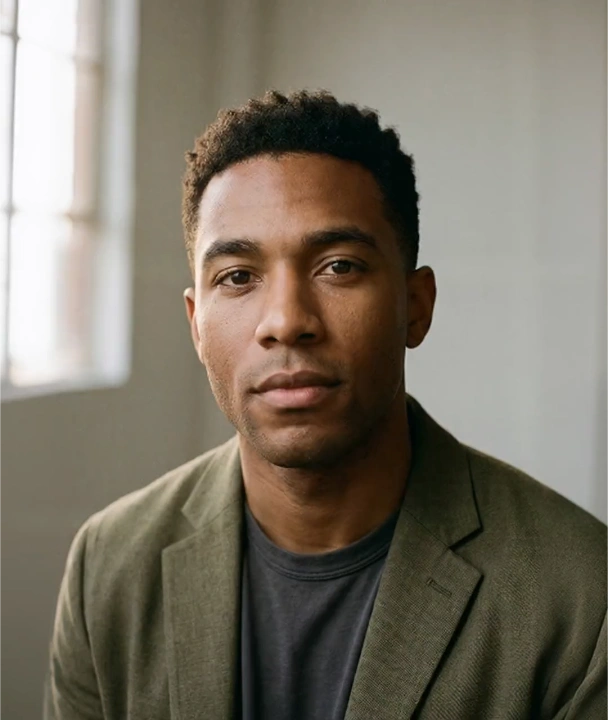
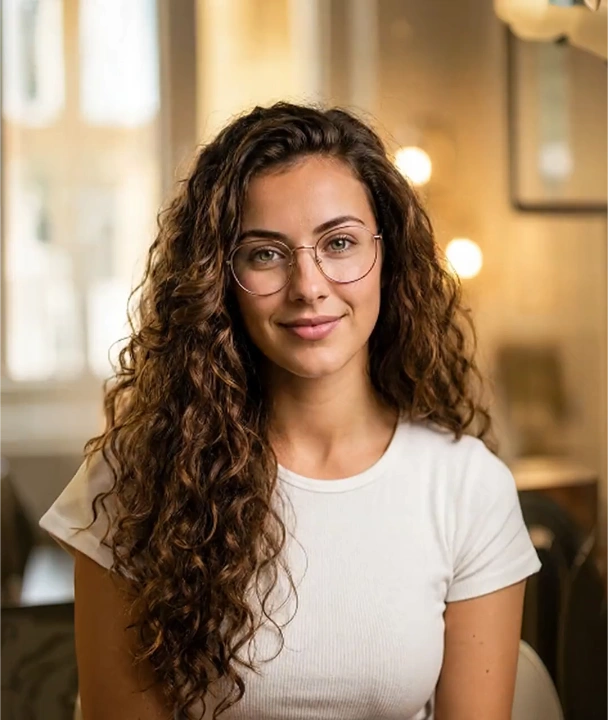
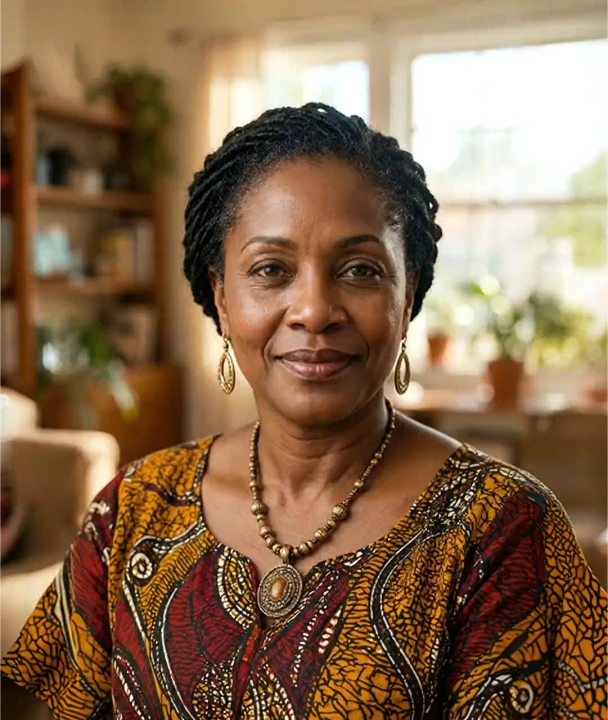
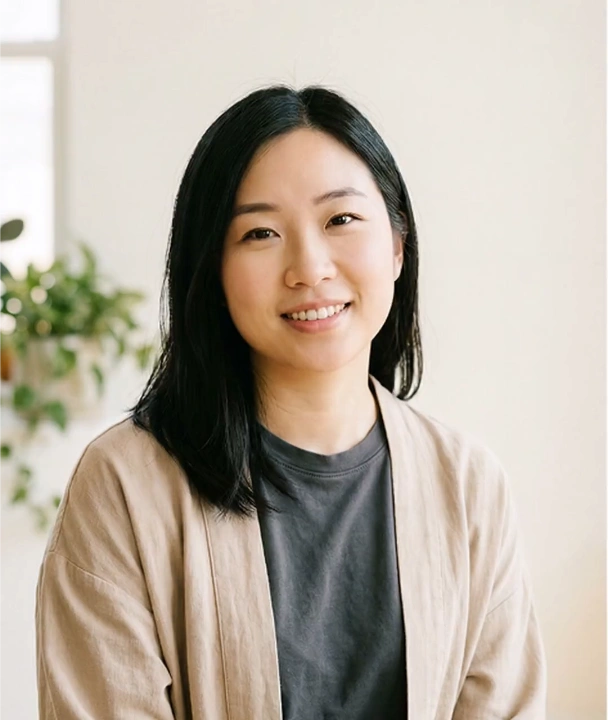
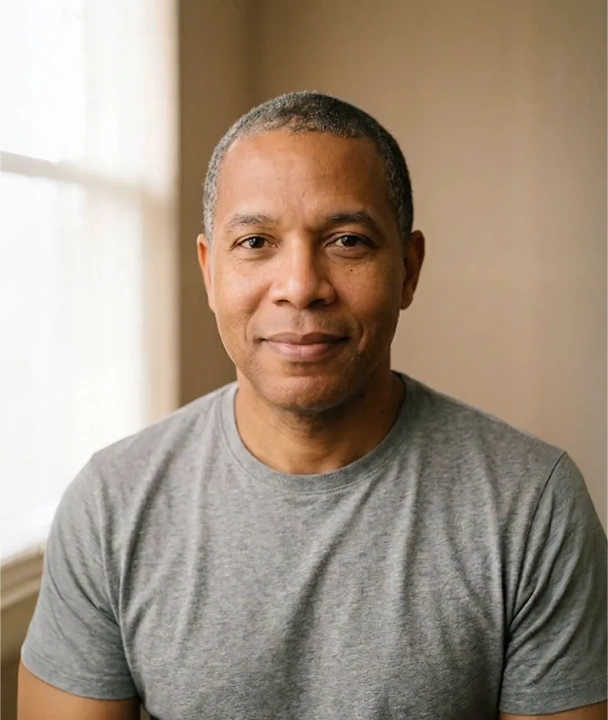
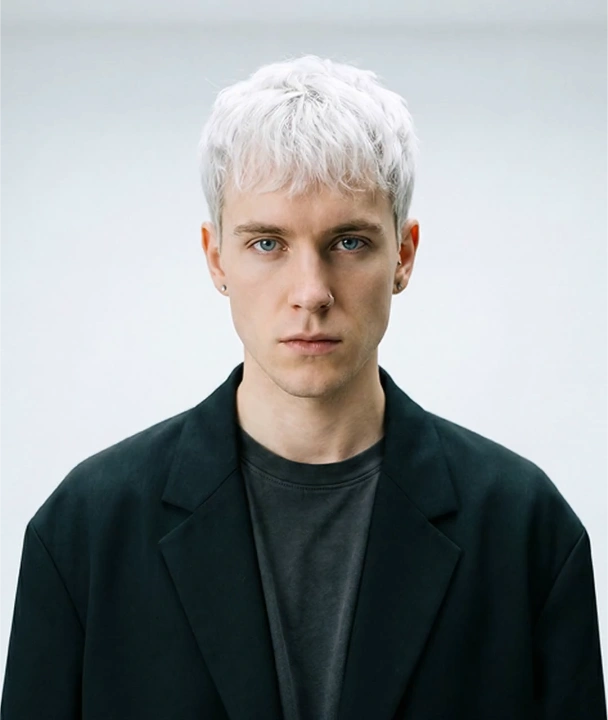
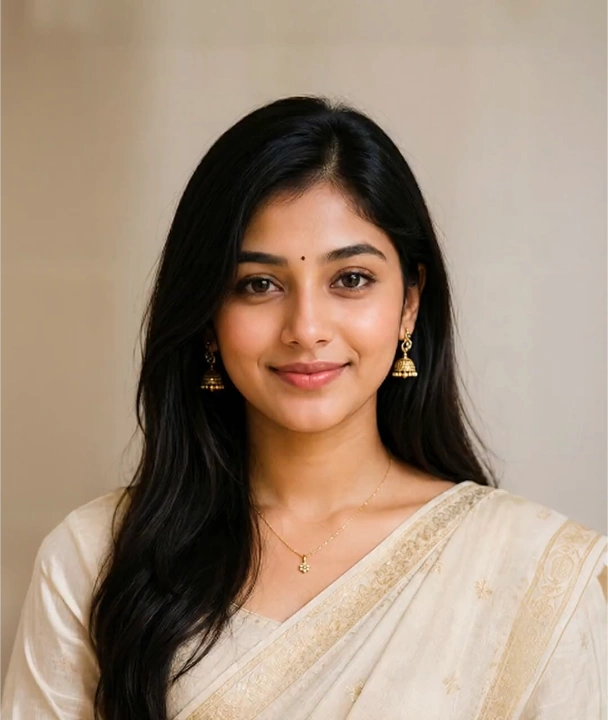
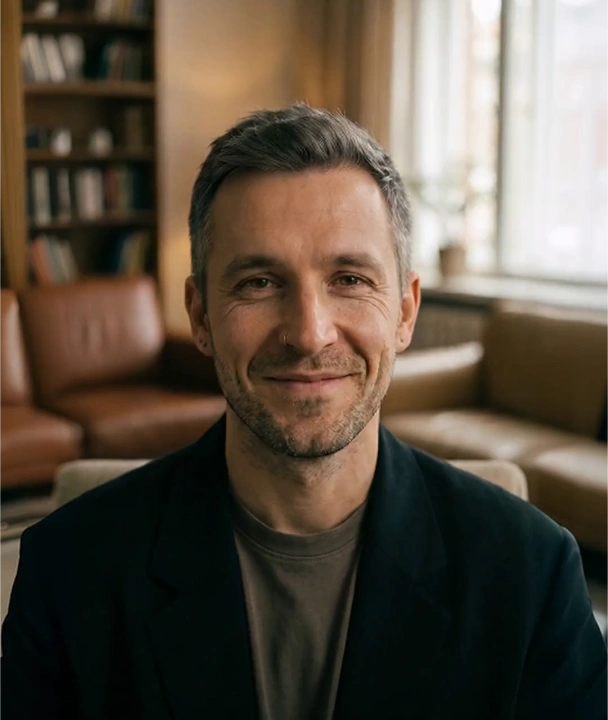
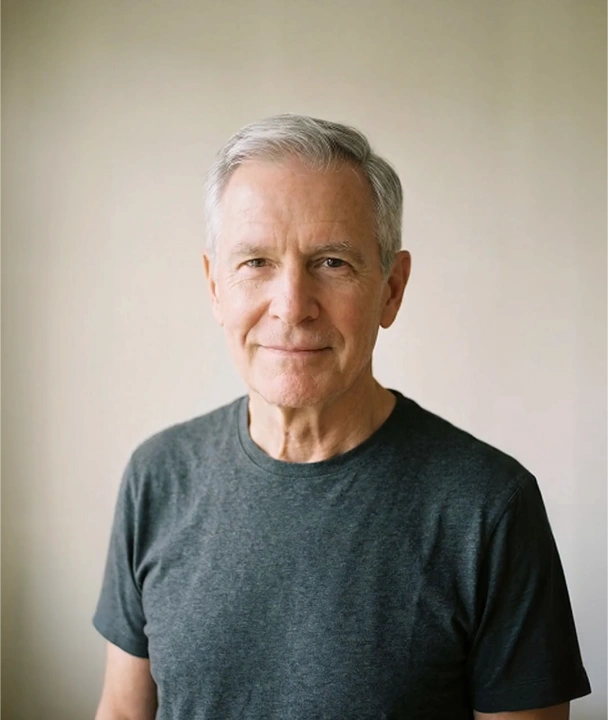
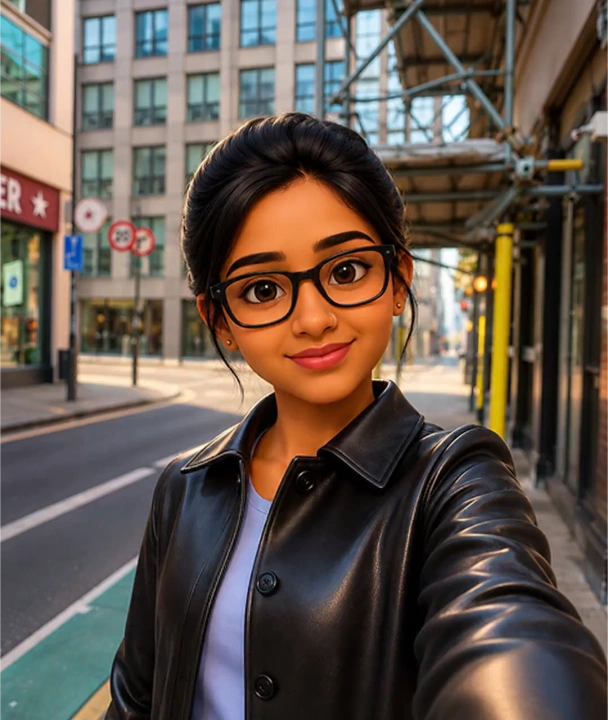
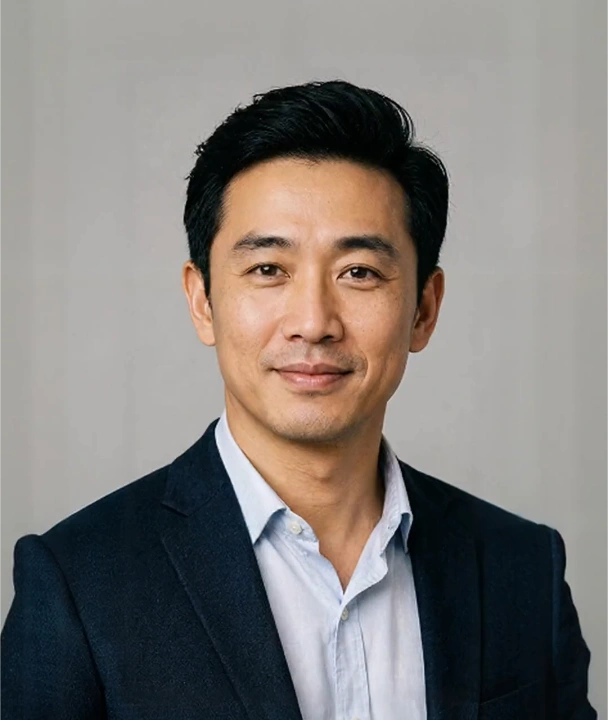
What Is an AI Avatar Video Generator?
An AI avatar video generator turns a photo, portrait, or digital character into a speaking video. You upload an image, type a script or add audio, and the AI animates facial movement and matches lip sync to every word — no camera, studio, or actors involved. Renderforest builds this into a full video platform: one portrait becomes a talking-head video with cloned or synthetic voices in 175+ languages, ready to edit, brand, and publish from the same browser tab.
Create Your Avatar VideoMake a Photo Talk with AI
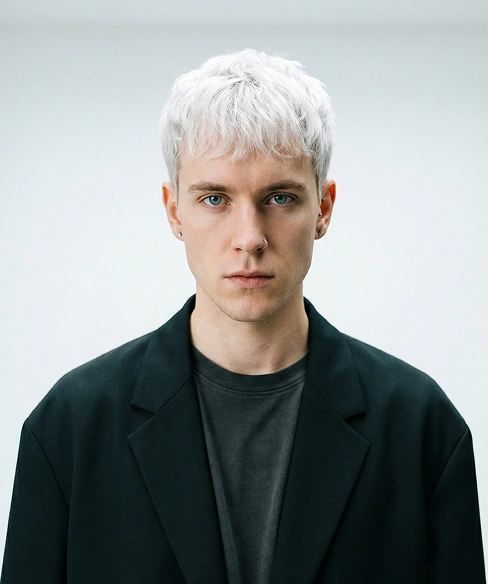
Talking photo AI in three steps: upload a clear portrait, type what it should say, and pick a voice. Renderforest animates the face, syncs the lips to every word, and hands you a talking video you can edit and share.

Talking video
Company update avatar video
Talking video
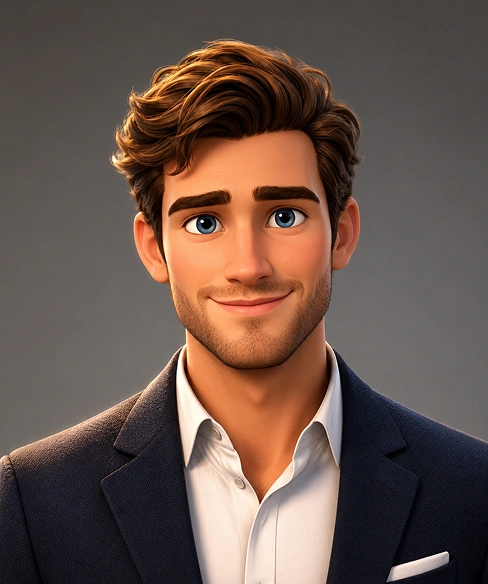
Animated character spokesperson
Talking video
Fashion brand avatar video
How AI Avatar Video Generation Works

1. Upload your avatar image
Upload a clear photo of a person, such as a portrait, headshot, profile picture, or podcast photo. The AI analyzes facial geometry to create a digital model so it can be animated.

2. Add your audio or voice reference
Upload an audio track, enter a script, or add a voice reference. The AI uses your input to generate the video in the selected voice.

3. Generate the avatar video
The AI animates facial movement, matches lip sync to the audio, and adds expression based on speech tone. Generation time depends on video length.

4. Edit and export
Review the video, adjust pacing or expression, and export it for social media, presentations, explainers, podcasts, YouTube, or ads.
What Makes Renderforest's Avatar Video Generator Different?

Turn one photo into a speaking video
Use the AI avatar video maker to turn a single portrait into a speaking video without filming, studio time, or a complex editing workflow.
Superior lip sync and emotional realism
Unlike other avatar tools, Renderforest uses advanced diffusion models to create photorealistic lip sync that matches speech phonetically, with more natural results for short form social video.
Voice cloning in your own voice
Upload a voice sample to create avatar videos that reflect your voice, tone, and speech patterns across multiple languages.
Multilingual avatar videos
Generate avatar videos in 175+ languages from a single portrait, making it easier to adapt content for global marketing campaigns and international training content.
Faster content production
Make explainers, promos, podcast clips, and training videos in minutes instead of recording each one from scratch.
No production setup required
Create speaking avatar videos with no camera, actors, lighting setup, or advanced editing experience.
Who Our AI Talking Head Video Generator Is For

Creators and influencers
Use the AI avatar video creator to turn a profile photo into short videos, announcements, and multilingual content for TikTok, Reels, and YouTube Shorts.

Educators and trainers
Build avatar-led lessons, tutorials, onboarding content, and training updates by changing the script instead of re-recording. Change the script to update content in real time.

Podcast hosts
Use your podcast photo to create speaking promo clips for YouTube Shorts, Instagram Reels, and TikTok. Turn one episode into multiple short video assets.

Sales and support teams
Generate customer walkthroughs, education videos, and one-to-one style outreach that is easier to produce and update.

Marketing teams
Create localized campaign videos, product promos, and personalized outreach without recording a new video for every audience or prospect.

Agencies and freelancers
Offer avatar videos as a flexible client service and deliver content faster without adding a heavier production process.
Create AI Spokesperson Videos
Give product launches, onboarding and support videos a consistent on-screen presenter, without booking talent or a studio. Change the script and re-render instead of re-shooting.
Product explainers
Walk customers through a launch or a feature update with an AI spokesperson video that speaks your script in your brand's look. The same talking avatar can front product demos, release notes, and landing pages, so every story your product tells comes from one consistent presenter.
Onboarding and training
Turn onboarding guides and training material into presenter-led videos that are easy to keep current. When a policy or process changes, edit the script and generate a fresh take instead of booking a reshoot, and the same AI presenter delivers every updated lesson.
Sales and support
Send personal walkthroughs, demo recaps, and answers to common questions with the same familiar face every time. An AI spokesperson gives prospects and customers a consistent on-screen contact, while your team only writes the script — no scheduling, filming, or editing required.
AI Avatar Video Generator Features
- AI speaking avatar generation from a single photo
- Audio-driven lip sync with emotional expression
- Reference voice and voice cloning support
- Multilingual speech generation in 175+ languages
- Browser-based creation with no download
- Export for social, business, and training
- Built-in editing and branding tools
CreateAIAvatarfromPhoto
Why Use Renderforest to Create Avatar Videos?
Renderforest brings avatar creation, editing, branding, and publishing into one platform, so you can move from idea to finished video in one workflow.
- Part of the Renderforest AI video ecosystem
- Easy for non-technical users
- Start creating for free
- Built for personal and business use
Explore More AI Video Tools
Use Renderforest's AI tools to turn ideas, scripts, and images into polished videos faster.
See why people love us
Creators love how easy it is to make stunning videos in minutes with Renderforest AI.
AI Avatar Video Generator FAQ
What is an AI avatar video generator?
An AI avatar video generator turns a static photo or portrait into a speaking video. It uses AI to animate facial movement, match lip sync to audio, and create realistic talking head style output from a single image. You can upload a portrait, add audio or a script, choose a voice, and generate a video without filming or production equipment.
How does an AI avatar video generator work?
Most tools follow the same three steps. The AI maps the face in your image and builds an animatable digital model of it. Your script or uploaded audio is converted into speech, and the model’s lips, expressions, and head movement are synchronized to every word. Renderforest adds a full editor around this, so you can trim, brand, and caption the finished video before exporting.
What is the best AI avatar video generator?
It depends on your workflow. Renderforest is a strong choice when you want to turn your own photo into a talking video, with voice cloning, 175+ languages, and a built-in editor on one plan. Other tools specialize in stock presenters or enterprise training. Our regularly updated guide to the best AI avatar generators compares the leading options in detail.
Can I make a talking-head video without filming?
Yes. That is exactly what an AI avatar video generator is for: instead of recording yourself on camera, you upload a photo and a script, and the AI generates the on-camera performance — lip movement, expression, and voice. It replaces the camera, lighting, and studio setup for formats like explainers, course intros, social updates, and product walkthroughs.
Can I create a talking video from a single photo?
Yes. You can create a talking avatar from a photo using a single clear portrait image. The AI analyzes the face in your image and animates it to match your script or audio.
Can I turn an AI-generated image into a talking avatar?
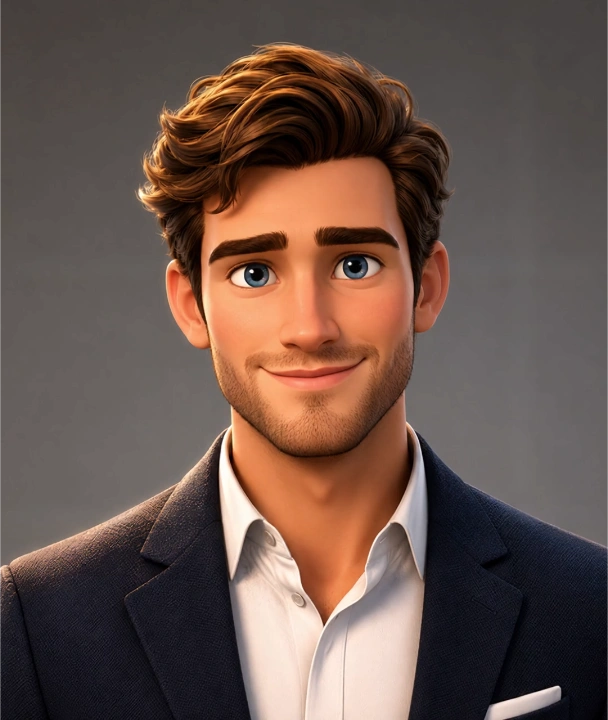
Yes. AI-generated portraits and digital characters work the same way as photos: upload the image, add a script or audio, and the character starts speaking with synced lips and expressions. Creators use this to give a face to brand mascots, virtual influencers, and stylized characters that were never photographed. A clear, front-facing face in the image gives the best result.
Is there a free AI avatar video generator plan?
Yes. If you are looking for a free AI avatar video maker, Renderforest offers a free way to start creating avatar videos, with additional features available on paid plans.
How long does it take to generate an avatar video?
Generation runs in the cloud, so you can keep working while your video renders. Render time scales with the length of your script or audio — short social clips finish fastest, and longer explainers take proportionally more time. The video appears in your projects as soon as it is ready to edit and export.
How long can an AI avatar video be?
The video matches your input: the avatar speaks for as long as your script or uploaded audio runs. For social formats like Reels, Shorts, and TikTok, 15–60 seconds usually performs best, while explainer and training content typically runs longer. You can generate multiple clips and combine them in the Renderforest editor to build longer videos.
Can the avatar speak different languages?
Yes. Renderforest supports 175+ languages, so you can create multilingual avatar videos from the same portrait for global marketing campaigns and international training content.
Can I use my own voice?
Yes. You can upload a voice sample and use voice cloning to create videos that reflect your tone and speech patterns. Renderforest also supports AI avatar text-to-speech features within the workflow. Voice cloning is available on paid plans.
Can I use AI avatar videos commercially?
Yes. Videos you create with Renderforest can be used in commercial projects such as ads, client work, marketing campaigns, and monetized channels, in line with the Renderforest license terms that apply to your plan. If you upload your own photo, voice, or brand assets, make sure you hold the rights to them.
What happens to the photos I upload?
Uploaded photos are stored securely in your Renderforest account and used to generate your avatar videos. They stay private to your workspace — other users cannot browse or reuse them — and you can delete them from your account at any time. For full details on how uploads are handled, see the Renderforest Privacy Policy.
What kind of image works best?
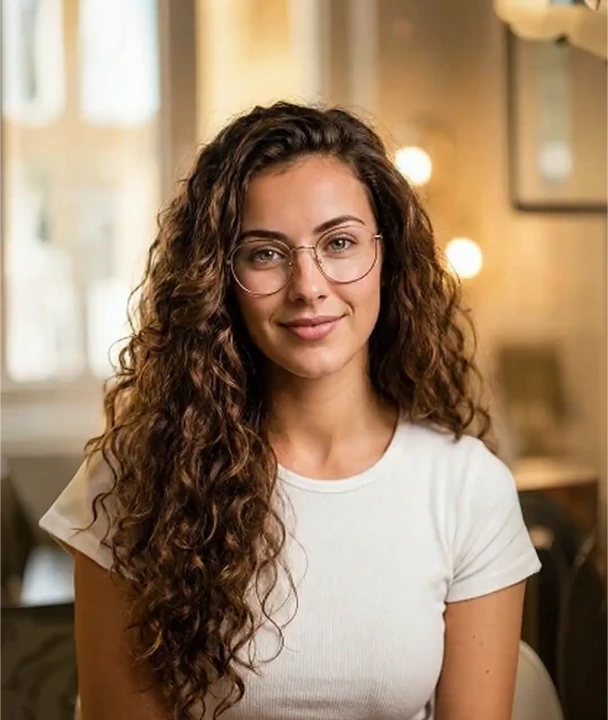
A clear portrait or profile photo with a visible face, good lighting, and minimal background distractions works best. Headshots, podcast photos, and smartphone portraits can all work well.
How does Renderforest compare to other avatar video tools?
Renderforest is a strong fit for creators and marketing teams that want realistic avatar videos, multilingual voice support, and a faster workflow for short form content. Some other tools offer deeper avatar customization, stronger e-learning features, or more specialized training use cases, but Renderforest is better suited to users who want high quality results without a more complex setup.
Do I need video editing skills?
No. The workflow is designed for non-technical users. You upload a photo, add a script or audio, select a voice, and generate the video. Basic editing is available in the browser.
What is a talking avatar?
A talking avatar is a digital face, made from a real photo, an illustration or an AI-generated character, that speaks a script with synced lip movement and expression. With Renderforest you create one from a single image and a script, then edit it like any other video.
How do I make a photo talk?
Upload a clear, front-facing photo, type or paste your script, and choose a voice. The AI maps the face, animates lips and expressions to the audio, and delivers a talking video to your Renderforest projects, ready to edit and export.
Can I create an AI spokesperson video for my business?
Yes. Use a team member's photo (with their permission), a brand character, or a public avatar as your spokesperson, then generate product explainers, onboarding videos and announcements from a script. Commercial use follows the license terms of your plan.