AI
If you’ve spent time searching for the best AI video generator for music videos, you’ve probably noticed that most results aren’t quite what you’re looking for. The tools look impressive in demos. But when you try to turn a finished track into a synced, platform-ready video, the gaps show up fast: limited music analysis, weak beat detection, manual editing, or missing export formats for YouTube and Reels.
The problem isn’t that AI video tools are bad. It’s that most of them were built for general content creation, and music was never the focus. They generate clips. Getting those clips to work with your track, in the right format, at the right length, is still on you.
This guide explains what a real music video tool needs to do, then breaks down which tools actually do it in 2026.
Most comparison articles skip straight to the tool list, but if you don’t know what to look for, it’s hard to tell a capable music video tool from a general clip generator. These five factors are what separate them.
Many general AI video tools do not read your music at all. You generate a clip from a text prompt and drop your track on top in a separate editor, so the visuals may have no direct relationship to the song.
Tools that read your music work across a spectrum. BPM detection reads the tempo of your track and uses it to pace cuts and transitions. Beat detection goes further, identifying individual hits like a snare or a kick, and triggering visual changes on those specific moments. Bar-level analysis reads musical phrases rather than individual beats, so transitions feel rhythmically natural. Full song-structure awareness means the tool understands that your track has an intro, verses, a chorus, and an outro, and adjusts the visual energy to match each section.
A cut that lands on a beat feels intentional. A visual that builds as the chorus hits feels like a real music video. Without audio sync, you’re assembling footage to music by hand.
Output quality in a music video context means more than resolution. A 1080p export with inconsistent characters or unnatural motion still produces a video that feels unfinished. What actually matters is whether movement looks natural across the full length of the video, whether characters and visual elements stay consistent from scene to scene, and whether the visual style fits the genre of the track.
A tool worth considering should cover a range of styles: cinematic for narrative or performance videos, animated for artists who want a distinct creative identity, abstract for electronic and experimental music, and realistic for content that needs to look naturally shot. The right style depends on the music, so having options matters.
For artists who want a performance-style video, lip sync is a baseline requirement. If the video shows a singer and the mouth movement doesn’t match the vocal, the whole thing falls apart, regardless of how good the visuals look.
Good lip sync means mouth movement that follows the phrasing of the vocal not just rough syllable timing, along with a character that stays visually consistent from scene to scene. Below that threshold, the result reads as a technical demo rather than a finished video.
That said, not every use case needs this. Singer-songwriters and artists building performance-style content need it. Producers, ambient artists, and anyone making an instrumental track don’t. If your video is abstract visuals reacting to sound, character performance is irrelevant.
Most tools in this comparison generate clips. That’s a meaningful capability, but it’s not the same as producing a finished music video. Taking a clip to a finished, platform-ready video still requires manual assembly in a separate editor, independent audio sync, transitions, lyric overlays if needed, and formatting for each platform you’re publishing to.
A full workflow tool handles all of that in one place: lyrics or script input, audio sync, visual generation, transitions, text and lyric overlays, and export formatted for YouTube, TikTok, Instagram, or Spotify Canvas. The difference in time and skill required between the two approaches is significant. Clip generators suit creators who already have a post-production workflow. A full workflow tool suits anyone who wants to go from a finished track to a published video without switching tools.
Different platforms require different formats: 16:9 for YouTube, 9:16 for TikTok and Reels, 1:1 for Instagram, and Spotify Canvas has its own vertical format requirement. If a tool only exports in one aspect ratio, you’re cropping or reformatting manually before every upload.
Not all tools support all formats, and some watermark exports on free tiers, which limits how usable the output actually is before you commit to a paid plan.
Here’s how the best AI music video generators of 2026 compare at a glance before we go deeper into each one.
| Tool | Audio sync | Lip sync | Full workflow | Max length | Starting price |
| Renderforest | Yes, lyrics, tone, mood | Yes | Yes | Unlimited (HD fast model) | Free / from $9/month |
| Freebeat | Yes, BPM, beat, bar, song structure | Yes | Yes | 6 minutes | $4.99/week |
| Neural Frames | Yes, stem-level (drums, bass, vocals) | Limited | Partial, no lyric video or export formatting | Autopilot – 15 minutes
Frame-by-Frame: 10 minutes |
$26/month |
| Kaiber | Partial, BPM detection | No | Partial, manual assembly required | ~8 minutes | $10/month |
| Runway Gen-4.5 | No | No | No, clip generator only | ~16 seconds/clip | Free/ from $12/month |
| Kling AI | No | Short clips only | No, clip generator only | 3 minutes | Free/ $6.99/month |
Who this is for: Musicians, content creators, and marketers who need a complete, platform-ready music video without switching tools or doing manual post-production.
Not ideal for: Artists who need stem-level audio reactivity for abstract electronic visualizers
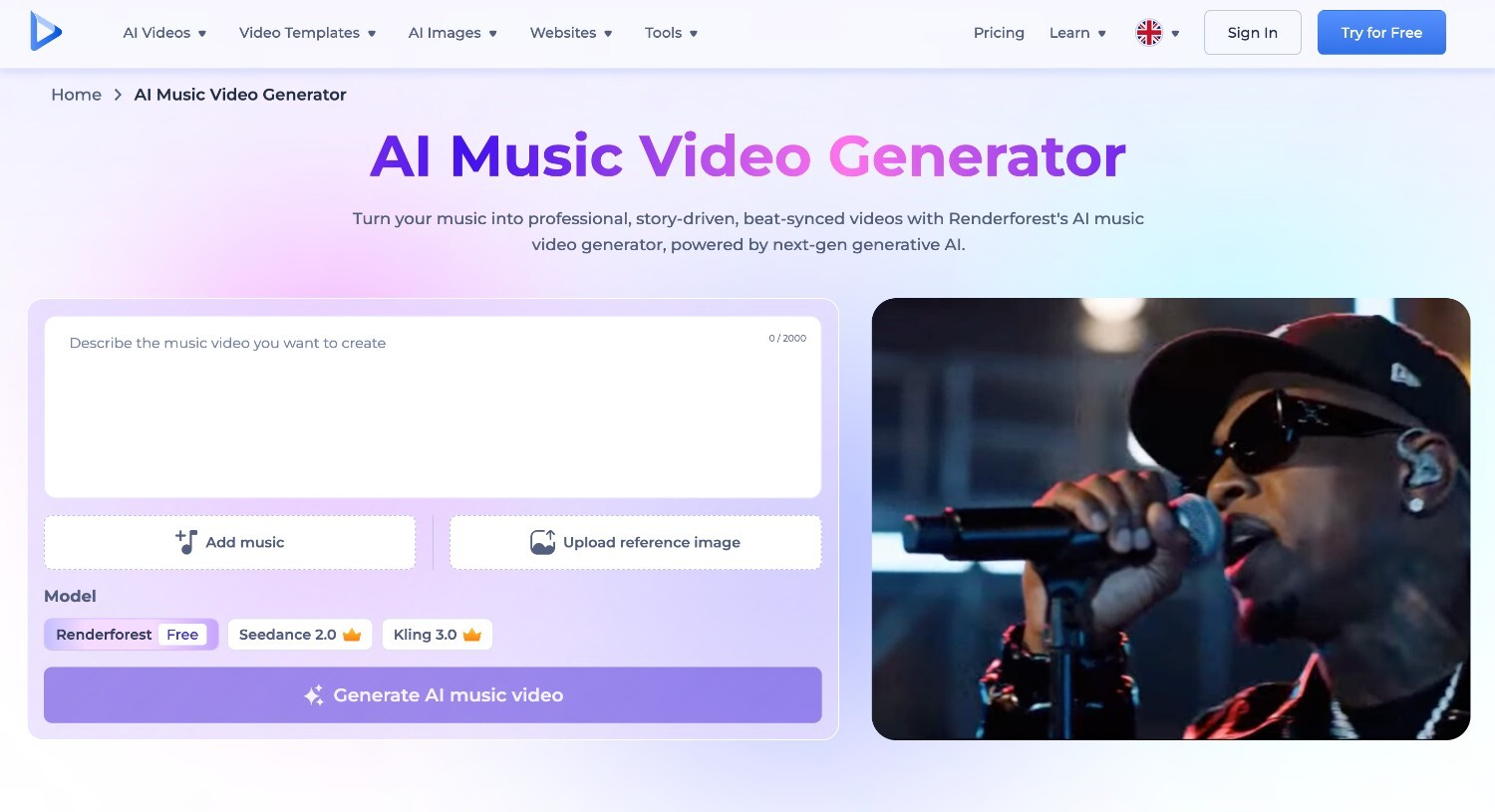
Renderforest combines full music video production with a broader creative suite (AI video generator, templates, voiceover, and brand tools) all in one platform.
How it works for music video creation: Upload your music and enter a prompt. Renderforest’s AI music video generator reads the lyrics, follows the tone and mood of the track, and generates a complete audio-synced video. Once generated, the built-in editor lets you adjust scenes, timing, and visuals without rebuilding from scratch. Export in 9:16 or 16:9 for YouTube, TikTok, Instagram, and Spotify Canvas. The platform draws from models including Nano Banana Pro, Seedream 4.5, Flux 2 Pro, Renderforest 1.0, and Seedance 2, Veo 3, Kling 3.0 omni, Hailuo 2.3, Pixverse, and others.
What works well:
Limitations:
Pricing: Free plan available. Paid plans from $9/month (Lite, annual)
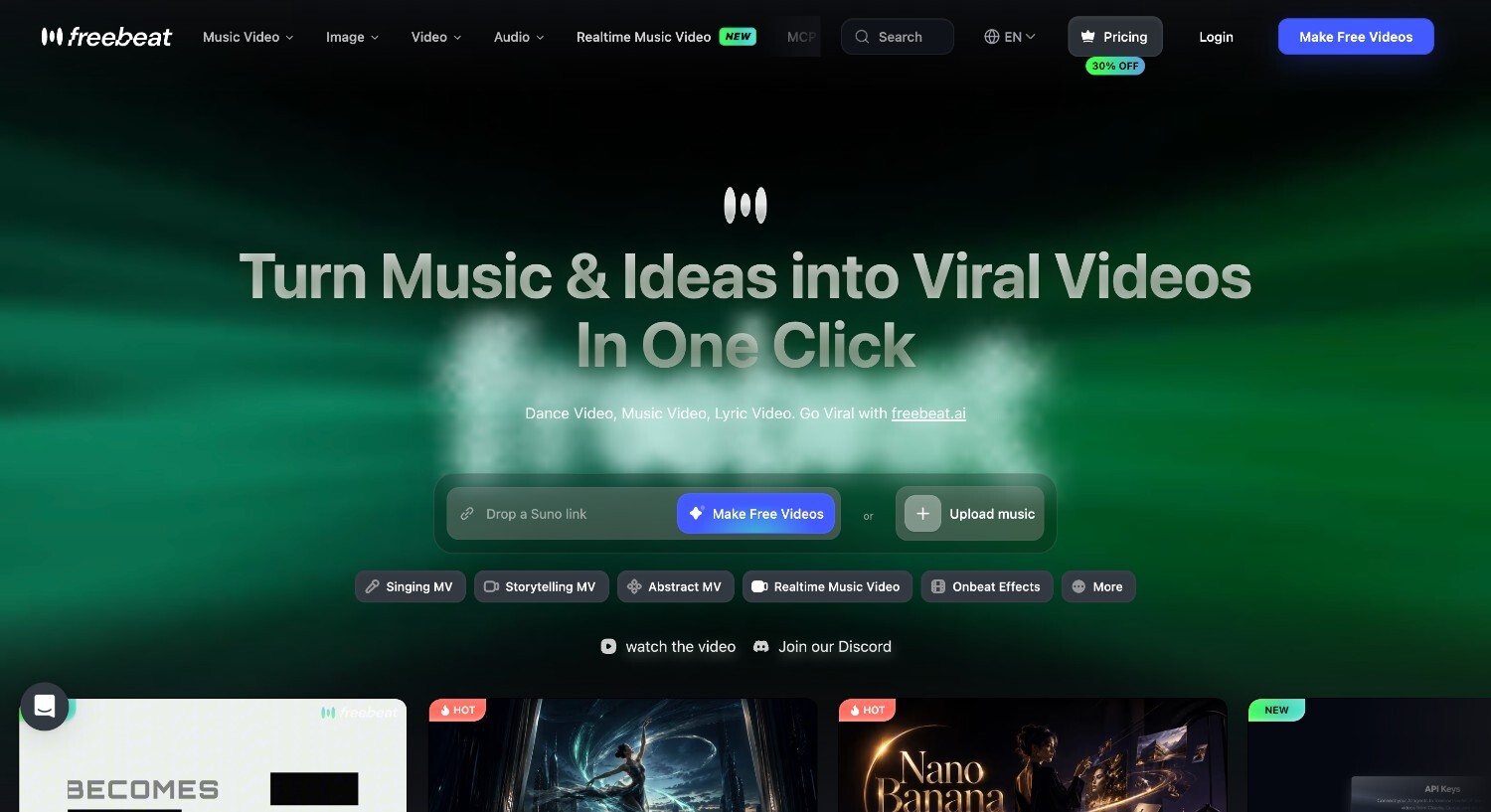
Freebeat is the most music-specific tool in this comparison, built entirely around audio-reactive generation and artist performance rather than general video creation.
Who this is for: Independent artists and singer-songwriters whose music lives in Suno, Udio, or SoundCloud and who want a performance-style video with lip sync.
Not ideal for: Teams or businesses that need branded video content beyond music video production
How it works:
Upload a track or paste a link from Suno, Udio, YouTube, or SoundCloud. Freebeat analyzes BPM, individual beats, bars, and full song structure, then maps visual changes to the music automatically. The avatar system supports performance-style videos with natural lip sync, though results can vary by vocal clarity, character setup, and source quality.
What works well:
Limitations:
Pricing: Basic $4.99/week. Pro $26.99/month. Ultimate $39.99/month. Creator $199/month.
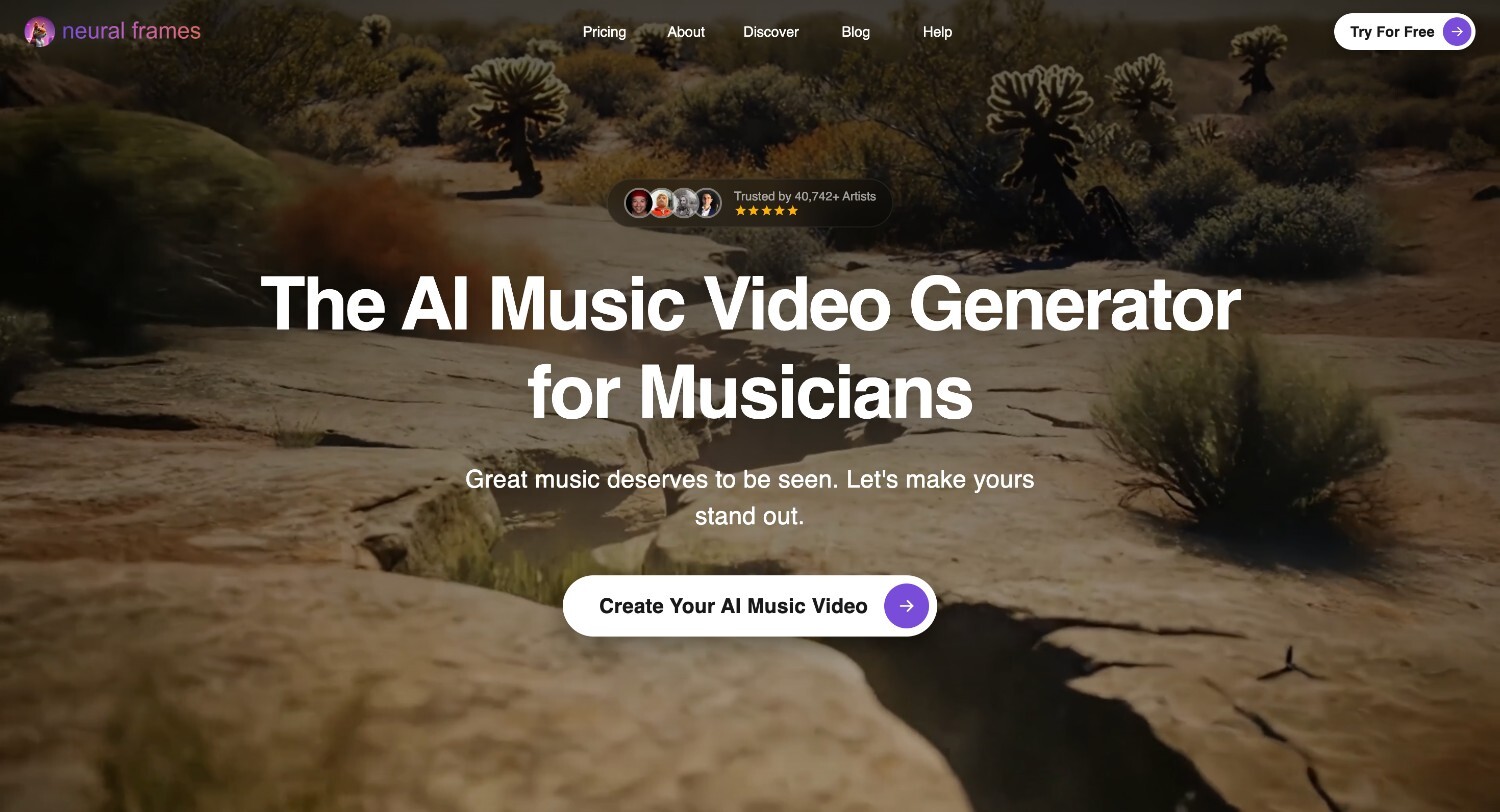
Neural Frames offers stem extraction, making it a good fit for electronic, ambient, and experimental genres where creators want visuals to react to separate parts of a track.
Who this is for: Electronic producers, ambient artists, and experimental musicians who want visuals that respond precisely to the sonic structure of their track.
Not ideal for: Artists who want a performance-style video with character lip sync or a fully assembled, finished video.
How it works:
Upload a track and Neural Frames separates it into stems (drums, bass, vocals), and drives visual animation independently from each signal. So the kick drum can trigger one visual response while the bassline drives another. Multiple AI models are available in one workspace, including Kling, Seedance, and Runway. Final assembly and audio sync require manual work in an external editor.
What works well:
Limitations:
Pricing: Neural Knight $26/month. Neural Ninja $66/month. Neural Nirvana $199/month.
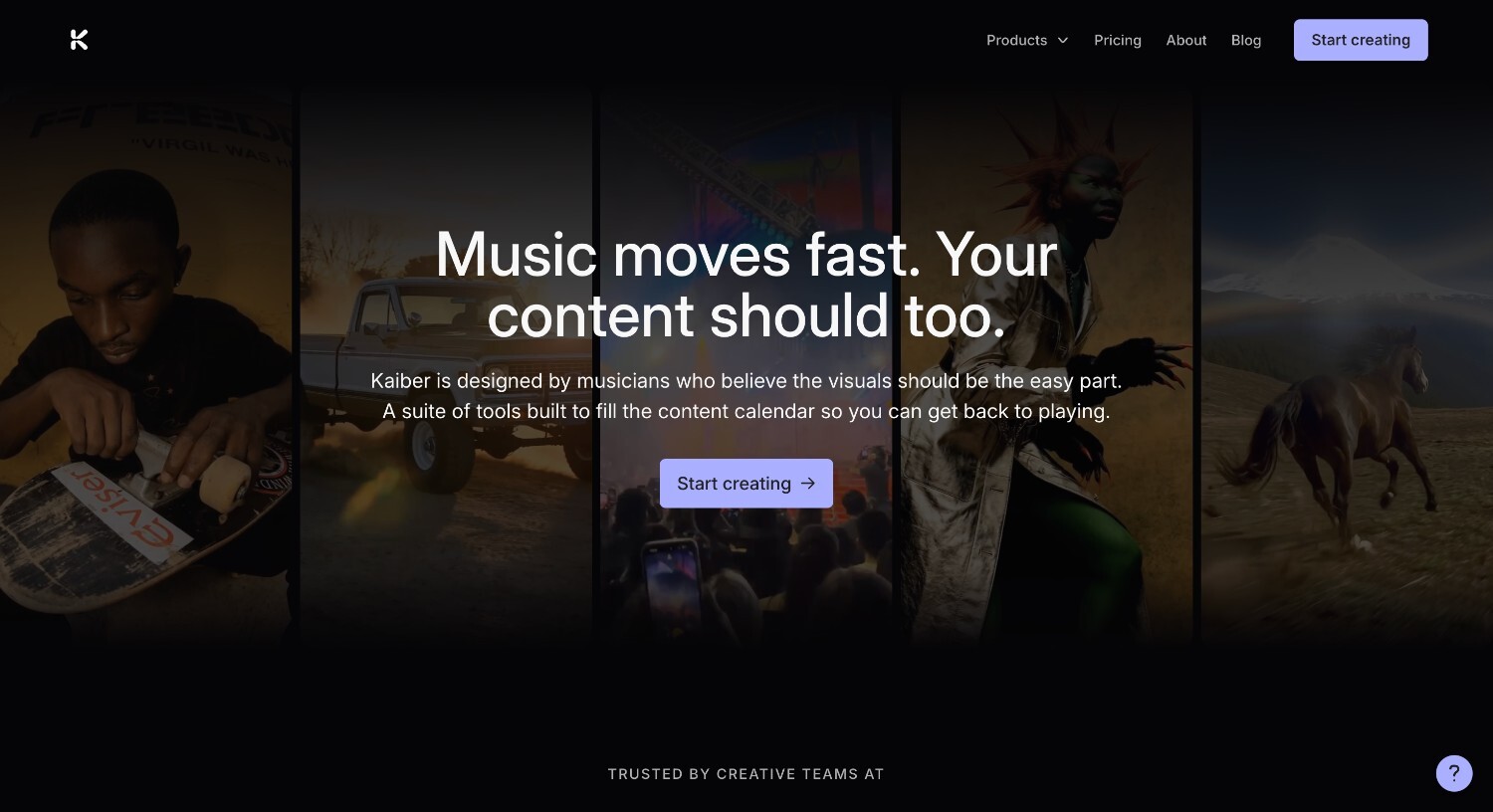
Kaiber is a flexible creative canvas that suits experimentation and non-linear visual work, not fast or consistent music video production.
Who this is for: Artists who treat visual experimentation as part of their creative process and are comfortable doing manual assembly.
Not ideal for: Musicians who need a consistent, structured music video output quickly and regularly.
How it works:
Upload audio and media files, choose a template such as High Energy or Cinematic, and Kaiber aligns visual elements to the detected BPM. An infinite canvas lets you layer and rearrange AI-generated material non-linearly. Final assembly is manual.
What works well:
Limitations:
Pricing: Starter $10/month. Creator $29/month. Pro $99/month. Visionary: contact sales.
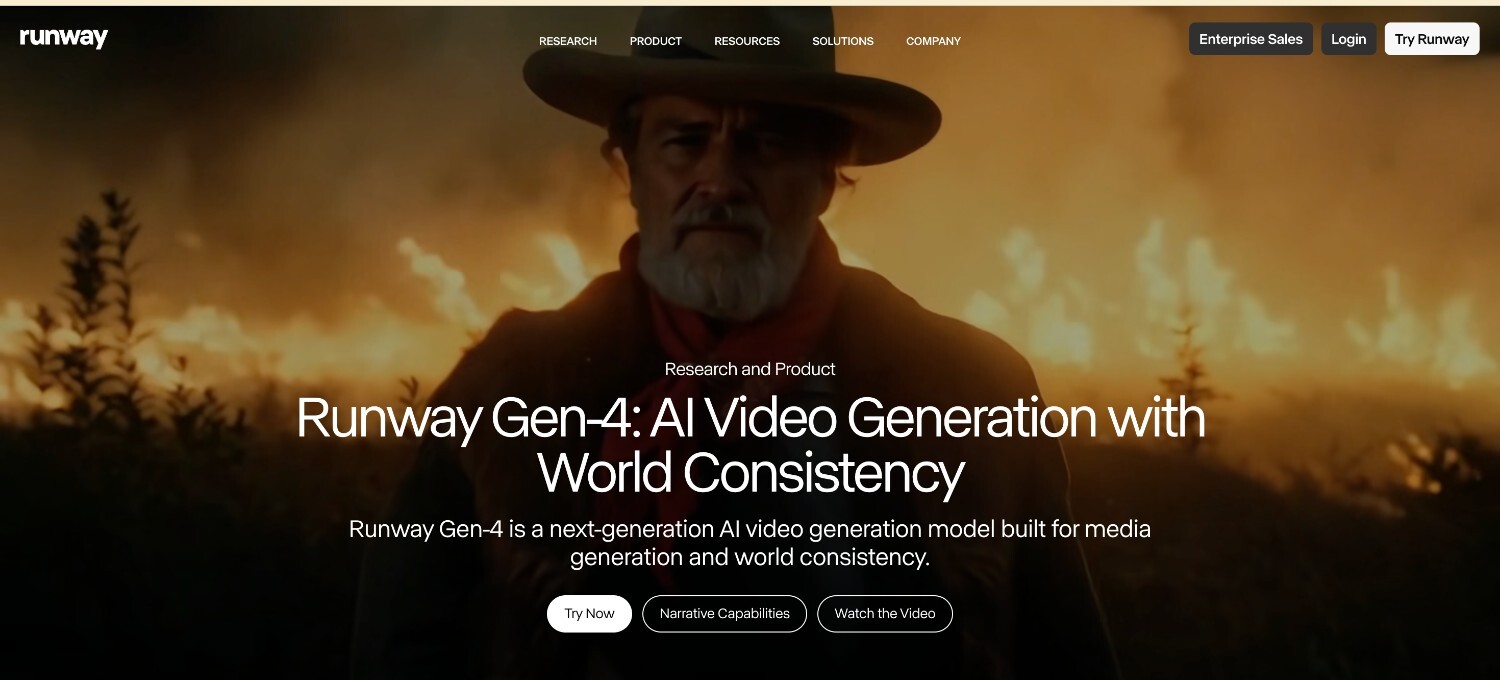
Runway Gen-4.5 produces the highest-quality clips in this comparison, but has no music integration of any kind.
Who this is for: Filmmakers and video editors with post-production skills who want the best-in-class clip quality as source material.
Not ideal for: Musicians who want audio sync, lip sync, or a finished music video without manual editing.
How it works:
Generate individual clips from text prompts or reference images. There is no audio input at any stage. Building a 3-minute music video requires 20–30 separate generations, manual assembly in a video editor, and separate audio sync handled entirely outside the tool.
What works well:
Limitations:
Pricing: Free plan available (125 one-time credits, exports watermarked). Standard $12/user/month. Pro $28/user/month. Max $76/user/month. Enterprise: contact sales.

Kling AI is a capable general-purpose video tool with no music-specific functionality at any stage of the workflow.
Who this is for: Creators with existing editing workflows who want high-quality AI footage as source material.
Not ideal for: Musicians who want audio sync or a finished video without manual post-production.
How it works:
Generate clips from text prompts or reference images. Music is added separately in post-production. There is no audio analysis, no beat sync, and no lyric support at any point in the process.
What works well:
Limitations:
Pricing: Free plan available (66 credits/day, replenishing daily). Standard $6.99/month. Pro $25.99/month. Premier $64.99/month. Ultra $127.99/month.
Each tool in this comparison solves a different part of the problem. Which one fits depends on the result you’re trying to achieve with it.
Full music video from a finished track: Renderforest covers the complete pipeline: audio sync, visual generation, editing, and platform-ready export, without switching tools or doing manual post-production.
Performance-style video with lip sync: Freebeat is the strongest option for independent artists who want a character-driven video that syncs to the full structure of their track, including beat-level cuts and accurate lip sync.
Audio-reactive visualizer for electronic or ambient music: Neural Frames gives you stem-level control, so drums, bass, and vocals each drive their own visual response. Plan for manual assembly at the end.
Short social clips around a release: Renderforest handles formatted exports across multiple platforms in one step, making it the most practical option for consistent social output around a release.
Cinematic footage for manual assembly: Runway Gen-4.5 and Kling AI both produce high-quality clips for editors who have a post-production workflow and want AI footage as source material.
Experimental creative work: Kaiber suits artists who want to work non-linearly and treat the visual process as part of the creative work itself, not a production step.
The easiest way to choose is to work backwards. If you need a finished, platform-ready video, you need a tool that handles the full pipeline. If you’re comfortable in a video editor and just need quality footage to work with, a clip generator is a reasonable starting point.
For most musicians, creators, and marketers who want to go from a finished track to a published video without the overhead of manual post-production, Renderforest covers everything in one place: audio sync, visual generation, editing, and export in the right format for each platform.
If you haven’t tried it yet, it’s worth starting with the free plan to see how the full workflow fits your process.
It depends on what you’re making. If you need a finished, platform-ready video without manual post-production, look for a tool with a full workflow pipeline, like Renderforest. If you’re an independent artist focused on performance-style content with lip sync, prioritize audio reactivity and character support over general video features.
Audio sync works across a spectrum. For full song-structure awareness covering BPM, beats, bars, and song sections, Freebeat is the strongest option. For stem-level separation where drums, bass, and vocals each drive visuals independently, Neural Frames offers the most precise control, particularly for electronic and experimental genres.
It depends on what “quality” means for your use case. For raw clip quality, Runway Gen-4.5 ranks highest per the Artificial Analysis Video Arena benchmark. For a complete music video with consistent output across the full length of a track, the more relevant measure is whether the tool maintains visual coherence from scene to scene without manual assembly.
Yes, several tools in this comparison have free tiers. The main limitations are watermarked exports, credit caps, or restricted resolution. It’s worth testing a free plan before committing to understand where the limits are for your specific use case.
The key requirement is native multi-format export. TikTok and Reels need 9:16, YouTube needs 16:9, and not all tools support both without manual reformatting. Check export options before choosing a tool if publishing across platforms is part of your workflow.
It depends on the tool. Some handle the full workflow inside the platform and require no external editing. Others generate clips only, leaving assembly, audio sync, and formatting to you. The criteria section at the top of this article covers what to look for when evaluating this.
Yes. Renderforest reads your track’s lyrics, tone, and mood, generates synced visuals, and lets you edit and export the finished video in the right format for each platform, all without leaving the platform.
Share this


Article by: Sara Abrams
Sara is a writer and content manager from Portland, Oregon. With over a decade of experience in writing and editing, she gets excited about exploring new tech and loves breaking down tricky topics to help brands connect with people. If she’s not writing content, poetry, or creative nonfiction, you can probably find her playing with her dogs.
Read all posts by Sara Abrams