Drop your track
Upload an MP3 or WAV. Renderforest analyzes its tempo, energy and lyrics. Add a prompt or reference images if you want creative control, such as a face, a logo or a location the AI should keep.
Drop your trackUpload a song and Renderforest generates a beat-synced music video for the full track: story scenes, visualizers or Spotify Canvas loops, free to start.
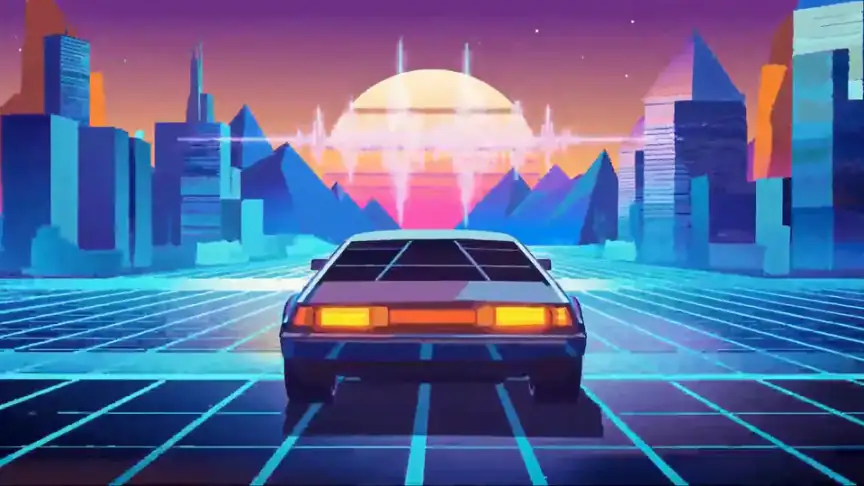
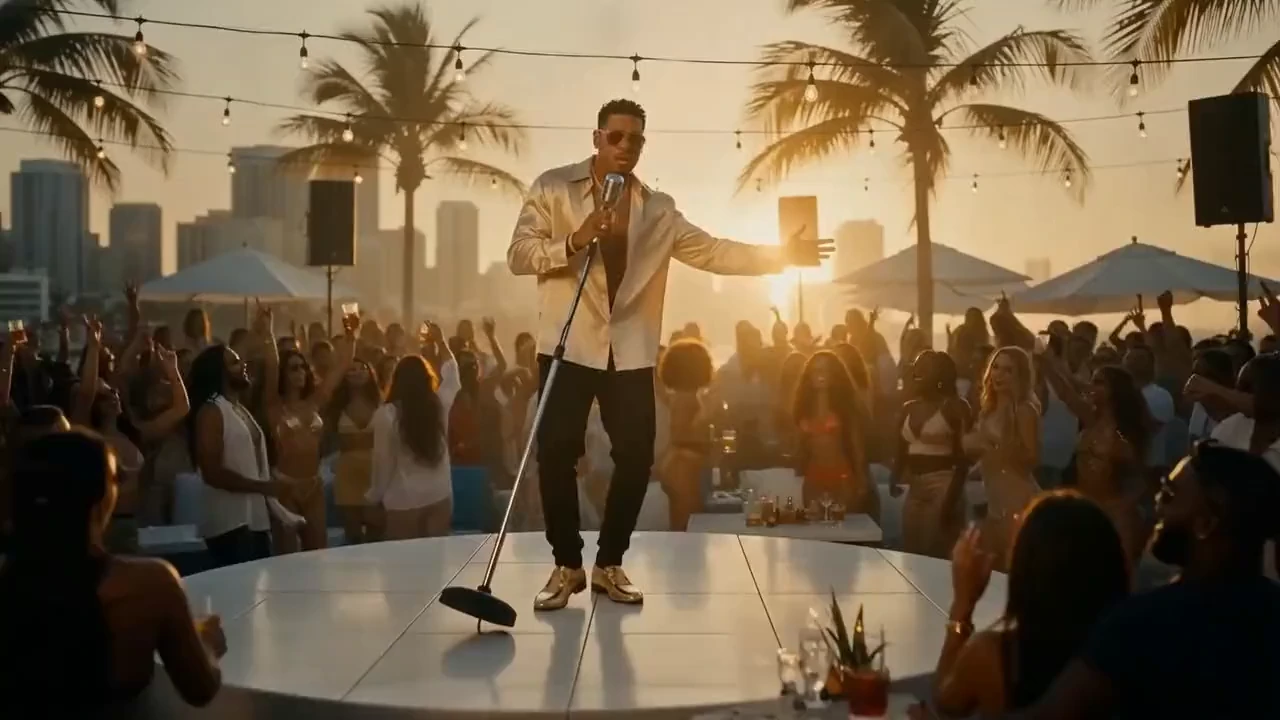
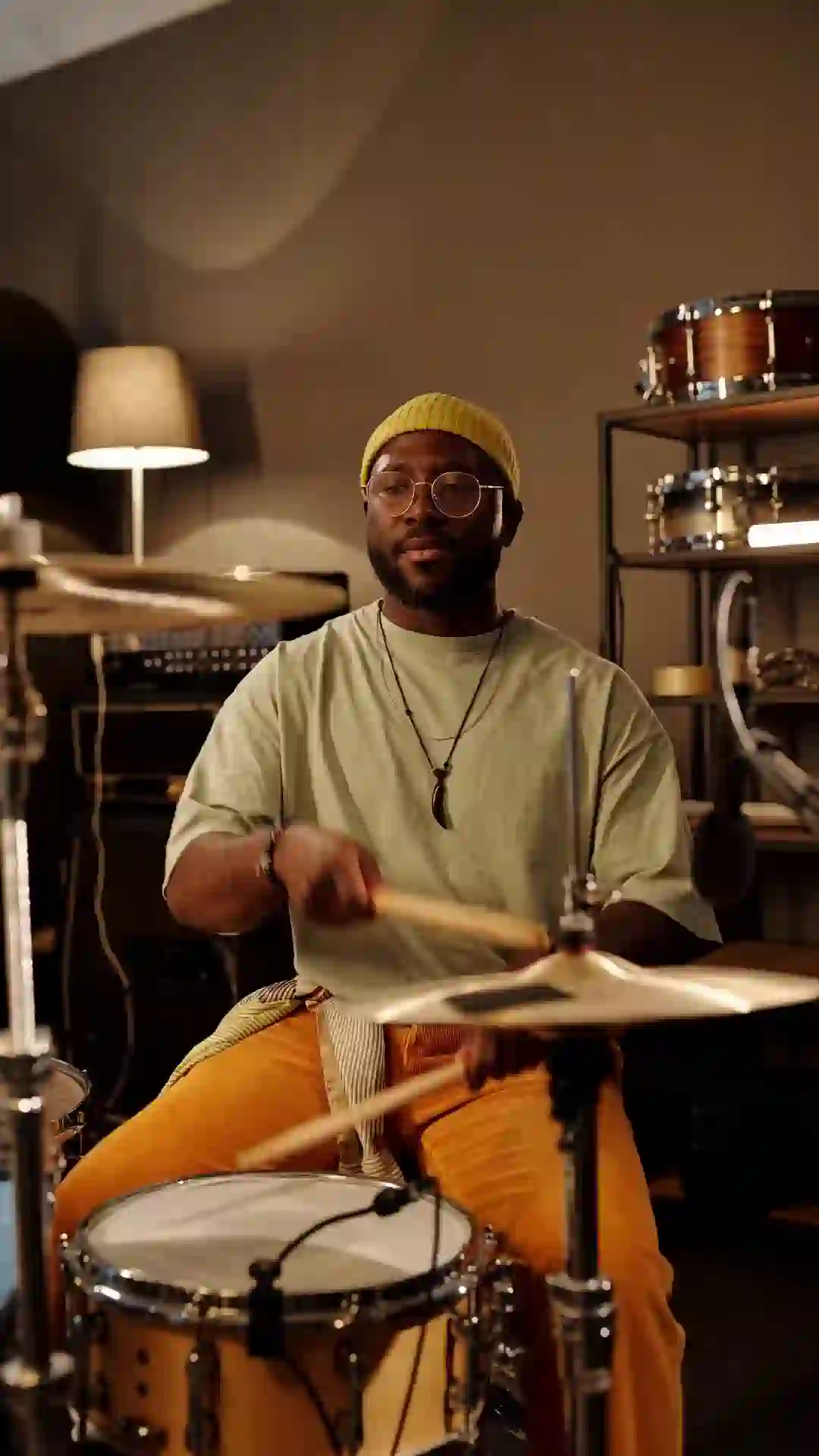
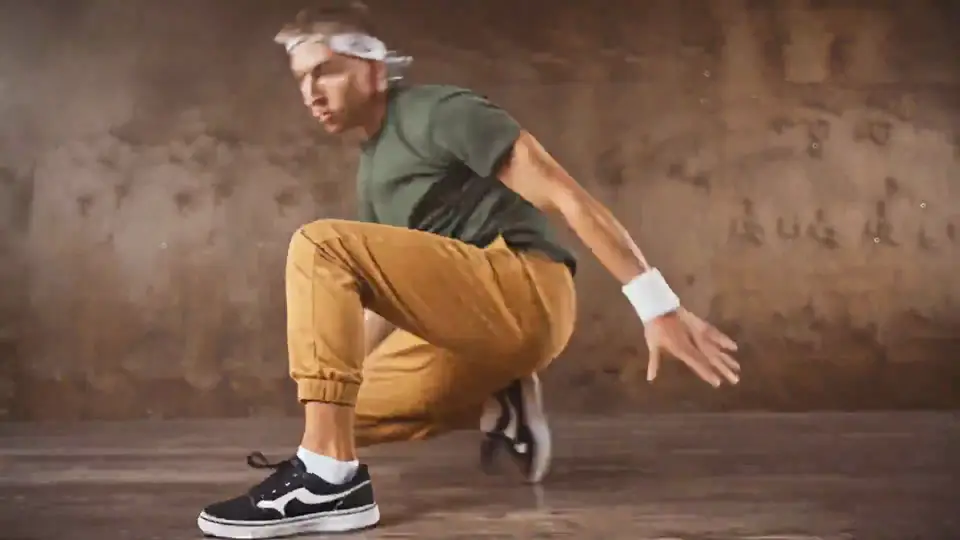
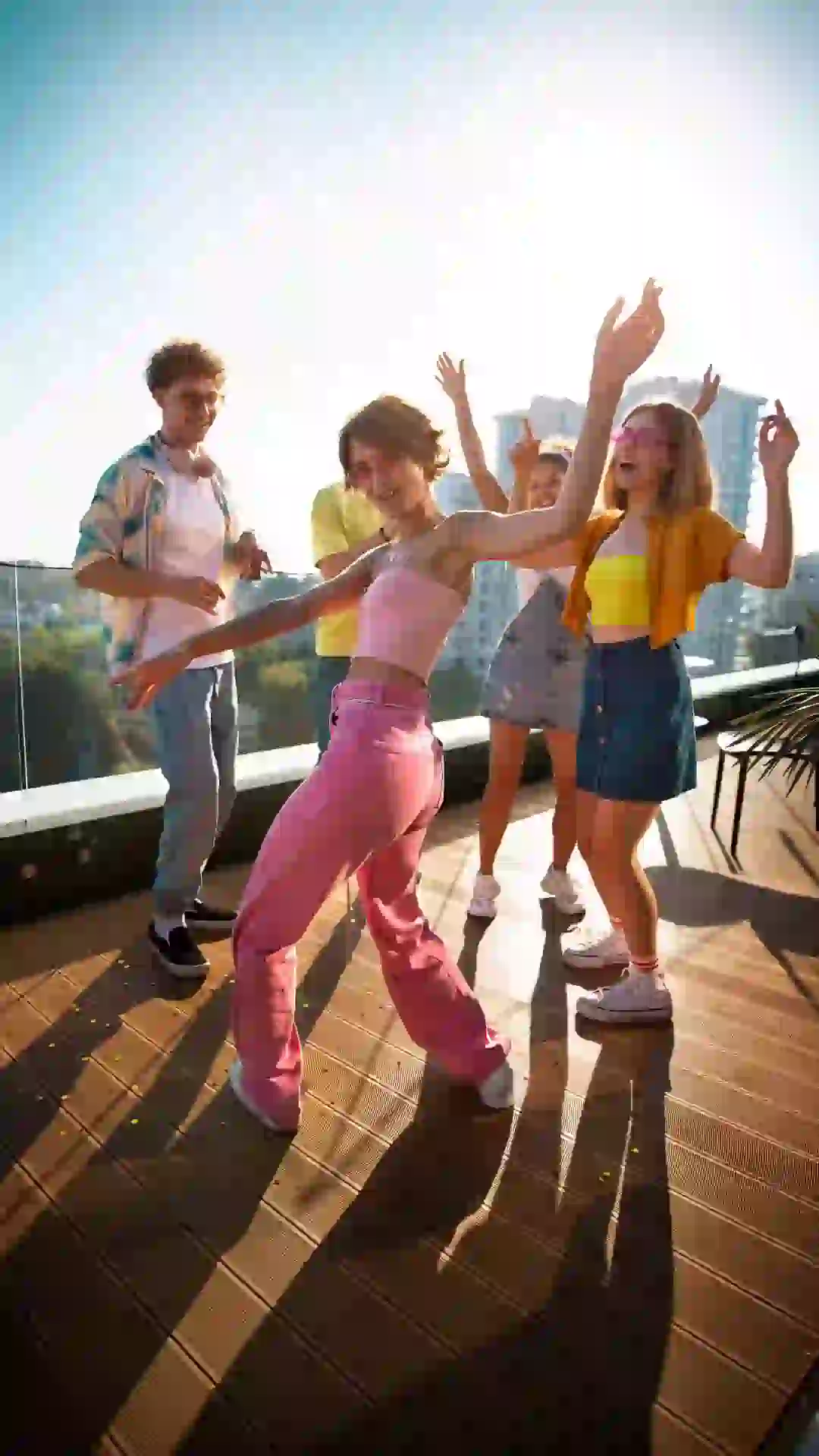
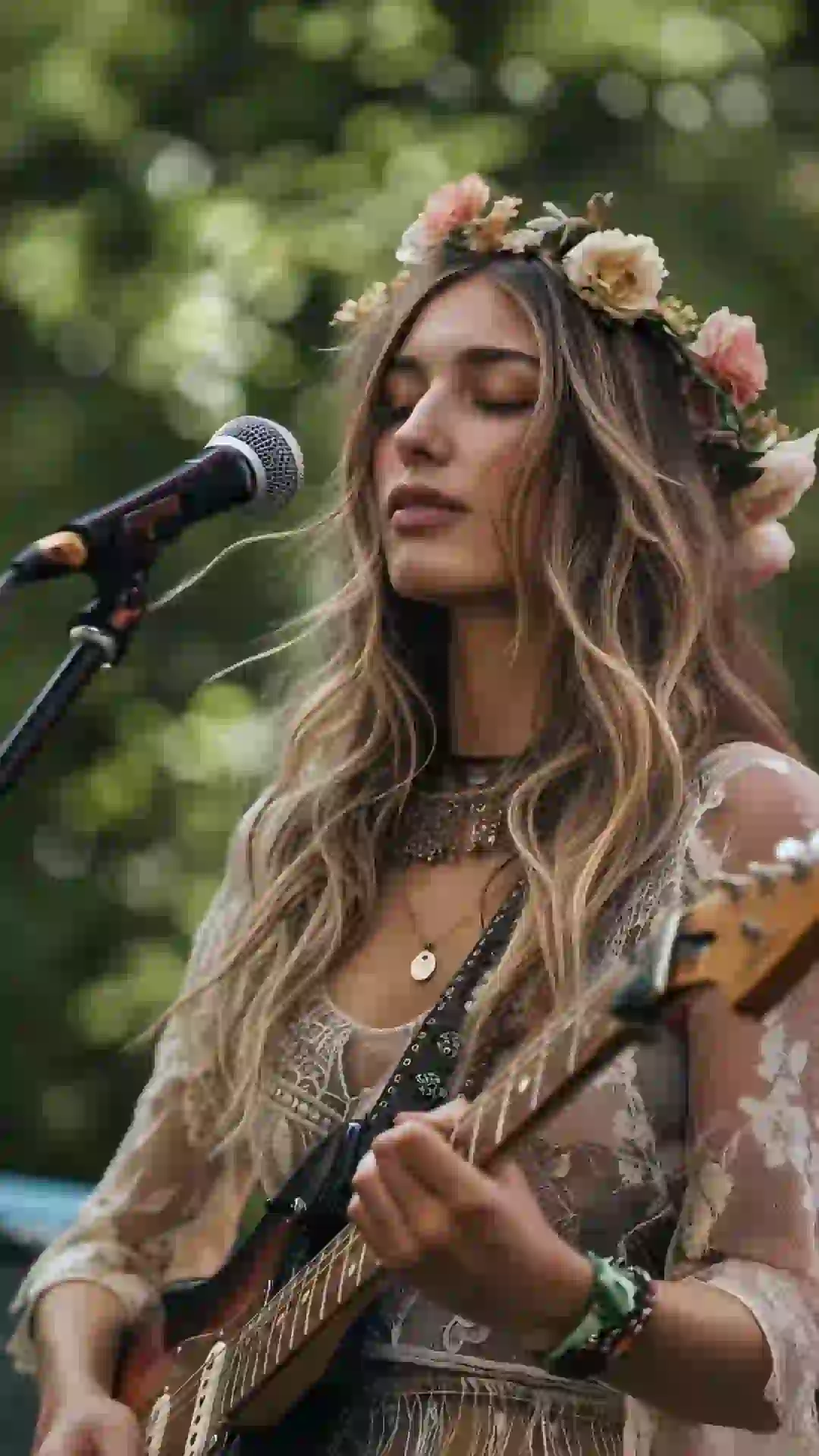
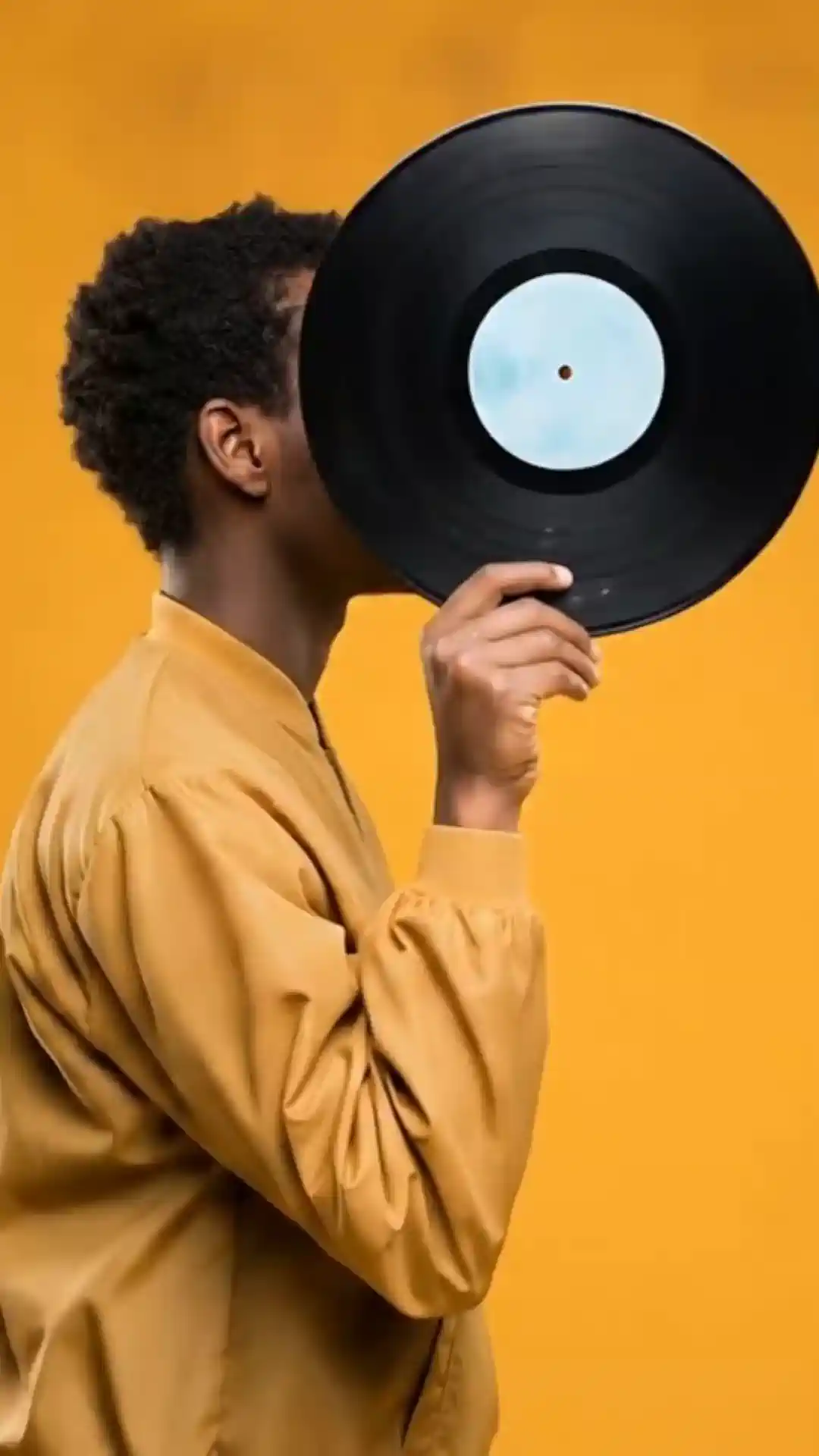
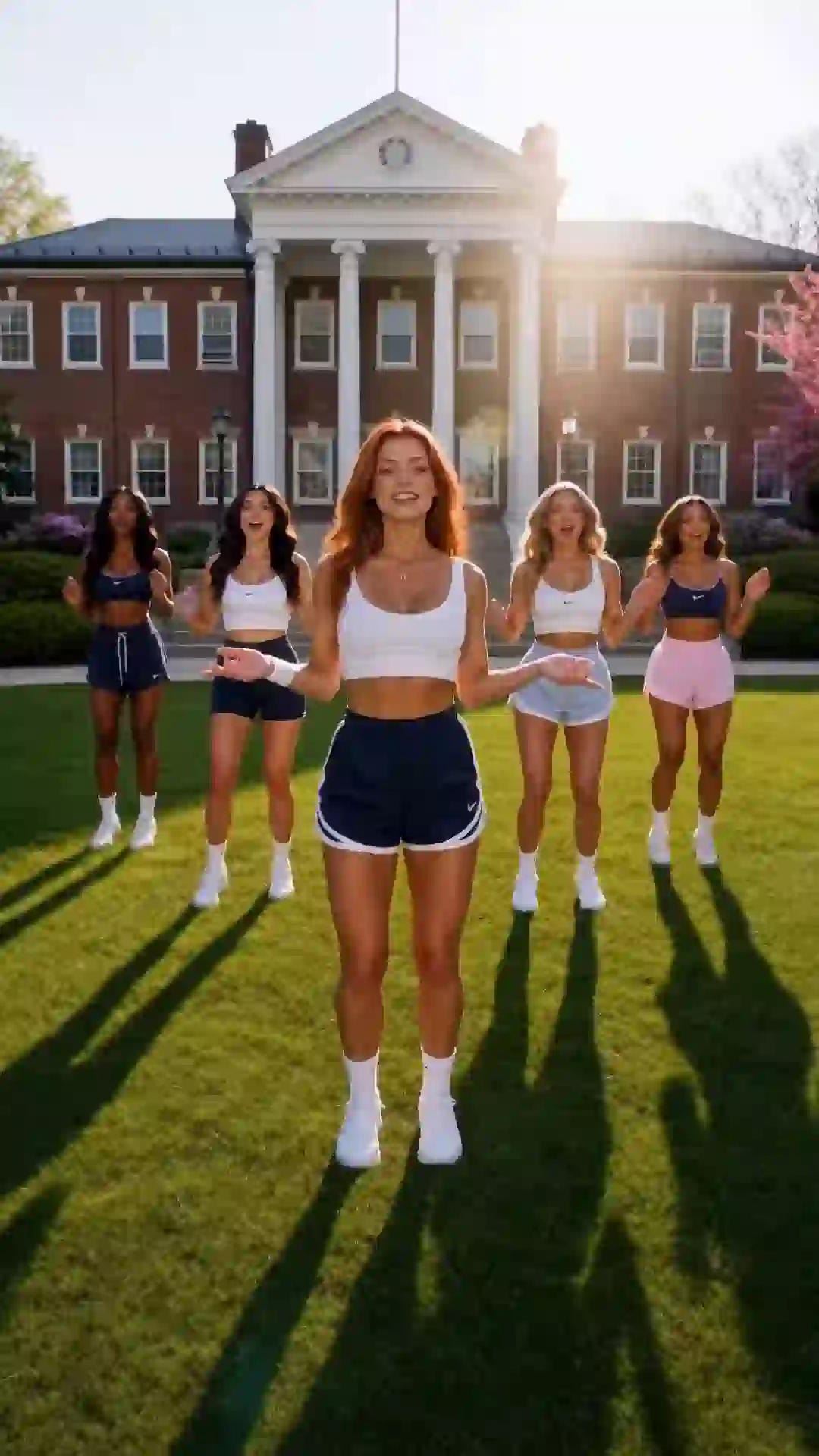
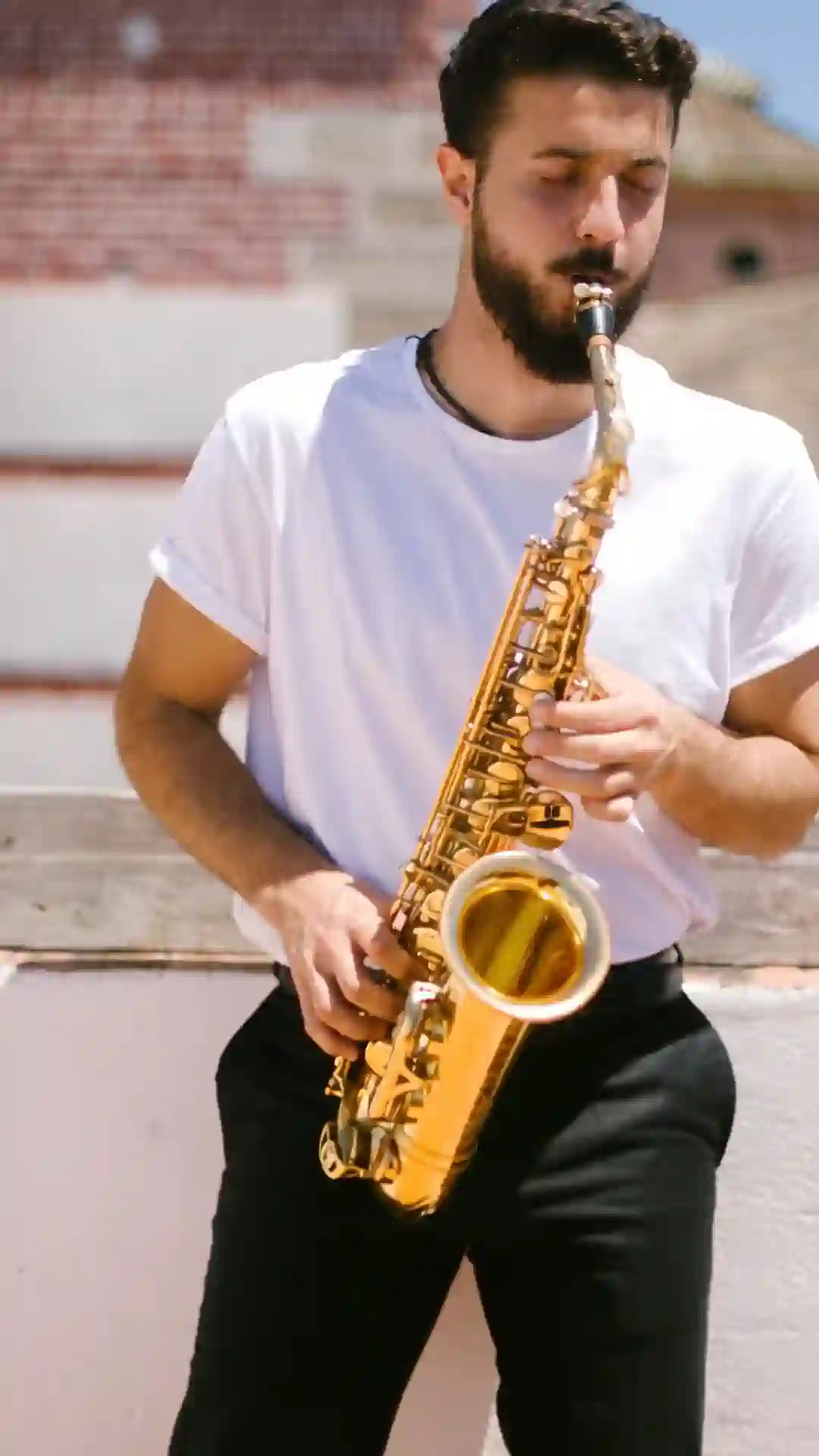


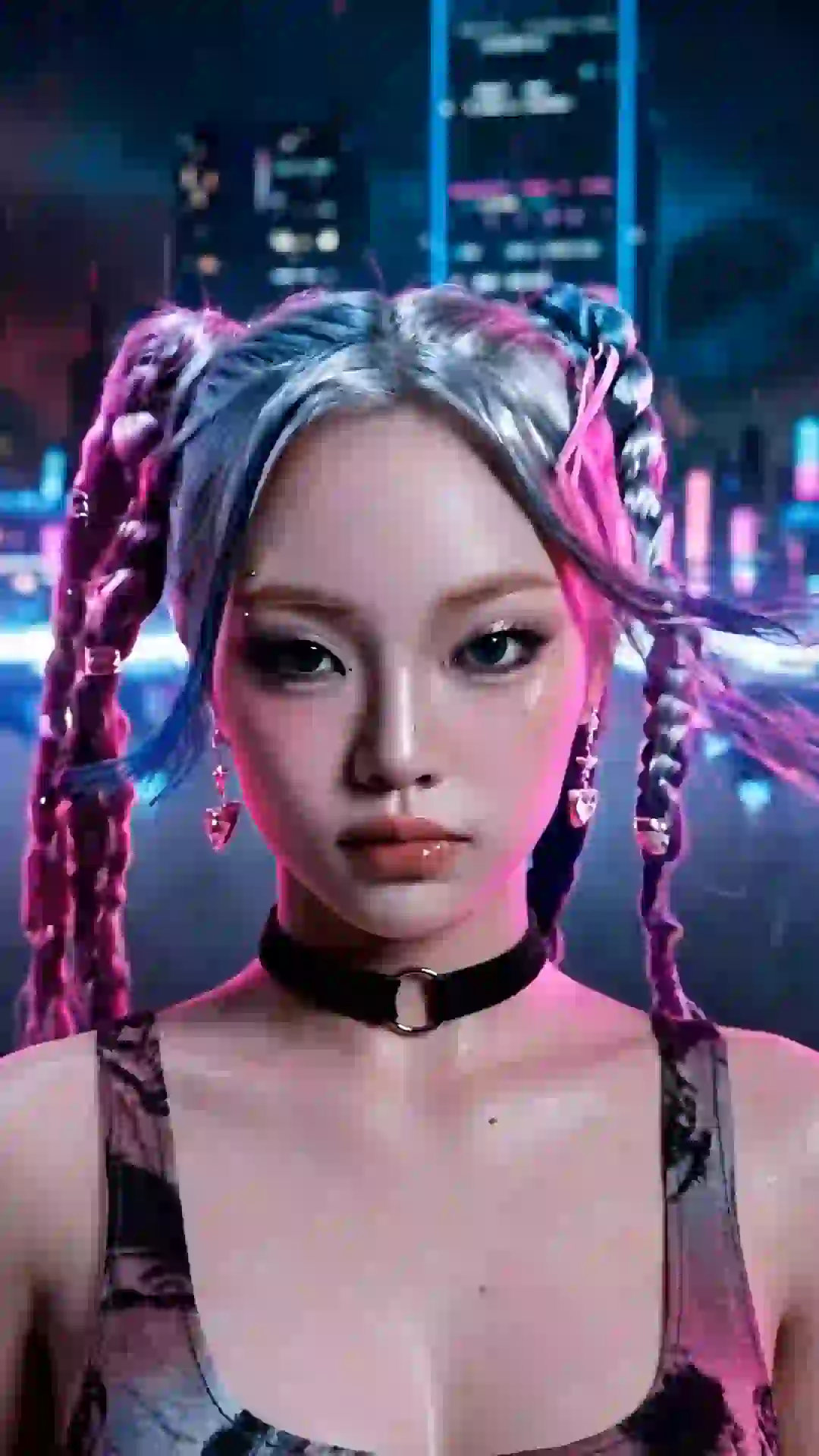


An AI music video generator turns a song and a text description into a video. It:
Listens to the track
Splits it into parts
Generates a scene for each with a video model
Cuts the scenes so they follow your beat
On Renderforest you upload an MP3 or WAV, describe the look, pick a model and get a music video you can edit scene by scene.
Kling 3.0, Seedance 2.5, MiniMax H3 and Pixverse, plus Renderforest's own models, all free to try with test credits. In the editor, switch any scene to Gemini Omni Flash or make images with Nano Banana Pro, GPT Image 2 and Grok Imagine. One plan's credits cover every model, so there are no five subscriptions to juggle.
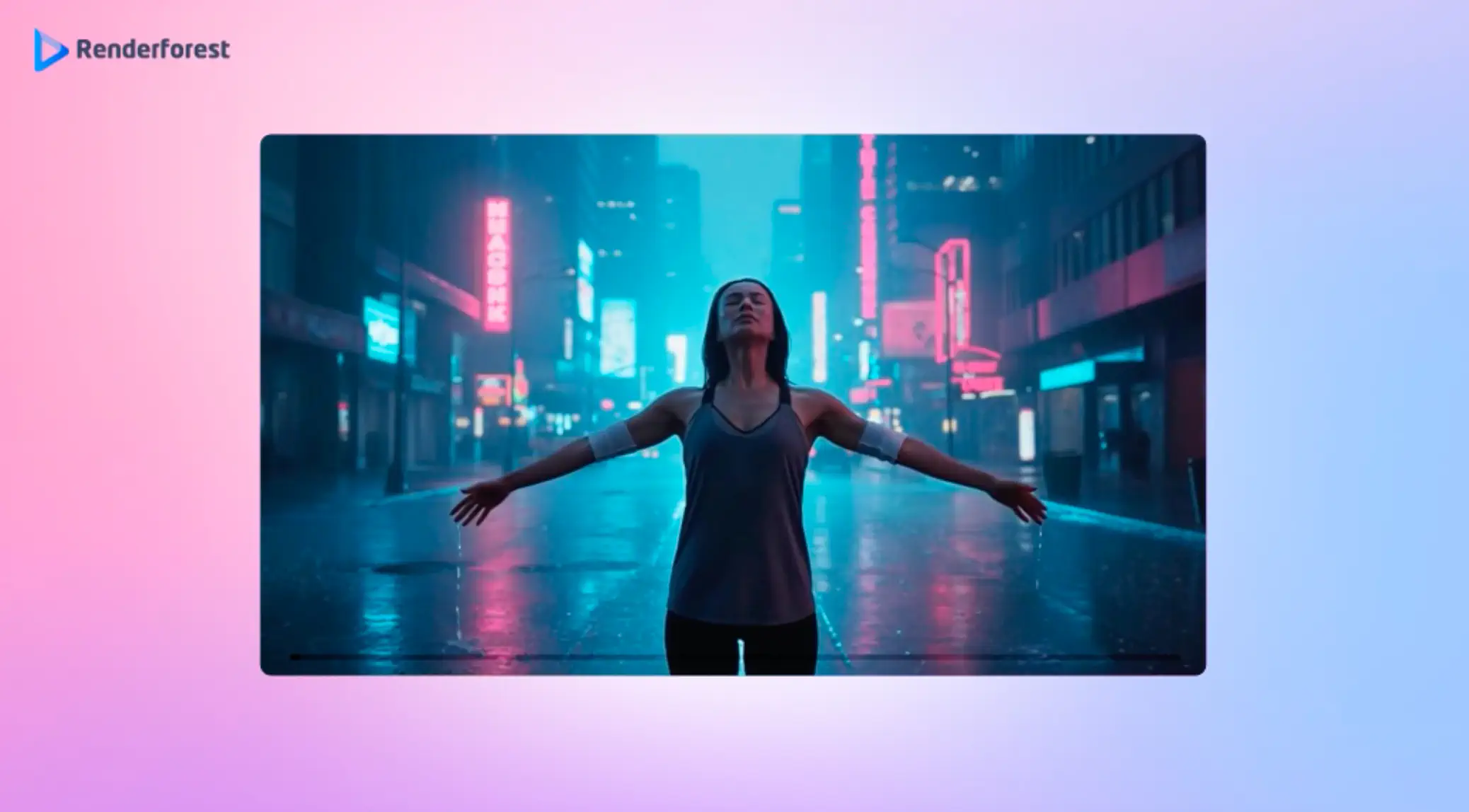
Most “AI music videos” are clips with a song pasted on top. Renderforest reads your track first (tempo, energy, transitions and lyrics) and builds the edit around it, so scene changes follow the rhythm instead of drifting across it. Play the demo and watch each shot change against its soundtrack.
Your sound has a look. Pick a style and the music video generator opens with that direction written in. Add your track and generate.
Lyric videos keep fans watching to the last chorus. Generate the scenes from your track, then add your lyrics as animated text in the editor and time each line to the beat. Pick a font and motion style that fits the genre, export 16:9 for YouTube or 9:16 for TikTok and Reels, and reuse the same scenes for a Spotify Canvas loop.
Make a lyric videoUpload an MP3 or WAV. Renderforest analyzes its tempo, energy and lyrics. Add a prompt or reference images if you want creative control, such as a face, a logo or a location the AI should keep.
Drop your trackChoose a style and format: 16:9 for YouTube, 9:16 for TikTok and Canvas. Generate with Renderforest for free, or pick Kling 3.0 or Seedance 2.5 for cinematic shots.
Pick a style and modelYour video arrives cut to your track's rhythm. Swap any scene, extend the story with Smart Add and fix details with Smart Edit, then export in the format you picked.
Fine-tune and publishOne track, every asset the release needs: the premiere, plus the loops and teasers around it.
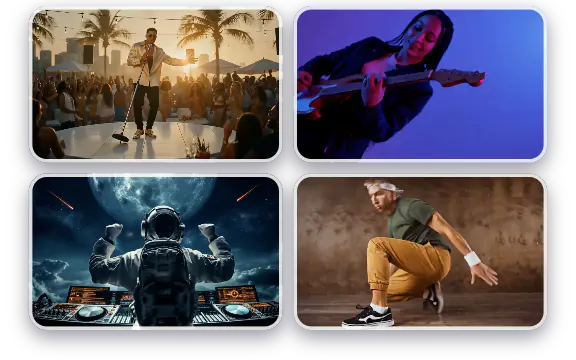
A story-driven video for the single, with characters that stay consistent, scenes that follow your lyrics and cuts that follow your beat. Premiere it on YouTube the day the track drops.
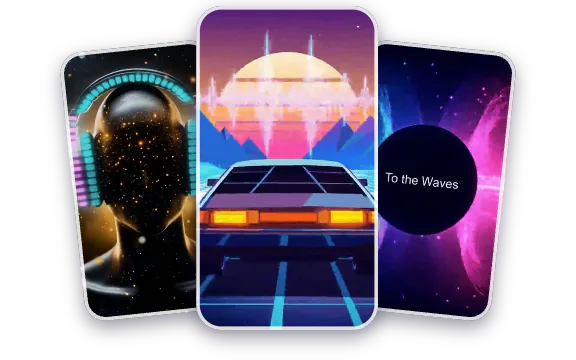
Canvas is a 3–8-second vertical loop that plays in place of your cover art in Spotify's Now Playing view. Export a 9:16 MP4 at 720–1080 px. Since a Canvas can't sync to lyrics, build seamless abstract or b-roll loops rather than singing shots.
Music visualizer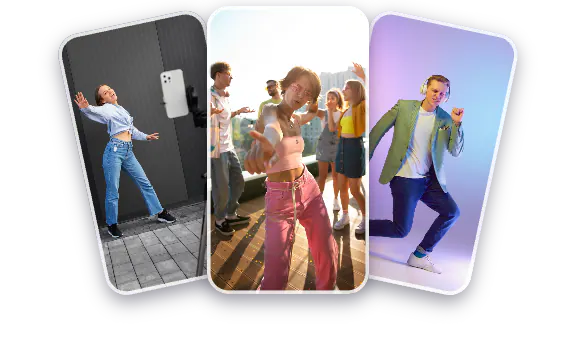
Cut the drop into 15–30-second vertical teasers with hook-first pacing. Make a few variants and see which one your audience picks up.
AI TikTok video generator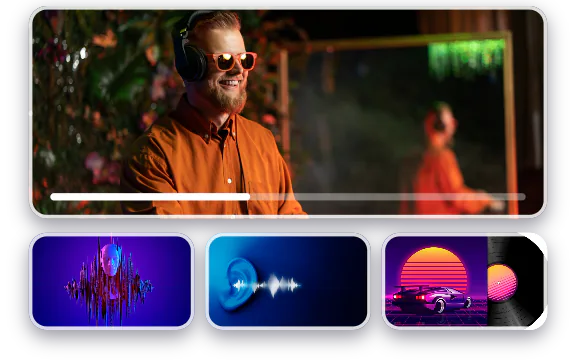
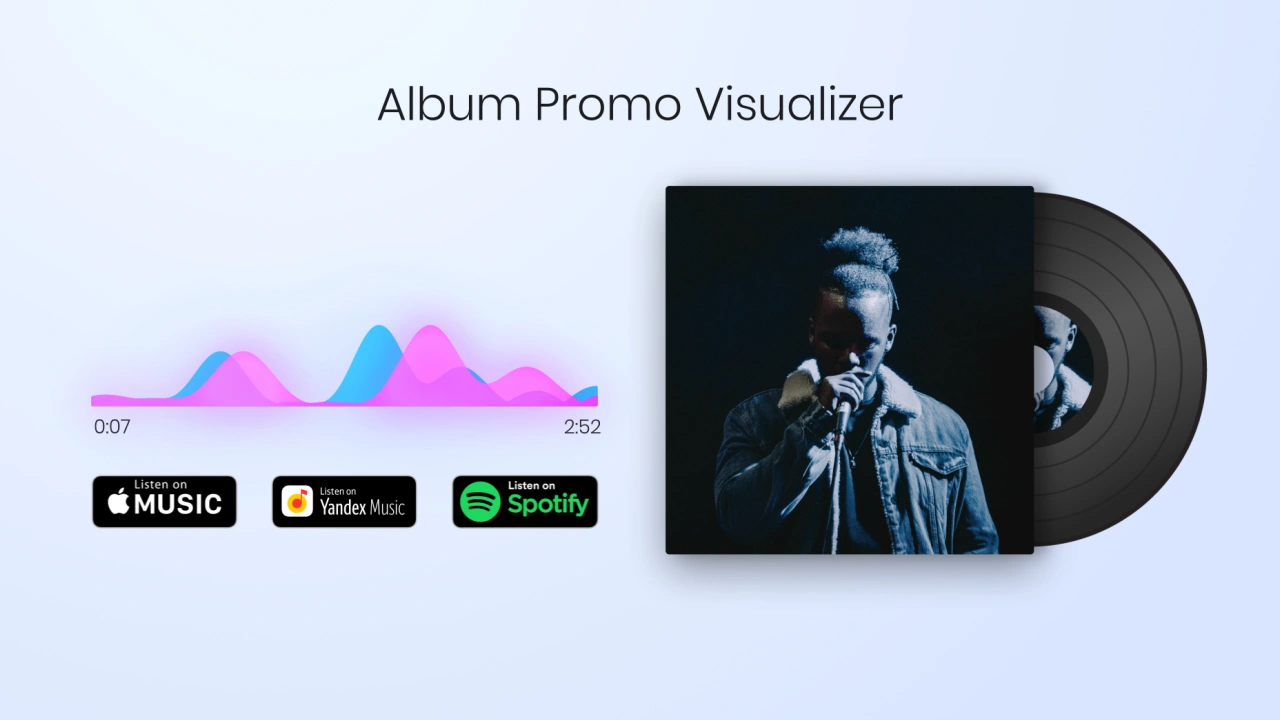
Full-length, beat-reactive visuals for every track, consistent with your cover art, so the whole album plays as one body of work.
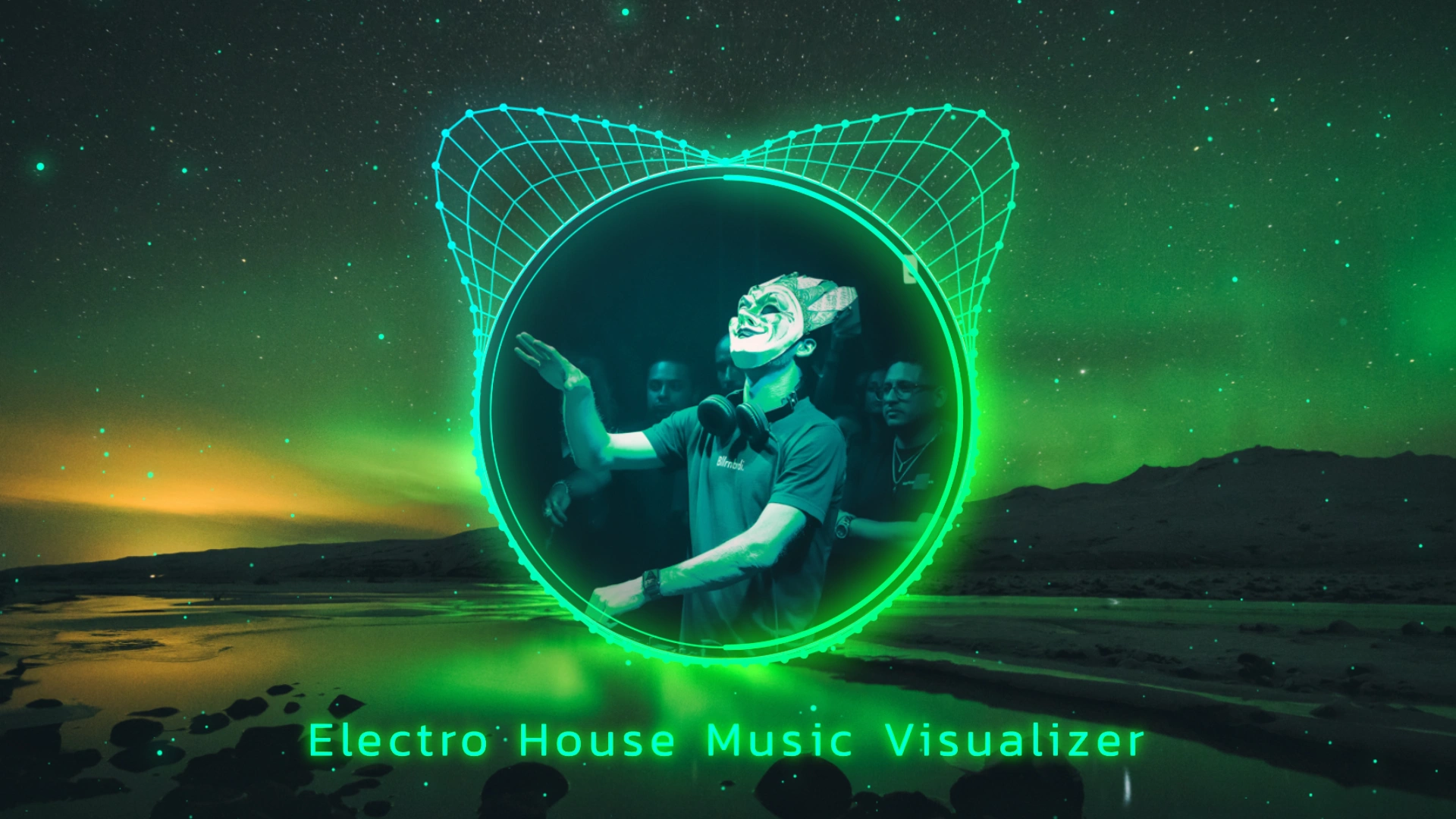
Music visualizer templatesRenderforest's AI Music Video Generator is built to serve a diverse and growing audience. From independent artists to global teams, it helps anyone create stunning music videos quickly, on a budget, and without editing skills.

Musicians use Renderforest's AI music video generator to create full music video clips, visualizers, teasers, and promo videos for their songs. AI helps them turn ideas into polished, story-driven visuals that support single releases, album rollouts, and social media campaigns with ease.

Producers and DJs generate energetic AI music video clips and beat-reactive visuals that enhance their tracks, mixes, and live sets. Renderforest makes it fast to create eye-catching edits for releases, performances, and social promotions.

Labels and managers rely on Renderforest to produce consistent, scalable music video clips across multiple artists. AI speeds up production, maintains visual branding, and delivers platform-ready content for YouTube, TikTok, and more.

Content creators transform audio into dynamic AI music video clips and short-form visual content. From vertical edits to full-length videos, AI allows them to produce engaging visuals without complex tools or editing skills.

Podcasters turn episodes and spoken segments into compelling AI video clips using animated scenes and reactive visuals. It's an easy way to make audio content more watchable on YouTube and social platforms.

Beatmakers create polished music video clips with AI, and stylish visualizers that showcase their beats. Renderforest helps them present instrumentals professionally and build a recognizable visual identity across platforms.

Vibe creators and streamers use Renderforest to build atmospheric AI music videos and looping visuals that enhance their streams or playlists. AI makes it simple to match the mood and keep audiences engaged.
Two premium models carry the music video flow; the rest of the stack is one click away.
Multi-shot generation with up to six shots per clip and storyboard control. Lock a performer’s look from up to 7 reference images or a 3–10-second clip, so your artist appears consistently in every scene.
Explore Kling 3.0One-take shots up to 30 seconds. Feed it up to 50 references (images, video clips, even audio) and it holds your visual identity across the whole video.
Explore Seedance 2.5One subscription's credits cover every model.
New scenes generated for your song and cut on the beat. Best for official videos, story videos and Spotify Canvas loops.
A ready-made visualizer you customize with your cover art and track. Best for fast album visualizers and lyric backdrops. Browse the music video maker.
Explore AI-powered music video templates designed to sync with your track's rhythm and support every format, from YouTube to TikTok and Spotify Canvas.

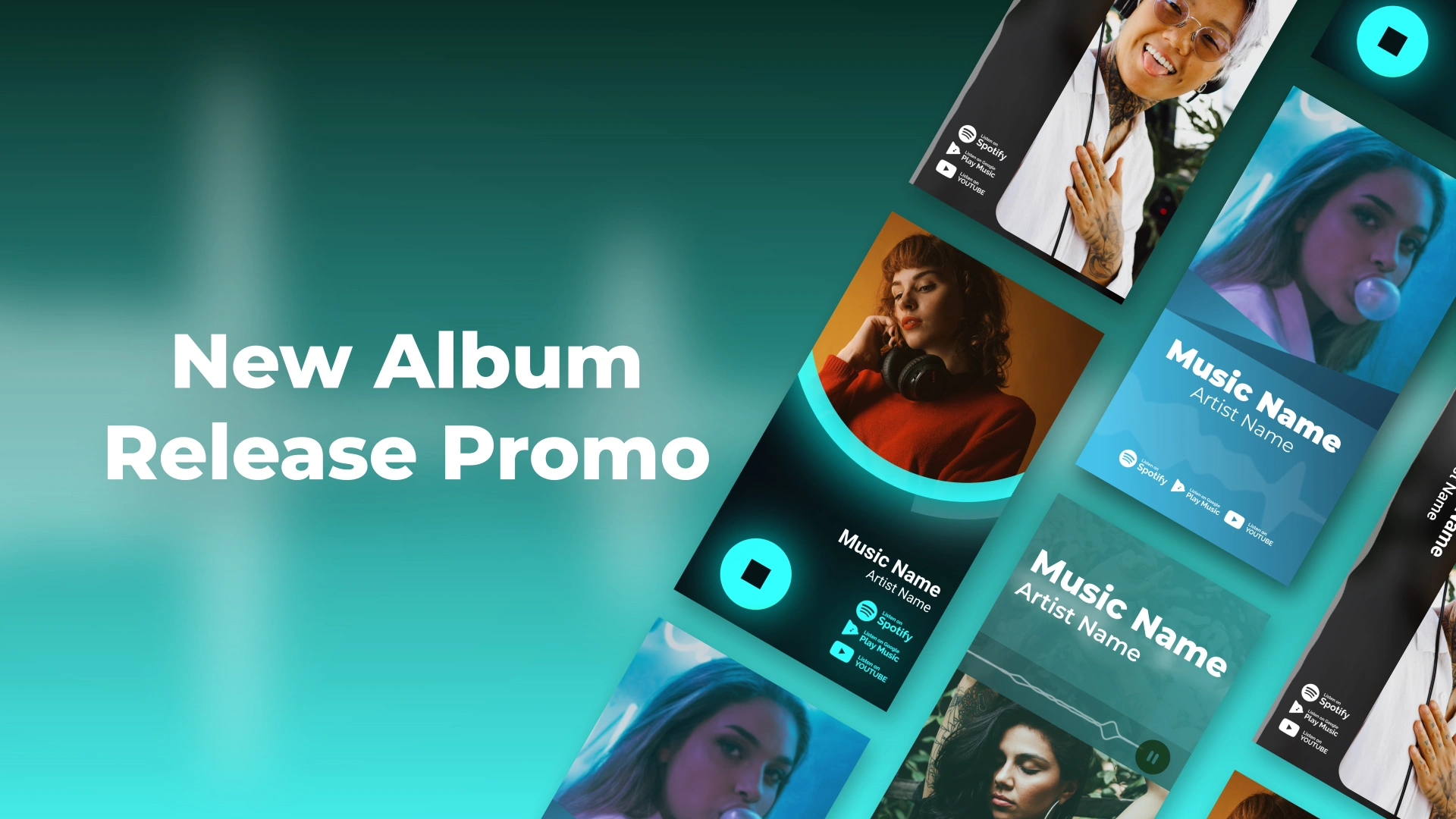
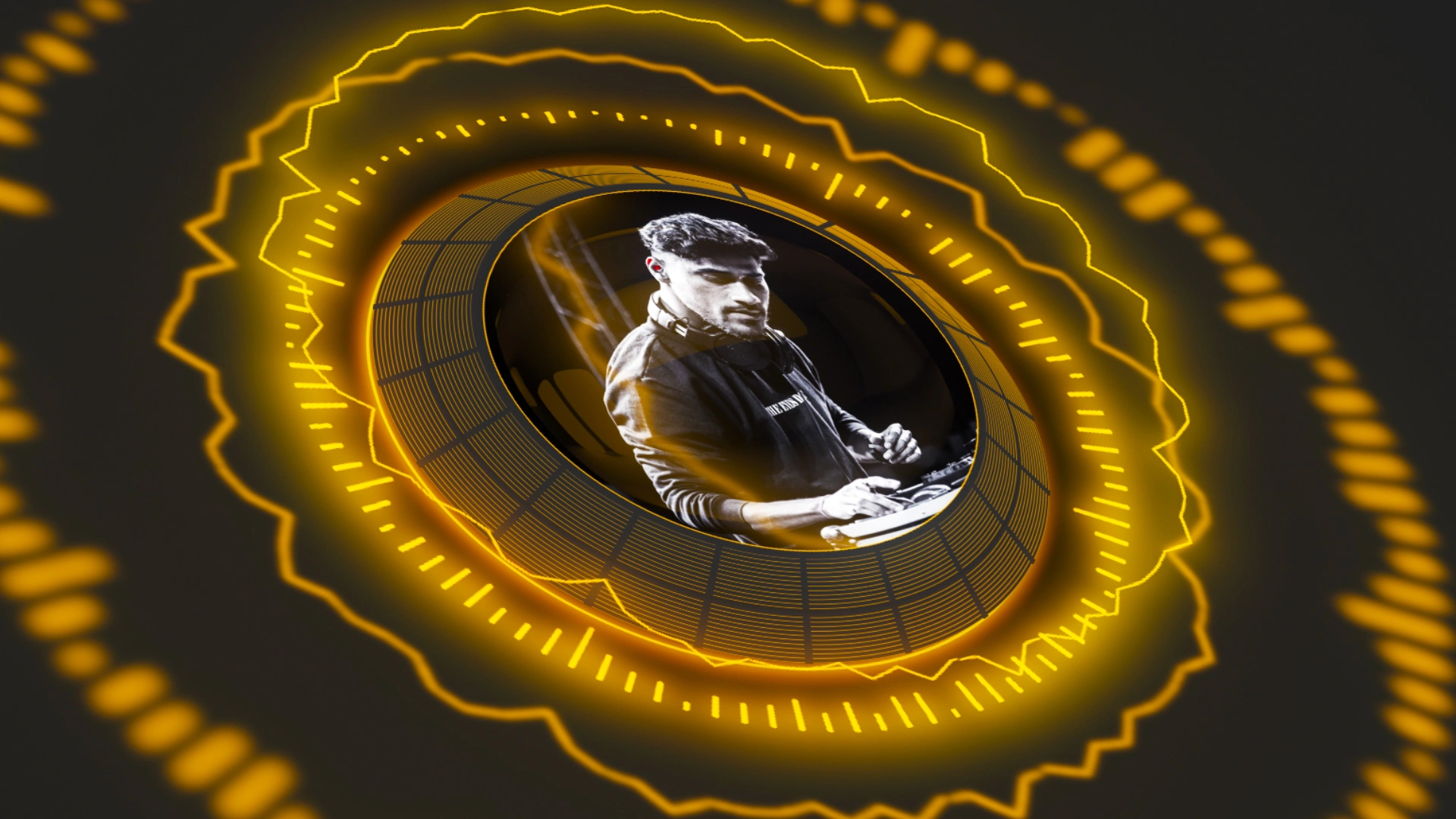

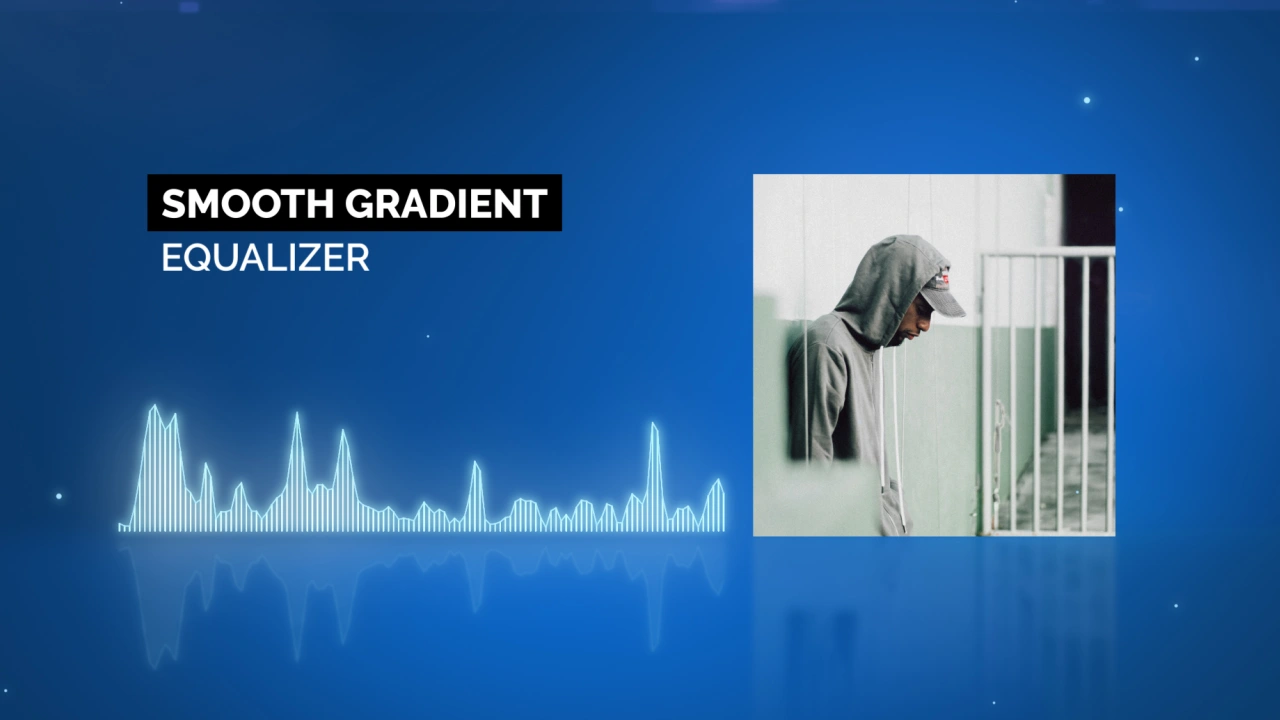
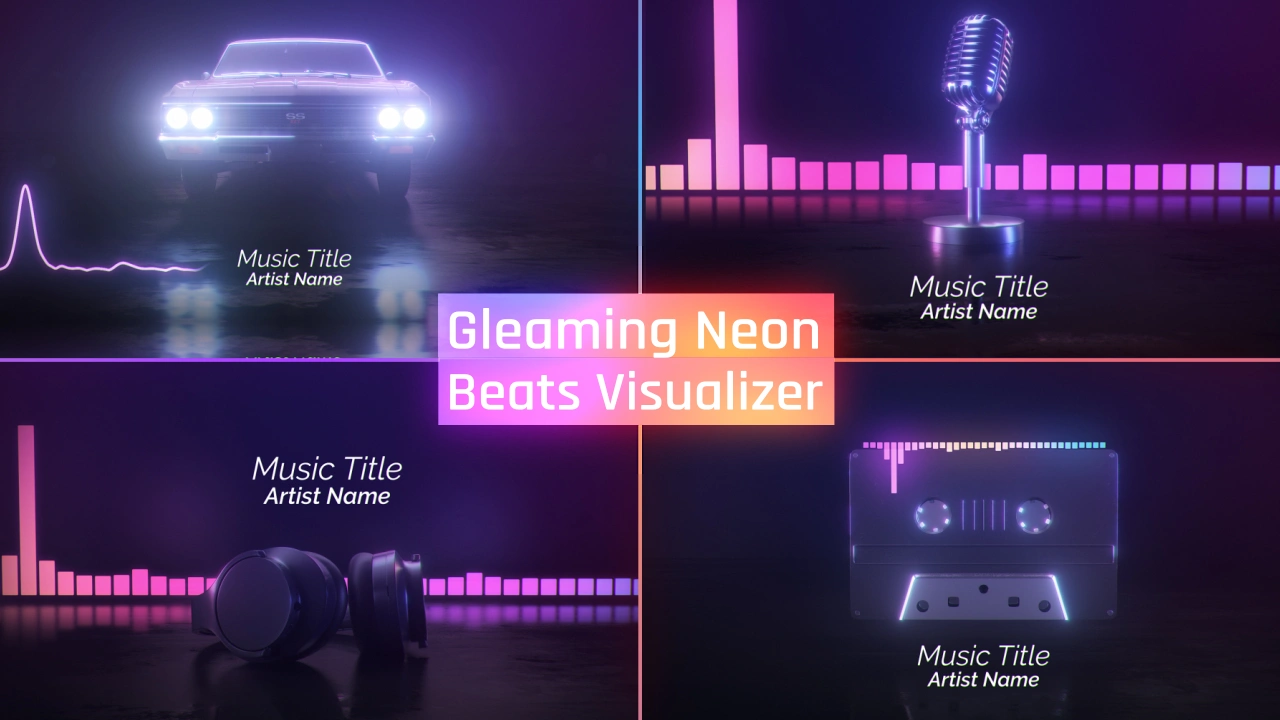
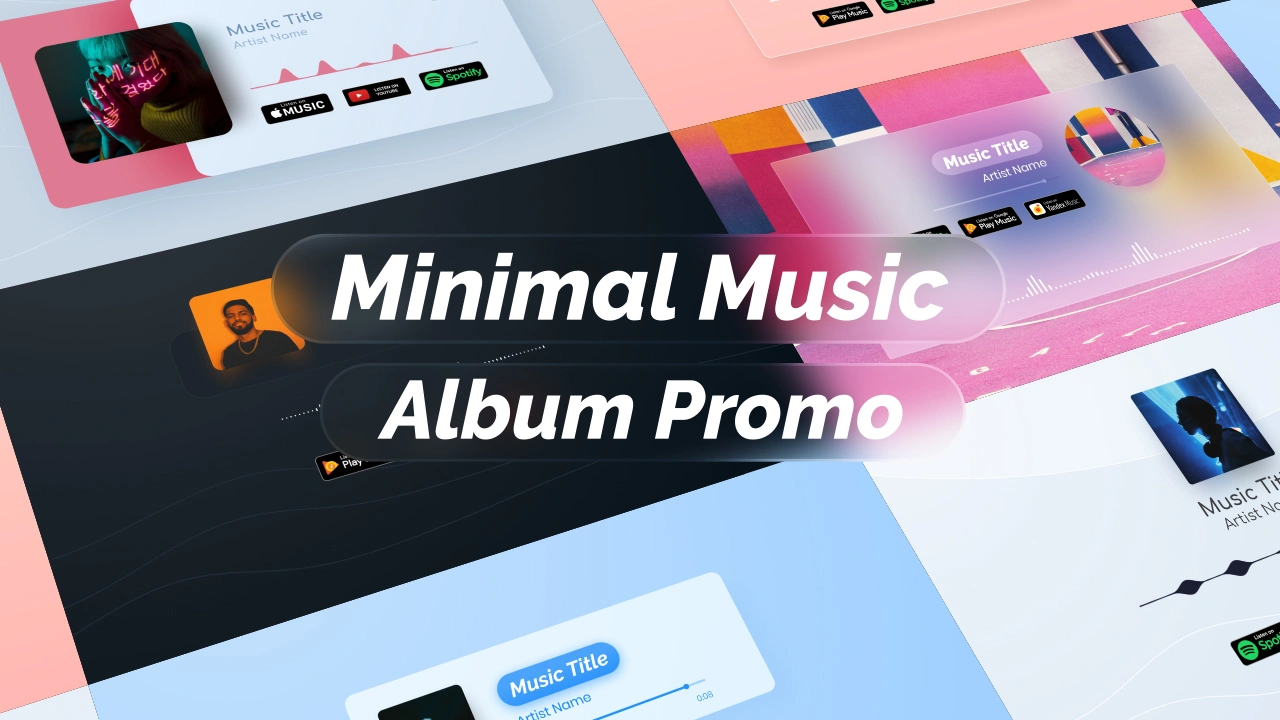
What you can do with the video once it is done.
Publish, promote and monetize your music videos on YouTube, TikTok, Instagram and streaming platforms.
Export your finished video in high quality without a watermark on any paid plan.
Made the track with Suno or another AI tool? Export the audio as MP3 or WAV and upload it. You're responsible for holding the rights to the audio.
I use renderforest's services mainly for music visualizers, I have tried many other visualizer services and based on my experience renderforest blows every other service I've used out of the water in virtually every way.
The benefit of using this software is that it only takes me a matter of minutes to make highly quality videos for my music as opposed to hours of video editing like I used to do.
I use Renderforest for my YouTube music videos and intros. I love how it makes it possible to have a visualizer for my music rather than just a basic image, making my whole work more professional and streamlined.
I use music visualization videos every week and they're fast and convenient to use.
When ever I need to create a video such as a slide show, animated logo, a music visual video or anything else Renderforest saves me so much time.
I am also a YouTuber and RenderForest has made it possible to pursue my passion in music by making it easy to deliver beautiful audio visualizers for my channel.
We had a few audio tracks that we wanted to post on YouTube and Renderforest made it easy to immediately get started with a cool and fun video for the song without knowing any video editing skills.
Video looks great, nice quality and uniquely customisable … Had a great impact on the release of Iriis (band) first single
Because I'm on a budget, I found this website great for independent budding artists like me who do not have access or money to reach PR companies.
Also like their music visualization. Looking forward to trying their animation in some of my music videos!
It took me less than 5 minutes to produce a professional video! … I had to create a music video on a very small budget. This was able to produce that in a short amount of time.
Its incredibly easy to develop a high quality product that makes people wowed. There is an incredible music visualizer response.
It has a lot of tools for every taste, new templates for producing videos for YouTube and Instagram are constantly being added. There is a visualizer for music, a lot of stock photos and videos.
The graphics are clear and the videos come out looking as if you paid a few hundred dollars to have them done.
A traditional music video shoot starts in the thousands. Start free with test credits, then upgrade for watermark-free exports, the premium models and unlimited Renderforest Fast renders: up to 720p on Pro, up to 1080p on Business.
Free | Lite | Pro | Business | |
|---|---|---|---|---|
Price | $0 | $15 per month, or $9 per month billed annually | $39 per month, or $19 per month billed annually | $59 per month, or $39 per month billed annually |
AI credits | 20 to start | 1,000 per month | 2,400 per month | 6,000 per month |
Music videos | One 10-second 480p scene to try (20 credits) | About 400 seconds of Renderforest Fast scenes a month | Unlimited Renderforest Fast scenes at 480p and 720p | Unlimited at 480p, 720p and 1080p |
Premium models (Gemini Omni Flash, Kling 3.0, Seedance 2.5, MiniMax H3, Pixverse) | Not included | Included, paid in credits | Included, paid in credits | Included, paid in credits |
AI video downloads | 480p, with a watermark | 720p or 1080p, no watermark | 720p or 1080p, no watermark | 720p or 1080p, no watermark |
Template export | 360p | 720p | 1080p | 4K |
Max video length | 3 minutes | Multi-scene videos up to 12 minutes | Multi-scene videos up to 12 minutes | Multi-scene videos up to 12 minutes |
Commercial use | Personal use | Yes | Yes | Yes, with reseller licence |
Every prompt and upload is checked automatically before anything is generated. Renderforest does not create deceptive content or videos of real people without their consent, so what you publish stays safe for your brand, your clients and your channels. Read our Acceptable Use Policy.
An AI music video generator turns a song into a finished video. You upload a track; the AI analyzes its tempo, mood, structure and lyrics, then generates scenes and edits them so the cuts follow the beat. Renderforest generates story-driven videos, beat-reactive visualizers and Spotify Canvas loops from your track.
Upload your MP3 or WAV, add an optional prompt or reference images, then pick a style, format and AI model. Generate, and the video arrives cut to your track’s rhythm. Fine-tune scenes in the editor and export in HD.
Yes, upload an MP3 or WAV. You need the rights to the music, and the video is yours to publish.
Yes, to try. The free plan needs no credit card and includes 20 credits for a test scene with Renderforest Fast. A full-length music video needs a paid plan, and on Pro the Renderforest Fast model is unlimited, so a 3-minute draft costs nothing extra.
No. The platform is designed for beginners and professionals. You can let AI generate everything for you or customize your project inside the editor with simple tools. You never need to use advanced editing software.
Yes. You choose the format at the beginning of your project. You can create vertical 9:16 videos for TikTok, Instagram Reels, and Shorts or horizontal 16:9 videos for YouTube and desktop viewing. Your entire workflow adapts to the format you select.
Yes. You can upload your own video clips or performance footage and blend them with AI-generated visuals for a hybrid music video. Many artists prefer this because it creates a unique style combining real footage with AI animation.
Yes. On paid plans you receive commercial usage rights. You can publish, monetize, promote, and distribute your music videos on any platform including YouTube, TikTok, Instagram, Spotify Canvas, and streaming services.
Your exported video is ready for YouTube, TikTok, Instagram Reels, Facebook, X, Vimeo, Spotify Canvas, or any social or music platform. You choose the aspect ratio at the start so everything fits perfectly when you publish.
Renderforest reads your track's tempo, energy and transitions, and scenes are cut to follow the beat of your track, with no manual keyframing. You can move any cut on the timeline.
As long as your track, up to the plan's export limit (3 minutes on the free plan, full tracks on paid plans).
Yes. Describe a lyric video in your prompt, for example a moody background with clean space for the words, and the AI generates the scenes in that look, cut to your beat. Then add your lyrics as text on the scenes in the editor.
More AI video tools to power your workflow.
Drop your track and get a beat-synced music video with story scenes, visualizers and Canvas loops, ready to release.
Generate AI music video