Social Media Marketing
In 2026, AI video software is no longer something teams test occasionally. It’s become part of how a professional video is made every day. Marketing teams, internal communications departments, agencies, and content teams use AI tools to keep up with growing demands without constantly stretching budgets or adding more manual work.
Professionals are not just looking for automation. They need reliable results, transparent pricing, and tools that fit naturally into the way their teams already work. This guide compares AI video generators, editors, full creation suites, repurposing tools, and avatar-based platforms, with a focus on features, pricing structure, and real workflow benefits. By the end, you’ll have a clearer picture of which type of AI video software makes the most sense for your team and your day-to-day production needs.
You need to think practically when selecting AI video software for professional use. Teams need tools that support real production work, meet quality standards, and fit into existing processes. Here are the factors that matter most.
Output quality and consistency
Professional teams depend on reliable results. The software should produce clean, presentation-ready videos with minimal visual errors or awkward transitions. It should also deliver steady quality across multiple projects so branding and standards remain consistent.
Control and customization
AI can accelerate production, but professionals still need the ability to guide the outcome. Strong tools allow you to adjust structure, visuals, text, pacing, and audio without advanced technical skills. This balance helps teams stay efficient while keeping creative direction in their hands.
Workflow integration
AI video software should connect smoothly with the tools your team already uses. Standard export formats, compatibility with editing or design platforms, and simple file sharing all matter. If extra steps are required to make content usable, productivity can suffer.
Scalability
Professional environments involve multiple contributors, revisions, and tight timelines. The software should support repeated projects, version control, and team collaboration while handling growing content demands without adding friction.
Speed and efficiency
Speed matters across the entire workflow. Time savings should show up in drafting, editing, reviewing, and exporting. Effective AI tools reduce repetitive tasks and help teams move forward with confidence.
Category differences
Expectations vary by category. Generators focus on creating visuals from prompts. Editors offer detailed control over footage. Repurposing tools help extract highlights quickly. Full creation suites combine generation and editing within a structured system. Understanding these differences helps you match the tool to your production needs.
| Tool | Category | Best used for | Production speed | Output consistency | Fits professional workflows |
| Renderforest | Video creation suite | Brand-safe marketing videos with generation and editing | Very high | High | Yes |
| Powtoon | Video creation suite | Animated explainers and training videos | High | High | Yes |
| Google Veo | AI video generator | Consistent, high-quality AI-generated video | Medium | High | Emerging |
| Adobe Firefly | AI video generator | Commercially safe AI video inside Adobe | Medium | High | Yes |
| DaVinci Resolve | Video editor | Professional color grading and finishing | Low | High | Yes |
| Final Cut Pro | Video editor | Fast, stable editing on macOS | Medium | High | Yes |
| Descript | Video editor | Script-based editing for dialogue-heavy content | High | High | Yes |
| Opus Clip | Repurposing tool | Extracting short-form clips from long videos | Very high | Medium | Yes |
| HeyGen | Avatar tool | Talking-head avatar videos and voice cloning | High | High | Yes |
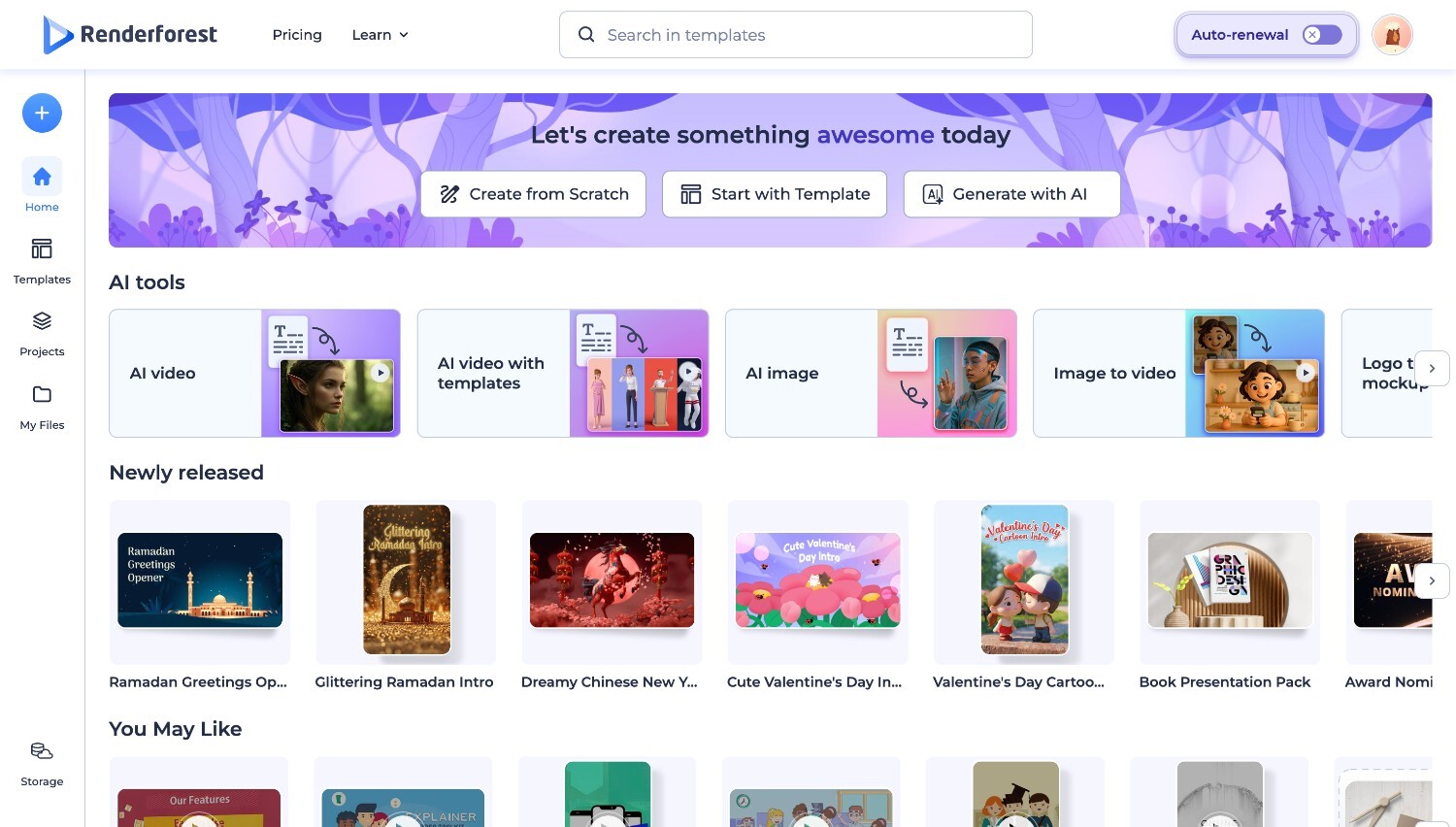
Renderforest is an AI video creation suite professionals use to generate complete videos from scripts, ideas, or structured inputs, then refine them inside the same platform. The AI video generator handles scene building, visuals, and voiceovers in a controlled, predictable way, producing clean, presentation-ready output suited for marketing, product explainers, and internal communications. Visual quality is consistent across videos, which is critical for brand-facing use.
Renderforest is an all-in-one tool that includes multiple AI video creation models and built-in editing controls that let teams adjust structure, pacing, layouts, text, and audio without manual post-production. The AI video editor reduces complexity while still allowing meaningful customization, making it easier for non-editors to contribute without compromising consistency. Finished videos export in standard formats and fit cleanly into existing content and marketing workflows.
Renderforest scales well for teams producing videos regularly. It supports fast iteration, multiple versions, and high-volume output without increasing production overhead. By combining AI video generation and light editing in one workflow, it enables professional teams to move from concept to finished video quickly, and results can be easily replicated.
Pros
Cons
Pricing: Renderforest uses a tiered subscription model with limits based on resolution, export volume, and access to advanced features. Plans are designed for ongoing production, with Pro, Pro AI, and Business including unlimited use of the Renderforest AI Image and Video Lite models.
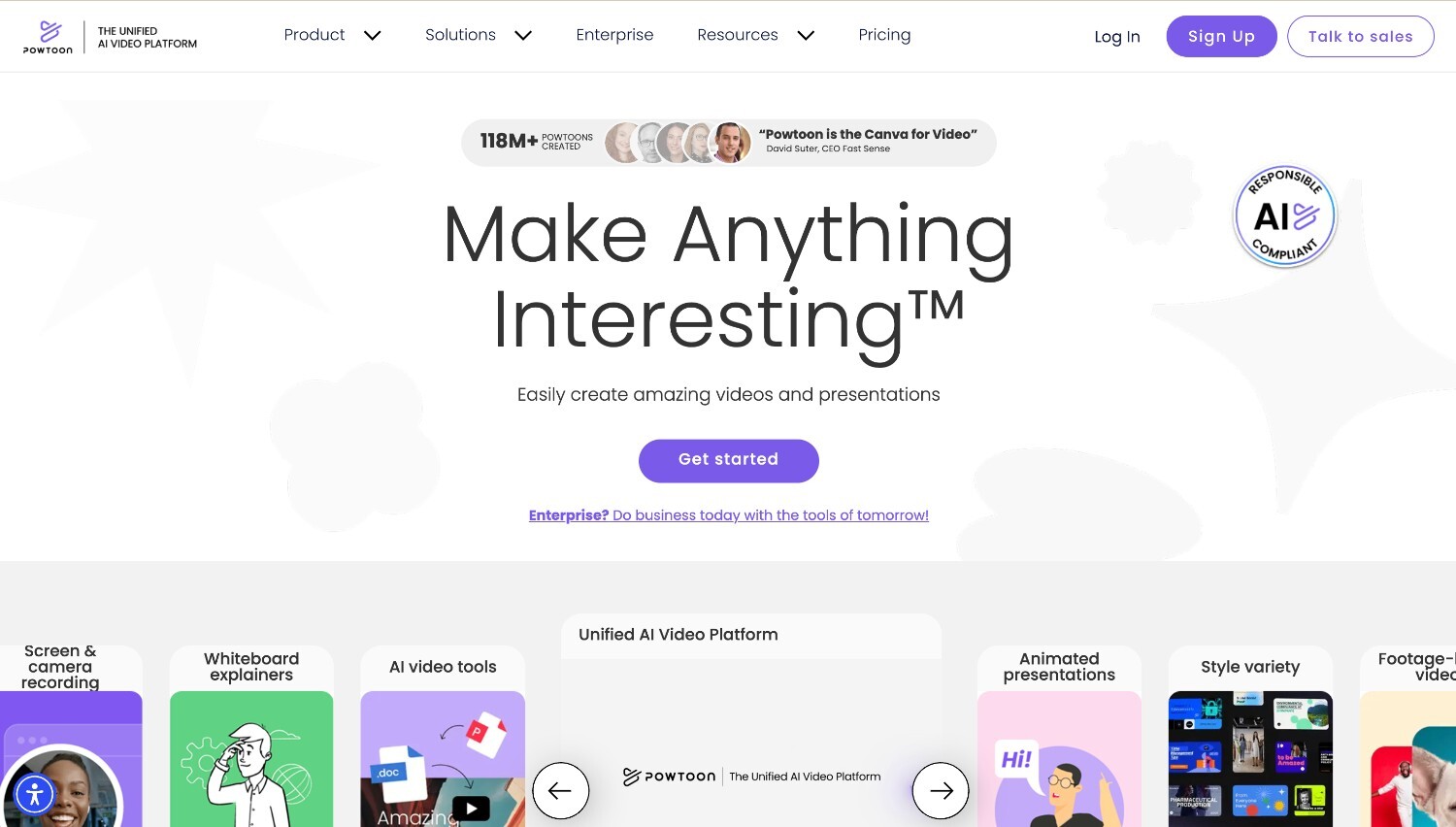
Powtoon is a structured AI video creation suite used for animated explainers, training modules, onboarding content, and internal presentations. It combines slide-based storytelling with animation tools, voiceovers, and AI-assisted features inside one interface. The platform is designed to help teams turn scripts or key points into clear, visual narratives without advanced editing skills. Its layout feels familiar to presentation software, which makes it approachable for HR teams, educators, and corporate trainers producing regular instructional content.
Pros
Cons
Pricing: Powtoon offers a tiered subscription model. A Free plan allows basic exploration. The Lite plan supports lighter editing and quick content creation. Professional unlocks broader editing control and advanced features. Advanced is designed for agencies and businesses that require deeper brand management and higher creative flexibility.
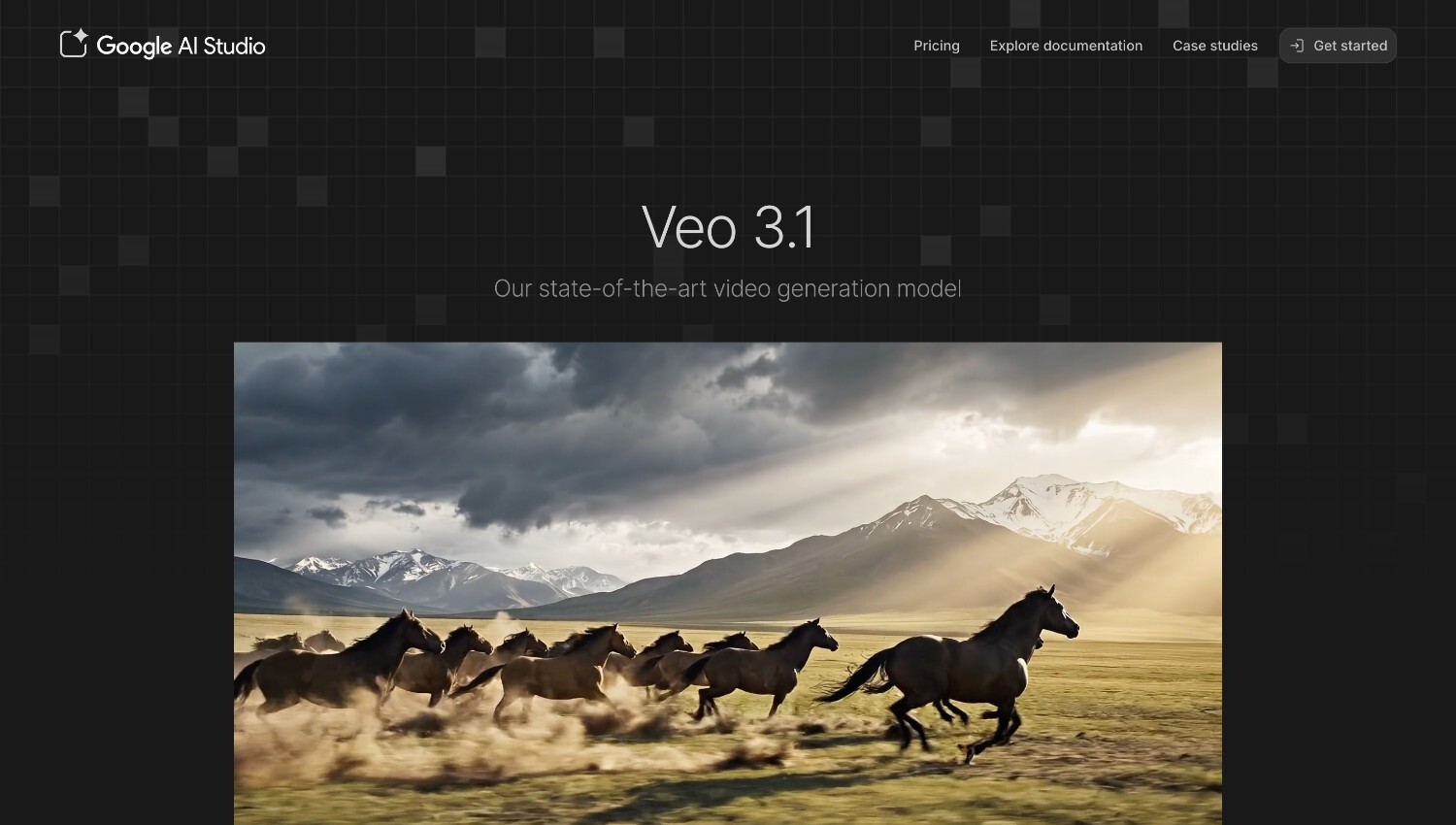
Google Veo is an advanced text-to-video model designed to generate realistic, high-quality footage from written prompts. It focuses on strong prompt understanding, detailed scene creation, and natural motion, making it suitable for teams exploring AI-generated visuals for marketing, concept development, and experimental storytelling. The system automatically applies cinematic camera movements such as pans, zooms, and tracked shots. It also supports native audio generation, allowing sound effects and dialogue to align with the visuals in a single workflow.
Pros
Cons
Pricing: Google Veo is positioned as a premium AI model and is typically available through higher-tier plans or enterprise-level access within Google’s ecosystem. The pricing structure reflects its advanced generation capabilities and integration with other Google tools, making it more suitable for organizations experimenting with high-end AI video production rather than casual or low-volume use.
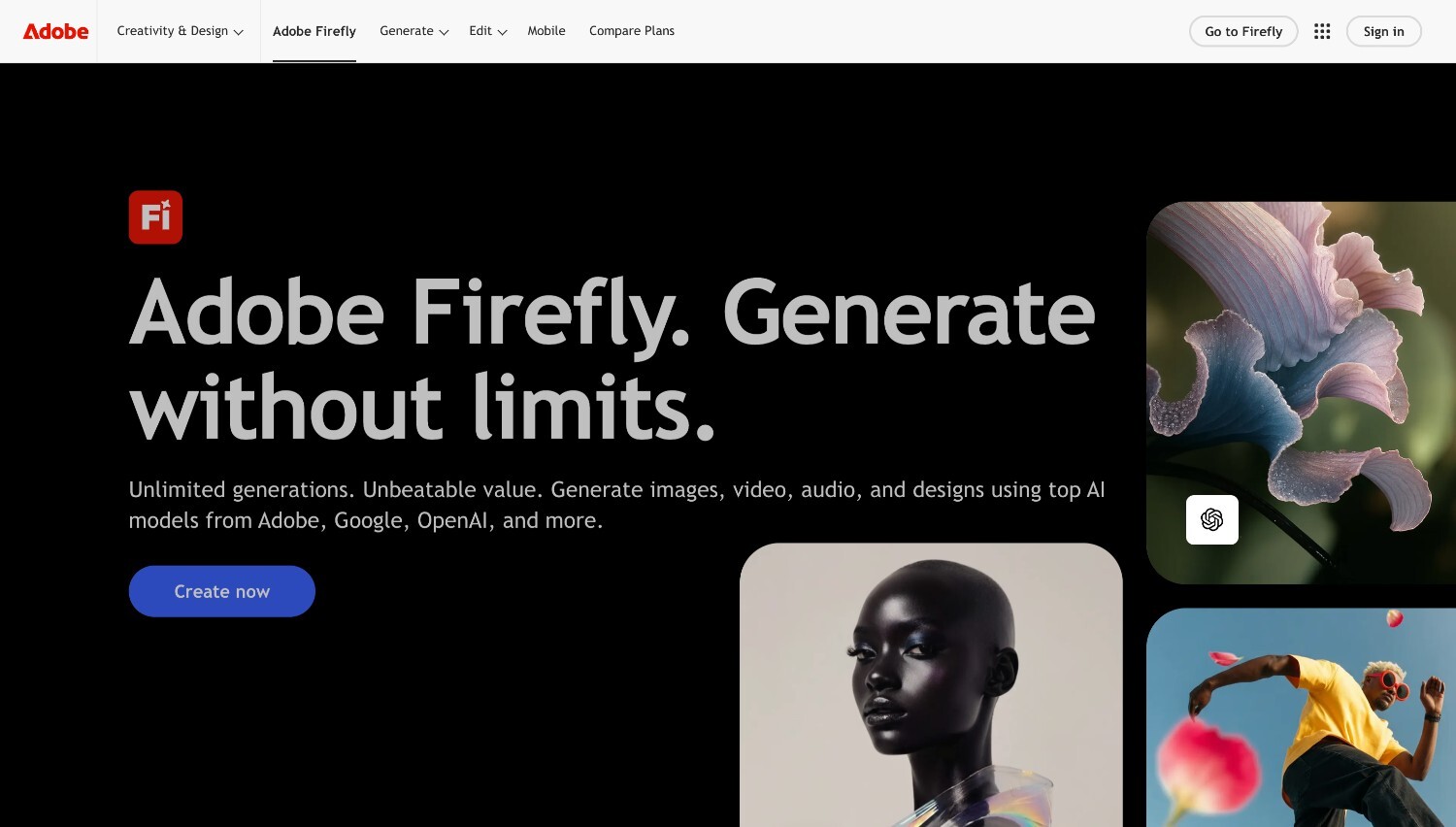
Adobe Firefly is a generative AI platform designed for professionals who need commercially safe content creation within a structured ecosystem. It supports video, image, audio, and design generation, with access to multiple AI models through a single Adobe login. For video workflows, Firefly includes text-to-video, image-to-video, animation tools, talking avatars, and video translation features. Because it operates inside the broader Adobe environment, it appeals to teams that already use tools like Photoshop, Premiere ecosystem tools, or Express and want AI generation integrated into familiar creative processes.
Pros
Cons
Pricing: Adobe Firefly uses a credit-based subscription model. A Free plan offers limited generative credits for testing standard and premium features. Standard and Pro plans increase monthly credits and unlock access to video generation, non-Adobe models, and additional Adobe apps. The Premium tier is structured for high-volume teams, offering significantly more credits and broader video model access. Pricing is tied closely to usage, which makes it predictable but important to monitor for video-intensive projects.
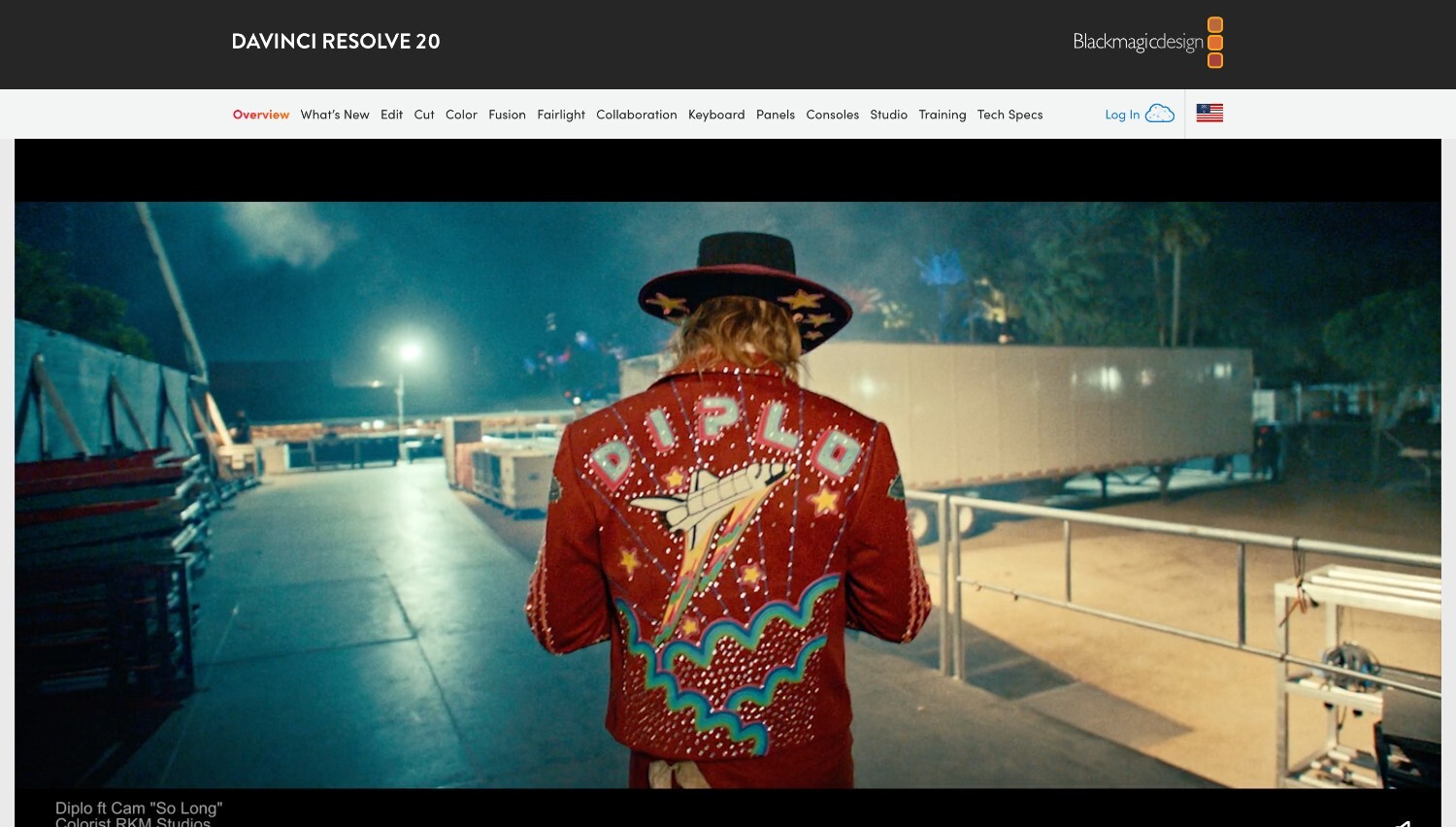
DaVinci Resolve is a full post-production platform that combines editing, color correction, visual effects, motion graphics, and professional audio tools in one application. It is widely used in film, television, and high-end digital production, particularly for its advanced color grading capabilities. The software includes AI-assisted tools for tasks like subtitle animation, audio mixing, and timeline creation, while maintaining detailed manual control. For professionals who handle finishing, grading, and final delivery, it offers a complete environment without needing to switch between multiple programs.
Pros
Cons
Pricing: DaVinci Resolve offers a feature-rich free version suitable for many professional tasks. The Studio version is available through a one-time purchase rather than a subscription, granting access to advanced tools and future updates. This pricing structure makes it appealing for professionals who prefer a long-term investment over recurring monthly costs, especially in post-production environments where finishing tools are used consistently.
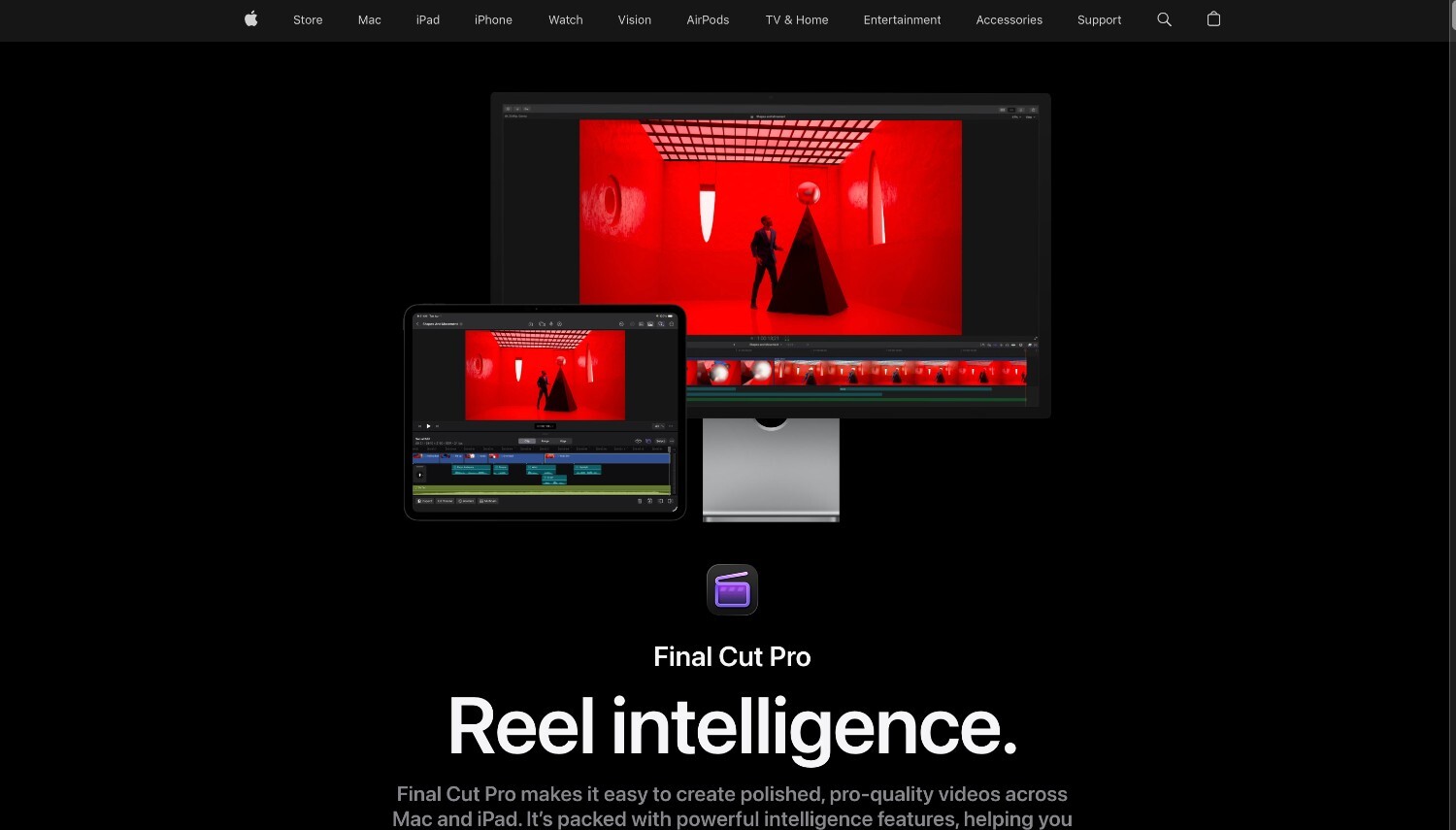
Final Cut Pro is a professional video editor built specifically for macOS and iPad, known for speed, stability, and a clean editing experience. Its Magnetic Timeline allows editors to move and trim clips without breaking sync, which helps speed up revisions. AI-powered tools such as automatic captions, beat detection, and subject isolation with Magnetic Mask support faster workflows. Designed for Apple hardware, it delivers smooth performance, strong multicam support, and reliable handling of high-resolution footage in professional environments.
Pros
Cons
Pricing: Final Cut Pro is available as a one-time purchase or through Apple’s Creator Studio subscription bundle, which includes additional creative apps. Updates are delivered through the App Store, and licenses can be used across multiple Macs tied to the same account. The pricing structure offers flexibility for professionals who prefer either a single long-term purchase or a bundled subscription model.
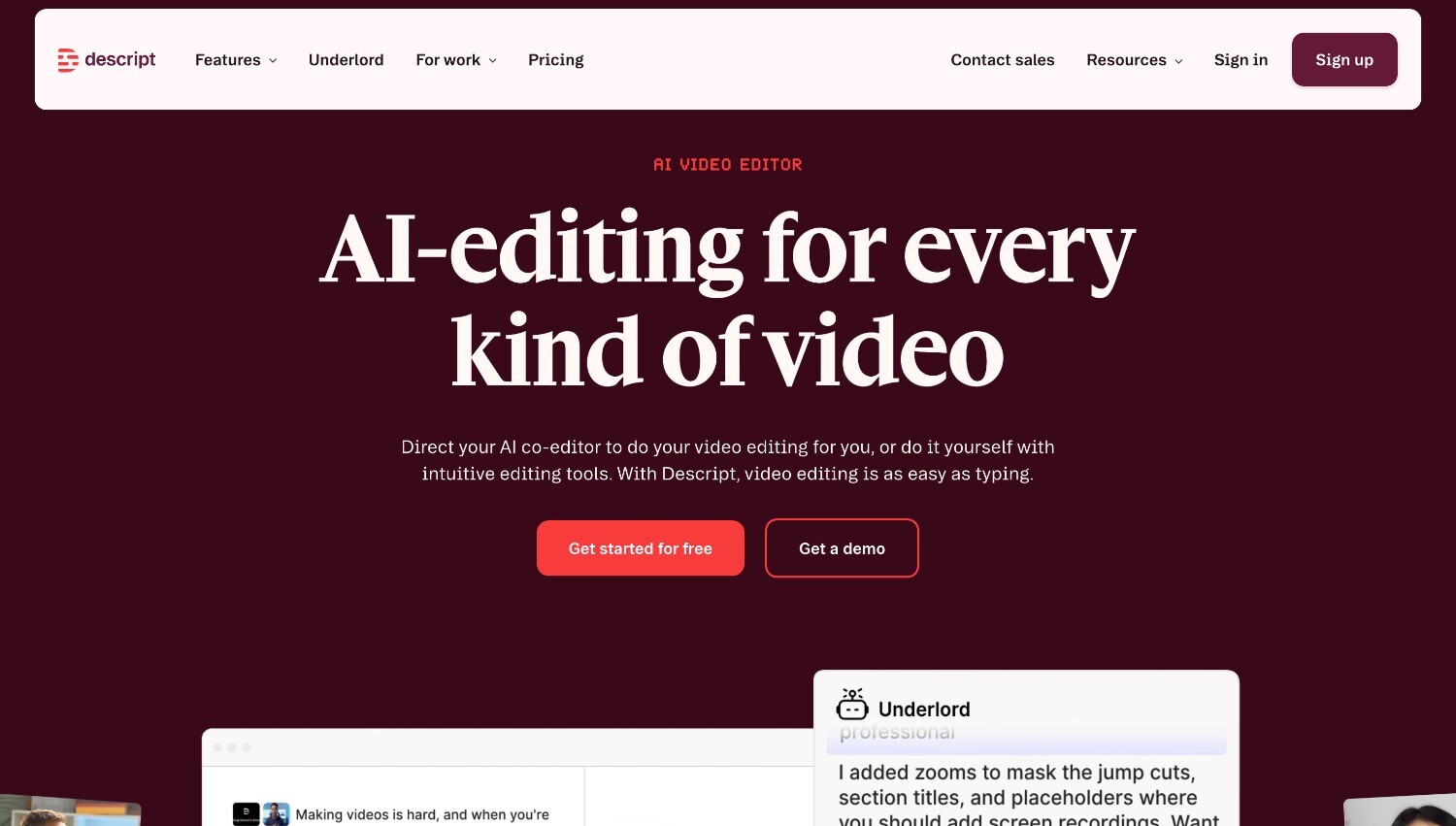
Descript is a video and audio editing platform built around text-based editing. Instead of working on a traditional timeline, users edit video by editing the transcript, which makes it especially useful for interviews, podcasts, webinars, and talking-head content. The platform includes AI tools such as filler word removal, automatic captions, Studio Sound enhancement, and clip creation. For teams producing dialogue-driven content regularly, Descript reduces the need to scrub through footage frame by frame and speeds up the revision process.
Pros
Cons
Pricing: Descript offers a Free plan for testing core features. Paid plans scale based on media hours, AI credits, export quality, and collaboration tools. Creator and Business tiers unlock higher export resolutions, additional AI features, team access, and brand controls. Enterprise plans provide advanced security and flexible licensing for larger organizations. Pricing is structured around usage, making it important for teams to estimate media hours and AI needs in advance.
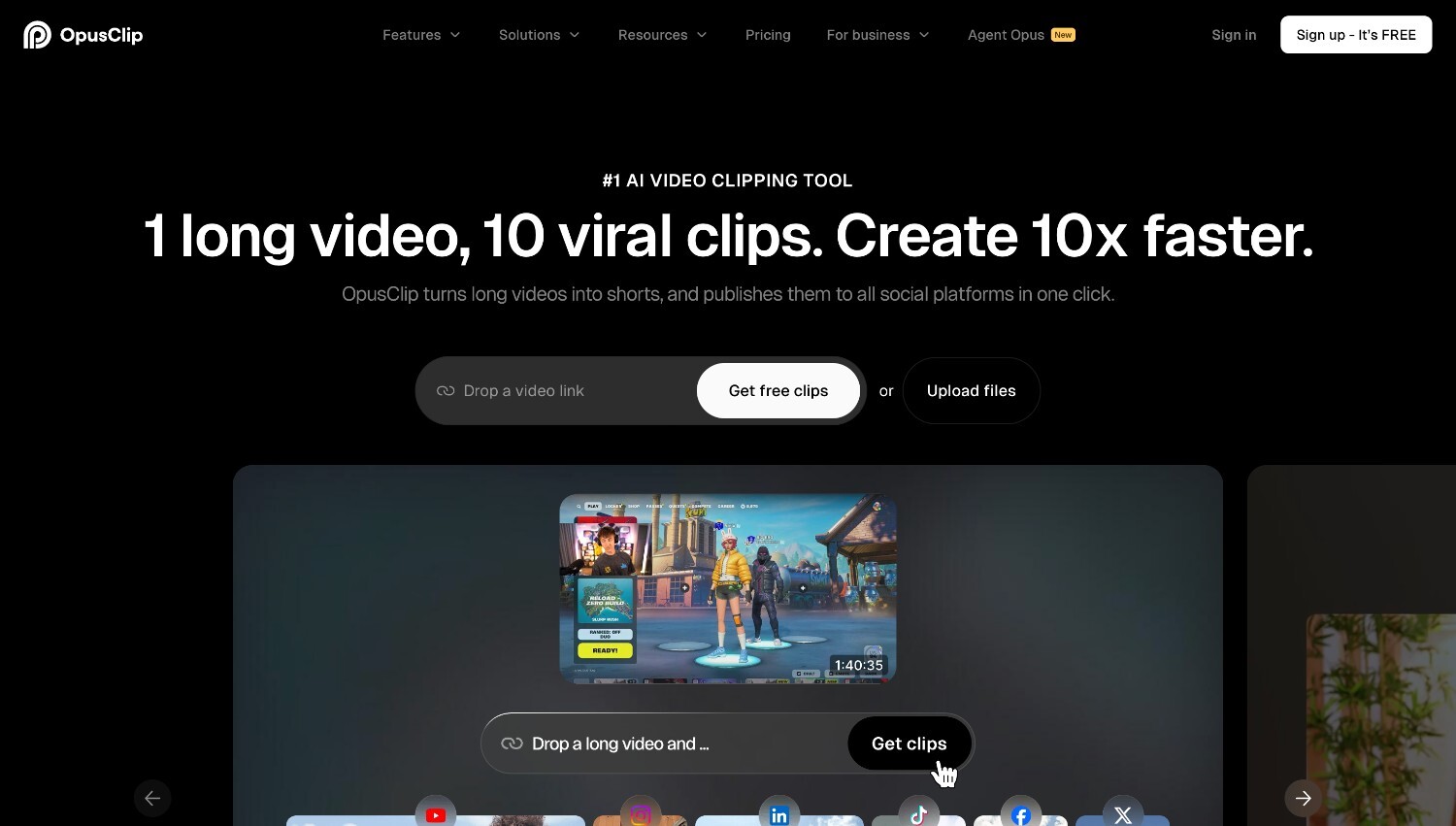
Opus Clip is an AI-powered tool focused on turning long-form videos into short, social-ready clips. Users upload a webinar, podcast, or YouTube video, and the system identifies highlights, adds captions, reframes for vertical formats, and prepares clips for quick distribution. It is built for speed and simplicity, making it popular among creators and marketing teams that regularly repurpose existing content. Rather than functioning as a full editor, Opus Clip specializes in fast extraction and formatting of high-performing segments.
Pros
Cons
Pricing: Opus Clip offers a Free plan with limited processing minutes and watermarked exports, suitable for testing. The Starter plan increases monthly credits and removes watermarks, while the Pro plan significantly expands processing capacity and unlocks advanced features such as multiple aspect ratios and AI-generated B-roll. A Business tier provides customized solutions for larger teams. Pricing is based primarily on processing minutes, so usage volume plays a key role in plan selection.
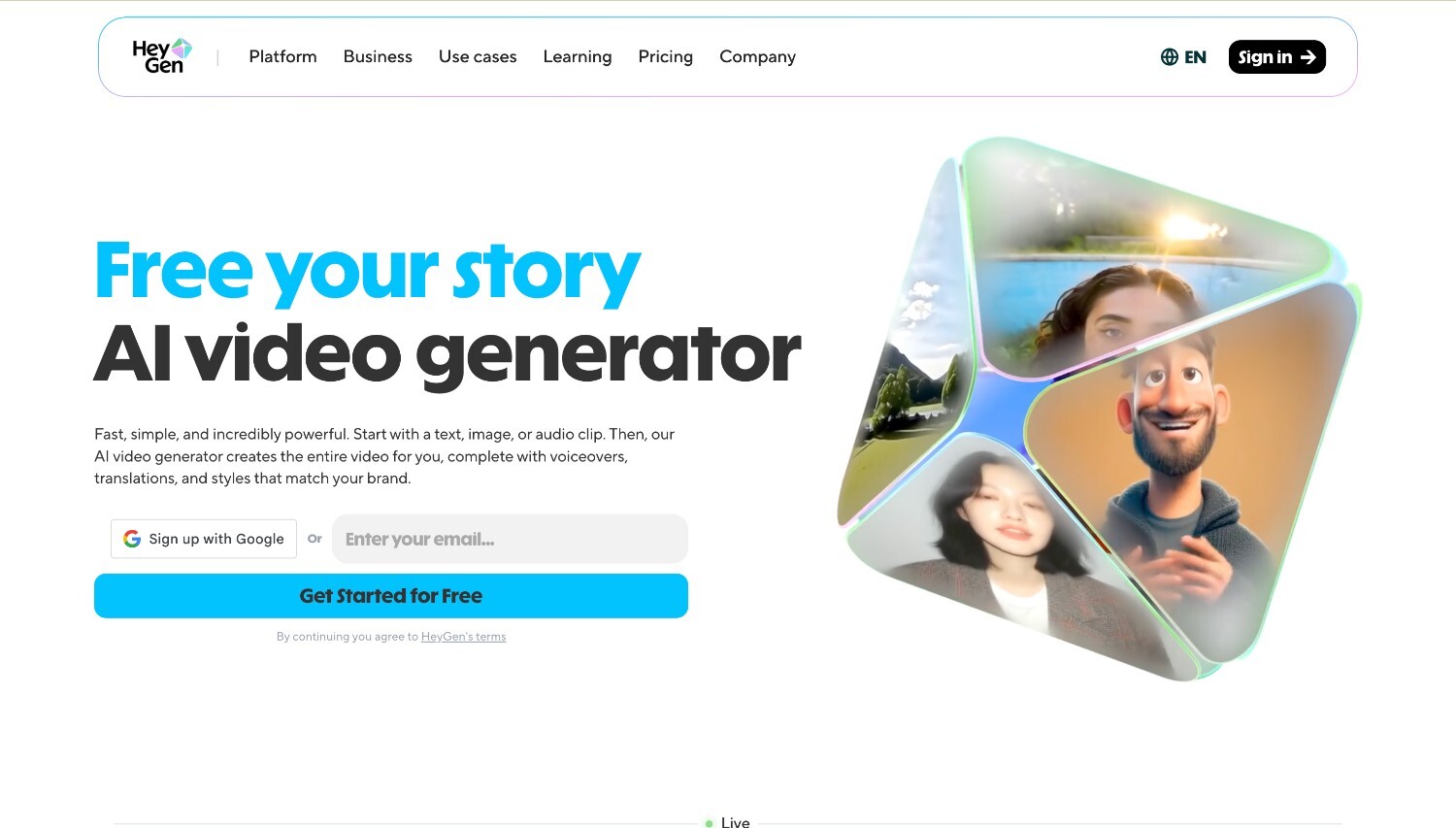
HeyGen is an AI video platform built around realistic digital avatars and voice technology. It allows professionals to create talking-head videos without filming, using custom avatars, voice cloning, and multilingual dubbing. The platform is widely used for product explainers, training content, marketing videos, and global communication. Its lip-sync and facial animation technology aims to produce natural-looking speech delivery across multiple languages, making it useful for teams that need scalable, camera-free video production.
Pros
Cons
Pricing: HeyGen offers a Free plan with limited monthly videos and basic exports. Paid plans such as Creator and Pro expand video length, unlock voice cloning, provide multilingual dubbing, remove watermarks, and increase export quality up to 4K. Pricing scales based on usage, processing speed, and access to premium avatar and AI features. For teams producing videos regularly, estimating monthly video minutes is important to avoid unexpected credit limitations.
There is no single AI video tool that works best for every professional team. The right choice depends on how you produce content, what level of control you need, and how much video you create on a regular basis. Some teams prioritize structured marketing output, others need detailed editing control or fast content repurposing.
Platforms that combine multiple AI video models in one environment, like Renderforest, can simplify production by allowing teams to choose the most suitable generation method without switching tools.
Start by mapping your workflow and production volume, then choose the tool that supports those realities rather than trying to adapt your process to the software.
Many AI video editors support shared workspaces, cloud access, and role-based permissions, which allow multiple team members to review, edit, and approve content without constantly exchanging large files. Some platforms also include version control and commenting tools, making feedback cycles more structured. This helps teams move faster while keeping projects organized.
AI video generators can support marketing videos, product explainers, internal communications, training modules, social media clips, and presentation-style content. Some tools focus on realistic visual generation, while others are better suited for structured brand messaging or avatar-based delivery. Platforms like Renderforest are commonly used for marketing explainers, product videos, and internal training content created directly from scripts or structured inputs. The category of tool often determines the type of output it handles best.
Some advanced models can generate visually impressive footage with realistic motion and detail. However, full cinematic control still typically requires professional editing and post-production tools. AI generators can support commercial projects, but expectations should align with the level of customization and refinement the platform allows.
Yes, especially in repetitive tasks such as captioning, audio cleanup, clip extraction, or first draft assembly. By automating these steps, teams can focus more on creative decisions and final polish. All-in-one platforms like Renderforest can further reduce production time by combining AI generation and editing within the same workflow. Time savings are most noticeable in high-volume workflows where small efficiencies add up quickly.
The level of control varies by category. Full editors offer detailed adjustments at the frame and timeline level, while generators and avatar tools provide more structured customization. Professionals should expect enough flexibility to guide structure, visuals, text, and audio without losing consistency across projects.
Professional suitability comes down to consistent output quality, reliable performance, clear pricing, and compatibility with existing tools. The software should handle repeated projects, support collaboration, and maintain brand standards. Tools that combine multiple AI creation models and built-in editing, such as Renderforest, can simplify production by keeping generation and refinement inside one platform. Tools that reduce friction rather than add extra steps are usually the best fit for real production environments.
Share this


Article by: Sara Abrams
Sara is a writer and content manager from Portland, Oregon. With over a decade of experience in writing and editing, she gets excited about exploring new tech and loves breaking down tricky topics to help brands connect with people. If she’s not writing content, poetry, or creative nonfiction, you can probably find her playing with her dogs.
Read all posts by Sara Abrams