AI
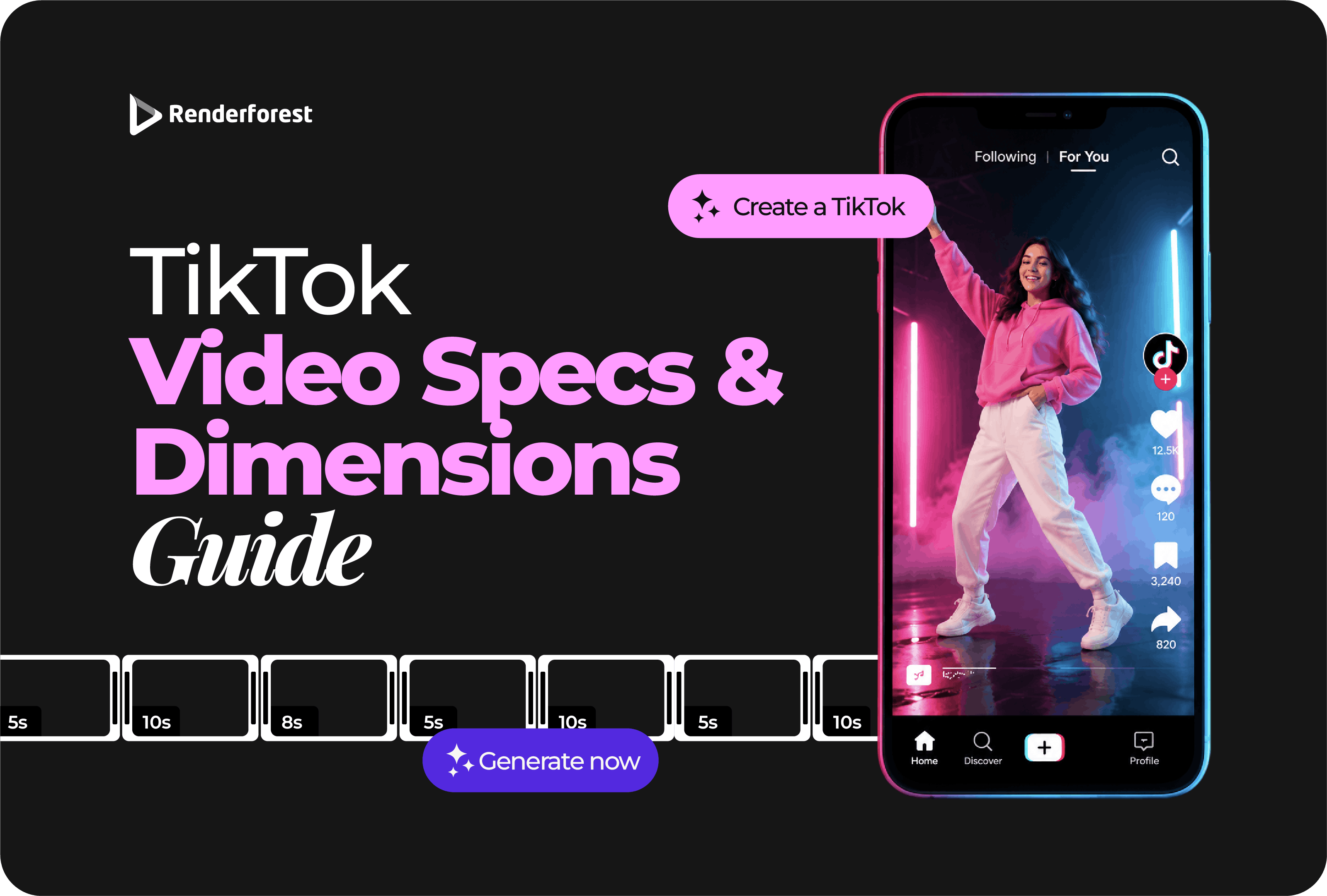
For most TikTok videos, the best working setup is simple: 1080×1920 pixels, 9:16 vertical, exported as an MP4. Keep the subject, hook, subtitles, product details, logo, and CTA away from TikTok’s interface so viewers can actually see what matters.
Those settings will cover most organic TikToks, tutorials, product demonstrations, talking-head videos, creator content, and AI-generated clips. The details only become more complicated when you move into TikTok Studio uploads, ads, horizontal footage, large files, or videos that were originally made for another platform.
If you remember one rule from this guide, make it this:
Create vertically at 1080×1920, keep the important content center-safe, export from the original edit, and preview the finished post on a phone.
Use these settings as the practical default for TikTok-first video production.
TikTok’s current developer documentation lists MP4 as the recommended media format and H.264 as the recommended codec for its Content Posting API. That workflow currently accepts frame rates from 23 to 60 fps. Source: TikTok for Developers.
Those API limits are not a universal spec sheet for every person posting through the app. They are useful because they confirm that MP4/H.264 is a sensible production choice. For normal creators, there is no reason to turn a straightforward export into a codec experiment.
For TikTok-first video, use a 1080×1920-pixel vertical canvas with a 9:16 aspect ratio.
That does not mean TikTok rejects every other dimension. It means 1080×1920 is the most useful working size for creators who want a full-screen vertical video with enough detail for subtitles, products, faces, screen recordings, animated text, and graphics.
TikTok’s own performance-ad guidance recommends creating vertically at 9:16 and using at least 720p resolution. Source: TikTok Ads Manager.
This is an important distinction:
An accepted minimum tells you what TikTok can process. It does not necessarily tell you what you should use as your master file.
A 720×1280 file can be perfectly usable. A 1080×1920 master simply gives you more room to preserve text clarity and product detail before TikTok applies its own processing.
Yes, in supported workflows. TikTok’s current Non-Spark In-Feed Ad specifications accept vertical 9:16, horizontal 16:9, and square 1:1 creative. TikTok marks vertical as the recommended orientation. Source: TikTok Ads Manager.
For normal TikTok-first content, the fact that a horizontal file can be accepted is not a good reason to use one.
A complete 1920×1080 screen recording squeezed into a vertical frame may technically preserve every button and menu. It also makes all of them too small to read.
When TikTok is the destination, reframe rather than shrink.
A 1080×1920 video can have the correct dimensions and still be badly designed for TikTok.
The reason is simple: the app puts interface elements over the video.
Depending on the post, device, region, and placement, viewers may see:
TikTok explicitly says that the safe zone for its In-Feed Ads depends on the video dimensions, caption length, and additional formats being used. It also warns that the preview can differ slightly from the live version because previews are not device-specific. Source: TikTok Ads Manager.
That is why you should be cautious with diagrams claiming there is one permanent, exact TikTok safe zone that will never move.
Use a practical hierarchy instead:
The rule is not “never use the edges.” The rule is: never put mission-critical information where TikTok is likely to compete with it.
Your CTA is not safe because it looks good in the editor. It is safe when it still looks good after TikTok puts the interface on top.
For burned-in subtitles, the lower-middle area is usually a better starting point than the extreme bottom edge.
Traditional video editing often treats the bottom of the frame as natural subtitle territory. TikTok does not give you a clean player. The lower area already has native captions, interface controls, and possible advertising elements competing for space.
That does not mean moving subtitles over the speaker’s eyes.
Plan the shot around the text:
If animated typography is a major part of the edit, Renderforest’s guide on how to add animated text to videos covers timing, readability, and motion in more depth. This article stays focused on TikTok dimensions and publishing specs.
Export settings should preserve the work you already did. They should not become a second creative project.
For most TikTok-first videos, use:
TikTok’s Content Posting API currently recommends MP4 and H.264 and accepts frame rates between 23 and 60 fps. Source: TikTok for Developers.
Do not select 60 fps simply because it is the larger number.
If you recorded the video at 30 fps, exporting at 30 fps is usually the cleaner choice. If you deliberately shot sports, gaming, action, or other fast movement at 60 fps, keeping 60 fps can preserve that motion.
Changing a 30 fps source to 60 fps during export does not suddenly create genuine extra captured movement.
You can keep 4K source footage. That extra resolution is useful when you need to crop or reframe before export.
For a TikTok-first master, however, 1080×1920 is usually the more practical finish. It gives you strong mobile detail without creating an unnecessarily heavy workflow.
More pixels also cannot repair a weak source. A 4K export will not restore detail lost when you enlarged a low-resolution screen recording or downloaded a video that had already been heavily compressed.
One of the most useful quality habits has nothing to do with the TikTok settings menu.
Avoid this workflow:
Editor → export → messaging app → download → another editor → export → social platform → download → TikTok
Every unnecessary encoding or transfer step gives the video another opportunity to lose detail.
A better workflow is:
There is no longer one useful sentence such as “the maximum TikTok video is X minutes and Y megabytes” that applies to every publishing route.
TikTok has several publishing surfaces, and their technical limits can differ.
TikTok Studio’s current upload guidance says videos uploaded through that workflow must be MP4 or WebM, at least 720×1280, up to 30 minutes, and under 10 GB. Source: TikTok Help Center.
TikTok’s Content Posting API has a different set of restrictions, including a current maximum file size of 4 GB and account-dependent duration privileges. Source: TikTok for Developers.
Paid ads have their own limits again.
The practical lesson is more important than memorizing every number:
Always attach a TikTok limit to the publishing method that defines it.
And do not confuse a maximum with a creative recommendation. The fact that a workflow accepts a long video does not mean your idea should be that long.
Paid TikTok creative deserves a separate check because organic upload rules and ad requirements are not identical.
For current Non-Spark In-Feed Ads, TikTok lists the following specifications:
These requirements come from TikTok’s In-Feed Ad specifications, last updated in June 2026. Source: TikTok Ads Manager.
Notice that TikTok accepts lower minimum resolutions for some ad formats but still recommends vertical creative. That is another example of why minimum acceptance and preferred production should not be treated as the same thing.
If you control the master file, 1080×1920 remains a sensible production starting point for a vertical ad unless the campaign setup tells you otherwise.
When a TikTok looks bad after upload, the instinct is often to blame the resolution.
Sometimes resolution is the problem. Often it is not.
A technically sharp video can still feel low-quality if the important part is tiny.
That is especially common with software tutorials. If your entire desktop fits comfortably inside the vertical frame, the interface is probably too small to teach from.
Do not treat vertical conversion as a resize operation.
Treat it as a new edit.
Crop around the active speaker or place two speakers in a vertical split-screen. Do not keep two tiny people inside the original horizontal frame simply to preserve the old composition.
Show one control or task at a time. Pan between interface areas or use cuts instead of shrinking the entire desktop.
Make the product action large enough to understand. The viewer does not need to see the whole desk if the useful part is happening in one hand.
Pull out the important statement, chart, or answer. Showing the complete slide deck, presenter, browser window, and chat panel at once usually produces a technically complete but practically unreadable TikTok.
Good repurposing preserves the message, not the old frame.
If TikTok is the destination, generate vertically from the beginning whenever your AI video tool allows it.
A finished horizontal AI scene can be surprisingly difficult to rescue. Cropping may remove a face, product, hand gesture, text area, or camera movement that made the scene useful in the first place.
For AI TikTok production, aim for:
Renderforest’s AI TikTok Video Generator creates TikTok videos in a 9:16 vertical format and lets you refine the text, visuals, pacing, and final export. The AI can accelerate production, but the final safe-zone and readability check should still be made by a person looking at the finished video on a phone.
Before you post, check the finished video once more in the environment that matters.
That final phone preview catches problems no specification table can: hidden CTAs, subtitles sitting too low, products hidden by buttons, and text that looked fine on a large monitor but feels tiny in the feed.
Use 1080×1920 pixels for most TikTok-first videos. That gives you a 9:16 vertical Full HD canvas suited to full-screen mobile viewing.
Use 9:16 vertical for most TikTok content. Other aspect ratios can be accepted in certain workflows, particularly advertising, but vertical is the natural starting point for the TikTok feed.
Yes. TikTok Studio currently lists 720×1280 or higher for its web-upload workflow. When you control the master file, 1080×1920 gives you more working detail for text, products, and screen recordings. Source: TikTok Help Center.
MP4 with H.264 is a practical default. TikTok’s Content Posting API currently recommends MP4 and H.264, although other supported formats and codecs exist in that workflow. Source: TikTok for Developers.
Match the original footage. Use 30 fps for footage captured at 30 fps and 60 fps when the source genuinely contains 60 fps motion. TikTok’s Content Posting API currently supports 23–60 fps.
The maximum depends on the publishing method. TikTok Studio currently lists files under 10 GB, the Content Posting API currently lists a 4 GB maximum, and Non-Spark In-Feed Ads are limited to 500 MB. Always check the specific uploader you are using rather than treating one limit as universal.
Maximum duration can vary by account and publishing workflow. TikTok Studio currently lists uploads up to 30 minutes, while TikTok’s developer documentation notes that creators can have different duration privileges. Use the limit shown in the current publishing interface for your account.
The TikTok safe zone is the part of the frame where important content is less likely to be hidden by interface elements. There is no single permanent rectangle for every post. TikTok says ad safe zones can vary according to video dimensions, caption length, and additional ad formats.
The lower-middle part of the frame is usually safer than the extreme bottom. Keep subtitles above TikTok’s native caption and CTA areas, while making sure they do not cover the person, product, or demonstration.
Horizontal content is supported in some workflows, including Non-Spark advertising. For TikTok-first organic videos, 9:16 vertical usually makes better use of the screen. Re-edit horizontal footage around the important subject instead of simply shrinking it.
Common causes include weak source footage, aggressive cropping, multiple exports, messaging-app compression, tiny text, or repurposed horizontal content that has been shrunk too far. Start from the original source, build vertically, and export the clean master once.
For Non-Spark In-Feed Ads, TikTok currently lists vertical 9:16 at 540×960 pixels or higher, horizontal 16:9 at 960×540 or higher, and square 1:1 at 640×640 or higher. Vertical is recommended. Source: TikTok Ads Manager.
TikTok video specs are not complicated once you separate what the platform accepts from what creators should actually produce.
For most videos, start with 1080×1920, 9:16, vertical, MP4. Keep important information away from interface-heavy edges. Match the source frame rate. Re-edit horizontal footage instead of shrinking it. Export from the original project rather than a previously compressed social copy.
Then preview the final post on a phone.
That last step is what turns correct specifications into a usable video. A file can satisfy every technical requirement and still fail because the subtitle is hidden, the product is tiny, or the CTA sits under a button.
If you are starting from an idea rather than finished footage, Renderforest’s AI TikTok Video Generator can create the video in a TikTok-first vertical format. Generate in 9:16 from the beginning, protect the important parts of the frame, and use the specs to support the message—not replace good editing judgment.
Share this


Article by: Liana Ziroyan
Liana is a marketing professional with 11 years of experience in digital marketing, content, and product communication. She has a strong eye for visual storytelling and loves turning ideas into engaging campaigns that connect with audiences. With her experience across branding, creative content, and user-focused messaging, Liana enjoys finding simple, effective ways to make products feel clear, useful, and exciting.
Read all posts by Liana Ziroyan