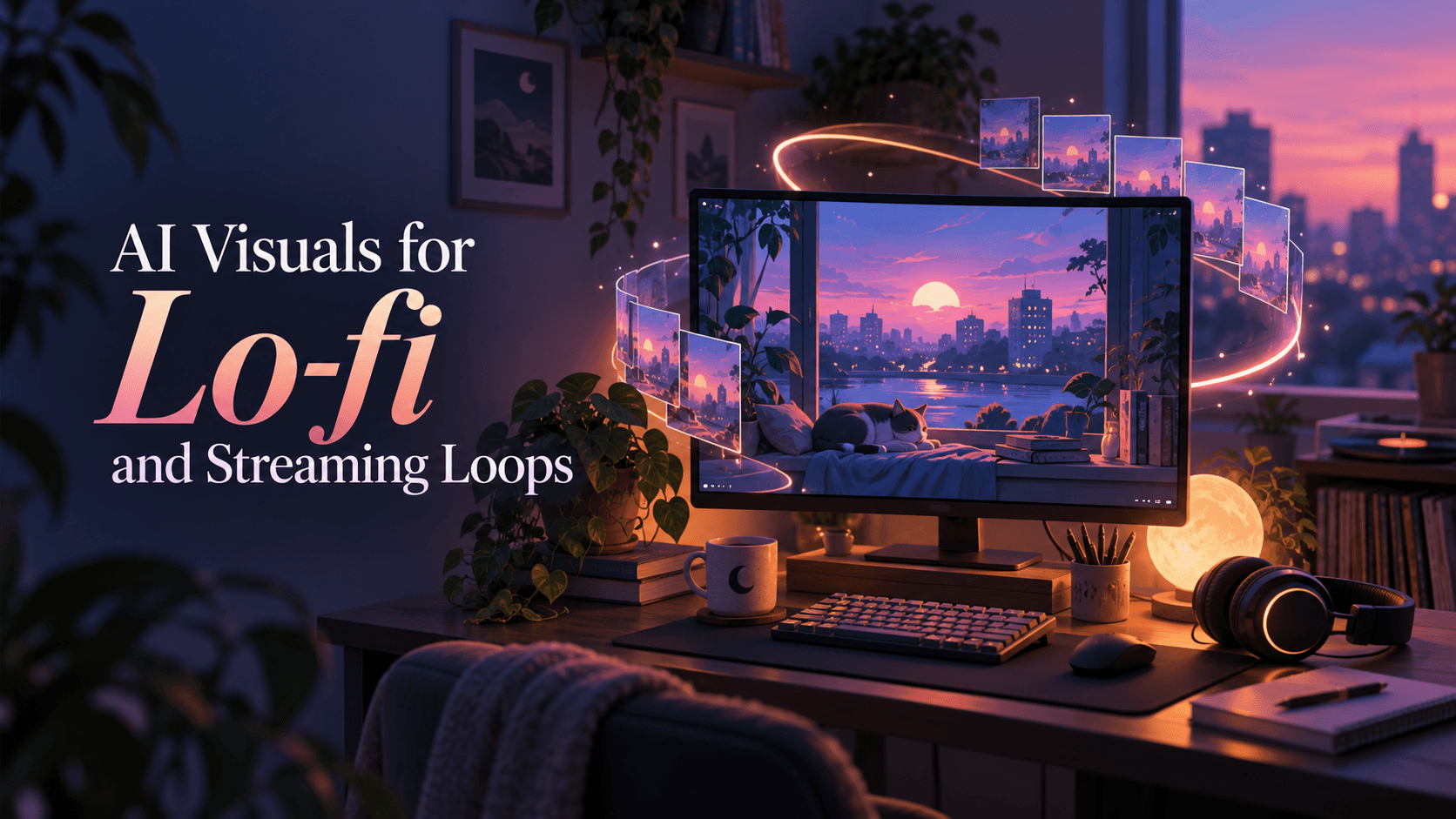
AI
Lo-fi visuals usually fail in one of two ways: nothing moves, so the screen feels dead, or everything moves, so the background starts competing with the music.
The best AI visuals for lo-fi sit between those extremes. Start with one strong still image, give one element the main motion, add no more than two quieter secondary movements, and lock the camera, character, lighting, and scene geometry. Generate a short master loop, usually around 6–10 seconds as a practical starting point, then extend that clean loop in your editor or streaming setup.
The goal is not to make eight seconds of spectacular AI video. It is to make a visual world that still feels comfortable on the fiftieth repeat.
Before generating anything, decide what job the visual has. A study stream needs different motion from an artist promo or an audio-reactive upload.
For most lo-fi channels, the safest starting point is a static composition with environmental motion: rain on a window, steam from a cup, a slowly turning record, passing light, drifting dust, or a curtain that barely moves.
That sounds simple because it is. Simplicity is what makes the loop durable.
A lo-fi visual has three jobs.
First, it has to stay recognizable. The character should not change clothes halfway through the clip. The desk should not bend. A lamp should not migrate across the room.
Second, the movement has to return to a believable starting state. If the last frame is fundamentally different from the first, the viewer will see the reset.
Third, the motion has to be quiet enough to live behind the music. A background loop should create atmosphere without repeatedly demanding attention.
The easiest way to plan for that is to classify every movement before you animate it.
State-changing actions are where many attractive AI clips become poor loops. A character lifts a mug, takes a sip, and lowers it to a slightly different place. The animation looks fine once. On repeat, the mug teleports.
A better question than “What would look cool moving?” is: How does this movement get back to frame one?
[IMAGE: Original infographic showing periodic, reversible, random-texture, and state-changing motions in one lo-fi room.]
For short lo-fi loops, a useful rule is 1–2–0:
Imagine a rainy apartment scene.
The rain is the primary motion. Steam from the mug and a slight curtain sway are secondary. The character, furniture, camera position, lamp, exposure, and wall geometry stay fixed.
That does not mean the character can never move. If subtle breathing is important to the scene, use that as one of the secondary motions. The point is to decide what earns movement instead of asking the model to animate everything it can see.
This matters because generative video has a limited consistency budget. Every moving hand, shifting shadow, camera push, flickering light, and swaying object gives the model another opportunity to alter something you wanted to preserve.
There is also an attention budget. If the rain moves, the cat moves, the character types, the neon sign flashes, the camera pushes in, the lamp flickers, and the waveform bounces, the scene stops behaving like a background.
Pick the movements you would actually miss if they disappeared. Freeze the rest.
Start with the still image you would be happy to use as the cover art even if animation failed completely.
Define the scene, subject, camera angle, lighting, palette, and visual style at this stage. A strong anchor frame gives the video model a stable composition to preserve.
For a character scene, pay special attention to the silhouette and hands. Keep the desk, window, mug, lamp, headphones, plants, and other major props clearly separated. Busy overlaps give the model more geometry to reinterpret.
If you may crop the visual vertically later, keep the most important subject matter near the central part of the 16:9 frame. Do not destroy the widescreen composition just to make it crop-safe, but avoid placing the only important face or logo against an extreme edge.
Avoid generating critical text, a channel name, or a logo directly into the artwork. Even when the first frame looks correct, generated letters can deform once the image starts moving. Add branding afterward as a normal overlay.
Also avoid relying on the name of a living artist or a famous animation studio as a substitute for art direction. Descriptions such as “hand-painted animation background,” “muted blue-violet night palette,” “soft cel shading,” or “grainy pixel-art interior” give you more control and a visual language that can become your own.
Once the anchor frame is approved, image-to-video is usually the more controllable route for this specific job.
The reason is simple: you have already decided what the room, character, props, framing, and color palette should look like. Text-to-video asks the model to solve all of those decisions again while also creating motion. Image-to-video lets you narrow the problem to movement.
Describe only what is allowed to change.
For example:
Rain slides slowly down the window. Steam curls gently from the mug. The curtain moves slightly from a soft breeze. The character remains still apart from subtle breathing. Locked camera. Constant lighting. Preserve the face, clothing, furniture, room geometry, and composition.
That is a much easier brief for the model than “animate this cozy lo-fi room cinematically.”
You do not need an AI model to generate an hour of footage for an hour-long lo-fi mix.
For subtle scenes, 6–10 seconds is a useful starting range, not a platform requirement. It gives rain, steam, breathing, and fabric movement enough time to feel natural while limiting the amount of time the model has to drift.
Shorter can work for highly repetitive motion such as a rotating record or a blinking sign. Longer can work when the scene contains slow cloud movement or several independent environmental motions.
The important distinction is this:
The AI-generated clip is the master loop. It is not the final runtime.
A 10-second clean loop repeated for an hour is usually more reliable than a 60-second AI generation in which the room slowly changes shape.
Do not trust normal playback.
Put the first frame beside the final frame and inspect the parts of the image that should be stable:
A chair moving three pixels may disappear inside eight seconds of motion but become obvious at the reset.
If your editor supports overlays, place the first frame over the last at reduced opacity. Structural drift becomes much easier to spot.
[IMAGE: Actual first-frame/last-frame comparison with face, window, desk, and exposure mismatches highlighted.]
There is no universal “seamless loop” trick. Use the repair that matches the physics of the scene.
The forward-and-reverse trick is useful, but it is overused. A curtain can sway back naturally. Rain cannot fall upward without looking wrong. Steam should not suddenly collapse into a mug. Traffic should not reverse direction simply because the clip reached its midpoint.
When the physics look wrong backward, build a genuine cyclic motion or hide the cut somewhere the viewer cannot see it.
Most video prompts describe what should happen.
A good loop prompt also describes what must not happen.
Use this structure:
Scene + fixed elements + permitted motion + camera lock + lighting lock + return behavior + exclusions
Quiet attic bedroom at blue hour, original hand-painted animation look, student in three-quarter profile at a desk beside a rain-covered window. Keep the room layout, character, clothing, furniture, and lighting unchanged. Motion only: rain sliding down the glass, slow steam from a mug, slight curtain sway, subtle breathing. Locked camera, no zoom or pan. Continuous calm motion that can return naturally to the starting state. No cuts, no new objects, no lighting transition, no text, no face or hand changes.
Close view of a turntable in a small midnight record room, warm desk lamp, dark shelves in the background, soft film grain. Keep the camera, turntable, shelves, record label, and lighting fixed. Motion only: record rotates at a constant speed, tiny dust particles drift in the light, subtle reflected light moves across the vinyl. No camera movement, no object morphing, no new objects, no changing text, no exposure shift.
The exclusions are not filler. Each one protects a common failure point.
“Locked camera” protects framing. “Constant lighting” protects the seam from flashing. “No new objects” reduces surprise props. “Preserve the face and hands” tells the model which details have no creative freedom.
If the model still struggles, do not keep adding adjectives. Remove motion.
For AI-generated lo-fi visuals, 6–10 seconds is a practical starting point because it balances variety with consistency. It is not a YouTube rule, an OBS rule, or a technical requirement.
Use a shorter loop when the motion is naturally repetitive, such as a record, equalizer, fan, or blinking light.
Use a longer master when the motion needs time to breathe, such as drifting clouds, slow fog, snowfall, or a subtle character idle.
For a long stream, repetition is better reduced by rotating several compatible loops than by forcing one AI clip to contain constant novelty. Three to six versions of the same visual world can go a long way: light rain, heavy rain, night, pre-dawn, lights on, lights off.
Reuse the visual language. Do not make every upload the same finished scene with a different track.
A master loop and a finished streaming asset are two different things.
Build the short loop first. Once the seam is clean, duplicate or repeat it across the full audio track in your editor.
Keep the song or mix as one continuous audio file. Do not cut the audio every time the visual repeats.
For a standard 1080p SDR upload at 24, 25, or 30 fps, YouTube currently recommends an 8 Mbps video bitrate. Source: YouTube recommended upload encoding settings.
For this type of visual, 24 or 30 fps is usually enough. Slow rain, steam, fabric movement, and record rotation rarely need 60 fps unless your source material or creative direction specifically benefits from it.
OBS can treat the finished master as a local Media Source. Its Media Source settings include a Loop option that starts the file again when playback finishes. That means you can build and test the seamless asset once, then let OBS handle repetition during the stream. Source: OBS Media Sources.
If you want more visual variety, rotate several compatible loop files rather than redesigning the scene every few seconds.
For YouTube Live, the current H.264 recommendation for 1080p30 is 10 Mbps, with CBR bitrate encoding and a 2-second keyframe interval. Source: YouTube live encoder settings.
One more platform detail is worth knowing. YouTube’s current AI disclosure rules focus on meaningfully altered or generated content that appears realistic. Non-realistic animation generally does not require the same disclosure, while photorealistic synthetic scenes that could be mistaken for reality do. Source: YouTube GenAI disclosure guidance.
If you are building a monetized channel, originality matters too. YouTube’s monetization policy warns against mass-produced, repetitive, or template-like content with minimal variation. The practical lesson for lo-fi creators is simple: reuse a recognizable visual system, not the same interchangeable finished video over and over. Source: YouTube channel monetization policies.
Some problems look minor during generation and become impossible to ignore once the loop runs for several minutes.
A useful diagnosis rule is to separate seam problems from generation problems.
A seam problem means the clip is stable but the transition is visible. Editing can often fix it.
A generation problem means the scene itself changes shape, identity, framing, or lighting. Regenerating is usually faster than trying to disguise it.
If you want to keep generation and music-video assembly in one browser-based workflow, Renderforest’s AI music video generator supports prompts, music, reference images, multiple AI video models, and both 16:9 and 9:16 projects.
For a lo-fi loop, do not ask the system to maximize action. Use the same controlled process from this guide:
If your concept is better served by an audio-reactive layer than a generative character scene, Renderforest’s music visualizer offers sound-responsive templates and customizable backgrounds. For lo-fi, keep the spectrum or waveform visually secondary. It should confirm that the music is alive, not turn the screen into a nightclub equalizer.
The useful advantage is choice of workflow. Some tracks need a generated environment. Some need a stable illustrated cover with restrained audio response. The visual should follow the listening experience, not the other way around.
[IMAGE: Current Renderforest screenshot showing a lo-fi reference image, model selection, and 16:9 project setup. Use a real product screenshot, not a recreated UI.]
Run the finished loop five times with the sound off.
If you can point to the exact frame where it restarts, it is not finished.
Then check the rest:
The best test is not whether the first loop looks impressive. It is whether the tenth loop still feels intentional.
The most reliable lo-fi visuals are stable scenes with a clear focal point and limited repeatable motion: rainy rooms, city windows, turntables, trains, cafés, landscapes, night skies, and character idle scenes. Choose motion that can cycle naturally and keep the camera fixed unless camera movement is essential to the concept.
Start from a stable anchor image, animate only a few loopable elements, compare the first and last frames, and then use the repair that fits the motion. Reversible motion can sometimes use a forward-and-reverse loop. Random textures may tolerate a short blend. Structural or camera drift usually needs regeneration.
It can be. Five seconds works well for simple periodic motion such as a rotating record or subtle equalizer. For rain, steam, fabric, fog, and character idle motion, 6–10 seconds is often a more comfortable starting range because the movement has more time to develop before repeating.
Usually only a little. Lo-fi visuals work well when they follow the track’s mood more than every transient. A subtle waveform, light pulse, or small audio-reactive element can work, but constant beat-synced motion often becomes distracting during studying, working, or relaxing.
Yes. OBS’s Media Source supports local video files and includes a Loop option that restarts the file after it finishes. The cleaner the seam in the source file, the less noticeable the repeated playback will be.
It depends on the visual. YouTube says non-realistic AI content generally does not require disclosure, while meaningfully altered or generated content that appears realistic and could be mistaken for reality does. Check the current YouTube disclosure guidance before publishing photorealistic AI scenes.
A loop itself is not automatically a monetization problem, but YouTube’s current policy says channels built from repetitive, mass-produced, or template-like videos with minimal variation can be ineligible. Build recognizable recurring art direction while giving individual uploads meaningful creative differences.
A good lo-fi visual does not need to prove how much the AI model can animate. It needs to hold a mood without breaking it.
Start with a frame strong enough to stand still. Give one element the lead motion, allow one or two quieter movements around it, and make everything else earn the right to change. Then solve the seam before you solve the runtime.
When the loop disappears and only the atmosphere remains, the visual is doing its job.
Share this


Article by: Liana Ziroyan
Liana is a marketing professional with 11 years of experience in digital marketing, content, and product communication. She has a strong eye for visual storytelling and loves turning ideas into engaging campaigns that connect with audiences. With her experience across branding, creative content, and user-focused messaging, Liana enjoys finding simple, effective ways to make products feel clear, useful, and exciting.
Read all posts by Liana Ziroyan