

Social Media Marketing
Say you finish recording a podcast, webinar, or interview that lasts more than an hour. The conversation was great, the ideas were strong, and you’re excited to publish it. Then the editing starts.
Suddenly, you’re scrolling through footage, cutting long pauses, searching for the best moments, and trying to organize the recording into sections. What started as a brief recording can easily turn into a long editing session.
AI video editors help make this process much easier. Instead of manually reviewing every minute, these tools can generate transcripts, remove silence, detect highlights, and divide long recordings into structured scenes or chapters.
Because longer videos involve more material to review and organize, AI can save creators a huge amount of time during the editing process. Let’s take a closer look at why AI tools are especially useful when working with long-form recordings.
Long recordings allow creators to explore topics in depth, but reviewing and editing hours of footage can be slow and repetitive. Editors have to trim pauses, organize conversations, and identify key moments. AI tools speed up this process by analyzing recordings, organizing content, and highlighting important segments automatically.
Automatic transcription is one of the most helpful features for long recordings. AI converts spoken dialogue into a full text transcript of the video, making the entire conversation easy to search.
Editors can quickly locate specific topics, quotes, or sections of a discussion by scanning the transcript. Podcasts, interviews, and webinars benefit greatly from this feature because it helps creators navigate long conversations and build a clearer structure for the final video.
Long recordings often contain several moments that work well as highlights. Identifying these segments manually usually requires reviewing large portions of the footage and noting where the strongest points appear.
AI tools analyze the content and identify parts of the recording that stand out, such as key statements or important points in a conversation. These segments can then be turned into highlight clips, previews, or promotional content, helping creators get more value from a single recording.
Long videos are easier to watch when organized into clear sections. Podcasts, webinars, and documentaries often move through different topics over time, and viewers appreciate being able to navigate those changes easily.
AI can detect shifts in topics, speakers, or visual scenes and divide the recording into logical segments. These segments can then be used to create chapters, helping viewers move through the video and find the parts that interest them most.
Editing long recordings requires tools that can handle large files, organize extended conversations, and prepare hours of footage for publishing. Not every AI editor is built for this type of workflow.
The main differences usually appear in three areas: file handling, automation depth, and publishing flexibility. These factors determine how much time an editor actually saves during long projects.
Beyond those differences, strong AI editors for long recordings usually include the following capabilities:
There are several AI video editors now offering features that support longer recordings like podcasts, webinars, interviews, documentaries, and extended YouTube videos.
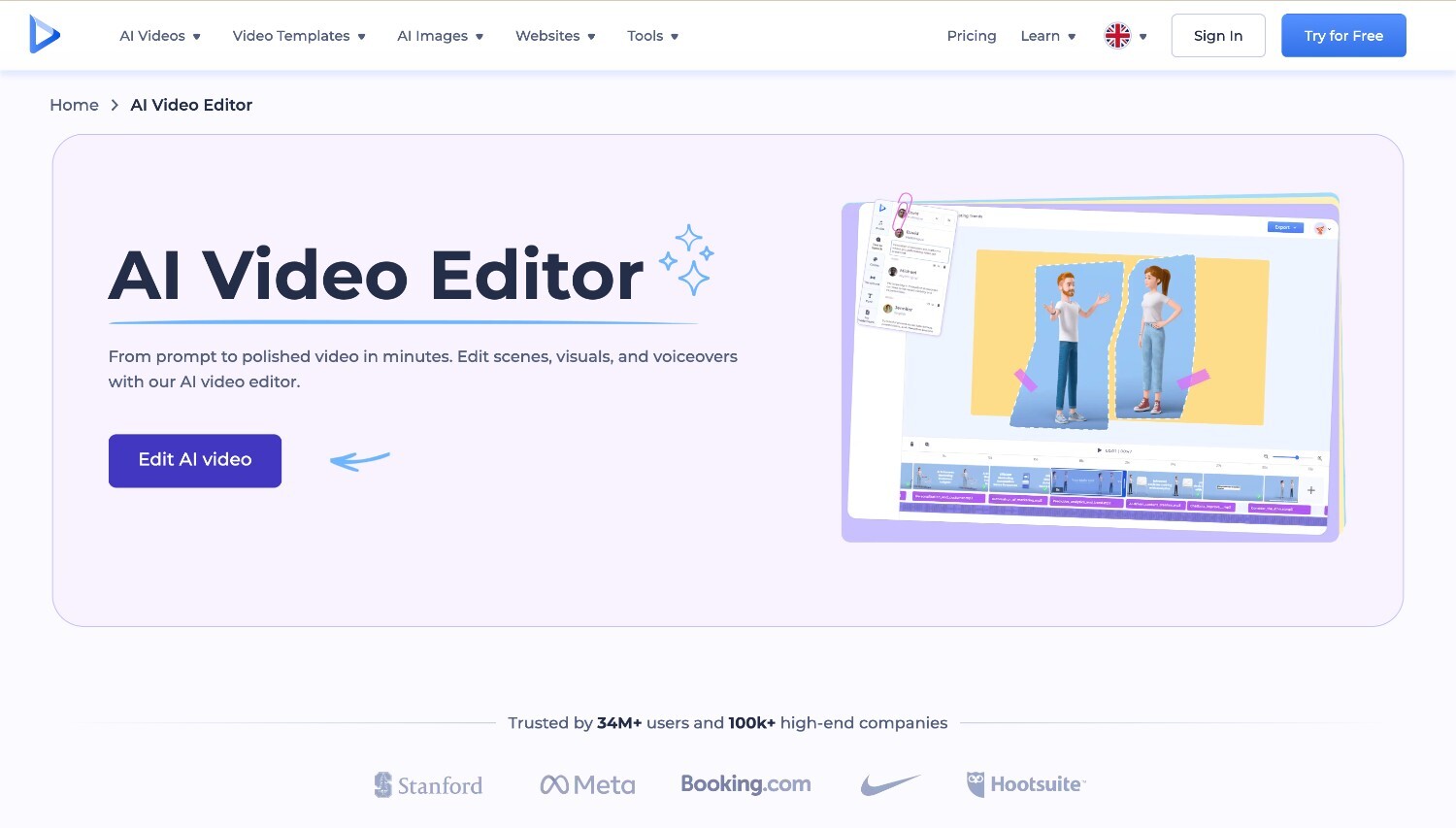
Renderforest’s AI video editor is built for creators working with longer recordings that need structure and clear pacing. Podcasts, webinars, interviews, documentary-style videos, and extended YouTube content often require reviewing large files, identifying key sections, and organizing the material into a coherent sequence. Renderforest helps streamline that process by detecting scene structure, summarizing longer recordings into logical segments, and turning raw material into structured videos ready for publishing.
Because the platform combines generation, editing, and exporting in one workflow, it can handle multi-hour files without requiring complex manual editing. So, teams that produce long-form content can use it as a practical YouTube video editor while also preparing versions for podcast platforms or streams.
Renderforest’s key features:
Best for: structuring long recordings such as webinars or interviews and turning them into organized videos ready for YouTube, podcasts, or streams.
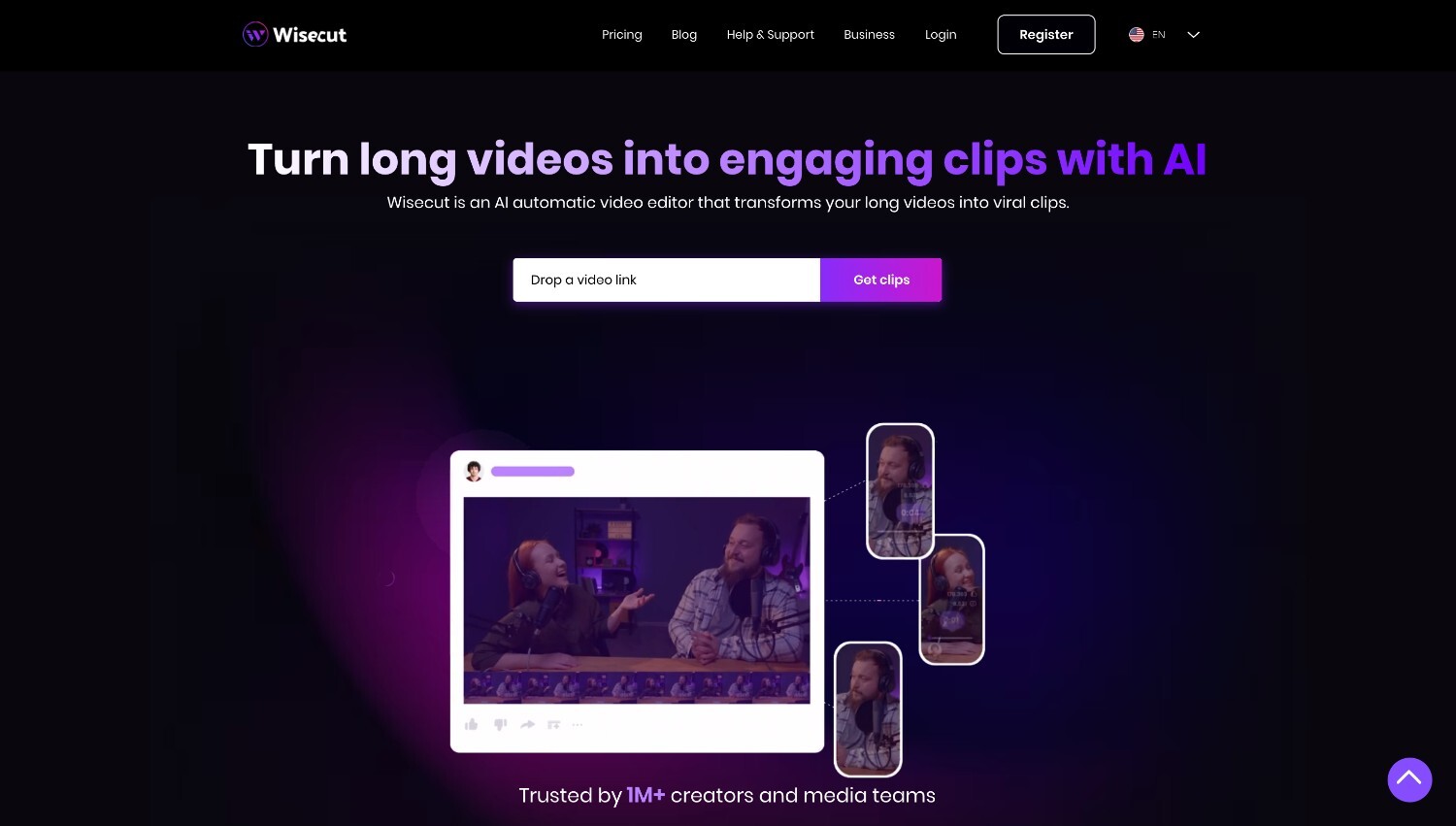
Wisecut is good for creators who work with long videos like podcasts, interviews, and webinar recordings. The platform focuses on improving pacing by automatically detecting and removing silent pauses, helping conversations flow more naturally without manual cutting. It also generates transcripts and captions that can be edited through a simple storyboard interface, making it easy to adjust scenes or dialogue without working on a traditional timeline.
Best for: editing podcasts and interview recordings by automatically removing silence and improving pacing in long talking videos.
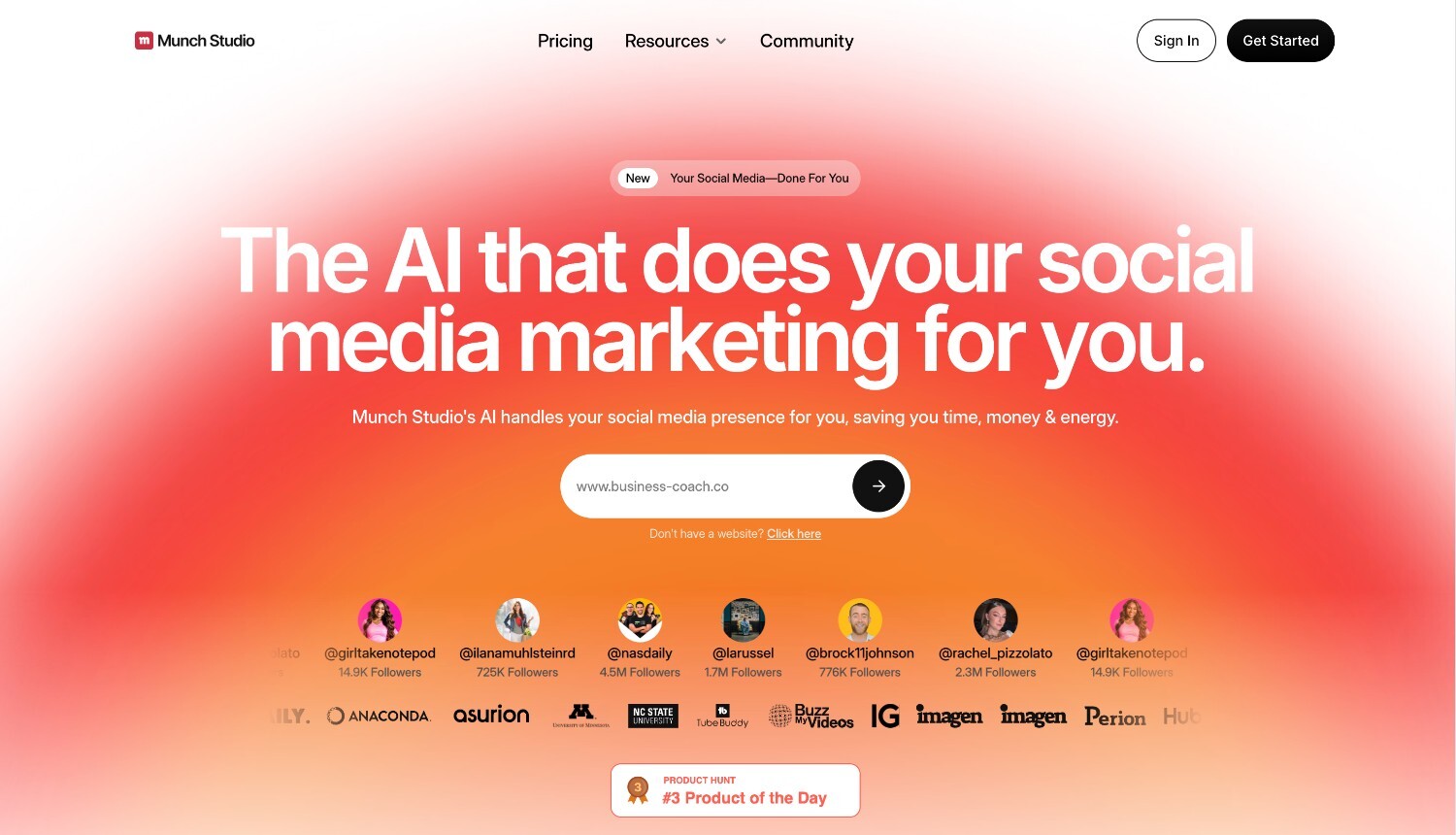
Munch is ideal for creators who want to get more content out of their long recordings. The platform analyzes webinars, podcasts, interviews, or long YouTube videos and identifies the moments that stand out the most. These segments can then be turned into short, ready-to-share clips, making it easier to turn one long recording into multiple pieces of content for social media.
Best for: extracting highlights from webinars or long YouTube videos and turning them into short clips for social media.
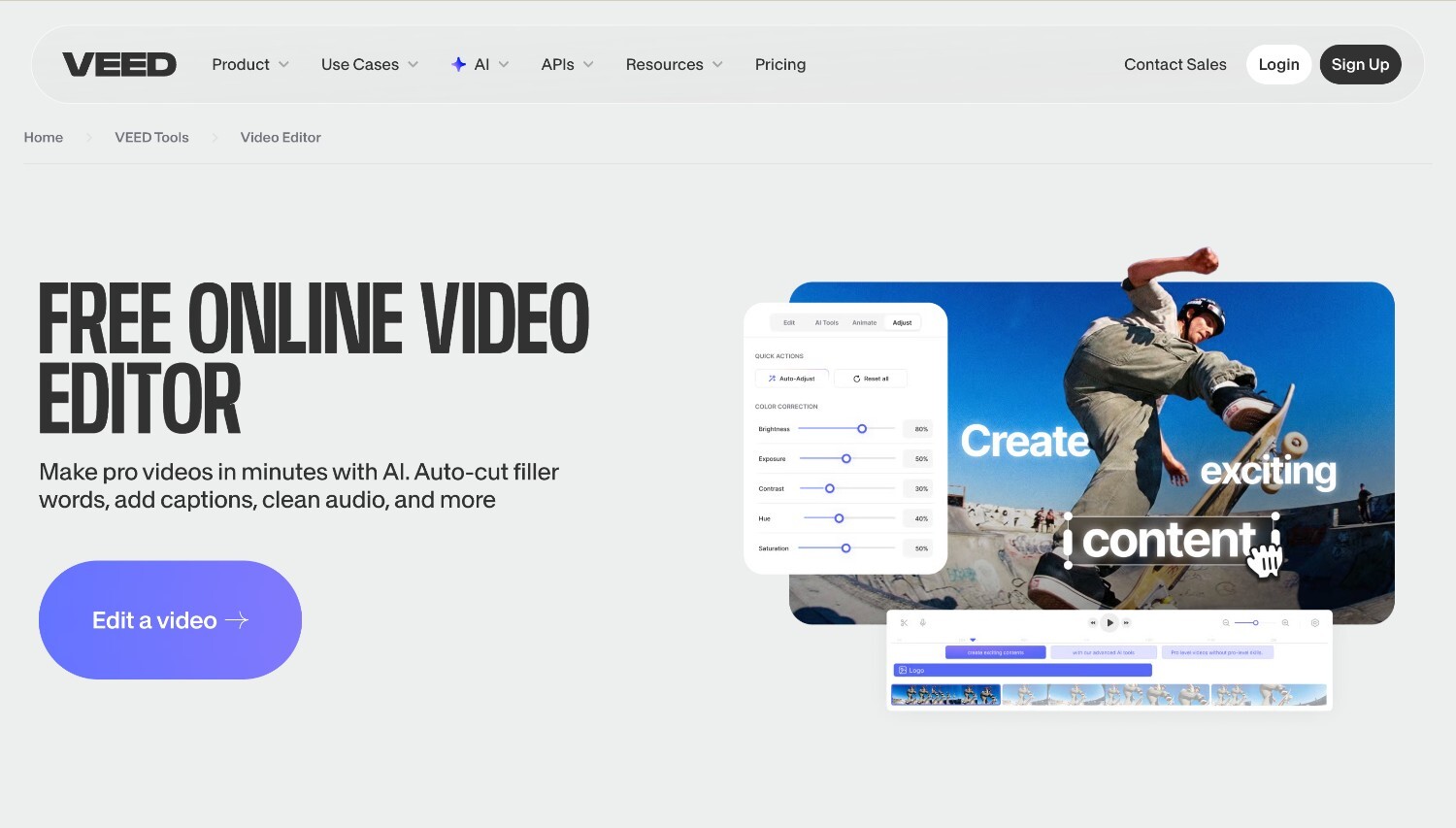
VEED is a web-based editor that makes long recordings easier to manage and refine. It includes transcription, automatic captions, and text-based editing, allowing creators to trim and organize videos by editing the transcript. Tools for cleaning audio, adding subtitles, and inserting visuals help streamline the editing process.
Best for: editing webinars and educational recordings with transcription, captions, and simple AI-assisted editing tools.
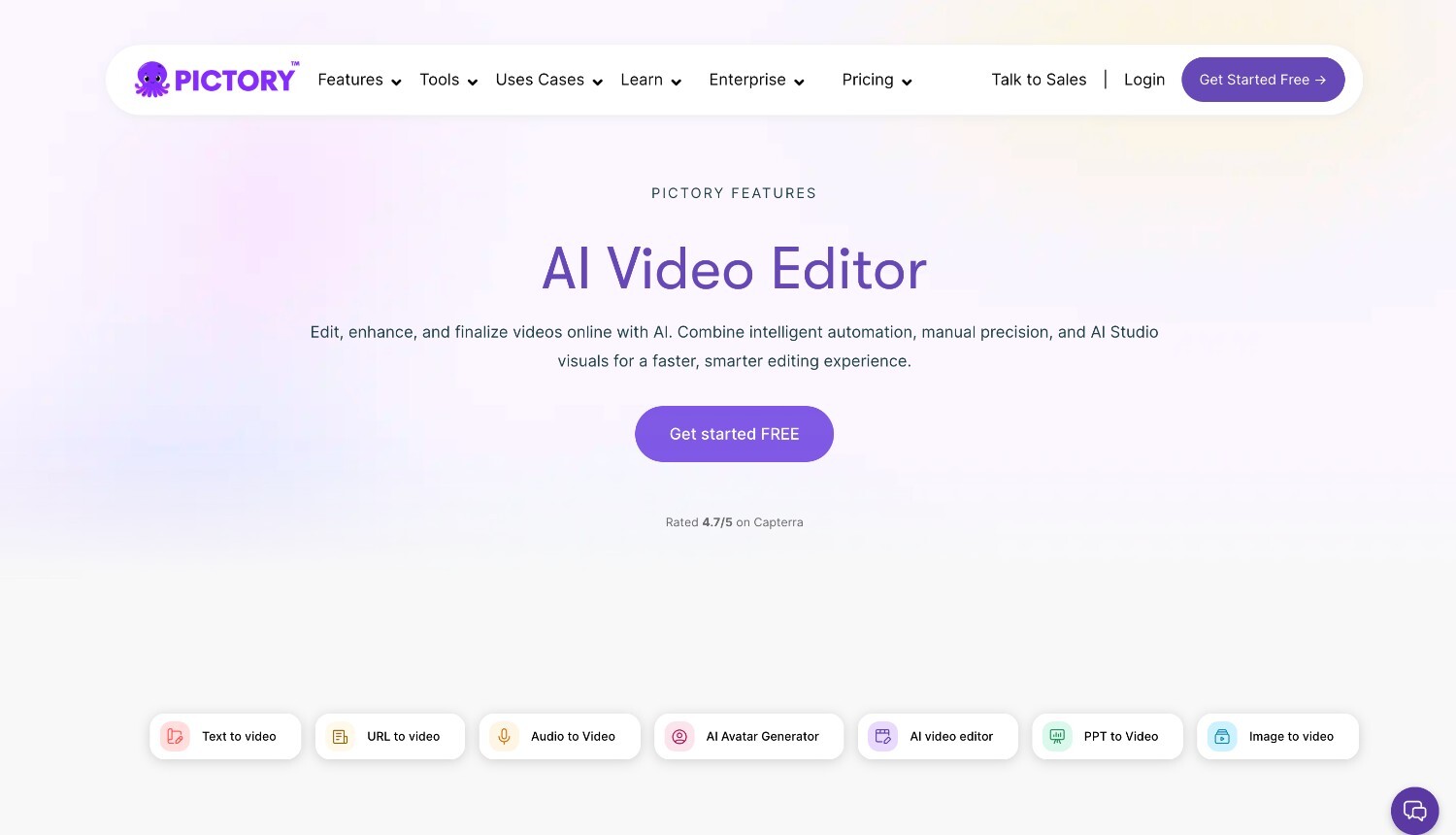
Pictory helps turn long recordings into shorter, structured videos that are easier to watch and share. The platform analyzes webinars, presentations, and marketing recordings, identifies key moments, and organizes them into clear segments. It can also automatically add captions, visuals, and voiceovers, helping creators transform longer content into concise videos without spending hours manually editing each section.
Best for: summarizing long videos such as webinars or marketing recordings and turning them into shorter structured videos.
A single long recording can generate much more than one video. Podcasts, webinars, interviews, and extended YouTube recordings often contain several topics, insights, and moments that can be reused in different formats. With the right editing workflow, one recording can become a full episode, shorter clips, and even audio content for other platforms.
AI editing tools make this process much faster by helping creators identify key sections, organize the material into clear segments, and extract moments that work well as standalone clips. This allows creators to get more value from each recording without repeating the editing work multiple times.
Webinars often include several topics, questions, and explanations that naturally divide into sections. AI editing tools can help detect these shifts and organize the recording into clear chapters.
Once structured, the recording can be published as a full YouTube video with chapters that allow viewers to navigate the content more easily. This makes long educational recordings easier to watch and helps audiences find the parts that interest them most.
Long recordings often contain short moments that work well as standalone clips. A strong insight from a webinar, a key quote from an interview, or an important takeaway from a podcast can all become short videos for social platforms.
AI tools can help identify these moments and extract them quickly, allowing creators to turn one long recording into multiple short clips, recap updates, or create news content formatted with an AI news generator for distribution across different channels.
Many podcasts are now recorded in video format, which creates opportunities to publish the same content in multiple ways. The full recording can be uploaded to YouTube, while the audio version can be distributed through podcast platforms.
Using AI editing tools, creators can clean up the recording and export audio versions without needing separate editing workflows, making it easier to reach audiences who prefer listening instead of watching.
Long-form creators use editing tools in different ways. Some focus on improving pacing, others extract highlight clips, and many need help organizing long recordings into structured videos. The right AI editor should match the type of content you produce and reduce the most time-consuming parts of the editing process.
Podcasts and interviews usually involve long conversations that need pacing and structure. Editors often need to review dialogue, cut pauses, and shape the discussion into a clear episode.
What matters most here: transcription, silence removal, and text-based editing.
Renderforest can turn the recording into a structured video ready for publishing.
Webinars and training sessions often cover several topics in one recording. Editing usually focuses on dividing the material into clear sections and making it easier for viewers to follow.
What matters most here: captions, topic segmentation, and chaptering.
Renderforest can summarize longer recordings and turn them into structured videos that are easier to navigate.
Documentaries and long YouTube videos usually require reviewing a lot of footage and organizing it into a clear narrative. Editors need tools that make long recordings easier to structure and prepare for publishing.
What matters most here: scene detection, chapter organization, and export options for long-form distribution.
Renderforest can detect scene changes and prepare long videos for publishing.
Editing long recordings used to take a lot of time. Hours of footage had to be reviewed, pauses trimmed, and key moments pulled out before the video was ready to publish. The best AI video editors for long-form content now handle much of that work automatically, helping creators cut unnecessary sections, organize chapters, and surface highlights much faster.
Podcasts, webinars, interviews, and long YouTube videos become much easier to manage when the editing process helps organize the recording as you work. For teams producing long videos as part of campaigns, presentations, or educational content, Renderforest can help. As one of the best AI video editors for marketing teams, it helps structure recordings, detect scene changes, and prepare videos for YouTube, podcasts, or streaming platforms.
The best AI video editors are tools that can process multi-hour recordings, generate transcripts, detect highlights, and organize footage into chapters. These features help creators edit podcasts, webinars, interviews, and long YouTube videos much faster. Platforms like Renderforest are built for this type of workflow, helping creators structure longer recordings, detect scene changes, and export videos ready for publishing.
AI video editors can automate several parts of long-form editing. They can remove silence, generate captions, detect key moments, and divide recordings into chapters. Editors still review the final result, but AI significantly reduces the manual work required. Instead of reviewing hours of footage line by line, creators can focus on refining the final video and preparing it for distribution.
AI editors make it easier to work with long conversations by generating transcripts, identifying important sections, and improving pacing. This allows creators to navigate long discussions more quickly and organize them into structured episodes or presentations. Renderforest, for example, can help summarize longer recordings and structure them into clear segments that are easier for viewers to follow.
Yes. Many AI video editors analyze long recordings and identify highlight moments that can be turned into short clips. A webinar, interview, or podcast episode can often produce several smaller videos that work well on social media or marketing channels. This allows creators to get more value from a single recording without repeating the editing process.
Important features include transcription, silence removal, scene or topic detection, highlight extraction, and flexible export formats. These capabilities help editors organize long recordings and prepare them for platforms such as YouTube or podcast distribution. Tools like Renderforest also help structure longer videos by detecting scene changes and preparing exports suited for different publishing formats.
Share this


Article by: Sara Abrams
Sara is a writer and content manager from Portland, Oregon. With over a decade of experience in writing and editing, she gets excited about exploring new tech and loves breaking down tricky topics to help brands connect with people. If she’s not writing content, poetry, or creative nonfiction, you can probably find her playing with her dogs.
Read all posts by Sara Abrams