AI
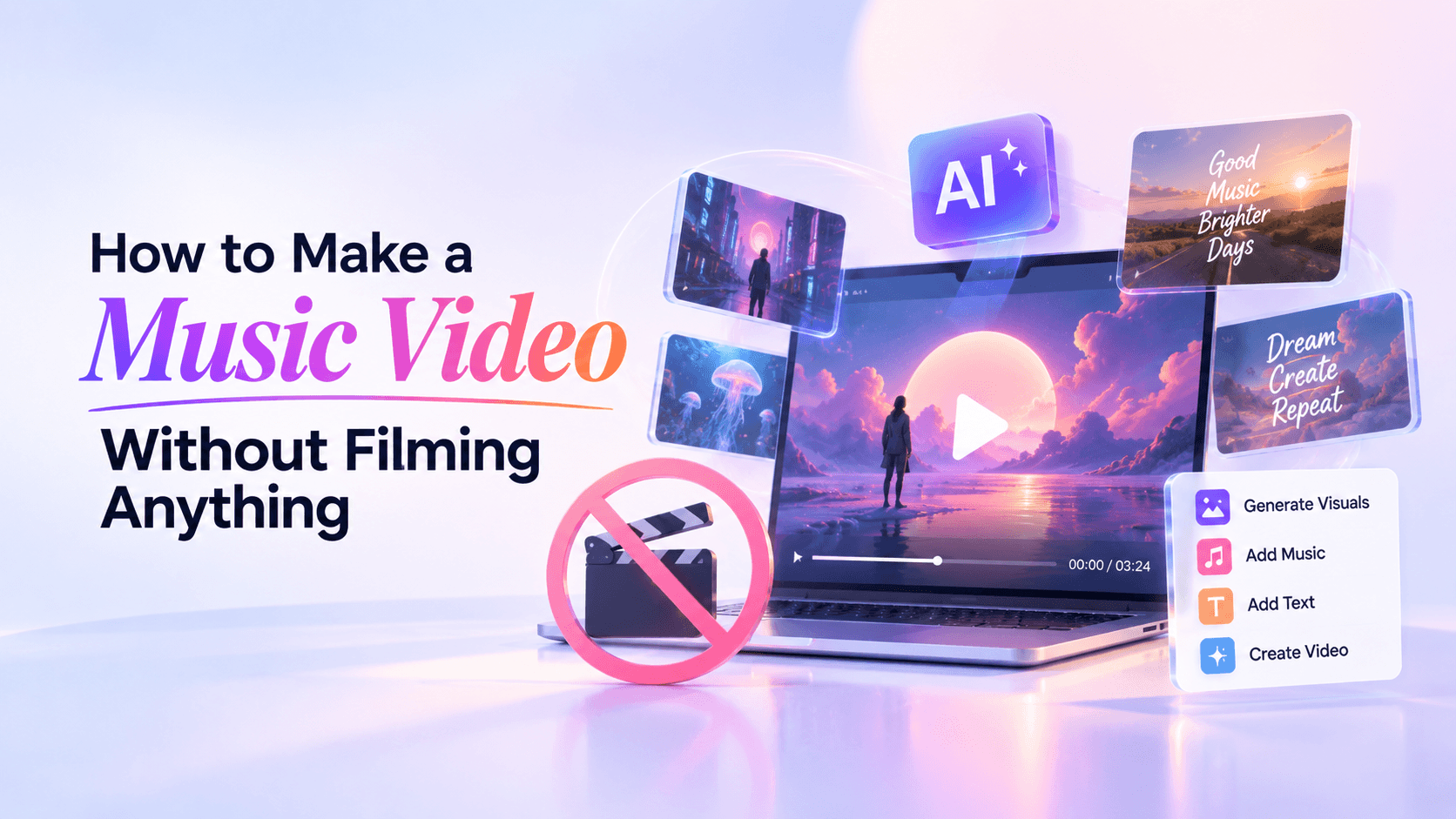
You can make a music video without filming a single frame. Start with your finished song, choose a camera-free format—AI-generated scenes, animated artwork, lyrics, a visualizer, or licensed footage—and build everything around one visual idea.
The hard part is not finding images. It is making three minutes of images feel like the same video.
That is where most no-camera music videos fall apart. A generator can give you striking scenes, a stock library can give you thousands of clips, and a lyric tool can animate every line. None of those choices automatically gives the video direction. You still need to decide what the viewer should recognize, when the visual energy should change, and what does not belong.
This guide gives you a practical way to do that without organizing a shoot.
There are five useful routes. Pick the one that lets the song do most of the work rather than the one that looks most technically impressive.
The best rule is simple: choose the least complicated format that can carry the song.
A singer-songwriter with a lyric people need to hear may get more from restrained typography than from an AI character crossing ten fantasy worlds. An ambient track may need one slowly evolving image. A narrative song can justify recurring characters and locations. Complexity is useful only when the song needs it.
If you want a broader overview that includes filmed production, see Renderforest’s guide to making a music video. If you already know you want an AI-first workflow, the dedicated guide to generating a music video with AI goes deeper into that process.
Before you open an AI tool or download stock footage, make three decisions: song structure, visual anchor, and motion system.
Think of them as the directing layer of a no-camera video.
Listen to the final master and mark the moments that alter the song’s energy or meaning: intro, verse, pre-chorus, chorus, drop, bridge, instrumental break, final chorus, outro.
Do not turn this into a beat map. You do not need a new shot every time the snare hits. You need to know where the audience should feel a visual change because the song has changed.
A verse may establish the world. The first chorus can widen it. The bridge can interrupt the pattern. The final chorus can deliver the strongest version of an image you have already introduced.
That gives the video an arc before you create a single scene.
Choose one element that survives from beginning to end.
It might be a character, an object, a room, a landscape, a type treatment, a narrow color palette, or a repeated visual transformation. The anchor is what makes separate assets look as though they were directed for the same song.
For example: a woman in a red coat walking through an empty coastal town; a chrome flower opening and reforming; a hand-drawn bedroom that changes with each chorus; one piece of cover art slowly breaking apart and rebuilding.
The narrower the anchor, the easier continuity becomes.
Decide how movement should feel before choosing individual effects.
A slow, intimate track might use long pushes, drifting particles, subtle parallax, soft changes in light, and fewer cuts. An aggressive electronic track can support harder transitions, rapid scale changes, camera movement, flashes, or beat-reactive graphics. A lyric-led track may need almost no background motion because the words need space.
Consistency matters more than showing every effect the software can produce.
This is the step that saves the most wasted generation.
Instead of making scene one and hoping scene two somehow matches, create a small visual kit: the rules your footage has to obey. You can write it in a note, turn it into a mood board, or save a few approved reference frames.
Here is what a visual kit might look like for a fictional song:
Now you have something far more useful than “cinematic, moody music video.”
When a new shot is generated or sourced, you can judge it against the kit. Does it belong to this world? Does it preserve the subject? Does it advance the song? If not, it is out—even if it is beautiful.
For AI-heavy projects, reference images become especially valuable here. They give the generator a visual target for a recurring character, product, location, or style. Renderforest’s current AI Music Video Generator, for example, accepts a song, a prompt, and optional reference images, then lets you continue refining generated scenes in the editor.
Work from the version of the song you actually plan to release. If the arrangement changes later, your scene lengths and transitions may have to change with it.
Put the track on a timeline—or simply write down the timestamps—and mark its major sections. Then give each section a visual job.
A three-minute song could be as simple as:
That is enough structure to stop the edit becoming a random montage.
If you cannot explain the visual logic of the video in one clear sentence, the concept is probably still too broad.
Good concepts describe a repeatable visual idea:
A lonely astronaut walks through increasingly surreal versions of the same empty city as the song becomes more intense.
The album artwork slowly deconstructs and rebuilds, while only the chorus lyrics appear on screen.
A chrome flower opens, fractures, and reforms as the track moves from restraint to distortion.
Notice what these concepts do not contain: a list of every shot.
A concept is a rule, not a storyboard.
Now choose the production method that fits the concept.
For AI-generated scenes: create a handful of strong reference images or hero frames first. Solve the character, environment, palette, and framing before generating dozens of clips. If identity matters, do not rely on text description alone for every scene.
For animated artwork: separate the image into layers if possible, then create movement with parallax, reframing, light, particles, environmental effects, or image-to-video animation. One strong visual can carry a full track if it evolves deliberately.
For a lyric-led video: decide the typography system before timing individual lines. Pick typeface, hierarchy, placement, and motion rules. Not every word needs to appear. Often the hooks and emotionally important lines deserve the strongest treatment.
For a visualizer: choose one visual world and let the audio change it. Waveforms are only one option; particles, tunnels, 3D objects, illustrated loops, gradients, lights, or album-art-based compositions can all work. Renderforest also has a dedicated music visualizer workflow if you want this route rather than a narrative video.
For stock or archival footage: source narrowly. “Vintage clips” is not a concept. “1970s motel signs, night driving, dashboard close-ups, and empty parking lots” is. Check the license for every asset. Material being online does not automatically make it free to use; the U.S. Copyright Office distinguishes copyrighted material from works that are genuinely in the public domain. Source: U.S. Copyright Office.
Do not try to create three finished minutes in one creative burst.
Build one song section, establish its visual language, then move forward. Reuse good ideas. Return to the same environment. Repeat a camera move. Let one object recur. Bring a chorus motif back with more intensity.
That repetition is not laziness. It is continuity.
The chorus should usually feel like a stronger version of the video, not a completely different video. You can increase scale, contrast, motion, visual density, typography, or camera energy while keeping the same world.
Reserve genuine visual resets for moments that earn them: a bridge, breakdown, key lyric, or final payoff.
Camera-free production gives you a dangerous luxury: more footage than you need.
A generated shot can be technically excellent and still be wrong for the edit. This happens constantly. You get a spectacular scene, fall in love with it, and start inventing reasons to keep it. If it changes the character, palette, setting, or emotional logic for no reason, cut it.
Watch for the less glamorous problems too: drifting faces, inconsistent clothes, malformed hands, changing objects, warped signs, unreadable text, strange background movement, accidental extra people, or a camera move that does not match the rest of the piece.
Then watch the cut once with the sound off.
If three random frames look as though they came from three different projects, the video needs another pass.
The difference between a “generated video” and a music video is usually not image quality. It is decision-making.
Two locations used well are often stronger than ten locations used once. If the visual kit says nightclub, taxi, and rainy street, develop those spaces. Do not add a desert, spaceship, medieval castle, and underwater city because the generator can make them.
Give the viewer something to recognize: a red umbrella, a circular doorway, a flickering sign, one character gesture, a flower that appears in several forms. Repetition creates memory, and memory creates identity.
If an AI scene is close but wrong, avoid rewriting the whole prompt. Keep the subject and environment stable and change the camera, lighting, action, or intensity. Smaller corrections make it easier to preserve what already works.
A music video does not need maximum motion from beginning to end. Long shots, stillness, negative space, and repeated compositions can make a chorus feel bigger when it arrives.
A fast flash or glitch will not fix a broken character or a shot from the wrong visual universe. Transitions connect good shots. They should not hide bad ones.
Once the concept and visual kit are clear, the software part becomes much easier.
Renderforest’s AI Music Video Generator is built for an audio-first workflow. The current tool lets you add your song, describe the visual direction, upload reference images for elements such as characters or locations, choose a generation model, and create a complete music video that follows the track’s mood and structure. Generated scenes can then be adjusted in the editor rather than forcing you to accept the first result as final.
A practical workflow looks like this:
Renderforest currently provides access to multiple image and video models within the same environment rather than locking the workflow to one model. That is useful when one scene needs a different generation approach, but model choice should stay secondary to the concept. A stronger model cannot rescue weak direction.
Do one final pass with publishing in mind rather than creation in mind.
Then ask one final question: If the viewer remembers only one image from the video, is it the image you wanted them to remember?
If the answer is no, the problem is probably not another missing effect. It is the visual anchor.
Yes. A music video can be made entirely from AI-generated scenes, animated artwork, lyric typography, music visualizers, licensed stock footage, or public-domain material. You still need creative direction and editing, but you do not need to record original footage with a camera.
A visualizer or animated cover-art video is usually the simplest because both can work from one central visual idea. A lyric video is also accessible, but good typography and accurate timing take more care than they appear to. If you want a narrative with characters and locations, AI generation gives you more visual range but also creates more continuity work.
Yes. One image can become the basis of a full video through slow reframing, parallax, light changes, particles, environmental motion, animated text, or image-to-video generation. The key is to plan how the image evolves across different song sections so it does not feel like the same six-second loop repeated for three minutes.
Use a visual kit and reference images. Keep the recurring subject, environment, palette, camera behavior, and style stable. Reuse successful prompts and locations, change one variable at a time, and reject scenes that introduce unnecessary visual drift. Consistency usually improves when you generate fewer concepts and develop them more deeply.
No. AI is only one route. A lyric video, animated album cover, visualizer, collage, motion-graphics piece, stock-footage edit, or licensed archival montage can all be made without filming. Use AI when it helps you create visuals you could not otherwise source—not because every no-camera video needs it.
A music video does not become coherent because every shot looks expensive. It becomes coherent because the shots obey the same idea.
Start with the song. Give it one visual anchor. Decide how that world moves. Build a small visual kit before you generate or source footage, and be ruthless about what survives the edit.
If you can describe the finished video in one sentence before you make it, you are already directing. The camera is optional.
Share this


Article by: Liana Ziroyan
Liana is a marketing professional with 11 years of experience in digital marketing, content, and product communication. She has a strong eye for visual storytelling and loves turning ideas into engaging campaigns that connect with audiences. With her experience across branding, creative content, and user-focused messaging, Liana enjoys finding simple, effective ways to make products feel clear, useful, and exciting.
Read all posts by Liana Ziroyan