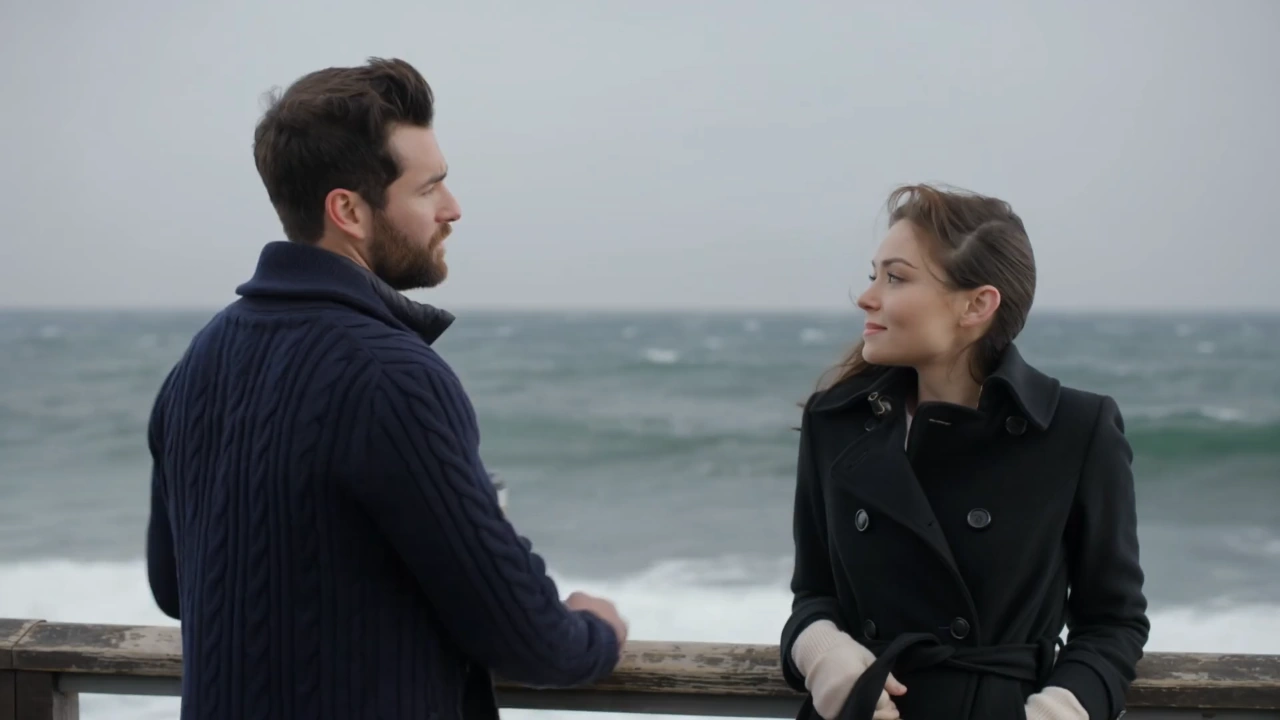


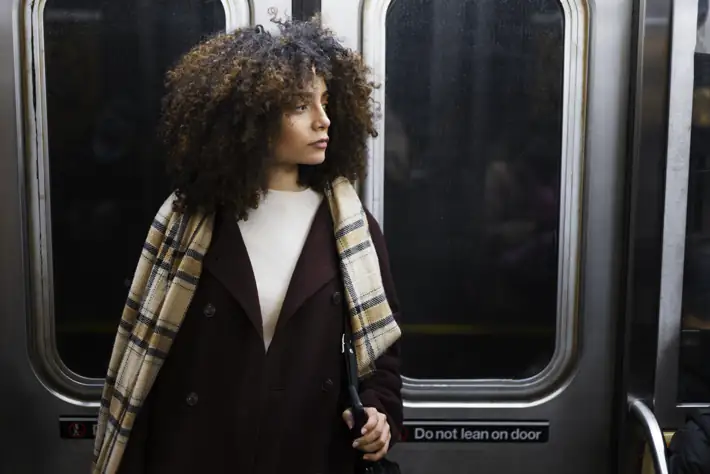
Main logo

Home AI Movie Generator

AI Movie Generator

Turn a script or a single sentence into a movie. No camera, no cast, no editing suite. The AI movie generator builds your scenes, voiceover, and music in minutes.

0 / 2000
Model
RenderforestFree
Seedance 2.0Premium models available inside editor
KlingPremium models available inside editor
VeoPremium models available inside editor
Add a prompt to make your movie

5.0 rated on

Where 34 million creators and global brands bring ideas to life.

How to create a movie with Renderforest

Step 1

Describe your movie in a prompt

Type your idea or paste a full script into the AI movie maker. A one-line concept or a detailed scene breakdown both work — the AI reads your input and maps out the story, scene by scene.

Describe your movie in a prompt
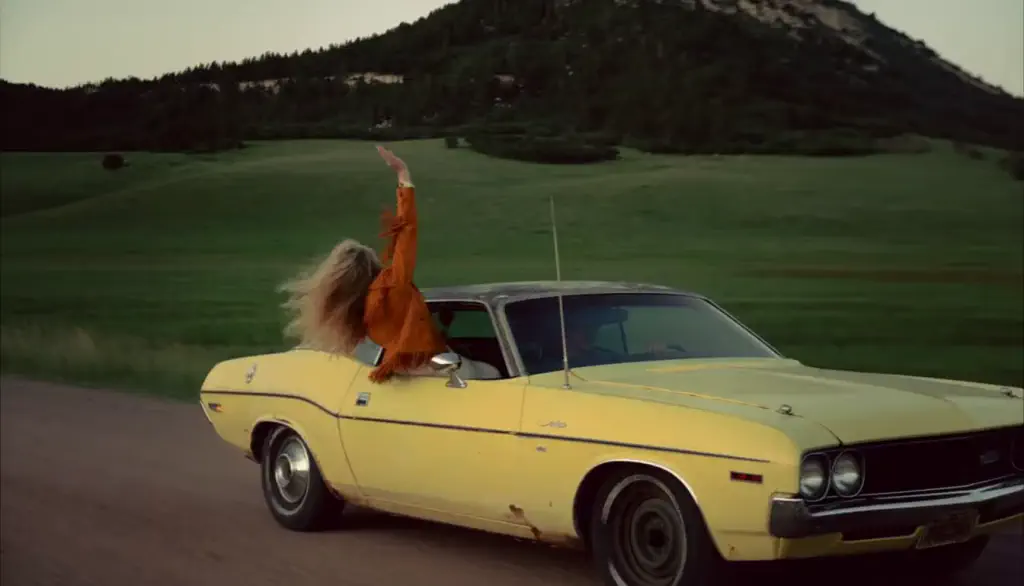
Step 2

Choose your style, voiceover & format

Pick a visual style — cinematic, animated, retro, and more — then choose an AI voiceover from a range of tones and 50+ languages. Set your aspect ratio for YouTube, Reels, TikTok, or the big screen.

Choose your style, voiceover & format
Step 3

Edit and export your movie

Preview your AI-generated film, then fine-tune text, pacing, transitions, music, and individual scenes in the editor. Export in the resolution you need, or share straight from the AI movie generator.

Edit and export your movie

What the AI movie generator can do

Most AI tools hand you a few disconnected clips to stitch together yourself. Renderforest builds the whole movie — structured scenes, narration, and sound — and keeps every element editable.

Scene-by-scene story generation

Turn a written prompt into a structured sequence of scenes that actually follow your storyline. The AI assembles each scene from AI-generated visuals, cinematic stock footage, and your own uploads — ideal for short films, music videos, and trailers.

A visual style for every story

Match your film's mood with realistic or animated looks, from cinematic and documentary to surreal and stylized. Blend stock video with AI-generated images to build original scenes that feel made for your story.

Built-in AI voiceovers

Narrate your movie without a mic or a recording booth. Choose from a range of AI voices, tones, and 50+ languages to give every scene a voice that fits.

Full editing and customization

Adjust colors, fonts, transitions, pacing, and music — or swap and regenerate individual scenes. Every part of your movie stays under your control, right up to export.

Create anywhere, on any device

Work in your browser on desktop or mobile — no downloads, no installs. Start a movie on your laptop and finish it on your phone.

Reach a global audience

Produce movies in 50+ languages with localized voiceovers, so your story lands with viewers across regions and cultures.

Try the AI movie maker

Who it's built for

From solo filmmakers to fast-moving agencies, the AI movie maker fits any storyteller who wants to go from idea to screen.

Indie filmmaker

Indie storytellers with no crew

Indie storytellers with no crew

Go from script to screen solo — no editors, animators, or voice actors to hire. Just type, tweak, and export your short film.

Brand creative team

Brands making cinematic content

Brands making cinematic content

When a plain promo won't cut it, produce narrative teasers and campaign videos in-house — without agency budgets or timelines.

Musician artist

Musicians and visual artists

Musicians and visual artists

Turn album art, lyrics, or audio into animated music videos. Build surreal visuals that match your sound and tease upcoming releases.

Faceless creator

Faceless content creators

Faceless content creators

From commentary to animation-driven storytelling, create polished videos without stepping in front of a camera — ideal for staying visible while staying private.

Student educator

Students and educators

Students and educators

Bring lessons to life with cinematic explainers and story-driven projects that go far beyond a slide deck — all on the free plan.

Screenwriter storyboard

Writers and screenwriters

Writers and screenwriters

Transform scripts into scenes, test story beats visually, and pitch concepts. A fast way to see your words in motion before a full production.

Agency team

Agencies prototyping fast

Agencies prototyping fast

Mock up movie trailers, proof-of-concepts, corporate explainers, and internal content before committing to a full campaign — using AI avatars and prompt-based scenes.

Next-GenMoviesBuiltwithAI

See why people love us

Creators love how easy it is to bring their stories to life in minutes with Renderforest AI.

Renderforest has been an essential tool in my role as an internal communications professional. Its ease of use and extensive template library have allowed me to deliver impactful videos efficiently. The recent updates – especially new templates and improved AI functionality – have taken the platform to the next level. I look forward to continuing my journey with Renderforest.

GM

Gleydson Martins • Internal Communications Specialist

AI movie generator FAQ

What is an AI movie generator?

Collapse FAQ answer

An AI movie generator is a tool that turns a script or idea into a complete, multi-scene video — with visuals, voiceover, music, and transitions — without filming anything. You describe what you want, and the AI structures the story, builds each scene, and produces a film you can edit and export.

What is the best AI movie generator?

Expand FAQ answer

The best AI movie generator balances creative freedom with simplicity — and Renderforest gives you both. Generate full scenes from a short prompt, choose animated or realistic styles, add AI voiceovers, and edit everything in one place. You can even brand your film with assets from tools like the Renderforest logo maker.

How do I create a movie with AI?

Expand FAQ answer

Type a script or idea into the text box, and the AI turns your prompt into a structured video. Then customize the visuals, voiceover, and pacing — or generate extra assets with our animation maker and YouTube intro maker and combine everything in the editor.

Can AI generate movie trailers?

Expand FAQ answer

Yes. The AI movie generator is ideal for short, trailer-style films — describe your plot, tone, or theme and it builds cinematic scenes with fitting transitions and mood. Add animated sequences or stylized title cards and combine them in your final cut.

Is there a free AI movie maker I can use?

Expand FAQ answer

Yes. Renderforest's free plan includes the core AI movie generator — AI-built scenes, animated or realistic styles, and basic voiceovers — plus access to our video templates library. Upgrade any time for higher resolution and advanced styles.

Can I use my AI-generated movies commercially?

Expand FAQ answer

Movies you create are yours to publish and share across YouTube, social media, and client work. Licensing can depend on your plan and the assets used, so check your current plan details before using a film commercially.

What's the easiest way to make movies with AI?

Expand FAQ answer

Use a tool that does more than stitch clips together. With Renderforest, all you need is an idea — the AI builds the structure, suggests visuals, and adds audio. It supports both text-to-video and image-to-video, so you can start from a sentence, an image, or both.

Can AI make a full movie?

Expand FAQ answer

Yes — by generating it scene by scene, the way films have always been shot. AI models currently create clips of about 3–15 seconds, so an AI movie generator like Renderforest scripts your story into scenes, generates each one with consistent characters, and assembles them with voiceover, music, and subtitles. Most creators make films of 1–10 minutes; longer projects just mean more scenes.

Is there a free AI movie generator?

Expand FAQ answer

Yes. Renderforest lets you script, generate, and edit AI movie scenes on the free plan, no credit card required. Free exports carry a watermark and standard resolution; paid plans unlock HD, watermark-free downloads and a commercial license. Competitors' "free" tiers often mean one-time credits — ours doesn't expire.

How do I keep characters consistent across scenes?

Expand FAQ answer

Define your cast once — appearance, wardrobe, vibe — and Renderforest locks that identity into every scene it generates, whatever the location or lighting. You can still evolve a character deliberately (new outfit, ten years older) without losing the face. This is the single biggest difference between a movie generator and a clip generator.

Which AI models power the movie generator?

Expand FAQ answer

You can generate scenes with Kling 3.0 — native 4K, 3–15 second clips, and up to six camera shots in a single generation — and Seedance 2.0, ByteDance's model that generates video and audio together and accepts text, image, and video references. Switch models per scene inside one subscription; use whichever serves the shot.

How long can my AI movie be?

Expand FAQ answer

There's no hard cap — your film is a sequence of scenes, so the length is up to your script and your patience. Sweet spot in 2026: 1–10 minutes. For a trailer-length tease of a longer story, pair this with the trailer maker.

Can I edit the movie after it's generated?

Expand FAQ answer

Yes — that's the point. Every scene lands in Renderforest's editor, where you trim, reorder, re-voice, add music and subtitles, drop in your own footage, and resize for any platform. Generation and post-production live in the same project, so there's no exporting between tools.

Do I own the movies I make? Can I monetize them?

Expand FAQ answer

On paid plans you get a commercial license: publish to YouTube with monetization, use films in ads and client work, and submit to festivals that accept AI-assisted work. Free-plan exports are for personal use.

Can I make an animated movie instead of live action?

Expand FAQ answer

Yes — pick anime, 3D cartoon, or stylized presets at the casting step, and the whole film renders in that look. For character animation projects, see the AI animation generator.

Do I need a powerful computer?

Expand FAQ answer

No. Everything renders in the cloud and runs in your browser — script, generation, and editing work the same on a laptop or tablet. Nothing to install.

Will my movie have sound?

Expand FAQ answer

Fully. Generate scenes with native ambient audio via Seedance 2.0, add per-character AI voices, pick licensed music that auto-ducks under dialogue, and auto-generate subtitles — all before export.