PixVerse AI Video Generator
Turn a prompt or a single photo into PixVerse V6 video with native audio — all inside Renderforest, right next to Kling 3.0, Seedance 2.5 and Veo 3.1. Generate, then edit, brand, subtitle and publish in one workspace — one subscription, no daily credit reset, no watermark on paid plans.
From a prompt to a published video
- Step 1
Write a prompt — or start from a photo
Open the AI video generator and choose PixVerse V6. Type a text-to-video prompt, or upload a photo — a portrait, a packshot, a landscape — and describe the motion you want.
Write a prompt — or start from a photo - Step 2
Generate with native audio, fast
PixVerse V6 renders 1–15 seconds at up to 1080p with sound generated in the same pass — dialogue, ambience, and sound design together, usually in well under a couple of minutes.
Generate with native audio, fast - Step 3
Compare models, keep the winner
Not sure PixVerse nailed it? Rerun the same photo or prompt on Kling 3.0, Seedance 2.5, or Veo 3.1 in the same tab. No new account, no separate credits.
Compare models, keep the winner - Step 4
Edit, brand, publish
Drop the clip into the Renderforest editor: trim and sequence, add captions, apply your brand kit and licensed music, resize for TikTok, Reels, and YouTube — then export or publish, watermark-free on paid plans.
Edit, brand, publish
Prompts, straight from the model
Every tile below names the prompt that produced it. Copy any prompt and run it yourself.
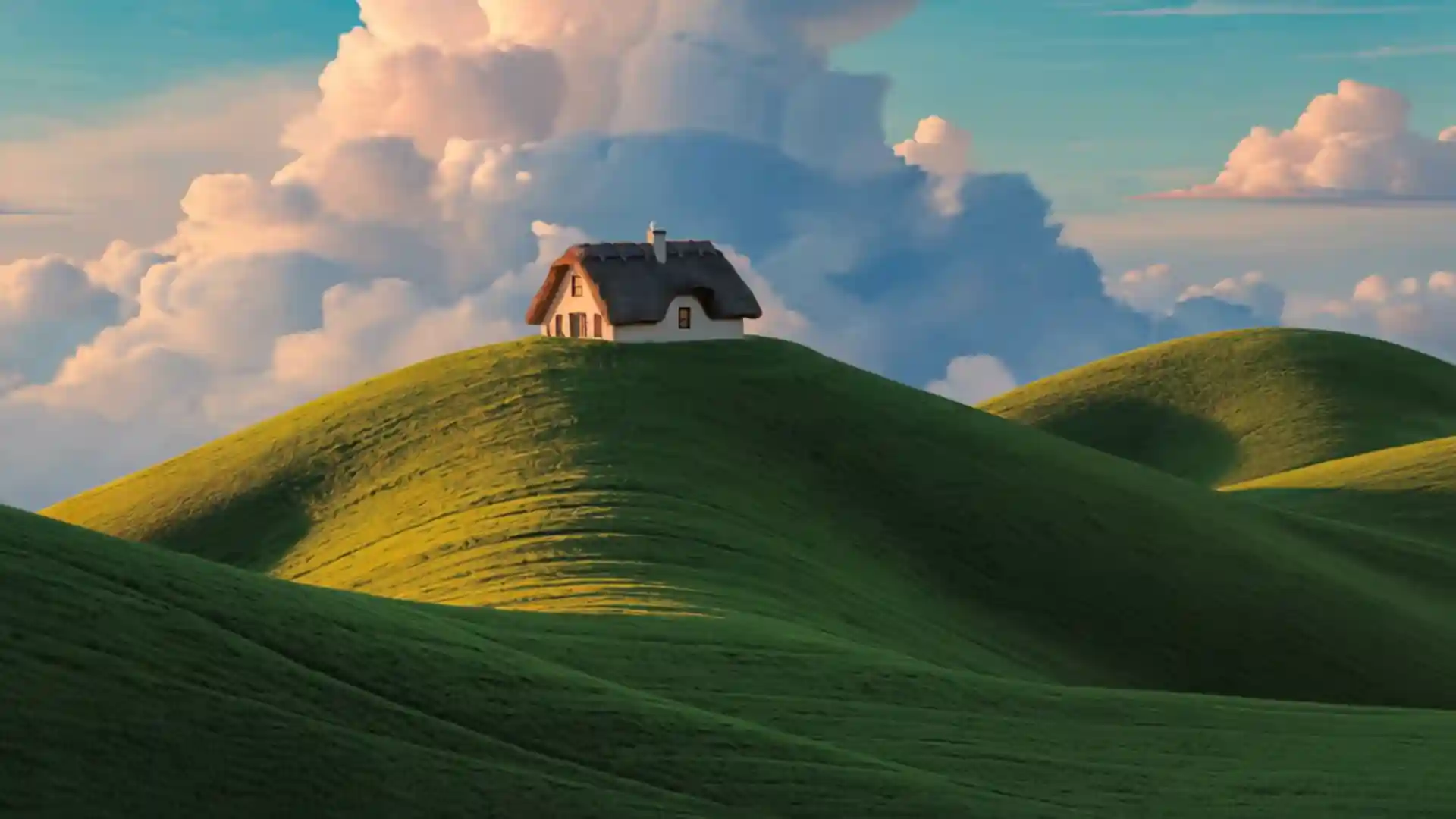
“Camera slowly tilts from the hill to the cloud. Cumulus swells and rolls, edges glowing gold. Chimney smoke bends in the wind and dissolves into the cloud. Grass shimmers below in moving light. Studio-animation matte painting, soft film grain, single take.”
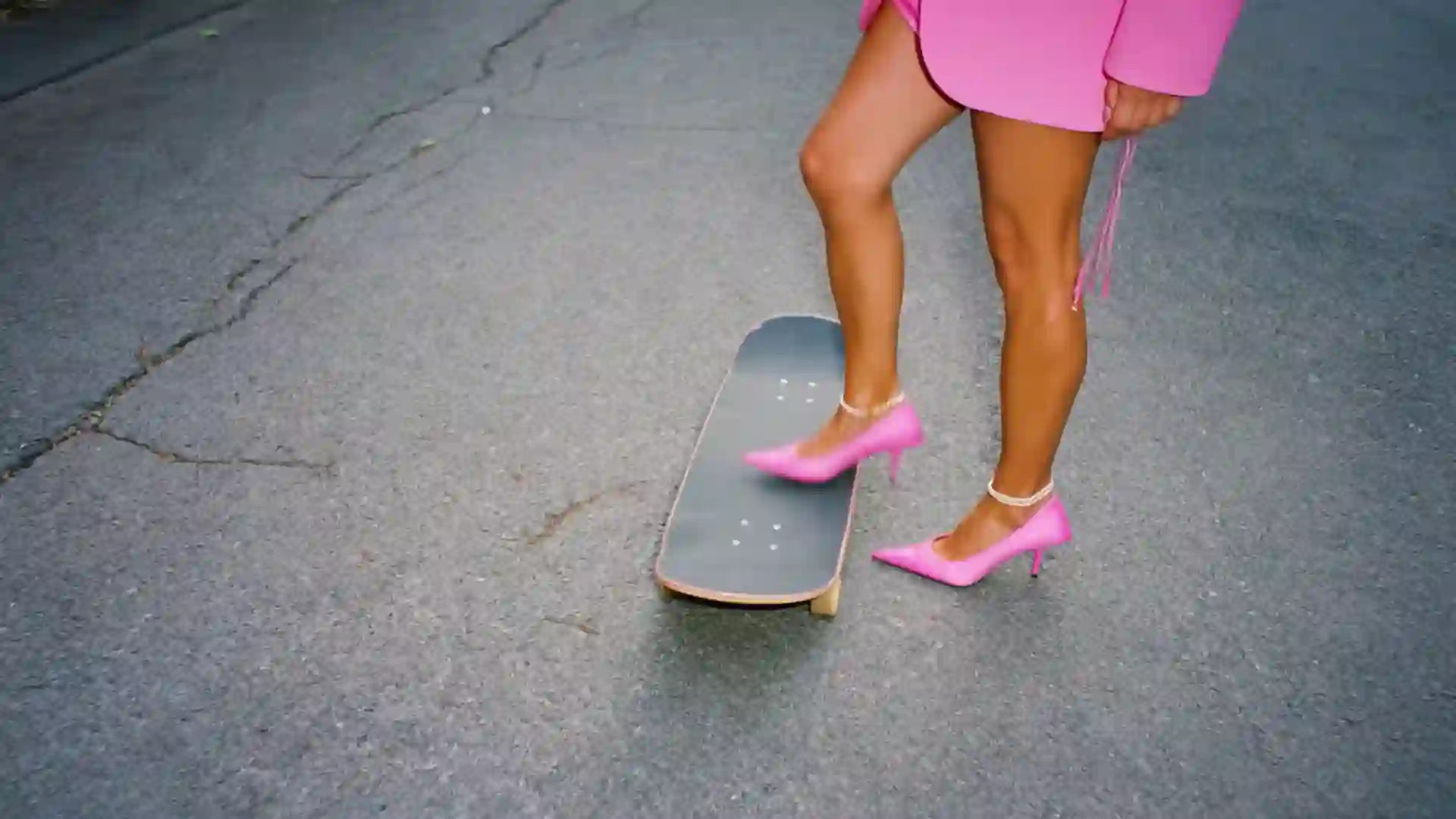
“Camera pulls back as she shifts weight, drops a heel, pushes off, and rolls forward. She steps back on, blazer flaring, hands balancing. Wheels spin as the road streaks by. Editorial fashion film, saturated pink, grey road, no cuts.”
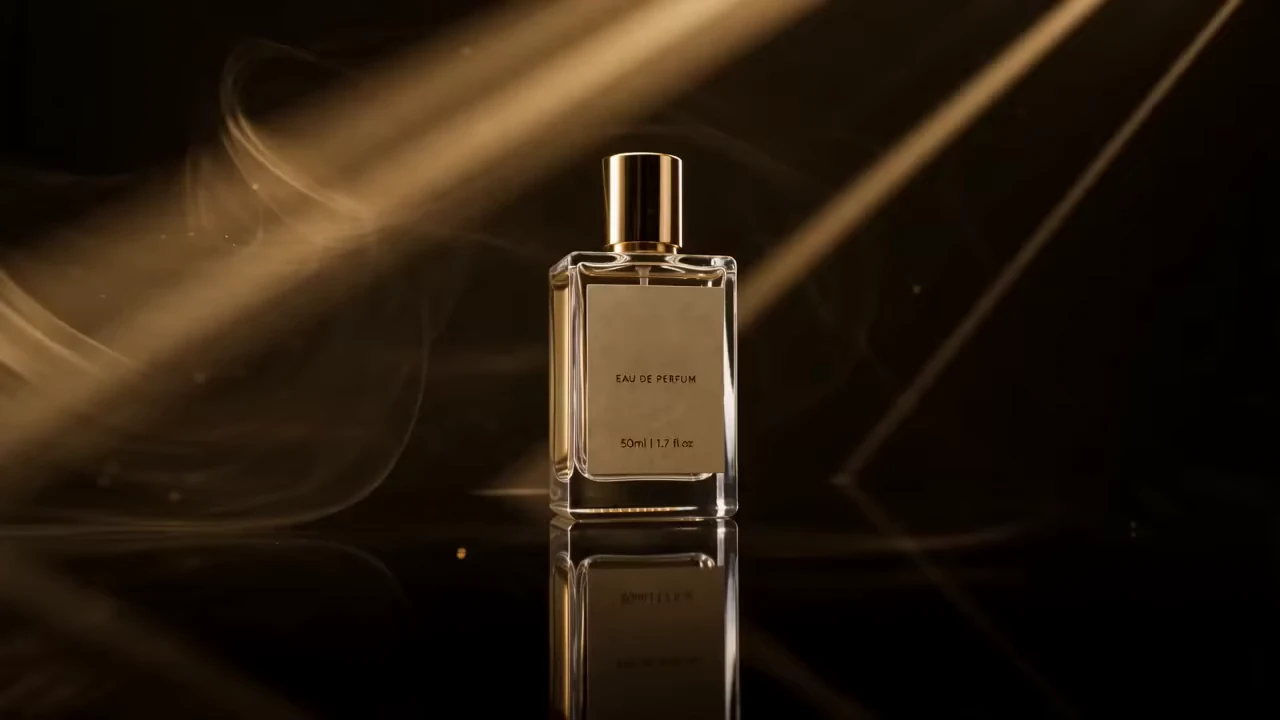
“A luxury perfume bottle glows on black glass as golden beams cut through swirling mist. Macro details shimmer, then reveal the elegant figure in flowing fabric. Spray blooms into light before the bottle returns center frame. ‘Become the LEGEND’ forms from golden mist.”

“Static medium shot: Grandmother brushes golden egg wash over the lattice crust, making it glossy. She smiles, adjusts her glasses, and works steadily as warm afternoon light filters through the checkered curtain, dust motes drifting. 3D animated style, no cuts.”
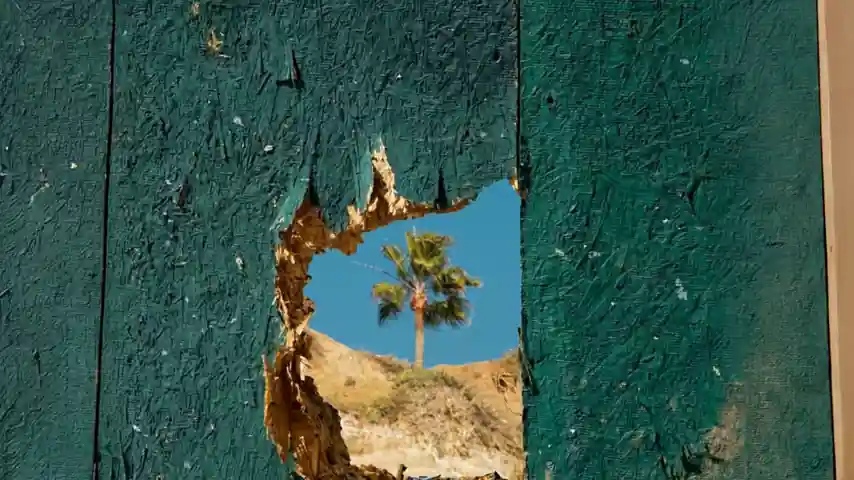
“Camera slowly pushes through the hole as torn edges widen, revealing a palm and hillside. Fronds sway, shadows shift, and wood splinters flutter. Focus pulls from rough wood to the distant tree. Cinematic reveal, harsh midday sun, no cuts.”
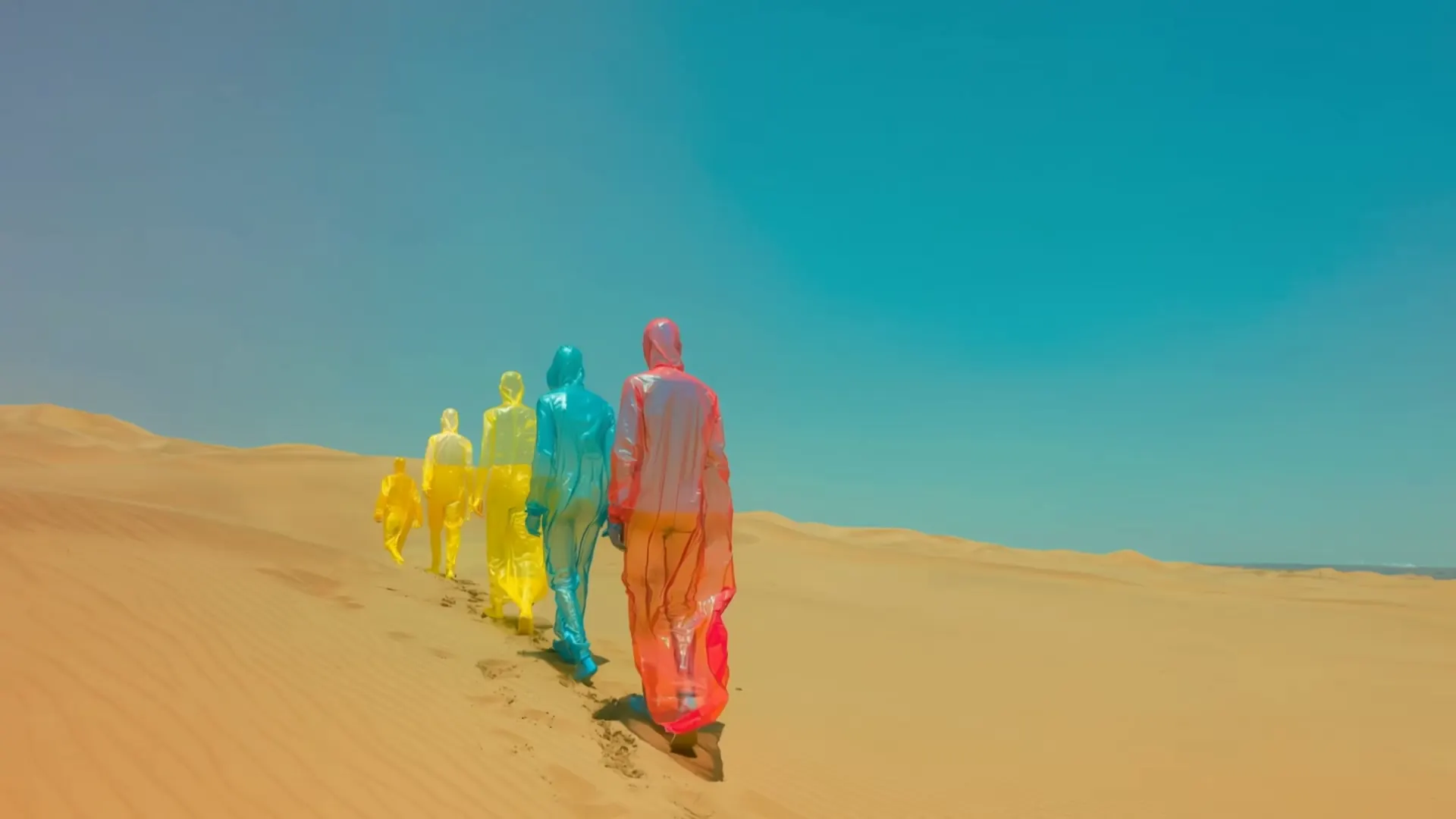
“Static wide shot from behind: Figures in translucent colored plastic slowly climb the dune, fabric crinkling and billowing in the wind. Footprints trail behind as sand skitters across the ridge. Saturated teal sky, sun-bleached grade, continuous take.”
What PixVerse V6 does
PixVerse V6 is a top-ranked image-to-video engine with sound built in, and fast enough to iterate on — and here it comes with somewhere to finish the video.
Try PixVerse V6PixVerse, explained
What is PixVerse — and who makes it?
PixVerse is an AI video generator built by AIsphere, a company founded in 2023 by Wang Changhu, formerly an AI lead at ByteDance and Microsoft Research Asia. It grew fast — over 100 million users across 175+ countries — on the back of quick, mobile-first social video, and in July 2026 AIsphere closed a $439M Series C past a $2B valuation. Its current flagship, PixVerse V6, announced March 30, 2026, generates 1–15 second clips at up to 1080p with native audio and tops the Artificial Analysis image-to-video benchmark. Renderforest runs PixVerse V6 through official access — we’re the production studio around the model, not its maker.
Is PixVerse free — and what about the watermark?
PixVerse's own app has a free tier: new accounts get signup credits plus a small daily allowance, roughly enough for one short clip a day. Those free outputs carry a watermark, cap at 720p, and can't be used commercially; paid tiers lift those limits, and the developer API starts around $100 a month. PixVerse V6 in Renderforest is part of a paid subscription rather than a free tool — one flat plan covering every model we host, with no daily credit reset, no watermark, and a commercial license included. You pay for the workspace once instead of metering every render.
How to make a PixVerse video — and actually finish it
Open the AI video generator, choose PixVerse V6, and either type a prompt or upload a photo and describe the motion you want — the camera move, what moves in frame, the mood. Generate, and the clip lands in seconds. Here’s the part a bare model skips: instead of downloading a watermarked file, keep working. Add a caption, drop in your logo and brand colors, layer licensed music, and resize to 9:16, 1:1, or 16:9 — then publish. The generation got you the shot; the editor is what turns it into something worth posting.
PixVerse vs Kling vs Seedance: which should you use?
Short version: PixVerse is the speed model — best for image-to-video and high-volume social content, and the cheapest top-tier option per minute. Kling 3.0 leans cinematic, with native 4K, 60fps, and strong long-form realism. Seedance 2.5 excels at reference-driven, multi-shot storytelling with generated audio. The honest answer is to test per project, and in Renderforest you can run the same prompt or photo through all three and keep the best result instead of buying three subscriptions to find out.
Who it's for
The clip is the hook. What you do with it afterwards is why people keep the tab open.
Social creators
Social creators
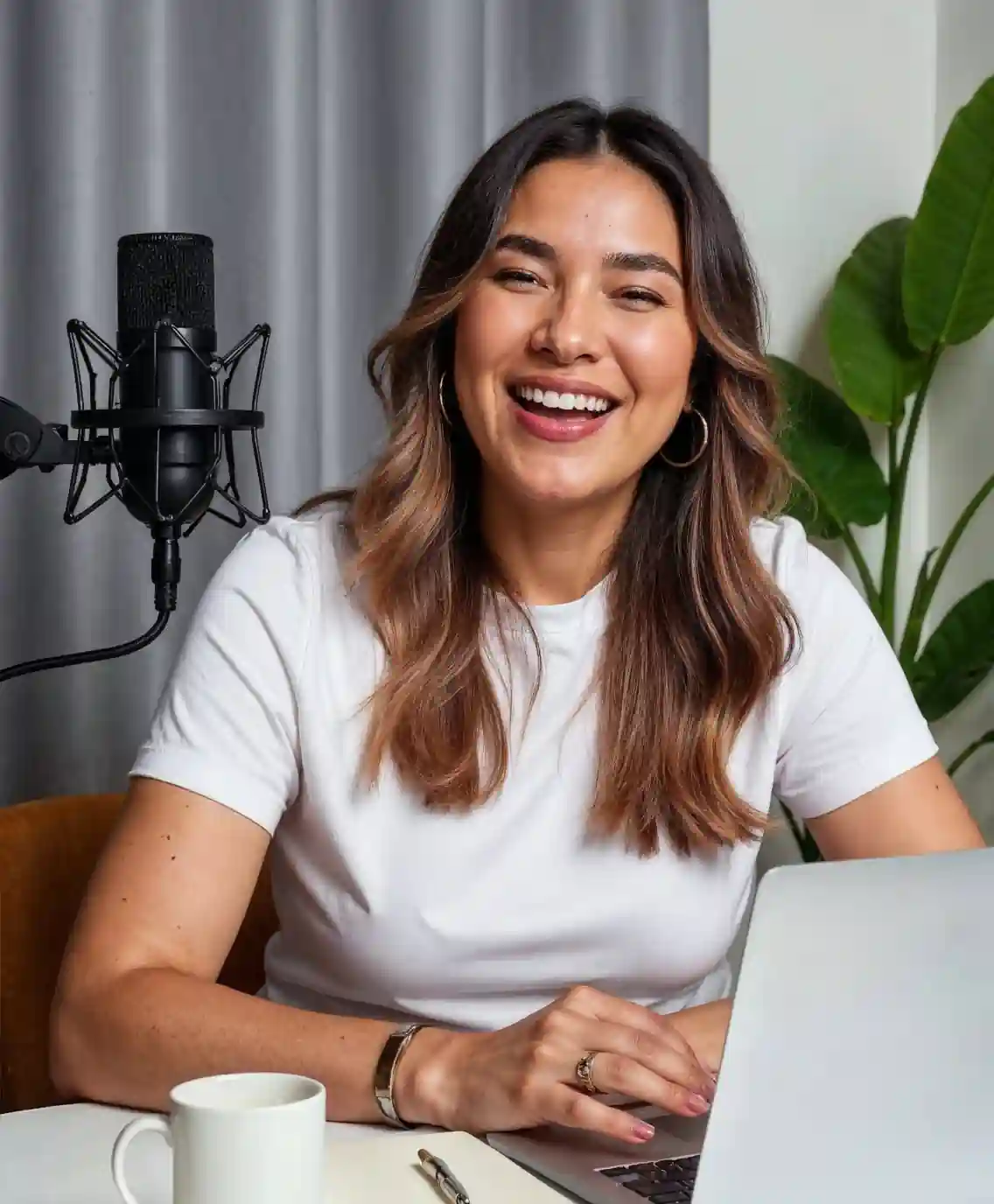
Ride the trend the day it breaks: animate a photo or write the prompt, caption it, and post in 9:16 before it cools. The whole run happens in one tab, not four.

Marketers & ad teams
Marketers & ad teams
Turn a product photo into three motion concepts before lunch, then brand and resize the winner for every placement. Concept, approval, and delivery on the same afternoon.

E-commerce brands
E-commerce brands
Animate packshots into lifestyle motion with PixVerse's image-to-video, keeping the label sharp and the packaging honest, then drop the result straight into a listing or an ad.
UGC & creator-ad teams
UGC & creator-ad teams
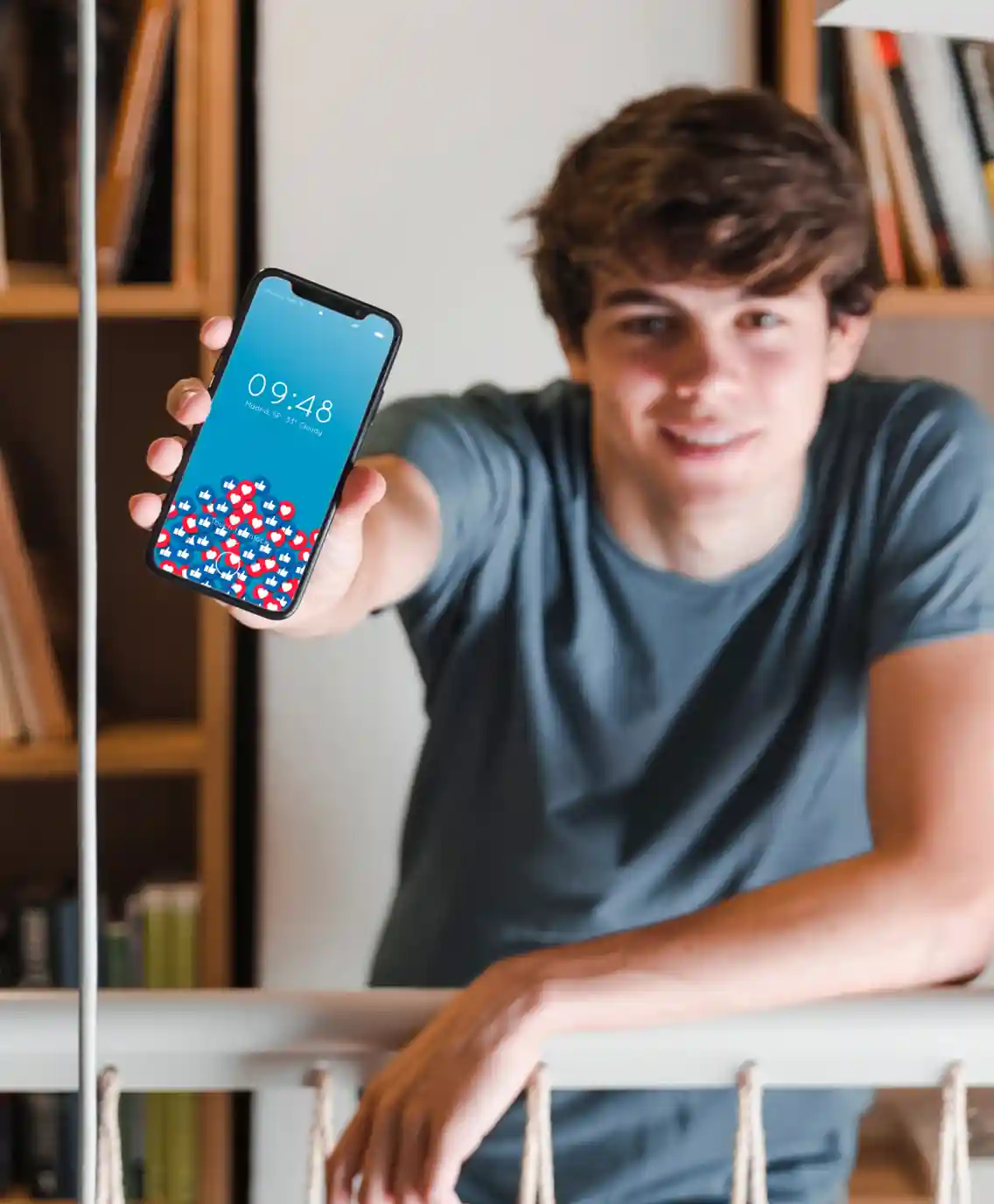
Spin up creator-style clips at volume from prompts and photos with native audio, then finish them on-brand with captions and a brand kit — the part that usually costs a second tool.

Agencies & teams
Agencies & teams
One client wants fast social volume, another wants cinematic realism. One workspace, every model, shared brand kits, and a single invoice at the end of the month.

Anyone tired of credit math
Anyone tired of credit math
No daily credit reset to plan around and no per-second billing to track. One flat plan covers PixVerse V6 and every other model we host, with commercial rights included.
What creators say about Renderforest
If you're looking for the best AI video creation tool, just try Renderforest. It's the only option that produces videos 100% true to your prompt and the reference images you add.
Short learning curve and very intuitive. I created a product explainer video a couple of hours after signing up, with no video editing knowledge.
I love using Renderforest for creating intro and AI videos. Everything is fast and works exceptionally well, especially the video quality.
With the AI tools they added, you can create a professional commercial for your business or brand just by typing a script.
I love the AI feature of Renderforest — that is just awesome. And I can make eye-catching reels using the AI reels maker.
Renderforest offers a diverse range of options for editing our videos with AI or manually. Unlike other AI tools, it's cost-effective and efficient.
The new AI features are awesome. Using image to video, I created beautiful short animations with my kids' book characters.
I don't come from a video production background, but the platform turns my scripts into clear, professional videos without any hassle.
A leap in the quality of our campaigns. With this speed of production, we serve retail clients with media on par with large ad agencies.
The AI features are very impressive. These tools make the creation process even faster and smarter, especially for video and branding content.
I've been using Renderforest for my video creation needs and I'm beyond impressed. The variety of templates is fantastic. A solid 5 stars!
The user-friendly interface, wide template collection, extensive customization options and fast rendering speed make my creative work achievable.
Hundreds of videos later, I'm continually impressed with the quality of the results. The best money I've spent in 30 years of marketing.
I'm dedicated to audiovisual creation, and Renderforest helps me create professional-level work quickly and simply. Fast, simple and pro.
One subscription. Every model. No credit math.
- PixVerse V6
- Kling 3.0
- Seedance 2.5
- Veo 3.1
- MiniMax H3
- Renderforest Fast
Generate with PixVerse V6 — text-to-video, image-to-video and native audio — plus Kling 3.0, Seedance 2.5, Veo 3.1, and every other model we host, alongside the full editor, 1200+ templates, a brand kit, and licensed music, under one predictable plan. No daily credit resets, no watermark on paid plans, and a commercial license on everything you export.
Frequently asked questions
What is PixVerse?
PixVerse is an AI video generator made by AIsphere, built for fast, mobile-first social video. Its current model, PixVerse V6, creates 1–15 second clips at up to 1080p with native audio from text prompts or photos. Renderforest runs PixVerse V6 inside a full editor, so your clip becomes a finished video.
Is PixVerse free to use?
PixVerse's own app has a free tier — signup credits plus a small daily allowance — but free clips carry a watermark, cap at 720p, and can't be used commercially. In Renderforest, PixVerse V6 is part of a paid subscription: no daily credit reset, no watermark, and a commercial license included, with every other model we host on the same plan.
How do I turn a photo into a PixVerse video?
Choose PixVerse V6, upload a clear photo — a portrait, a product shot, a landscape — and describe the motion you want: the camera move, what moves in frame, the mood. Generate, and the clip renders in seconds. In Renderforest you can then caption, brand, and resize it before posting, instead of exporting a watermarked clip.
Does PixVerse have audio and lip-sync?
Yes. PixVerse V6 generates native audio in the same pass as the video — dialogue, ambience, and sound effects together — and supports lip-sync. Sync is most reliable on short, clearly phrased lines; long or multilingual dialogue can need a retry.
How long can PixVerse videos be, and what resolution?
A single PixVerse V6 generation runs 1–15 seconds at up to 1080p. It doesn't output native 4K the way Kling 3.0 does, so for higher resolution you'd finish in Renderforest and upscale. For longer pieces, sequence several generations on the editor timeline.
PixVerse vs Kling — which is better?
PixVerse is faster, strongest at image-to-video and short social clips, and the cheapest top-tier model per minute. Kling 3.0 is the cinematic pick, with native 4K and 60fps and strong long-form realism. Rather than guess, run the same prompt through both in Renderforest and keep the better result.
Can I use PixVerse videos commercially?
On PixVerse's own free tier, no — those outputs are watermarked and non-commercial. Videos you create on a Renderforest paid plan come with a commercial license and no watermark, and the built-in music library is licensed too, so the finished video is safe to publish and promote.
Who owns PixVerse?
PixVerse is built by AIsphere, founded in 2023 by Wang Changhu, previously of ByteDance and Microsoft Research Asia. The company raised a $439M Series C past a $2B valuation in July 2026. Renderforest doesn't own or build PixVerse — we host the model through official access and add the editor, brand kit, and other models around it.
Does PixVerse have an API?
Yes. PixVerse offers a developer API with no free tier and roughly a $100 per month floor. If you'd rather not build against an API, Renderforest gives you PixVerse V6 in a ready-made editor with every other model on one plan — no keys to manage and no per-second billing to track.
Do I need editing skills to get a finished video?
No. Generations drop straight into a template-driven editor with auto-captions, a one-click brand kit, licensed music, and per-platform resizing, so nothing has to be rebuilt in a second tool. If you can write a prompt, you can ship a branded video.
Generate the clip. Finish the video. Same tab.
Run PixVerse V6 text-to-video and image-to-video with native audio, compare it against Kling 3.0 and Seedance 2.5, and leave with a finished, branded video — all in one Renderforest workspace.
Try PixVerse V6- Every model on one plan
- No watermark on paid plans
- Commercial rights on exports