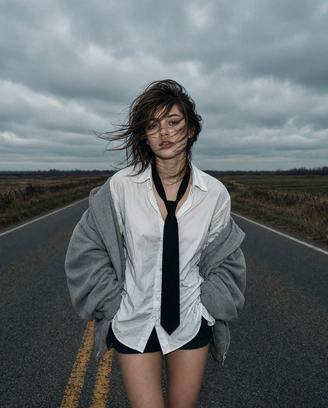
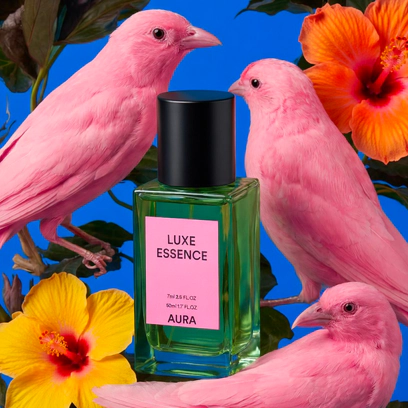
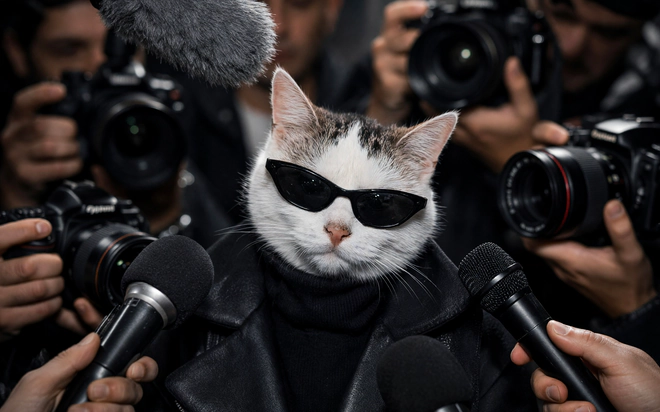
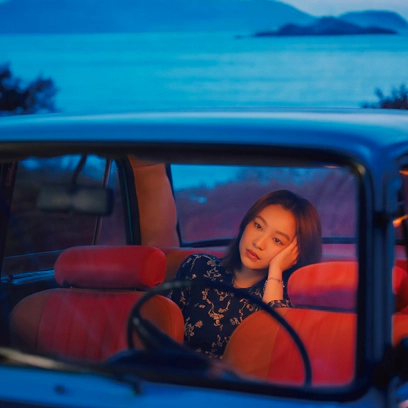
What is Grok Imagine?
- Made by xAI
- Text-to-image + editing
- API since Jan 2026
Grok Imagine is xAI's image generation model, the system behind the AI visuals that flooded X through late 2025 and 2026.
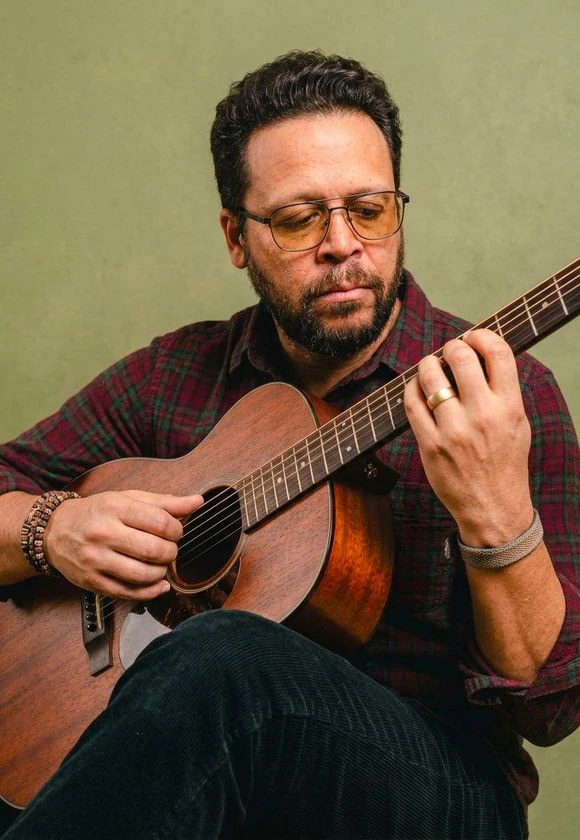
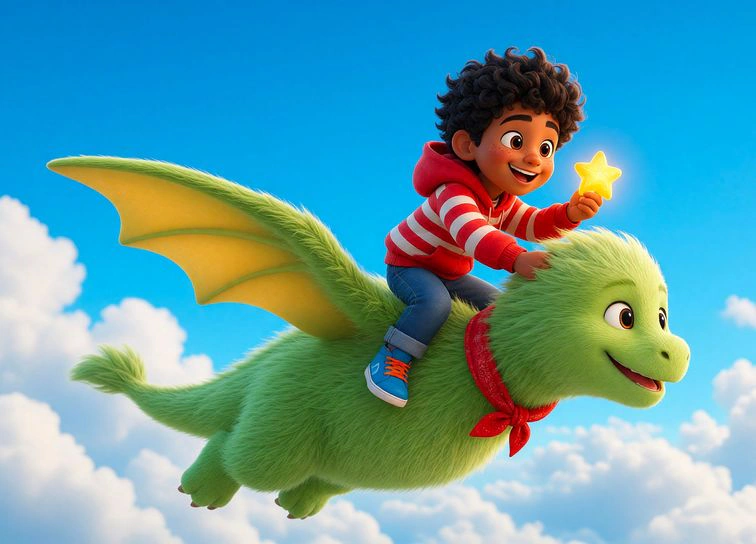
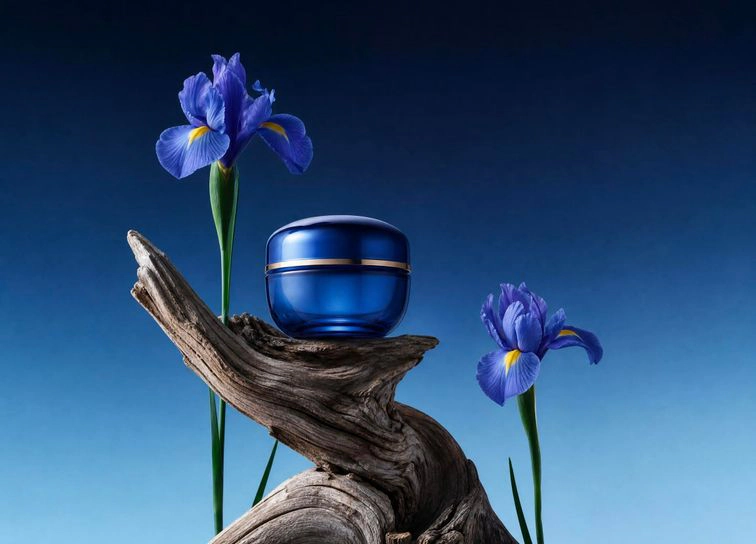
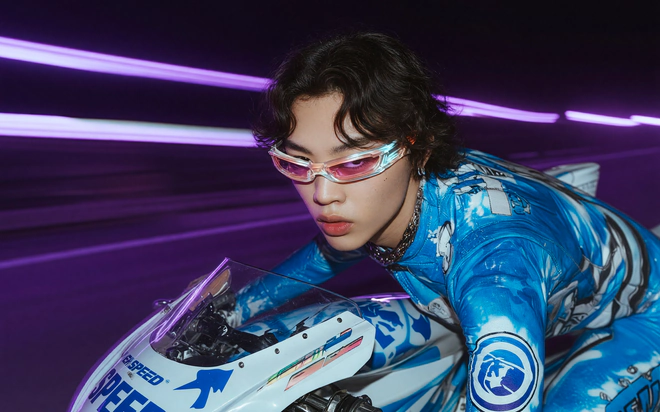
- It generates images from text, edits existing images with natural-language instructions, and is known for fast output, strong prompt adherence, and legible in-image text.
- xAI opened official API access in January 2026.
- In Renderforest, that generation power plugs into a full design workspace.
Grok Imagine specs, verified
- Output: text-to-image and image editing from a text prompt or a reference image
- Resolution: 1K or 2K in Renderforest; upscale further in the editor
- Aspect ratios: 16:9, 9:16, 4:3, 3:4, 2:3, 3:2, 1:1
- Speed: finished image in a few seconds
- Access: X app and grok.com (paid tiers since mid-2026), or platforms like Renderforest with sanctioned API access
Specs move fast; this section is reviewed at every xAI release.
How to use Grok Imagine without the X app
- No X subscription
- Official API access
- Lands in the editor
You don't need an X subscription to work with Grok Imagine-grade generation.
- xAI opened official API access in January 2026, and licensed platforms build on it.
- The practical difference is what surrounds the model: in Renderforest you prompt Grok Imagine from the same workspace as Nano Banana, and every image lands in an editor instead of a downloads folder.
- For anyone who hit the app's paywall or per-day caps mid-project, this is the workflow answer rather than another credit meter.
Prompting Grok Imagine like an art director
- Framing, subject, light
- Spell out the text
- One subject per image
Grok Imagine's edge is instruction-following, so write shots, not moods.
- Name the framing first ("low-angle close-up", "wide aerial"), then the subject, then light ("golden hour", "hard neon"), then style and any text the image should carry. It renders type too, and prompts that spell out the exact words consistently outperform vague ones.
- Keep one subject per image; build sets in the editor.
- And when a task needs precise multi-step edits or a consistent character across many images, switch to Nano Banana. The model picker exists because no single model wins every job.