Sora 2 alternatives that work today
Generate Sora-style AI video in your browser free
OpenAI closed the Sora app on April 26, 2026, and shut down the Sora API on September 24, 2026. Need a text-to-video generator that works today? Generate free with Renderforest (no invite needed), or run your prompt on Veo 3.1, Kling 3.0, and Seedance 2.5, all compared below.
Six AI video models, one subscription
Is Sora shut down? The full timeline
Yes. OpenAI announced in March 2026 that it was discontinuing Sora to concentrate compute on coding tools and enterprise products. The consumer app and sora.com went offline on April 26, 2026; the developer API was discontinued on September 24, 2026. If the export option is still open for your account, export your content from sora.chatgpt.com/sunset. OpenAI permanently deletes remaining Sora data after the final export window closes. There is no announced Sora 3.
| Milestone | Date | What it means |
|---|---|---|
| Sora 2 launch | DateSeptember 30, 2025 | What it meansThe invite-only app and the “sora 2 invite code” era begin |
| Shutdown announced | DateMarch 24, 2026 | What it meansOpenAI confirms the app and the API will be discontinued |
| App and sora.com closed | DateApril 26, 2026 | What it meansGeneration stops for consumers; an export window opens |
| API discontinued | DateSeptember 24, 2026 | What it meansThird-party tools that resold Sora 2 no longer offer it |
The 8 best Sora 2 alternatives in 2026
We judged each tool on what Sora users actually ask about: whether you can try it without paying, whether free exports carry a watermark, whether it generates audio, and what it costs once you're serious. Competitor prices are US list prices as of September 2026; Renderforest plan prices are shown live, in your own currency, in the plans below.
Try alternatives freeEvery shot type, matched to a model
From tracking shots and spoken dialogue to crowd chases and product close-ups, every clip below names the model that rendered it. Copy any prompt and run it yourself.
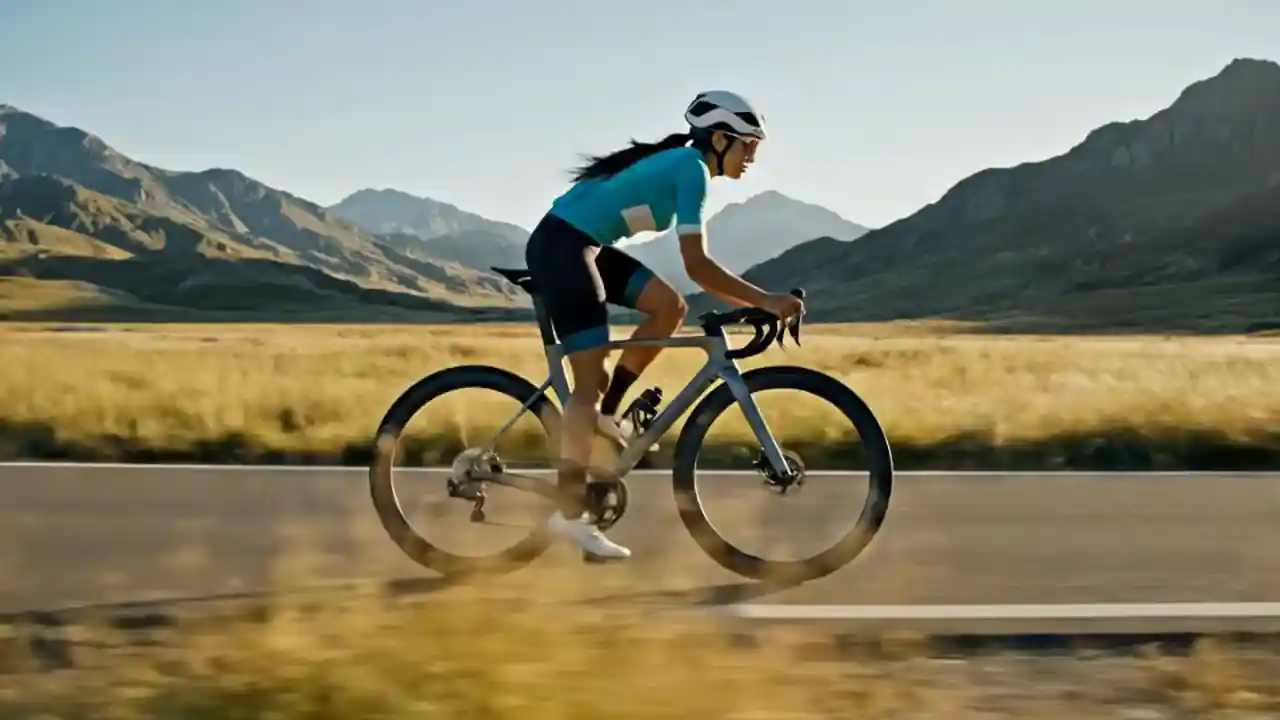
“Cyclist rides forward, side view. Camera tracks alongside at matching speed. Mountains slide past. Natural speed. Audio: tires on asphalt, wind.”
Veo 3.1

“Two colleagues at a whiteboard in a bright office. The woman points at a sketch; the man nods. Slight camera push in. Natural speed. Audio: Woman: ‘So we start with the creative campaign.’ Man: ‘Right. Coffee first?’ Woman: ‘Sure.’ Quiet office ambience.”
Kling 3.0
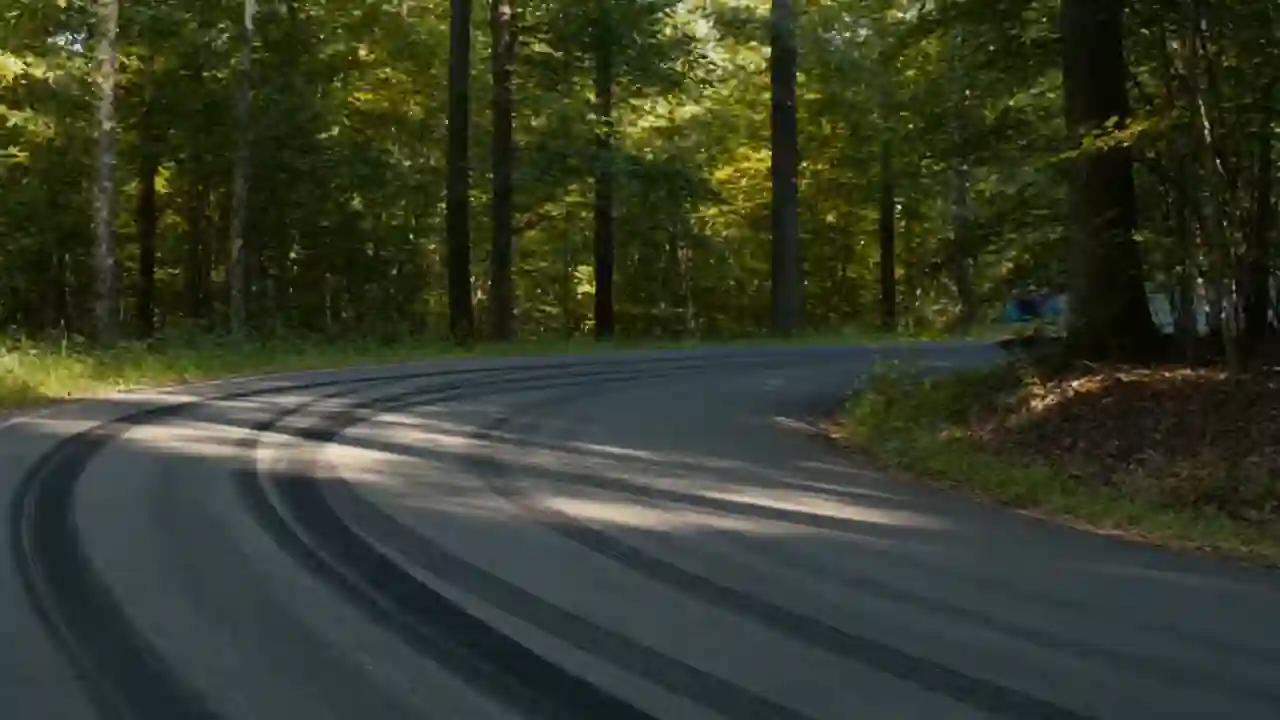
“Handheld spectator footage, forest rally stage. The uploaded product — unchanged, no car parts — attacks a smoky asphalt corner at rally speed, passes close, vanishes forward. More follow the same line through the haze. Real shake, real shadows, always gripping the road, always forward.”
Seedance 2.5
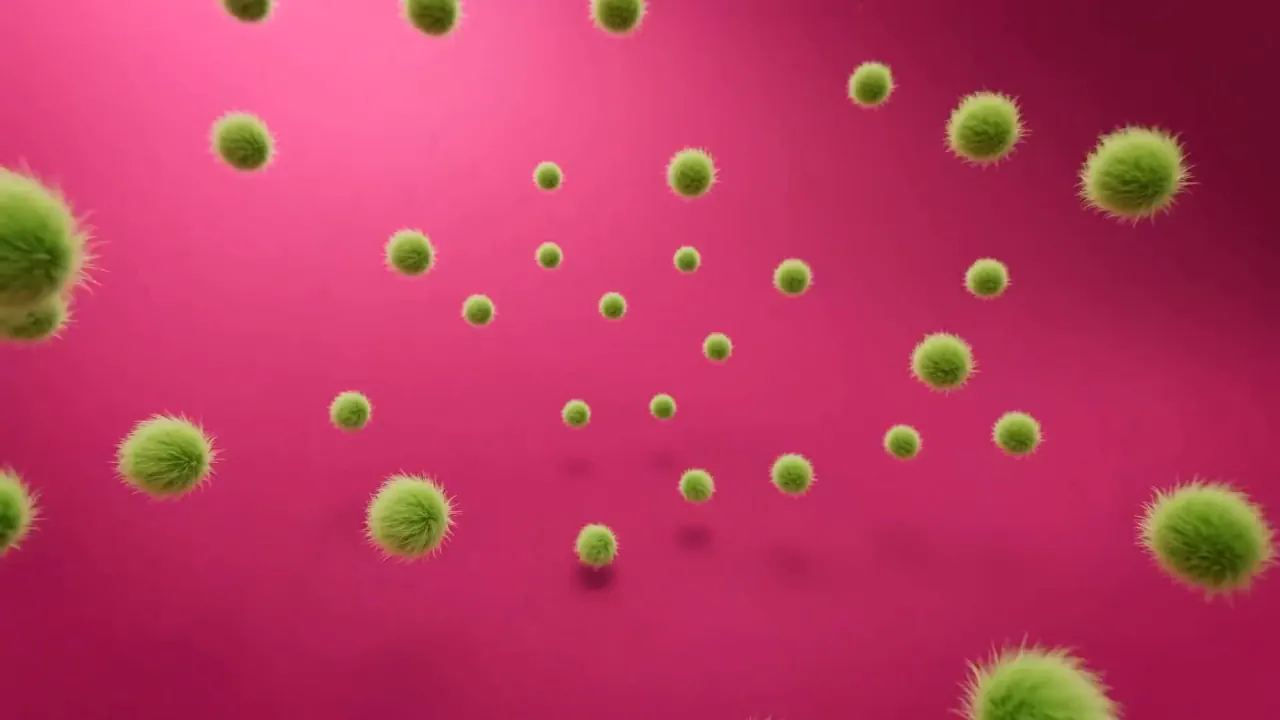
“Lime-green fur tufts rush onto a hot-pink surface, piling up and swelling into a fluffy, shaggy mass. With a playful snap, the fur transforms into the exact @image1 logo and gives one bouncy shake. The camera locks on the centered logo as tiny fur-tuft letters appear below: ‘Generate yours today.’ Soft whooshes, boings, and a warm chime finish the reveal.”
Pixverse V6

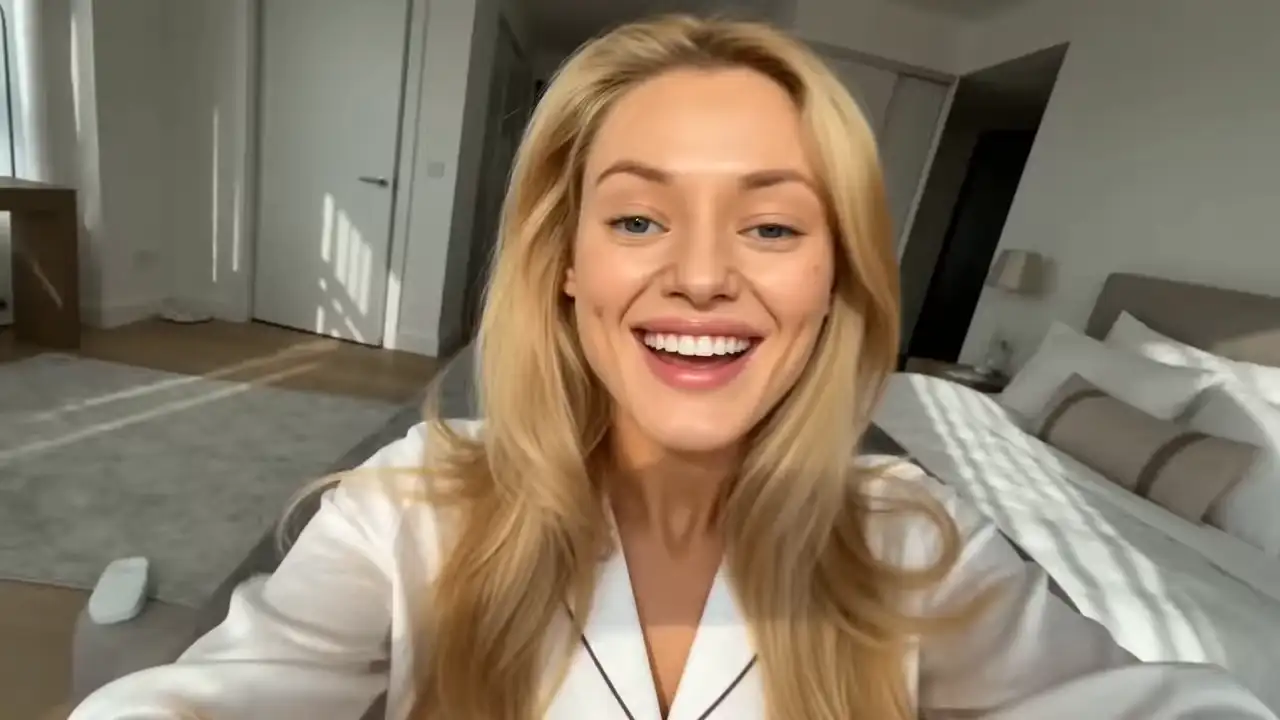
“Big news — Sora 2 signs off September twenty-fourth. But honestly? What comes next is the fun part. Veo three point one, in glorious four K. Kling three point oh Omni, lips perfectly in sync. Seedance two point oh, whole scenes in a single go. All of it, right here. Bring your wildest idea. Let’s see what it can do.”
Renderforest
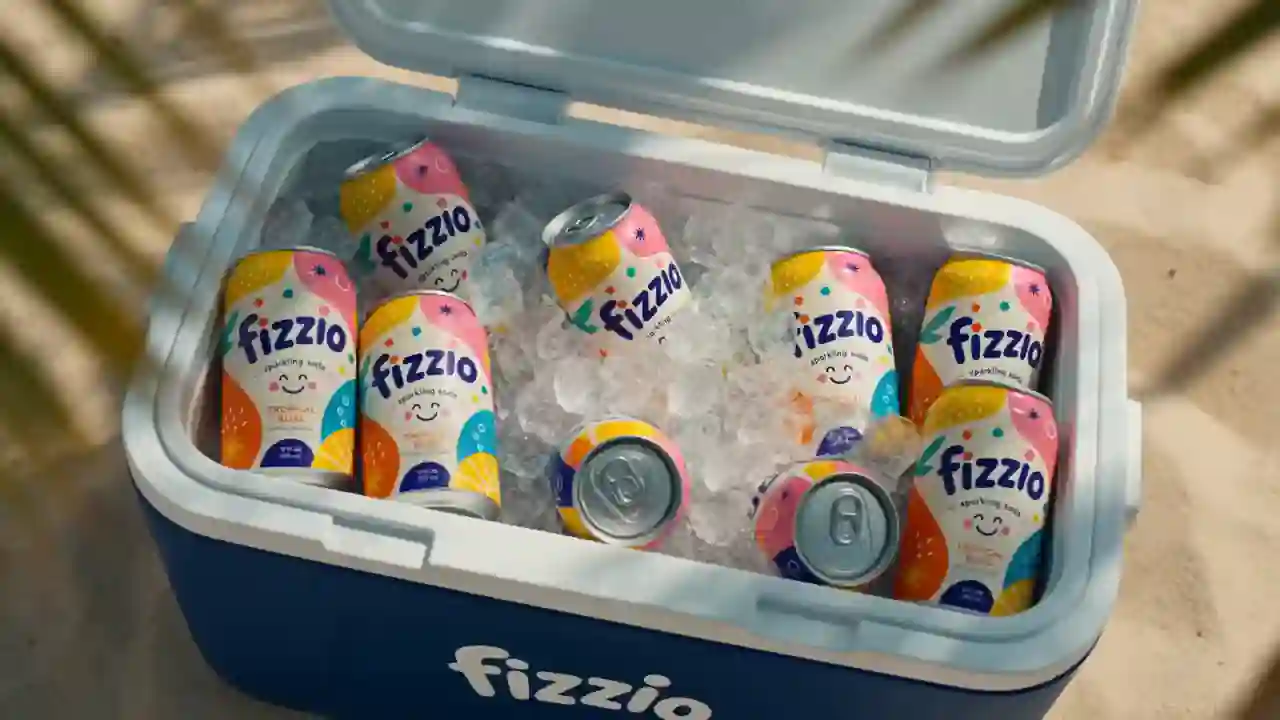
“Photoreal soda ad, uploaded can as exact reference — label and colors untouched. Macro: a hand lifts it from an icy cooler, cracks the tab, pours over ice. Cut to friends toasting against blue sky, then a sky-blue hero shot. Hard tropical sun, shallow DOF, warm grading. Audio: tropical track, ice clink, tab crack, pour. No altered packaging, no invented text.”
MiniMax H3
Sora 2 vs Veo 3.1 vs Kling 3.0: how they compare
The honest answer to “which model replaced Sora 2” is: none did, and you don't need one to. Veo 3.1 wins on realism and native audio, Kling 3.0 on characters who speak and on price, Seedance 2.5 on reference-driven multi-shot direction. All three run inside Renderforest, so copy any prompt from the gallery above and run it yourself.
| Sora 2 | Veo 3.1 | Kling 3.0 | Seedance 2.5 | |
|---|---|---|---|---|
| Resolution | Sora 2Up to 1080p | Veo 3.1Up to 4K | Kling 3.01080p | Seedance 2.51080p |
| Clip length | Sora 2Up to 25 s (Pro) | Veo 3.18 s, extendable past 60 s | Kling 3.03–15 s, up to 6 shots | Seedance 2.5Up to 30 s |
| Native audio | Sora 2Yes | Veo 3.1Yes | Kling 3.0Lip-synced dialogue, 5 languages | Seedance 2.5Stereo |
| Reference inputs | Sora 2Limited | Veo 3.1Image | Kling 3.0Image & character | Seedance 2.5Up to 50 files |
| Still available | Sora 2No (discontinued Sept 24, 2026) | Veo 3.1Yes | Kling 3.0Yes | Seedance 2.5Yes |
Which alternative fits your job?
There is no single "new Sora". Match the model to the work and your prompt library transfers almost unchanged.
Cinematic clips with real audio → Veo 3.1
The closest match to what made Sora 2 famous: dialogue, SFX, and ambience generated with the picture, plus 4K and scene extension Sora 2 never had.
Characters who speak → Kling 3.0
Consistent characters, lip-synced dialogue in 5 languages, up to six cuts per generation. The pick for story-driven shorts and talking scenes.
Directed multi-shot sequences → Seedance 2.5
Feed it references, get back a coherent 30-second scene with stereo sound. The pick for creators who storyboard before they prompt.
Trend-speed social content → Pixverse V6
Prompt to sound-on vertical clip while the trend is still live. The pick for hooks, memes, and same-hour trend-jacking.
Faceless channels & series → the whole stack
Generate b-roll on any model, auto-subtitle, template the format once, and batch episodes. It's the workflow that made Sora-app channels work, minus the dead app.
Agencies & teams → one subscription over all of it
Every client, every model, brand kits, and team seats. No per-model contracts to renegotiate when the next shutdown comes.
Move your Sora prompts to a new model
- Step 1
Paste, don't rewrite
Sora-era prompts (subject, action, camera, style, lighting) run as-is on Veo 3.1 and Kling 3.0. Paste your favorite, render it on each, and adjust only what looks wrong. Most creators find their new default in one session.
Paste, don't rewrite - Step 2
Add the one line Sora didn't need
Veo 3.1 responds to explicit audio cues such as “ambient street noise, no music”, and Kling 3.0 speaks any line you put in quotes. One extra sentence carries everything Sora's native audio used to guess.
Add the one line Sora didn't need - Step 3
Finish in the editor
Trim, add captions, music, and your logo, then export in 9:16, 1:1, and 16:9 in one pass: the production step Sora never offered.
Finish in the editor
What creators say about Renderforest
One subscription. Every leading model, plus the full Renderforest studio.
- Veo 3.1
- Kling 3.0
- Seedance 2.5
- MiniMax H3
- Pixverse V6
- Renderforest
Renderforest's own models are the cheapest generations on the page; the frontier models (Veo 3.1, Kling 3.0, Seedance 2.5, MiniMax H3, Pixverse V6) draw from your plan's credits, with the cost shown before you generate. Every plan also includes the full video editor, 1200+ templates, a brand kit, and commercial rights on paid exports. When the next breakthrough model ships, it joins the same subscription.
Frequently asked questions
Is Sora 2 shut down?
Yes. OpenAI closed the Sora app and sora.com on April 26, 2026, and discontinued the developer API, the last remaining way to use the model, on September 24, 2026. No tool can offer real Sora 2 generation anymore.
What is the best Sora 2 alternative?
For most people, a browser tool that combines several models, so you're never dependent on a single lab again: Veo 3.1 for cinematic sound, Kling 3.0 for dialogue, Seedance 2.5 for directed sequences. That is what Renderforest does; Google Flow and Kling AI are the strongest single-model options.
Is there a free Sora alternative?
Renderforest's free plan gives you test credits to try the models, with a watermark on exports; Kling AI and Hailuo give daily free credits, also watermarked. No frontier model is currently free without a watermark.
Is Sora AI free? Is Sora 2 free?
It no longer matters for new videos: the app closed in April 2026 and the API was discontinued on September 24, 2026. While it ran, Sora 2 was bundled with ChatGPT Plus and Pro subscriptions.
Is there a Sora AI app I can download?
Not from OpenAI: the app was removed in April 2026, and apps using the Sora name in the stores are unrelated to it. The alternatives above all work in a mobile browser, and Renderforest also has iOS and Android apps.
Do the alternatives match Sora 2's audio?
Yes, that gap closed. Veo 3.1 generates dialogue, sound effects, and ambience in sync with the picture; Kling 3.0 lip-syncs speech in five languages; Seedance 2.5 outputs stereo tied to the scene. Renderforest also adds voiceover in 50+ languages after generation.
Can I use the videos commercially?
On Renderforest's paid plans, yes: ads, client work, monetized channels. Check each other tool's terms separately; several restrict commercial use on free tiers.
Why did OpenAI discontinue Sora?
OpenAI said it is concentrating compute on coding tools and enterprise products; reporting at the time pointed to the app's running costs and its retention after the launch spike. The lesson for creators: never marry a workflow to a single model.
Will there be a Sora 3?
OpenAI hasn't announced one, and describes Sora as continuing only as a research effort in world models. If a successor ever ships, it lands in the same Renderforest model menu; that's the point of a multi-model platform.
What happened to apps that used the Sora 2 API?
They lost access to Sora 2 on September 24, 2026. Tools that still advertise “Sora 2” generation are either running a different model or mislabeling it. Renderforest runs Veo 3.1, Kling 3.0, Seedance 2.5, MiniMax H3, and Pixverse V6 instead.
Don't rebuild your workflow around a single model twice.
Generate your first clip free on the models that outlive Sora 2, and when the next one launches, it's here within days, no migration required.
Start free- Free plan, no credit card
- New models at no extra cost
- Commercial rights on exports